
The Invisible Repetition Problem
Ask someone if they do repetitive work, they’ll say “not really, every day is different.” Then you watch them work for a week and notice they do the exact same sequence of actions every Tuesday afternoon, every time a client email arrives, every time a project moves to the next stage. They don’t see it as repetitive because the content changes—different client, different data, different project. But the process? Identical.
This is why ai workflow detection is valuable. Humans are pattern-blind to their own routines. You’re focused on the content of your work, not the structure. AI watches the structure and spots: “you’ve done this exact sequence 15 times in the past month. Why are you doing this manually?”
The cost isn’t just the time spent on repetitive tasks. It’s the opportunity cost of what you could be doing instead. Twenty minutes every Monday for a year is 17 hours. That’s two full workdays you could spend on strategic thinking, creative work, or literally anything more valuable than copy-paste-format-send.
Why You Don’t Notice Your Own Patterns
The Content Blindness Effect
You’re writing a weekly report. Every week, you open last week’s report, copy the structure, update numbers, change dates, save with new filename, email to manager. You think “I’m writing this week’s report”—not “I’m repeating the same seven-step process with different data.” The changing content masks the unchanging process.
Small Tasks Accumulate Invisibly
Each individual repetitive task takes 5-10 minutes. Not enough to feel like a big problem. But you have 15 of these small tasks scattered throughout your week. Together, they consume 3-4 hours. AI that can identify automation opportunities with ai tools spots this accumulation when you can’t.
The Just Part of the Job Mentality
You’ve been doing something the same way for so long it feels like “just how it’s done.” Updating that spreadsheet after every meeting. Reformatting documents from one template to another. Sending reminder emails on specific days. These feel like fundamental job responsibilities, not automation candidates. But they are.
How AI Actually Detects Workflow Patterns
Activity Monitoring Across Tools
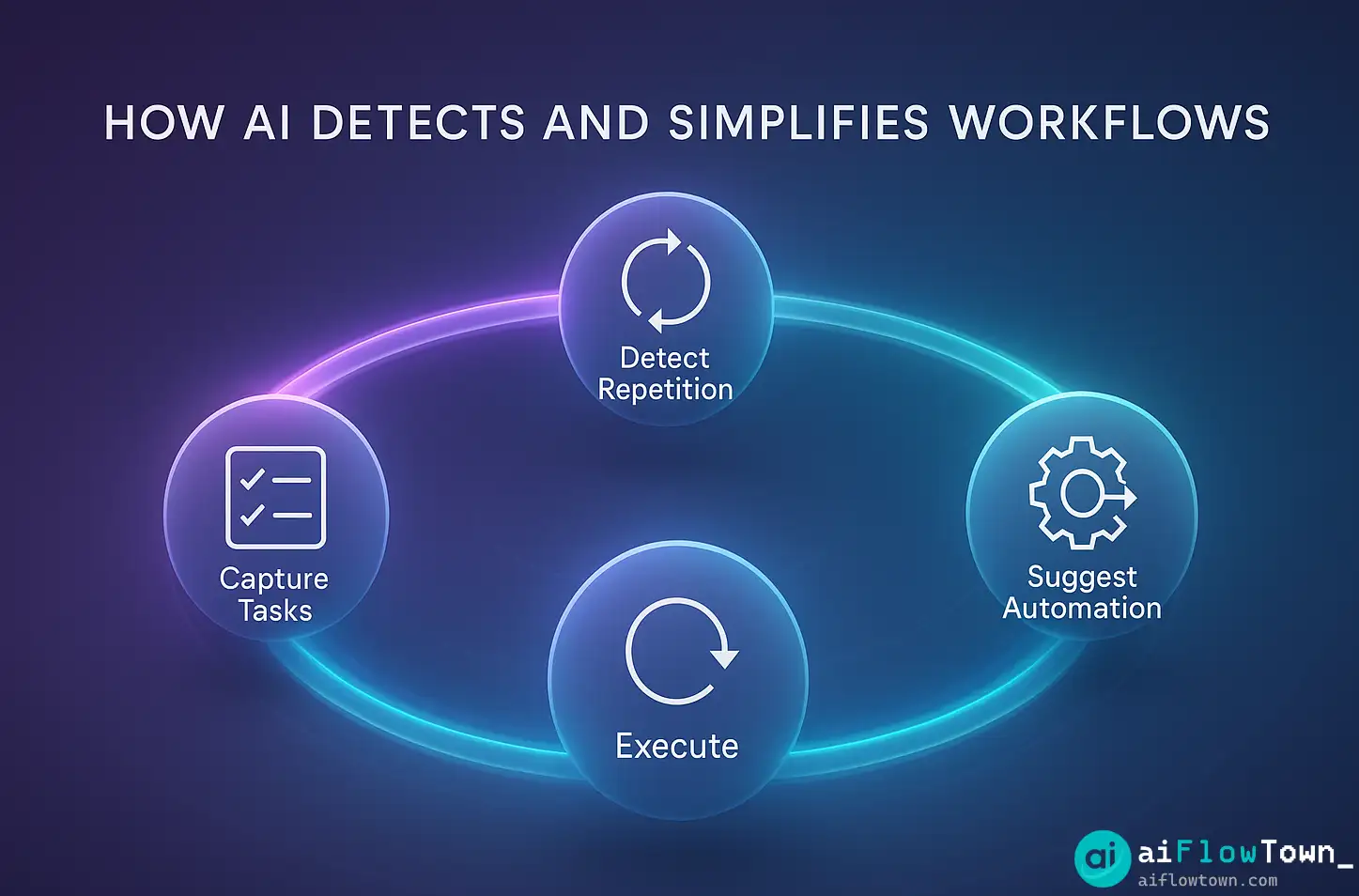
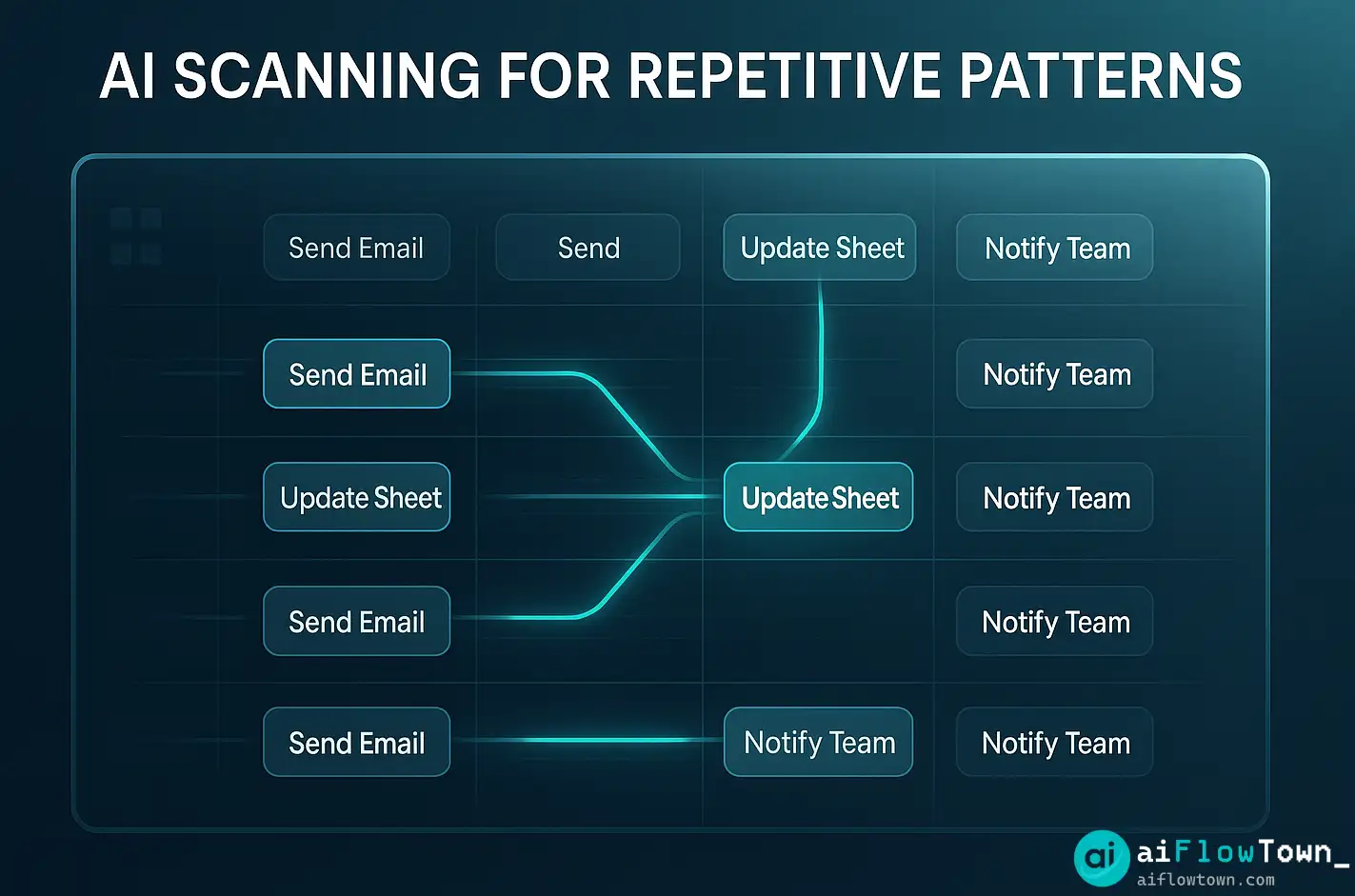
AI tracks what you do in your work apps: when you copy from email to spreadsheet, when you export from one tool and import to another, when you perform the same sequence of clicks in the same order. It builds a map of your digital behavior and identifies recurring sequences using smart workflow analysis using ai detection methods.
For example, AI notices: every Monday at 9am you open Tool A, export a report, open Tool B, import that report, apply the same three formatting rules, and email the result to the same distribution list. That’s a pattern. That’s automatable.
Time-Based Pattern Recognition
Some repetition is calendar-based. AI detects that you do X every Monday, Y at the end of each month, Z whenever a certain date approaches. These temporal patterns are automation gold—if something happens on a schedule, it can run on a schedule without you.
AI doesn’t just see “you did this task five times.” It sees “you did this task five times, always on Tuesday mornings, always following the same sequence, always involving these same three tools.” That context is what makes automation suggestions actually useful.
Trigger Event Detection
Other patterns are event-triggered. AI notices: whenever someone sends you an email with subject line containing “invoice,” you always save the attachment, add data to a spreadsheet, and forward to accounting. That’s a trigger-action pattern. AI can suggest: “automate this entire flow so it happens without you touching it.”
For comprehensive workflow strategies, visit AI workflow examples.
Setting Up AI to Watch Your Workflow
Choose Your Detection Method
| Tool | What It Monitors | Best For |
|---|---|---|
| RescueTime + AI | App usage patterns | Individual workers |
| Zapier AI | Tool-to-tool workflows | Cross-platform tasks |
| Microsoft Power Automate | Office 365 actions | Enterprise users |
| Custom script + GPT | Specific processes | Technical users |
Initial Setup and Learning Period
Install your chosen tool and let it observe for 2-3 weeks. AI needs time to identify patterns—one occurrence isn’t a pattern, but five occurrences over two weeks might be. During this learning period, work normally. Don’t change behavior to “help” the AI. You want it to see your actual workflow, inefficiencies included.
Review the Pattern Report
Detected Workflow Patterns:
Pattern 1: Every Monday 9-10am
– Export report from Analytics dashboard
– Open Excel, import CSV
– Apply formatting (same columns, same colors)
– Save as PDF
– Email to manager@company.com
Frequency: 8 times in past 8 weeks
Time spent: ~22 minutes per occurrence
Automation potential: HIGHPattern 2: Triggered by client emails
– Receive email with “order confirmation”
– Download attachment
– Add data to Orders spreadsheet
– Reply with standard “received” message
Frequency: 15 times in past 3 weeks
Time spent: ~8 minutes per occurrence
Automation potential: MEDIUM
– AI Workflow Analysis –
This report shows you repetition you couldn’t see yourself. Now you can decide what to automate first and helps find repetitive work patterns with ai efficiently.
Prioritize Automation Opportunities
High priority: Frequent (weekly or more) + time-consuming (15+ min) + simple rules
Medium priority: Moderately frequent (bi-weekly) + moderate time (5-15 min) + clear pattern
Low priority: Infrequent (monthly) or complex with many exceptions
Start with high-priority automations. You’ll see immediate time savings, which builds momentum for tackling the rest. Learn more at AI automation for beginners.
Real Example: A Marketing Manager’s Workflow Discovery
The Discovery
Maya thought she had a varied workweek. But after two weeks of AI monitoring, the pattern report revealed surprising repetition:
Weekly analytics routine: Same 8-step process every Monday, 35 minutes
Campaign approval workflow: Same 6-step process for every campaign, 20 minutes each, happens 3x weekly
Social media scheduling: Same prep process every Tuesday/Thursday, 25 minutes each
Client update emails: Same template customization process, 12 minutes per client, 5 clients weekly
Total time in repetitive workflows: 4.5 hours per week. Maya was shocked. She genuinely didn’t realize these were patterns—each felt like unique work because the content changed.
The Automation Implementation
Maya tackled these in order of impact using automate redundant tasks using ai workflow scanner insights:
Week 1: Automated the Monday analytics routine. Now runs overnight, report arrives in email at 8am.
Week 2: Created automation for campaign approval flow. AI handles the routing and notifications.
Week 3: Automated social media prep—content gets formatted and queued automatically.
Week 4: Built template system for client updates with AI-assisted customization.
Results After 60 Days
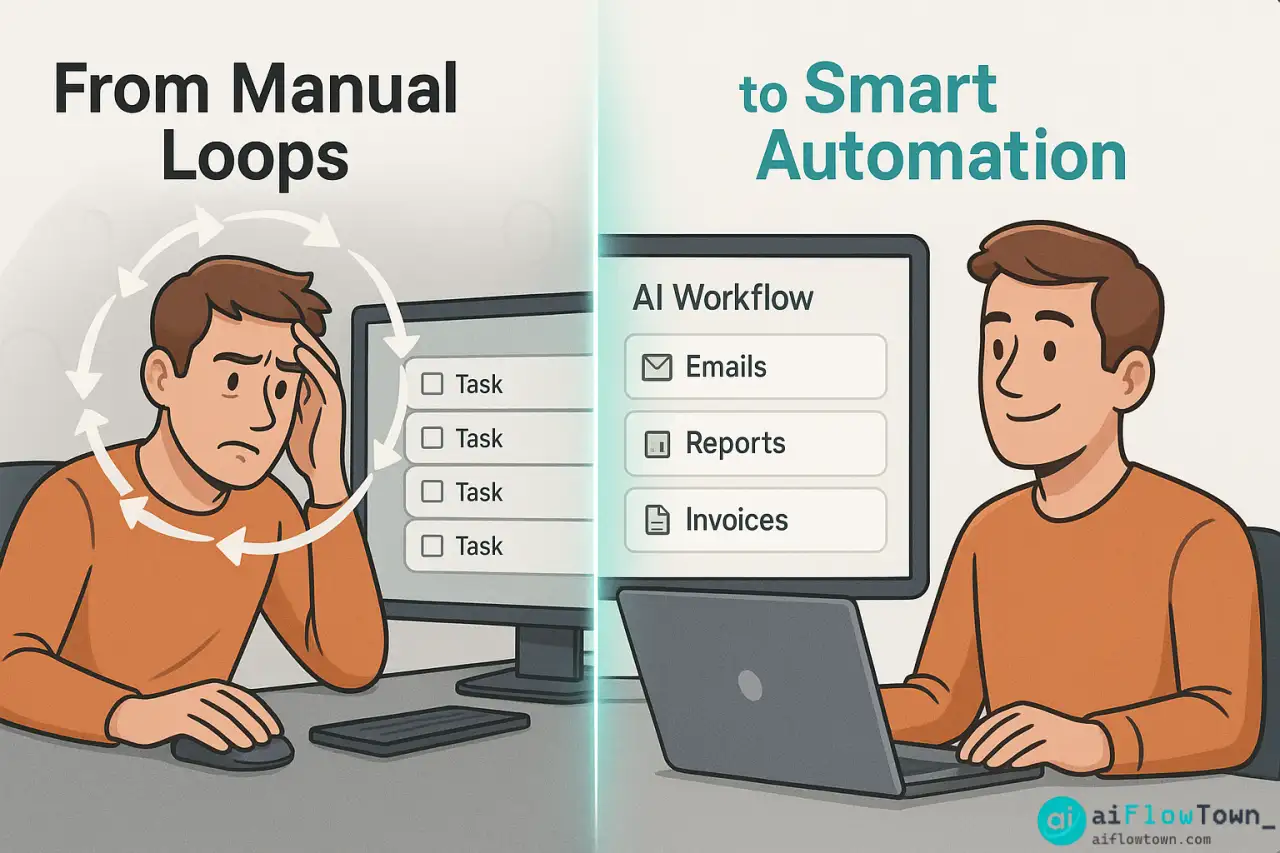
✅ Time in repetitive tasks: 4.5 hours → 45 minutes weekly
✅ Reclaimed time used for: strategy work and creative campaigns
✅ Error rate decreased—automated processes don’t forget steps
✅ Consistency improved—every report now follows exact same format
✅ Mental load reduced—no more “did I remember to do X?”
Maya’s experience is typical: people are doing 3-5 hours of repetitive work weekly without realizing it. AI makes the invisible visible.
Advanced Pattern Detection Techniques
Multi-Person Workflow Analysis
Extend AI observation to your whole team. You might discover: three people are doing the same manual process independently. That’s not just an automation opportunity—it’s a process standardization issue. AI flags where team members are duplicating effort unknowingly.
Exception Pattern Recognition
AI can identify not just what you do regularly, but also what you do irregularly that follows hidden patterns. For example: “you do Process X monthly, but every third month you do a slightly different version.” AI catches this and can suggest conditional automation: “run Version A normally, run Version B every third month.”
Time-Waste vs Value-Add Categorization
AI can distinguish between repetitive tasks that add value (client customization, quality checks) versus pure time-waste (reformatting, manual data transfer). It prioritizes automating the waste first, leaving you more time for the value-add repetition that requires human judgment.
Explore more optimization at quick tips and flow hacks.
Common Mistakes When Automating Detected Patterns
The biggest mistake is automating a bad process. Just because you do something repeatedly doesn’t mean you should do it that way at all. Sometimes AI detection reveals a workflow that should be eliminated, not automated.
Automating Before Optimizing
AI detects you do a 10-step process weekly. Don’t immediately automate all 10 steps. First ask: do we need all 10 steps? Often, workflows accumulate unnecessary steps over time. Optimize the process down to 6 essential steps, then automate those. You’ll save even more time.
Ignoring Edge Cases
AI might miss that your “repetitive” workflow has occasional exceptions. Automate without accounting for exceptions and you’ll create problems when edge cases occur. Always ask: “what happens when X is different?” Build flexibility into automations.
Set-It-and-Forget-It Mentality
Workflows change. A perfectly automated process from six months ago might not fit your current needs. Schedule quarterly reviews of your automations. AI can help here too—it can detect when an automated workflow is frequently being manually overridden, suggesting the automation needs updating.
❓ FAQ
Is AI monitoring my work invasive or creepy?
You control what AI monitors. Most tools watch application usage and action sequences, not actual content. You’re not being “surveilled”—you’re using a tool to analyze your own behavior for optimization. Think of it like a fitness tracker for your workflow.
Will AI suggest automations I can’t actually implement?
Sometimes, yes. AI might spot a pattern that requires tools you don’t have or technical skills you lack. But even knowing “this could theoretically be automated” is valuable—you can research solutions, request tools from IT, or hire help to build it.
⏱️ How long before AI detects useful patterns?
Typically 2-3 weeks of normal work. Weekly patterns become obvious quickly. Monthly patterns take longer to detect. The more you work, the more data AI has, and the better its pattern recognition becomes.
Does this work for creative work or just administrative tasks?
Best for administrative and operational tasks with clear steps. Creative work has patterns too (research phase, drafting, revision), but those are harder to automate meaningfully. AI excels at finding repetitive admin work hidden around your creative work.
What if AI doesn’t find any patterns?
Rare, but possible if your work is genuinely unique every time. More often, AI finds fewer patterns than expected, which is actually good news—means you’re already working efficiently. But even one found pattern worth automating makes the exercise valuable.
Final Thoughts
You’re probably doing 3-5 hours of repetitive work weekly without realizing it. AI workflow detection makes these invisible patterns visible so you can automate them away. The work that feels like “just part of the job” often doesn’t need to be your job at all.
Start with a two-week observation period. Let AI watch how you work. Review the pattern report. Pick one repetitive workflow to automate. Feel the relief of never doing that task manually again.
Six months from now, you’ll look back at your old workflow and wonder how you ever had time to do all that manual work. The answer: you didn’t really have time. You were just spending it inefficiently until AI showed you a better way.
⚠️ Reminder: Even the smartest tools / AI can miss small details or make mistakes. Always double-check your work before presenting or publishing it - a quick review can save hours later.