AI Scheduling Tools That Do the Work for You
We’ve all been trapped in the 10-email chain just to find a 30-minute slot. “Does Tuesday work?” “How about Wednesday afternoon?” It’s a massive waste of energy. For years, tools like Calendly helped by offering a passive link, but that still put the work on the other person. The game is changing. The new wave of ai scheduling tools aren’t just links; they are proactive assistants. They read your email, understand the context of “next week,” check your calendar, and draft a reply with suggested times—all before you’ve even opened the email.
The Shift: From Passive Links to Proactive Assistants
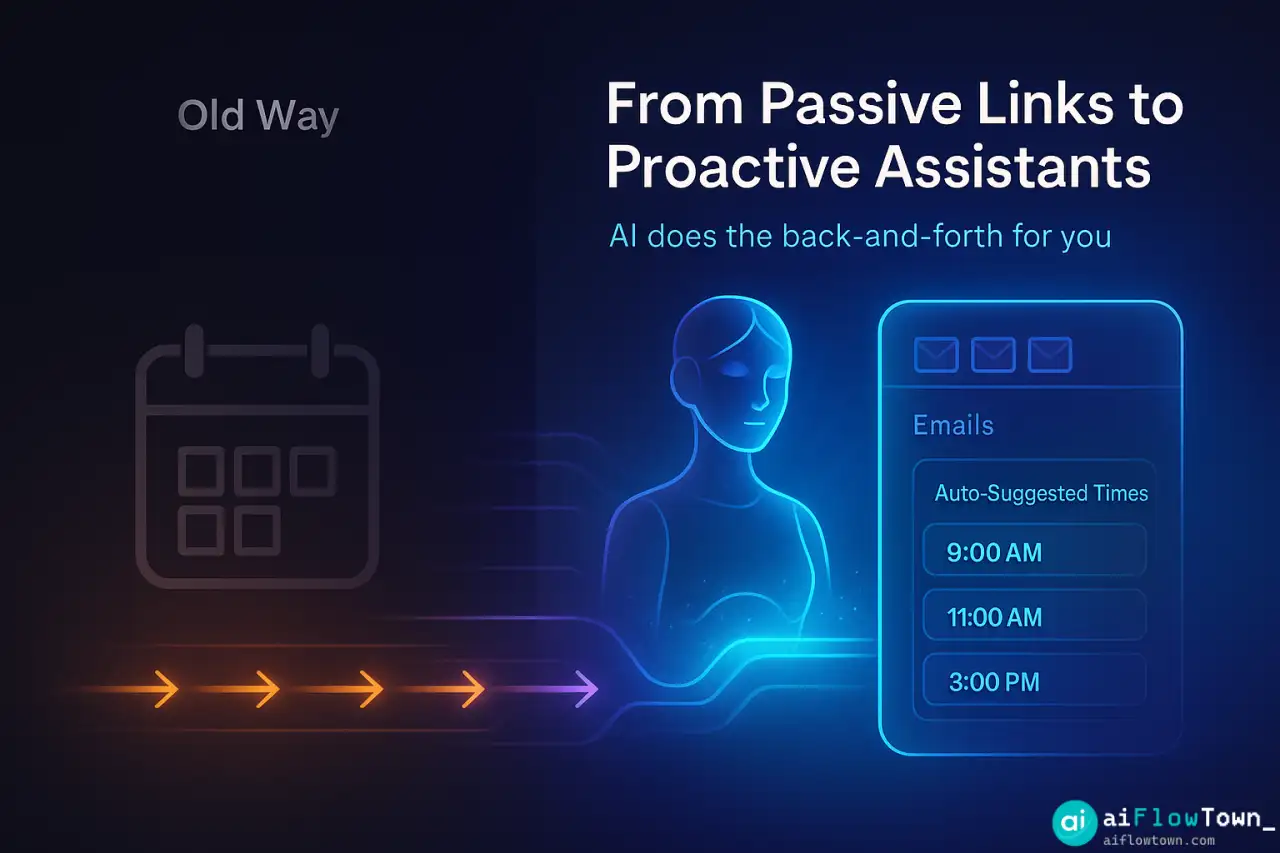
The first generation of scheduling tools (like Calendly) solved one problem: they stopped the back-and-forth. But they were “passive.” You sent a link, and the other person did the work of finding a time.
The new generation of AI schedulers are “proactive.” They function like a real human assistant, living inside your email or chat.
Here’s the difference in practice:
- Old Way (Passive): You email: “Sure, let’s talk. Find a time on my calendar: [link]”
- New Way (Proactive): An email lands in your inbox. Your AI reads it, sees the request, checks your calendar, and drafts a reply: “Thanks, Sarah. I’m free Tuesday at 2 PM or 4 PM. Do either of those work?”
This approach is a core part of building smarter AI workflows, where the tool does the work for both sides.
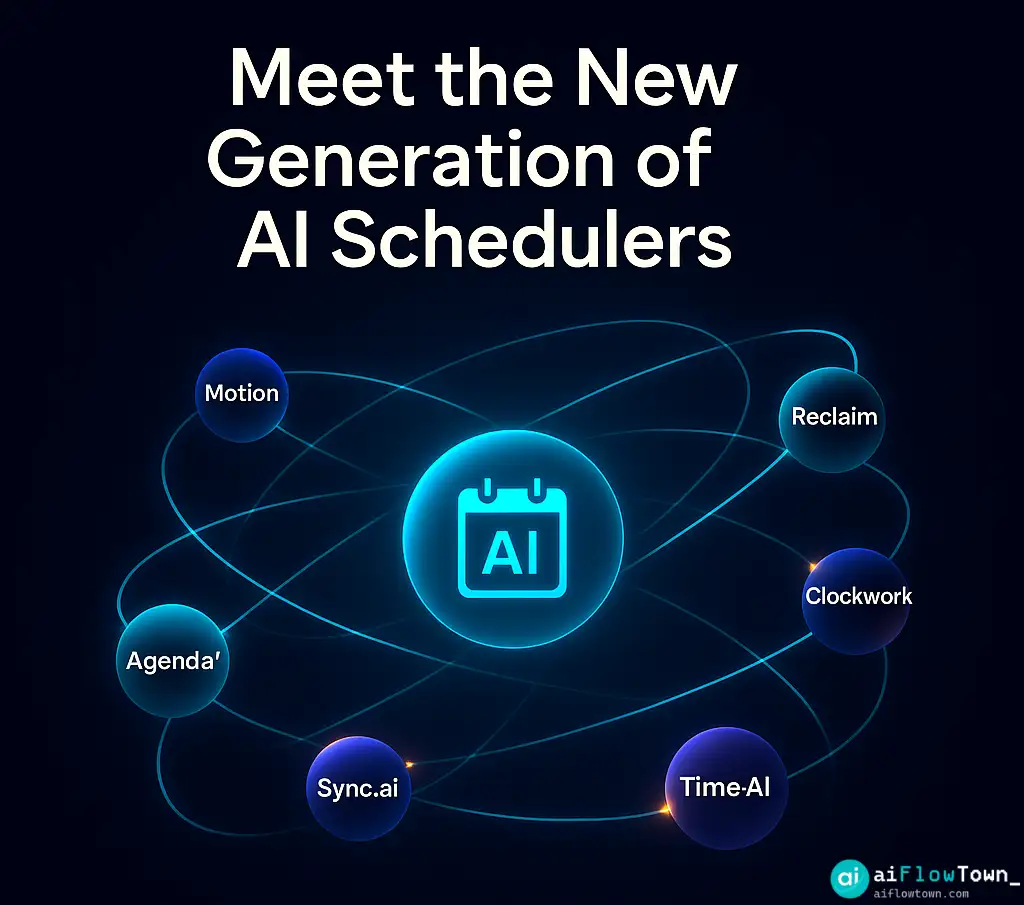
7 New AI Scheduling Tools Worth Watching
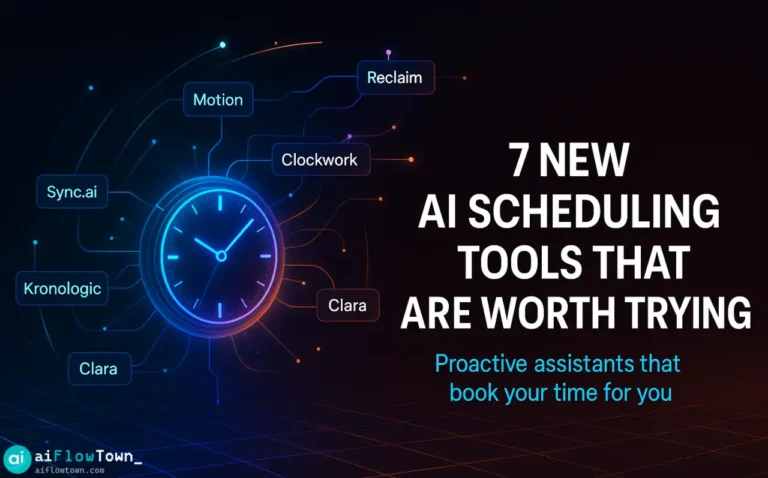
The market is moving fast. While Motion and Reclaim.ai are becoming popular, several new tools are focusing on specific scheduling problems. Here are 7 new and interesting players in the AI scheduling space.
| Tool Name | What It Does (The “Hook”) | Best For |
|---|---|---|
| Motion | An AI project manager that automatically schedules your entire to-do list into your calendar. | Task-based professionals who live by a schedule. |
| Reclaim.ai | An AI assistant that defends your habits, tasks, and deep work time from being booked over. | People trying to protect their focus time. |
| Clockwork (New) | An email-native AI that reads requests and drafts replies with suggested times. | Sales & external-facing roles. |
| AgendaBot (New) | Refuses to book a meeting until the requester provides a 3-point agenda via an AI prompt. | Managers tired of aimless meetings. |
| Sync.ai (New) | Focuses on complex group scheduling, finding the best time for 10+ people across organizations. | Team leads and project managers. |
| TimeGuard (New) | A defensive AI that auto-declines meetings that violate your pre-set rules (e.g., “No meetings on Friday”). | Executives and ‘makers’ protecting their schedule. |
| Cal-AI (New) | A natural language bot for Slack/Teams. You type “Book a 30-min call with Mark next week.” | Teams that live in chat. |
You can find more tools like this in our Tools & Apps library.
How to Pick the Right Tool for You
Having 7 options is great, but it can be confusing. The right tool depends on your biggest problem.
Problem 1: Your Own Schedule is a Mess
If your problem is internal (you can’t manage your own tasks or habits), you don’t need a booking link. You need a tool like Reclaim.ai or Motion. These tools act as a personal time manager, blocking out time for tasks and deep work so you can actually get things done.
Problem 2: Booking with Clients is Slow
If your problem is external (email chains with clients), you need a tool like Clockwork or one of the many email-based assistants. These tools focus on reading the intent of an email and speeding up the reply, making you look more professional and responsive.
For a basic setup, you can review some AI automation tools for beginners that connect directly to your Google Calendar.
❓ FAQ
Are these new AI schedulers expensive?
Most have a free tier for basic scheduling. The real AI features, like proactive email drafting and task management, are almost always in the paid plans, typically ranging from $10 to $30 per month.
Is it safe to give an AI my calendar and email?
Generally, yes. These tools use standard, secure (OAuth) connections from Google and Microsoft. They are “reading” your calendar but not “storing” the content of your meetings. As with any tool, you should read its privacy policy first.
How is this really different from Calendly?
Calendly is a passive webpage. You send a link. These new tools are proactive assistants. They live in your email, read your messages, and take action on your behalf, like a human assistant would.
Final Thoughts
The new generation of scheduling tools is finally fixing the most annoying part of work. The goal is no longer just to find a time slot, but to remove the human energy needed to find it.
By upgrading from a passive link to a proactive assistant, you’re not just saving time. You’re saving the mental focus you waste every time you get dragged into an email chain about “what time works for you?” These ai scheduling tools give you back that energy to spend on the work that actually matters.
Want to see what other tools can save you time? Check out our list of the 15 best AI productivity tools to build your workflow.
⚠️ Reminder: Even the smartest tools / AI can miss small details or make mistakes. Always double-check your work before presenting or publishing it - a quick review can save hours later.