Does Reclaim AI Actually Protect Your Time?
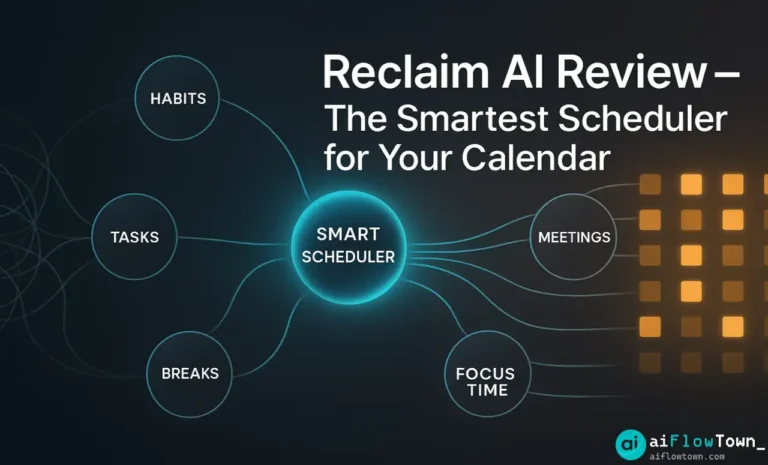
Your calendar is full, but your to-do list is untouched. You spend your day in meetings, putting out fires, and by 5 PM, you haven’t even started the “real” work. You promise to do it tomorrow, and the cycle repeats. The problem isn’t your to-do list; it’s your calendar. It’s a “public” space anyone can grab. Reclaim.ai built its whole philosophy around this. It’s not a task manager. It’s a “time defender.” We tested the reclaim ai tasks and habit features to see if its auto-scheduling actually works, or if it’s just another layer of notifications.
What is Reclaim.ai (and What It Isn’t)
This is the most important thing to understand: Reclaim.ai is not a task manager like Todoist or Motion. It does not want to manage your projects.
Reclaim is a smart calendar assistant that works on top of your existing Google Calendar. Its main job is to automatically find and block “flexible time” for your Tasks, Habits, and “Decompression” breaks, then defend that time from meetings.
It’s one of a new breed of Tools & Apps that assumes your calendar is the real to-do list. Its goal is to make sure your “deep work” gets the same priority as your “1:1 with boss.”
How Auto-Scheduling for Reclaim AI Tasks Works
The “auto-scheduling” feature is the core of the product. It works by sorting your to-dos into two main categories: Tasks and Habits.
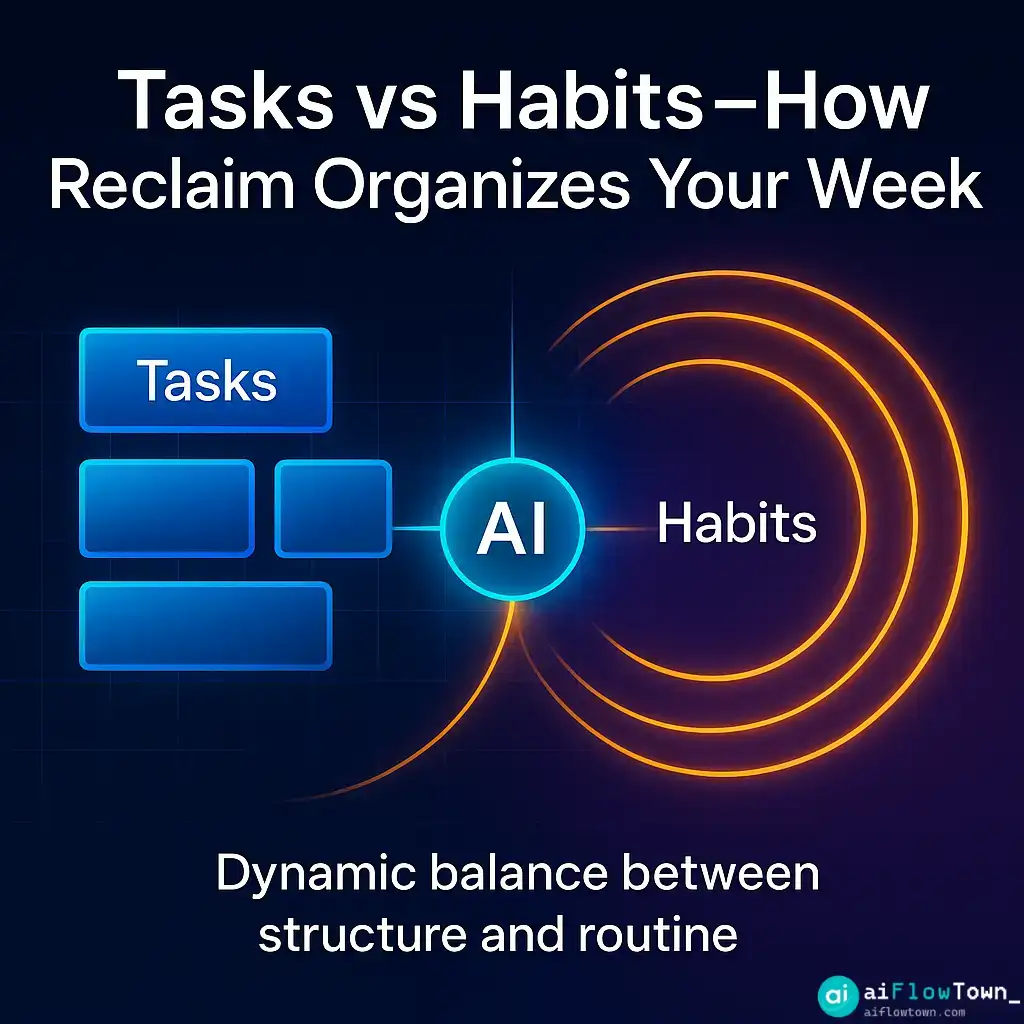
1. Tasks (The “Must-Dos”)
This is for your specific, one-time to-dos. You don’t just write “Write report.” You give the AI rules, such as:
- What: Write the Q4 report.
- How long: It will take 3 hours.
- When: It’s due by Friday.
- My hours: Only schedule this during my “Working Hours” (e.g., Mon-Fri, 9-5).
Reclaim then takes those rules, looks at your Google Calendar, finds the best 3-hour slot, and blocks it off. If a meeting gets booked over it, Reclaim automatically finds a new slot.
2. Habits (The “Should-Dos”)
This is where Reclaim is very powerful. This is for your recurring, flexible goals. You tell Reclaim:
- What: “Go for a walk.”
- How long: 45 minutes.
- How often: 3 times per week.
- My hours: Only schedule this during my “Personal Hours” (e.g., 12-1 PM or after 5 PM).
Reclaim will then find the best 3 slots that week to make your habit happen. It can even auto-color-code it on your calendar. This is great for defending time for lunch, exercise, or learning.
Reclaim AI Tasks: Pros and Cons
After using it for several weeks, here’s our simple breakdown of what works and what doesn’t.
| Pros (What We Liked) | Cons (What We Didn’t) |
|---|---|
| ✅ Excellent “Habit” Defense: It’s the best tool we’ve used for making sure you actually take a lunch break or go to the gym. | ❌ Basic Task Management: This cannot replace a real task manager. It’s not for team projects, sub-tasks, or dependencies. |
| ✅ “Set It and Forget It”: It’s a true “assistant.” You set your rules, and it just… works. You don’t need to live inside the app. | ❌ It Can Feel “Bossy”: The AI reschedules a lot. If you like to be in perfect control of your calendar, it can be annoying. |
| ✅ Great Calendar Sync: The Google Calendar integration is perfect. It feels native. | ❌ Learning Curve: You have to spend the first week “trusting the system” and teaching it, which can feel weird. |
| ✅ “Buffer Time” is a great feature: It automatically adds “travel time” or “decompression time” before and after meetings. | ❌ Not Great for “Right Now”: It’s for planning your week, not your next hour. It’s less “agile” than Motion for on-the-fly changes. |
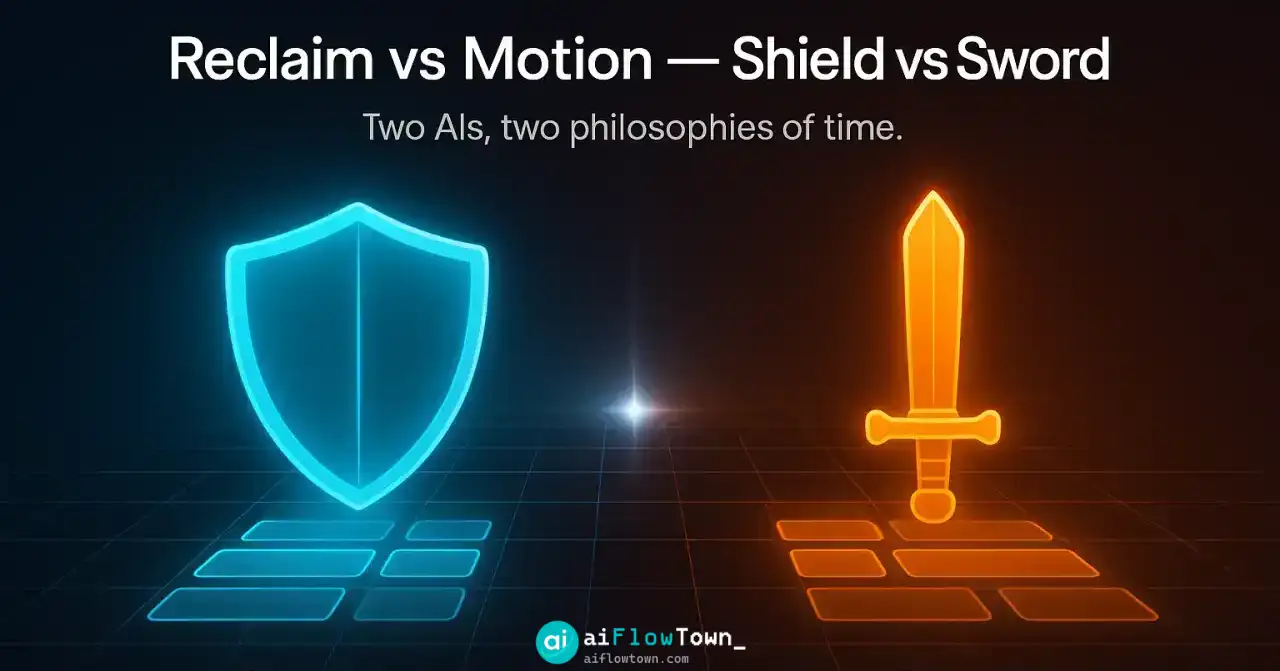
The Big Question: Reclaim vs. Motion
This is the main comparison, and the answer is simple: they solve different problems.
- Reclaim.ai is a SHIELD. Its main job is to defend your time and your habits. It’s for people who are generally happy with their calendar and to-do list (like Google Tasks or Todoist) but need an AI to automatically enforce boundaries.
- Motion is a SWORD. It’s an all-in-one system. It replaces your task manager, your project manager, AND your scheduler. It’s for people who want to live inside one single tool that plans their entire day.
Choose Reclaim if you want to defend your existing system. Choose Motion if you want a new system. Both are valid AI workflows, but they serve different users.
The Verdict: Does Auto-Scheduling Actually Work?
Yes, but not how you think.
If you’re expecting an AI that perfectly manages complex projects and reads your mind, you’ll be disappointed. The task management is simple on purpose.
But if your goal is to stop your week from being eaten by meetings, it works perfectly. Its “Habits” feature is the best on the market. It’s the first tool that has ever successfully defended my lunch break. The “Tasks” feature is just a bonus for scheduling your 1-2 “big rocks” for the week.
It’s not a tool for doing more work; it’s a tool for making space for the work that matters. If you just need help writing, for example, you’re better off just using some good AI productivity prompts.
❓ FAQ
Does Reclaim AI work with Microsoft Outlook/365?
Yes. While it was built for Google Calendar, Reclaim.ai now fully supports Outlook as well. You can sync both Google and Outlook calendars in one account.
Can Reclaim AI replace my to-do list app (like Todoist)?
No. We do not recommend it. Reclaim’s task features are very basic. It’s much better to use its integrations (like the Todoist or Google Tasks sync) to pull tasks from your to-do list onto your calendar.
Is Reclaim AI free?
Reclaim has a “Lite” plan that is free forever. It includes some basic habit scheduling and calendar sync. The more powerful features, like syncing multiple task lists and advanced scheduling rules, are in the paid “Starter” and “Business” plans.
Final Thoughts
Reclaim.ai is a fantastic tool if you use it for its intended purpose: a “time shield.” Don’t buy it expecting a world-class project manager. Buy it to be your automated boundary-setter.
The reclaim ai tasks and habits features are powerful because they’re simple. You set the rules, and the AI defends your time. It finally makes “time blocking” a dynamic system that can survive the chaos of a real work week, giving you the focus you need.
Want to see what other automation tools can help you? Start with our guide to AI automation tools for beginners.
⚠️ Reminder: Even the smartest tools / AI can miss small details or make mistakes. Always double-check your work before presenting or publishing it - a quick review can save hours later.