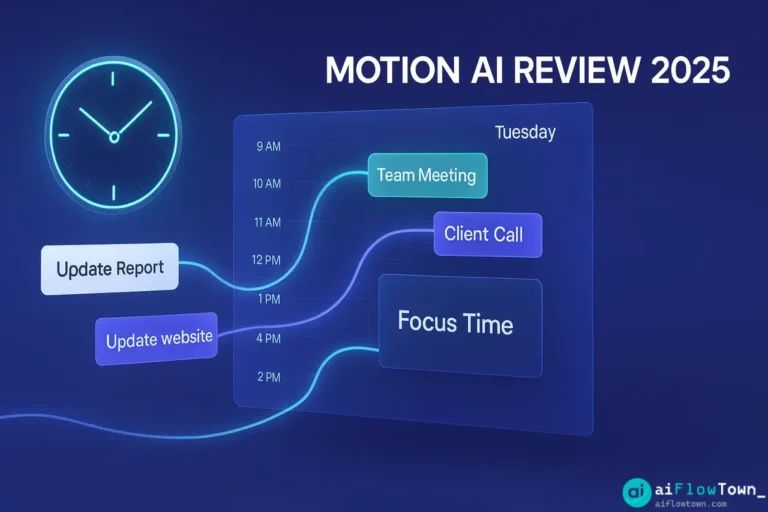
Motion promises to automatically schedule your tasks, protect your focus time, and optimize your calendar using AI. Sounds perfect. The catch? It costs $34/month—more than most productivity tools combined. After 60 days of real-world testing, managing 40+ hours of tasks weekly, and comparing against free alternatives, here’s the unfiltered truth: Motion delivers on some promises spectacularly while falling short on others. This review tells you exactly what works, what doesn’t, and whether it’s worth your money.
What Motion Actually Does
Motion is an AI-powered calendar and task manager. Unlike traditional tools where you manually schedule tasks, Motion’s AI automatically places tasks on your calendar based on deadlines, priorities, and available time. The core promise: you focus on doing work, AI handles when you do it.
The Core Features
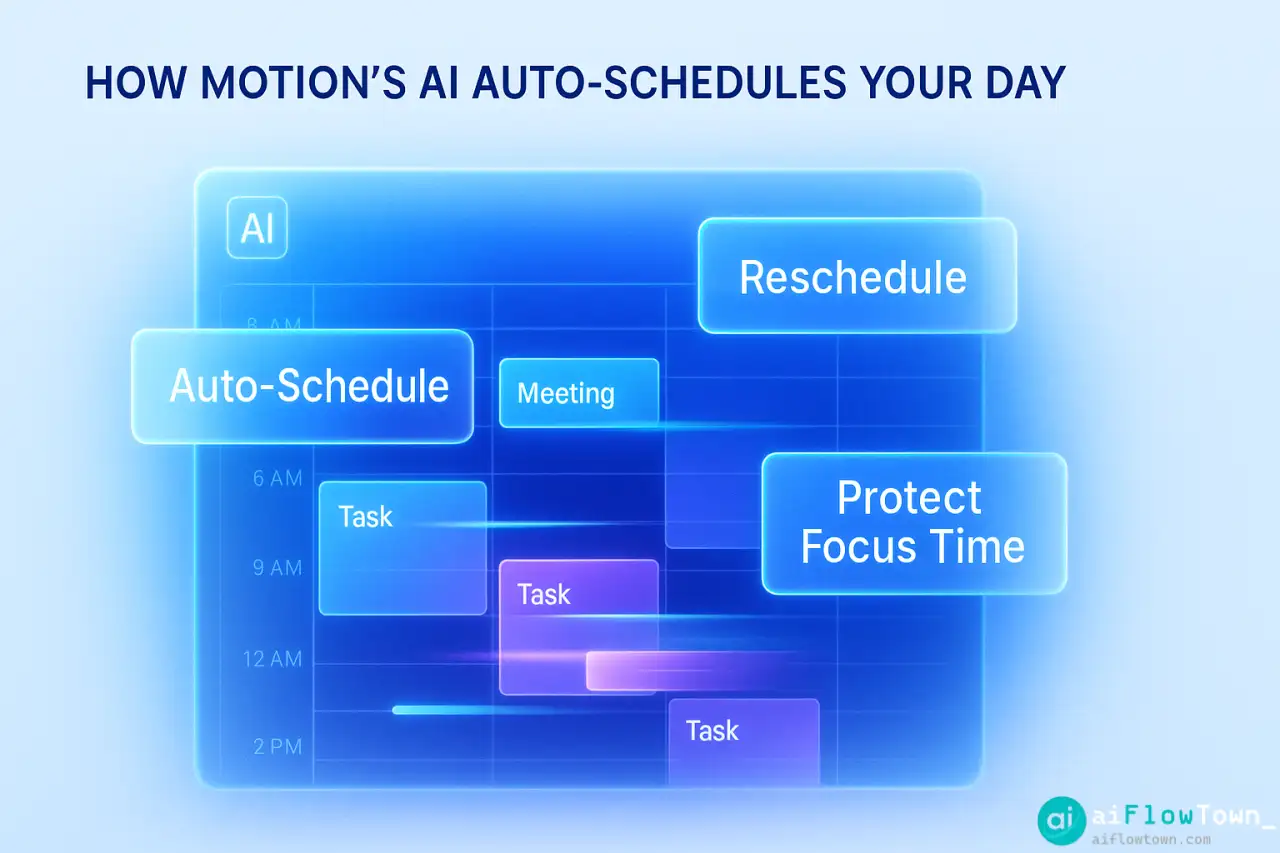
- Auto-scheduling: Add tasks with deadlines, Motion schedules them automatically
- Dynamic rescheduling: If meetings appear, Motion moves tasks to new time slots
- ️ Focus time protection: Blocks calendar time for deep work
- Task + calendar integration: Everything lives in one view
- Team coordination: See others’ calendars, schedule across teams
- Project management: Basic kanban boards and project views
This motion ai review focuses on whether these features actually improve productivity or just create a different kind of workflow friction.
The 60-Day Testing Process
My Setup
I tested Motion as a solo consultant managing:
- • 15-20 client projects simultaneously
- • 40-50 tasks weekly across projects
- • 12-15 meetings per week
- • Mix of quick tasks (15 min) and deep work (2-4 hours)
- • Deadline-driven work with varying urgency
Previously used: Todoist + Google Calendar (manual coordination). Tested Motion to see if is motion app worth the money for independent professionals.
Testing Methodology
| Week | Focus | What I Measured |
|---|---|---|
| 1-2 | Setup and learning | Time to migrate, ease of setup |
| 3-4 | Normal usage | Daily time spent in tool, scheduling accuracy |
| 5-6 | Stress testing | How AI handles schedule chaos, missed deadlines |
| 7-8 | Comparison | Motion vs Todoist+Calendar (my old system) |
What Works Exceptionally Well
1. Auto-Scheduling Is Actually Smart
Motion’s AI understands context better than expected. Add a task “Write Q4 proposal” with 4-hour duration and Friday deadline. Motion doesn’t just dump it Friday morning—it:
- ✅ Splits it across Tuesday/Wednesday (your least-meeting-heavy days)
- ✅ Places it in your typical focus hours (9-11am, 2-4pm)
- ✅ Leaves buffer before deadline
- ✅ Reschedules automatically if meetings appear
This intelligent placement using motion ai calendar scheduling review logic saves 15-20 minutes daily that I previously spent manually organizing tasks.
2. Calendar Protection Actually Works
Motion blocks time for scheduled tasks. When someone tries booking a meeting during a blocked work session, they see “busy.” This prevents the calendar-swiss-cheese problem where meetings fragment your day into useless 30-minute chunks.
Before Motion: Average of 6-8 fragmented work blocks daily.
After Motion: 2-3 solid 2+ hour focus blocks daily.
3. The Rescheduling Is Genuinely Helpful
A meeting gets added Wednesday at 2pm—right when Motion scheduled deep work. Motion automatically moves that task to Thursday morning. No manual replanning needed. This dynamic rescheduling is where Motion shines over static task managers.
What Doesn’t Work Well
1. Overestimates What Fits in a Day
Motion’s AI is optimistic. It schedules 8 hours of focused work in days with 3 hours of meetings, forgetting that context switching, breaks, and email exist. You end up with unrealistic schedules that create stress rather than clarity.
My workaround: Set “daily work capacity” to 5 hours instead of 8. Motion then schedules realistically.
2. Task Duration Estimates Are Manual
You must estimate how long tasks take. Motion doesn’t learn that you consistently underestimate design work. After 60 days, it should know “design tasks take 1.5x your estimate” but doesn’t. This is a missed AI opportunity.
3. Mobile App Is Clunky
Motion’s strength is visual calendar planning. The mobile app shrinks that into a tiny screen. Quick task add works fine, but rescheduling or adjusting tasks on mobile is frustrating. This matters if you’re away from desktop frequently.
4. Project Management Is Basic
Motion advertises project management features. They’re rudimentary—basic kanban boards without the depth of Asana or ClickUp. If you need robust PM features, you’ll be disappointed. Motion excels at personal task + calendar, not team project management.
Motion vs Alternatives
| Feature | Motion | Todoist + GCal | Reclaim.ai |
|---|---|---|---|
| Auto-scheduling tasks | ✅ Excellent | ❌ Manual | ⚠️ Basic |
| Dynamic rescheduling | ✅ Automatic | ❌ Manual | ✅ Good |
| Calendar protection | ✅ Built-in | ⚠️ Manual blocks | ✅ Excellent |
| Task management depth | ⚠️ Basic | ✅ Powerful | ❌ Minimal |
| Mobile experience | ⚠️ Acceptable | ✅ Excellent | ⚠️ Basic |
| Price | $34/mo | $8/mo | Free-$12/mo |
| Learning curve | ⚠️ Moderate | ✅ Easy | ✅ Easy |
This comparison shows motion vs other productivity tools tradeoffs clearly. Motion isn’t universally better—it’s better at specific things while weaker at others. For more tool comparisons, visit tools and apps.
⚠️ Reminder: Even the smartest tools / AI can miss small details or make mistakes. Always double-check your work before presenting or publishing it - a quick review can save hours later.