Work Calmer, Not Just Faster: The Best AI Productivity Tools
We’ve all tried productivity apps before — planners, timers, note-takers. But this new wave of best AI productivity tools goes beyond organization. They learn your habits, automate boring tasks, and even help you think more clearly. The result isn’t just faster work — it’s calmer work. The future of productivity isn’t about squeezing more into your day. It’s about getting the right things done without friction. Let’s explore the tools redefining how modern professionals think, focus, and flow.
The Rise of the Intelligent Workflow
Until recently, productivity software followed commands: “Do this when I click that.” Now, tools observe, adapt, and anticipate. Your calendar knows when to protect focus time. Your notes write themselves. Your inbox drafts the reply before you do. This shift from manual setup to intelligent orchestration is what makes today’s AI productivity software revolutionary.
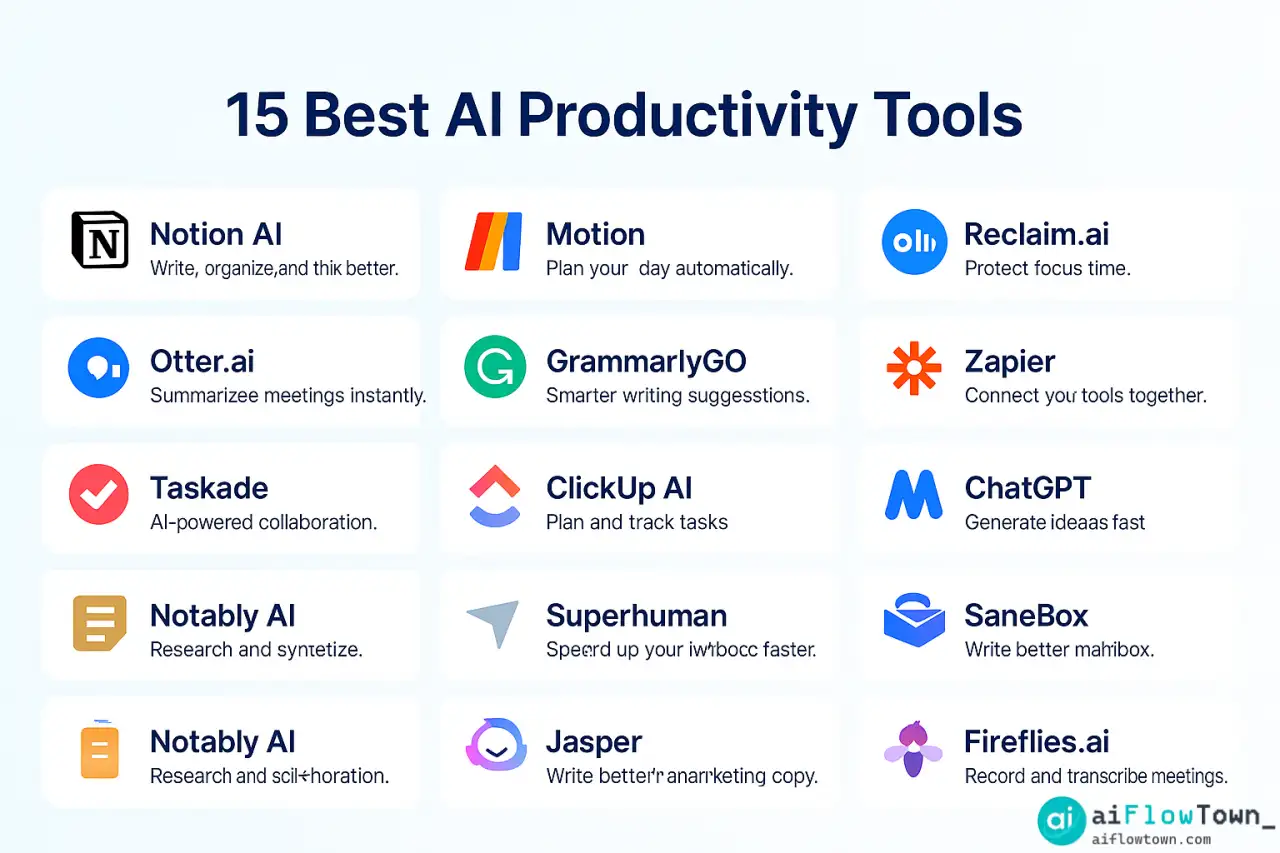
1. Notion AI – The All-in-One Thinker
If your brain had an external workspace, it would look like Notion AI. You can write, summarize, plan, and generate ideas in the same page. Ask it to create outlines, brainstorm project steps, or simplify complex notes. Its real power lies in context: it learns from what’s already on your page.
2. Motion – The Time Architect
Motion doesn’t just schedule tasks; it builds your day around them. You drop your to-do list, and it auto-blocks time in your calendar. It’s one of the smartest AI time management tools available — it learns your patterns and reschedules when things shift, turning chaos into a calm sequence.
3. Reclaim.ai – Protect Your Focus
Reclaim automatically finds free moments for deep work and defends them. It syncs meetings, habits, and personal time across calendars. The beauty? It negotiates with reality — shifting events when life changes. For remote teams, it’s the difference between “busy” and “productive.”
4. Otter.ai – Your Memory Assistant
Forget typing notes. Otter records, transcribes, and summarizes meetings in minutes. It identifies speakers, captures decisions, and shares recaps automatically. You’ll never again say, “Wait, who said that?” It’s the note-taker that never blinks.
5. Zapier – The Automation Backbone
Zapier connects 5,000+ apps with “if-this-then-that” logic, but now with AI built in. You can process text, filter data, or even write summaries before sending results elsewhere. It’s the ultimate connector for every other tool on this list — an AI workflow automation app that quietly does the boring work while you create.
6. GrammarlyGO – Your Context-Aware Writing Coach
GrammarlyGO goes beyond grammar. It rewrites sentences for tone, shortens long paragraphs, and explains choices. The AI understands intent — whether you’re writing a report or a Slack message. You’ll write faster and sound sharper without losing your voice.
7. Taskade – Real-Time Collaboration Reimagined
Taskade blends chat, docs, and mind maps into one real-time workspace. Its AI assistant creates task lists, generates ideas, and formats notes instantly. You can brainstorm and organize simultaneously — no need to jump between apps. It’s perfect for small teams who move fast.
8. ClickUp AI – The Project Brain
ClickUp AI is your project manager’s secret weapon. It generates meeting summaries, drafts updates, and builds tasks from context. Whether you’re leading a sprint or tracking OKRs, ClickUp turns project chaos into clarity. It’s automation with a sense of teamwork.
9. Mem AI – Never Forget a Thought
Mem AI is a note-taking app that remembers everything. It learns connections between your ideas automatically — no tags needed. You can search “that idea from last week about automation” and it appears. It feels like Google for your own brain.
10. ChatGPT – Your Universal Assistant
ChatGPT isn’t just for chatting. It writes, plans, codes, and analyzes. It’s the backbone of many other tools on this list. Use it for brainstorming, summarizing, or even building workflows. It’s not another app — it’s the thinking layer across your entire digital life.
11. Rewind AI – Your Digital Memory
Rewind records your screen activity privately so you can “rewind” and search anything you’ve seen or heard. Imagine Control-F for your life. For knowledge workers, it’s a breakthrough in recall and accountability.
12. AirOps – The Data Automator
AirOps lets you query data in plain English and turn results into dashboards or reports instantly. You ask, “Which campaigns had the best ROI?” — and it answers with charts. No SQL, no analysts, just clarity. It’s one of the smartest AI tools for work when decisions need speed.
13. Superhuman – The Speed Emailer
Superhuman uses AI to triage your inbox, draft quick replies, and highlight priorities. It learns from your behavior, surfacing what actually matters. For high-volume communicators, it’s the difference between control and overwhelm.
14. Fireflies.ai – The Meeting Bridge
Fireflies records and transcribes calls, but its new AI layer identifies follow-ups automatically. After every meeting, you get a summary with tasks extracted. It bridges conversation and action seamlessly — perfect for sales or project teams.
15. Claude 2 – The Context Expert
Anthropic’s Claude focuses on reasoning and long context. It can read long reports, extract insights, and draft detailed responses with fewer errors. It’s the “slow thinker” of AI — ideal for thoughtful writing, complex briefs, or analysis-heavy work.
Building Your AI Productivity Stack
Fifteen tools might sound overwhelming, but the secret is choosing one per category. Think of your workflow like a machine — each piece does one job well:
| Category | Tool | Purpose |
|---|---|---|
| Knowledge & Notes | Notion AI, Mem AI | Capture, connect, and recall ideas |
| Scheduling | Motion, Reclaim.ai | Automate and protect time |
| Meetings | Otter.ai, Fireflies.ai | Summarize and extract action items |
| Writing | ChatGPT, GrammarlyGO | Generate and refine content |
| Automation | Zapier, AirOps | Connect data and trigger actions |
| Communication | Superhuman, ClickUp AI | Emails, reports, and task flow |
Integrating Everything Seamlessly
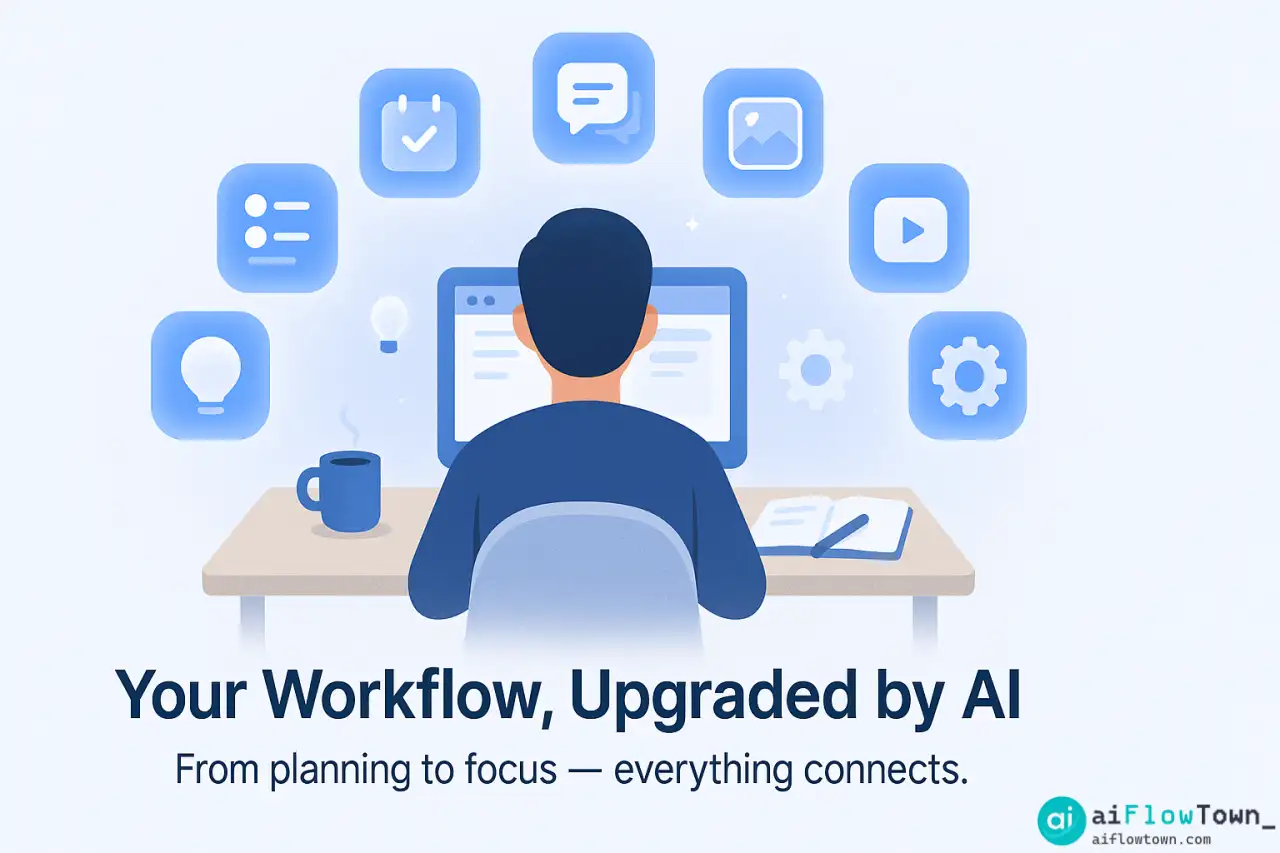
True productivity comes when these tools talk to each other. Example: Meeting → Otter.ai → summary → Notion AI → task creation → Motion blocks time → Reclaim keeps it consistent. You only check results, not processes.
How to Choose the Right Stack
- ✅ Start with pain points, not features.
- ✅ Add one tool per problem (writing, planning, meeting).
- ✅ Avoid overlap — tools that compete drain focus.
- ✅ Integrate slowly; test one automation at a time.
AI is about augmentation, not replacement. You’re not outsourcing judgment — you’re outsourcing friction.
Real Users, Real Impact
Sofia, startup founder: “Motion and Reclaim saved my sanity. My calendar now plans itself.” James, copywriter: “Notion AI and GrammarlyGO cut my writing time in half.” Priya, ops manager: “Zapier automations with AirOps give me a daily snapshot of KPIs without reports.” Each example shows the same pattern: once you remove micro-decisions, creative energy rebounds.
Common Mistakes with AI Productivity Tools
- ❌ Trying too many at once. → Start with 2–3 core tools.
- ❌ Ignoring security. → Use SSO and audit permissions monthly.
- ❌ Expecting perfection. → Tools evolve; workflows need tuning.
- ❌ Forgetting human review. → AI drafts; you decide.
Future of AI Productivity
The next generation of tools will predict your needs. Imagine software that senses fatigue and reschedules tasks or an AI that balances cognitive load. Context, empathy, and timing — that’s the next frontier.
We’re moving from reactive productivity to proactive wellbeing. The best best AI productivity tools won’t just speed you up — they’ll slow your mind down to where clarity lives.
Final Thoughts
Productivity used to mean hustle. Now, it means harmony. These fifteen tools redefine efficiency not by adding pressure, but by removing noise. Whether you’re a freelancer, manager, or founder, your workflow deserves intelligence that listens, learns, and lifts the weight of busywork off your shoulders. To explore more prompt-based systems that enhance these tools, visit AI Productivity Prompts — your next leap in working smarter, not harder.
❓ FAQ
What makes these AI tools different from normal apps?
They adapt and predict. Instead of waiting for commands, they learn your patterns and optimize your workflow automatically.
⚙️ How many tools should I actually use?
Start with three: one for time (Motion or Reclaim), one for notes (Notion AI), and one for communication (ChatGPT or GrammarlyGO). Expand only when each feels natural.
Which tool is best for creative professionals?
Notion AI and Mem AI — they think with you, not for you. Perfect for writers, designers, and strategists.
Can I combine several of these tools together?
Yes. Most integrate natively or via Zapier. Link calendars, notes, and communication so everything flows without manual updates.
Where can I learn more about building automation systems?
Visit AI Productivity Prompts — it expands these workflows into structured, ready-to-use templates.
⚠️ Reminder: Even the smartest tools / AI can miss small details or make mistakes. Always double-check your work before presenting or publishing it - a quick review can save hours later.