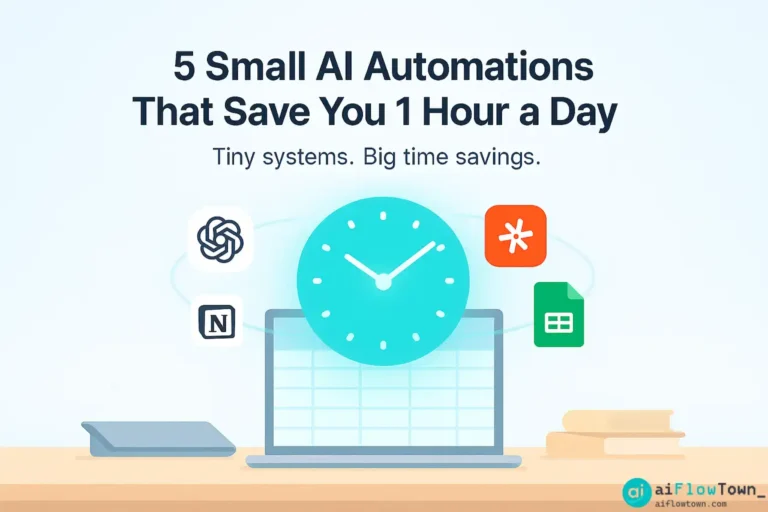
5 Tiny AI Automations That Give You Time Back
You don’t need to rebuild your life to feel the impact of AI. Sometimes, it’s the tiny automations — the ones that quietly shave five minutes here, ten minutes there — that change how your day feels. Add them up, and you’ve gained an hour before lunch. These are the AI automations that save time every single day.
This guide isn’t about massive workflows or coding. It’s about little habits that run in the background while you focus on bigger work. Five small automations — one for each part of your routine — that together make your day smoother, smarter, and lighter.
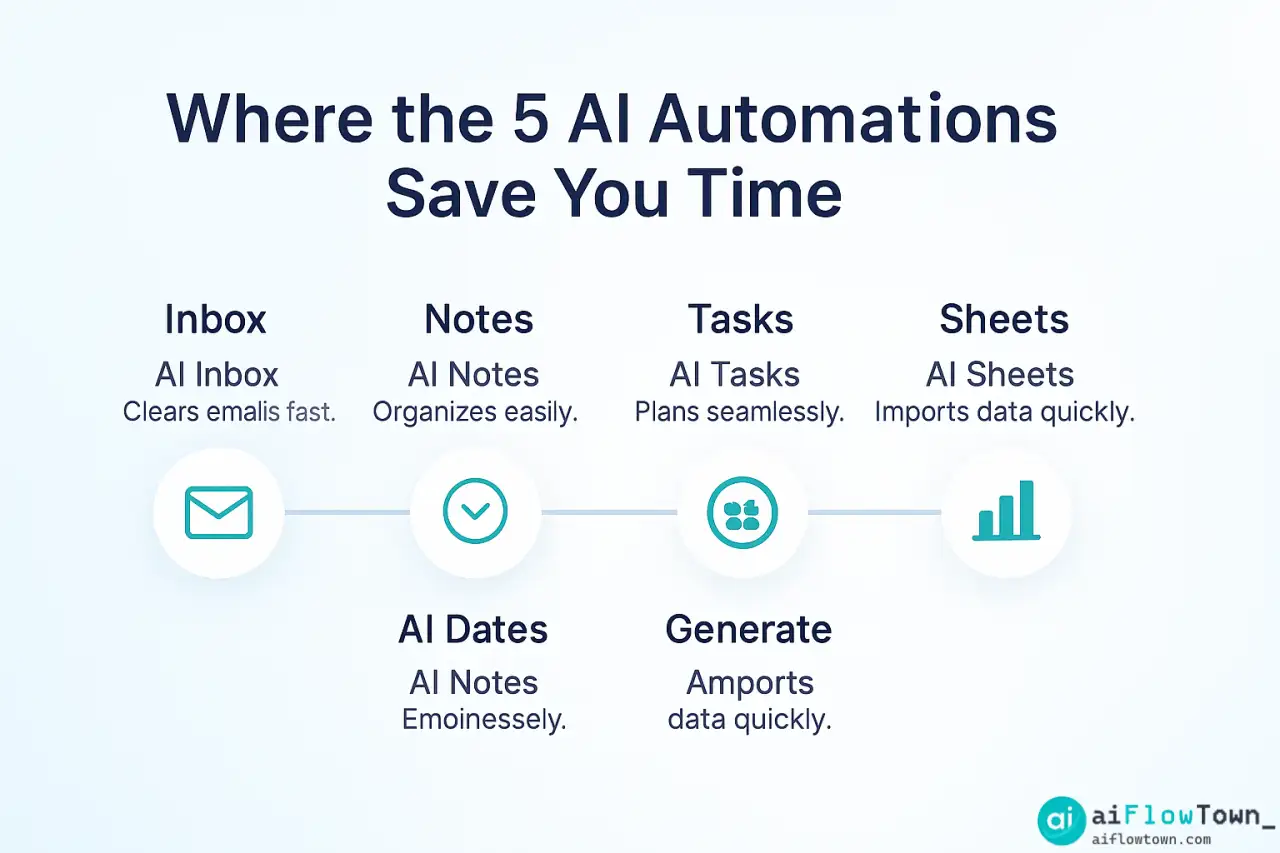
Where the 5 AI Automations Save You Time
Automation #1: The AI Inbox Assistant
What it does
Your inbox isn’t bad — it’s just manual. Every day you waste minutes sorting, labeling, and replying to routine emails. With a simple ChatGPT or Zapier setup, you can make Gmail triage itself. The system categorizes emails, writes short replies, and even marks messages as “done” when you approve them.
Example workflow:
- Gmail receives a new message.
- ⚡ Zapier sends the email to ChatGPT.
- ChatGPT summarizes and drafts a quick reply (“Thanks, I’ll review by Friday”).
- ✅ Zapier sends it back to Gmail as a draft or auto-response.
Result: 10–15 emails handled automatically every morning. That’s around 25 minutes saved — before coffee.
Want to learn prompt structures for this kind of workflow? See AI Productivity Prompts for ready-to-use examples.
Automation #2: The Smart Notetaker
What it does
Meetings aren’t the problem — remembering them is. With tools like Notion AI or Fireflies, you can turn every meeting transcript into a clean, structured summary without touching your keyboard.
How to set it up
- Record the meeting using Fireflies or Otter.
- The transcript uploads to Notion automatically.
- Notion AI summarizes key points and action items.
- You get a daily digest in Slack or email.
No more post-meeting fatigue or lost notes. The system remembers everything for you. Over a week, this one saves roughly an hour — especially for managers or team leads juggling multiple discussions.
Automation #3: The Task Translator
What it does
Every idea you write down should become an action — automatically. Using a small workflow between ChatGPT and Notion, you can turn brain dumps into structured to-do lists. It’s your second brain, wired with initiative.
How to set it up
- You add messy notes to a “Capture” database in Notion.
- ⚙️ Zapier sends those notes to ChatGPT with a prompt: “Extract actionable tasks with deadlines.”
- AI replies with clean tasks, each tagged with urgency.
- Notion automatically moves them into your “Tasks” page.
It’s like hiring a personal assistant who reads your thoughts. Five minutes saved every time you clean notes, multiplied by dozens of ideas per week — that’s another 30–40 minutes back.
Automation #4: The Self-Updating Spreadsheet
What it does
Manual updates kill focus. With AI and Google Sheets, your data refreshes itself. Imagine a sheet that imports metrics, writes summaries, and emails a one-paragraph report at 6 p.m. — without you touching it.
How it works
- Google Sheets stores your daily metrics.
- ⚡ Zapier sends new rows to ChatGPT for analysis.
- AI returns a summary like: “Revenue up 8%, main driver: new campaign.”
- Zapier emails that to you as a mini-report.
This is a simpler version of the system we built in How to Automate Google Sheets with AI — you can expand it later to handle multiple reports. Result: 10–15 minutes saved daily. And you always know what’s happening without opening your dashboard.
Automation #5: The AI Daily Recap
What it does
Every day ends with loose ends — emails unread, meetings half-processed, ideas scattered. This automation uses ChatGPT (or Claude) to create a short “Day Summary” at 6 p.m., collecting your notes, completed tasks, and goals for tomorrow.
How to set it up
- Notion stores daily logs automatically (via template).
- ⚙️ Zapier fetches today’s entries and sends them to ChatGPT.
- ChatGPT writes a 3-paragraph reflection: what went well, what to improve, what to do tomorrow.
- It sends that to your email or Notion inbox at day’s end.
This doesn’t just save time — it protects attention. Instead of spending 20 minutes “closing your day,” AI handles the wrap-up while you log off guilt-free.
The compounding effect
How small automations add up
Each of these systems might save 10–20 minutes alone. But stack them, and you’ll save roughly an hour per day — or 30 hours a month. That’s a workweek of life returned to you, without radical change.
What to do with that hour
You could learn a new skill, write something meaningful, or just rest. The point isn’t the minutes — it’s the margin. Small automations create mental space, not just calendar space. As we explored in AI Productivity Prompts, the key is starting small and improving as you go. Each new automation should feel invisible, not intrusive. When it works, you forget it’s there — that’s the goal.
Designing your first automation system
Start with friction points
List three tasks you repeat daily that frustrate you. That’s your automation goldmine. Common ones: writing updates, checking dashboards, or moving info between tools. If it’s boring, it’s automatable.
Use the “1-minute rule”
If something takes less than 1 minute but happens 20 times a day, automate it. Example: writing “Got it, thanks” emails. That’s 20 minutes daily you’ll never notice — until AI gives them back.
Build once, reuse forever
Every workflow you design can be cloned for another part of life — Sheets, Notion, CRM, or personal projects. Once you think in triggers and outputs, you’ve mastered automation logic.
Conclusion: one small automation at a time
Automation isn’t about machines taking over — it’s about reclaiming your focus. The best systems aren’t loud; they’re quiet. They work while you work. They remove friction so you can think, create, and rest more often. Start with one of these five, let it run for a week, then add another. You’ll be surprised how different your day feels when small pieces of AI start quietly working for you. Because saving one hour isn’t the point — it’s what you do with it that matters.
❓ FAQ
⚙️ What are the easiest AI automations to start with?
Email triage and note summaries. Start small — let AI summarize your inbox or meeting notes. Once stable, expand to Sheets or task automation.
Do I need coding skills?
No. Tools like Zapier, Make, and Notion AI are no-code friendly. You can build all five automations with simple prompts and integrations.
How much time can I really save?
On average, these small workflows save 45–60 minutes daily. The benefit compounds — less context switching, fewer manual updates, and better focus.
Can I combine these automations?
Absolutely. They’re modular. The best setup chains them together — your notes feed tasks, tasks feed reports, reports feed summaries.
Where can I learn more workflow ideas?
Explore AI Productivity Prompts for deeper guides and prompt templates designed for everyday automation.
⚠️ Reminder: Even the smartest tools / AI can miss small details or make mistakes. Always double-check your work before presenting or publishing it - a quick review can save hours later.