When Client Emails Hit Different at 5pm
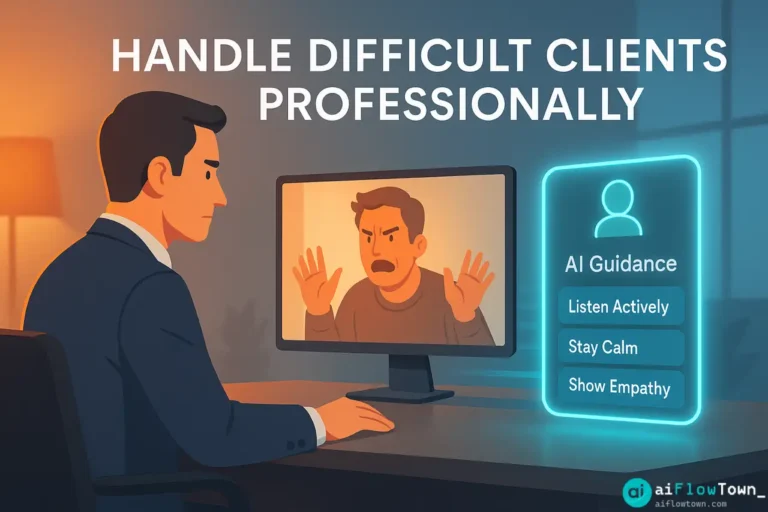
The email subject line says “URGENT – Very Disappointed.” Your stomach drops. You open it. The client is upset about a missed deadline, using phrases like “unprofessional,” “unacceptable,” and “reconsidering this partnership.” Your immediate reaction: defensiveness. You want to explain why the delay happened, list all the things that went wrong that weren’t your fault, maybe point out that they changed requirements twice.
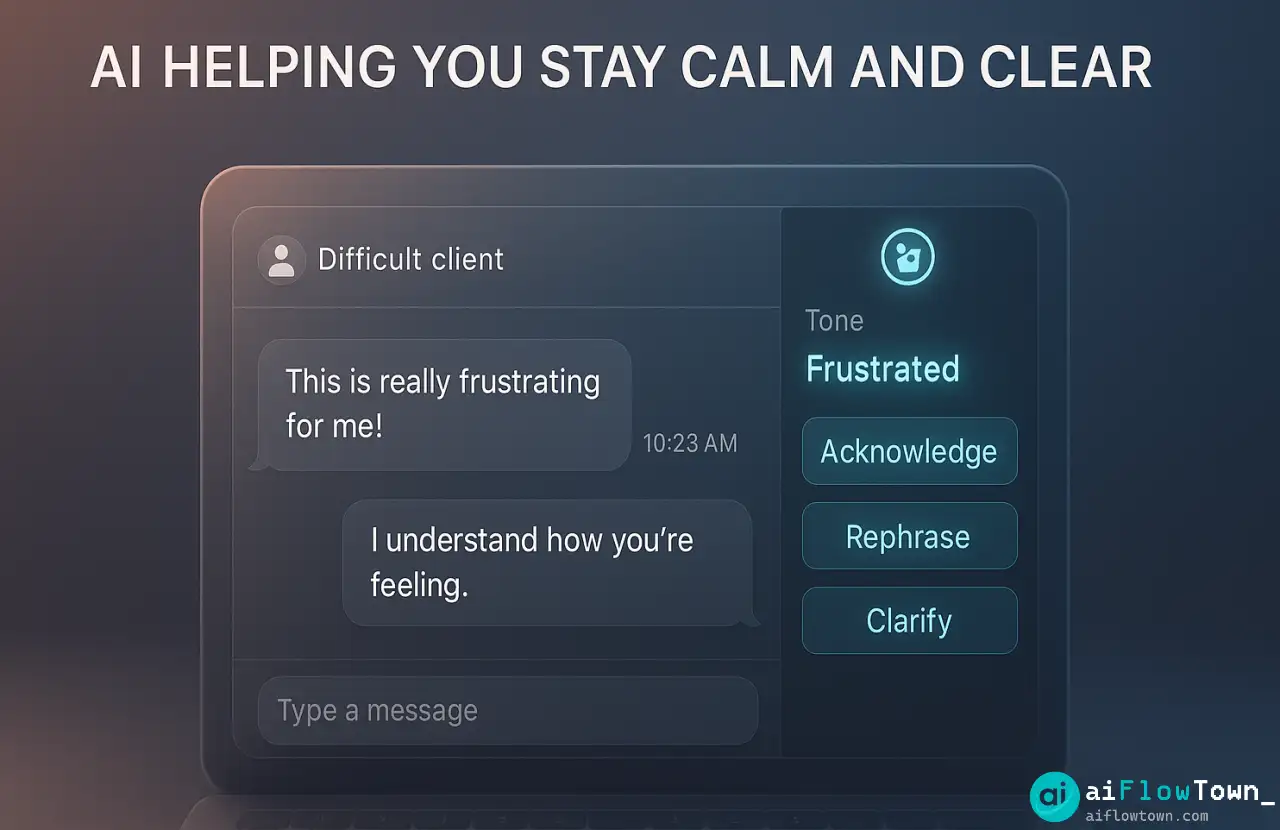
But you know sending that email is career suicide. So you sit there, staring at the screen, trying to channel calm professionalism while actually feeling frustrated and attacked. This is where ai client communication becomes invaluable—it helps you respond from your best self, not your stressed self.
The challenge isn’t writing professional language. It’s doing that while managing your own emotional reaction. AI doesn’t have emotions. It can take your frustrated thoughts and reshape them into responses that de-escalate, empathize, and maintain the relationship.
Why Difficult Client Situations Break Your Communication
Let’s understand what actually happens when you try to respond to a difficult client without help.
The Defensive Reflex
Someone attacks your work, your first instinct is to defend it. “Actually, the delay was because you didn’t provide the materials on time.” Technically true. Also guaranteed to make the situation worse. Clients don’t want to be told why they’re wrong when they’re upset—they want to be heard.
Tone Blindness Under Stress
When you’re stressed, your ability to gauge tone collapses. What feels “direct” in your head reads as “curt” to the recipient. What you think is “explaining the situation” comes across as “making excuses.” You genuinely can’t judge your own writing when emotions are high.
The Overcorrection Problem
Knowing you’re emotional, you might overcorrect—becoming so apologetic you undermine your own credibility or agreeing to unreasonable demands just to end the conflict. Neither extreme works. AI helps you find the middle: professional, empathetic, firm where needed.
The AI Prompt Framework for Client Communication
Here’s the systematic approach to write professional client responses with ai that actually resolves issues.
The Emotional Download First
Don’t feed AI your polished thoughts. Feed it your raw reaction. Write out exactly what you’re thinking, defensiveness and all. This serves two purposes: it gets the emotion out of your system, and it gives AI the full context including your valid concerns that need to be addressed diplomatically.
"A client sent an angry email saying we missed their deadline and they're 'reconsidering the partnership.' Here's the situation:

- The deadline was Friday. We delivered Monday (3 days late)
- We were late because they changed requirements Thursday
- We communicated the delay would happen
- They're now saying the delay is 'unacceptable'

My honest reaction: I'm frustrated because we warned them about the delay and they approved it! Now they're acting like we just didn't deliver.

What I need: A professional response that acknowledges their frustration, explains what happened without sounding defensive, and resets expectations for the project."
This prompt gives AI everything: context, your emotional state, and what outcome you need. For more communication strategies, visit AI productivity prompts.
The Structure AI Should Follow
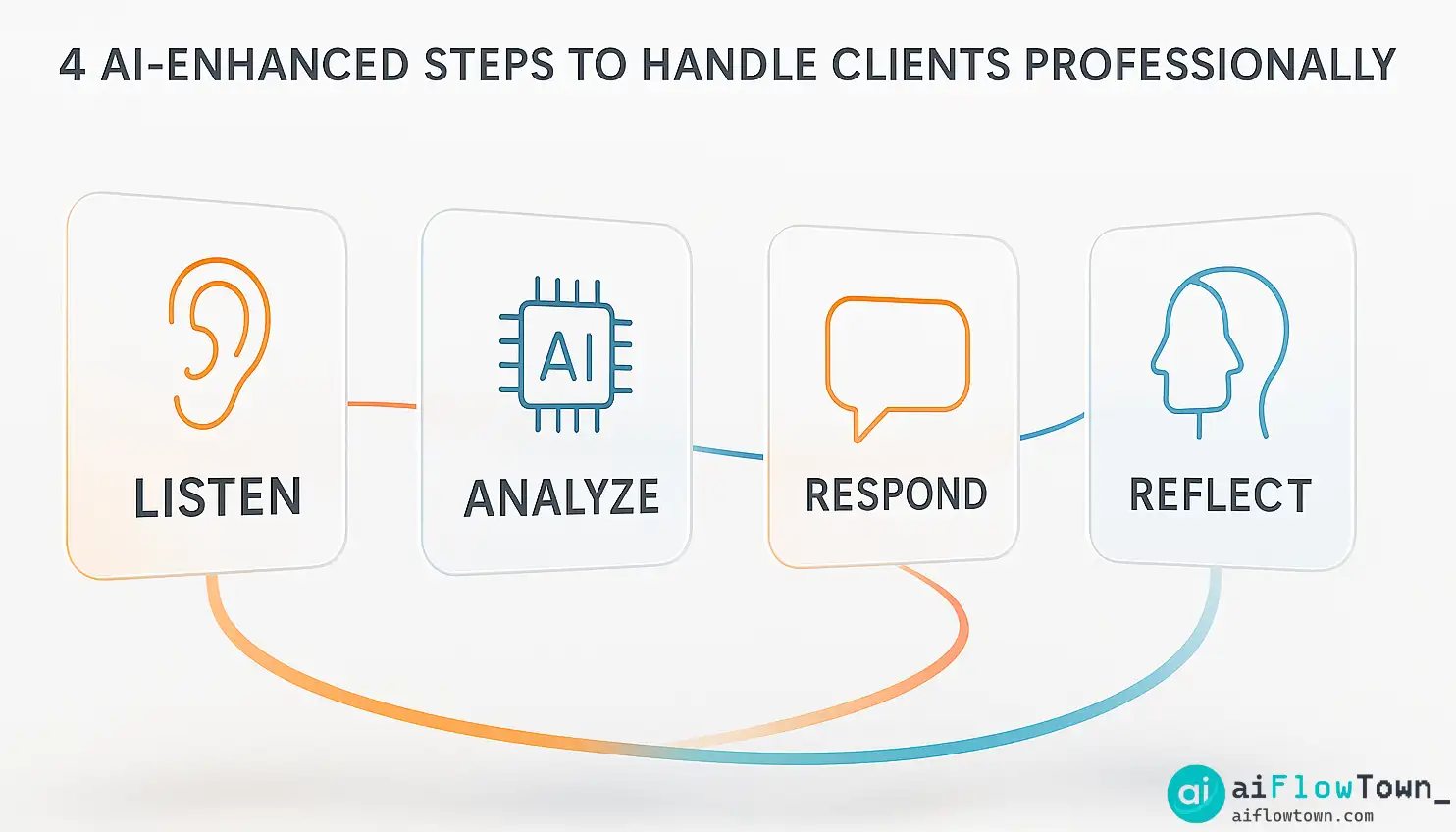
Good client responses have a pattern. Tell AI to follow it:
1. Acknowledge their feelings first
“I understand you’re frustrated by the delay…”2. Take ownership where appropriate
“We should have communicated more proactively when the timeline shifted…”3. Provide context without excusing
“The requirement changes on Thursday impacted our delivery timeline…”4. Offer a solution
“Here’s how we’ll ensure this doesn’t happen again…”5. Reinforce commitment
“We value this partnership and want to make this right.”
This structure handles difficult situations while preserving relationships using manage angry customer emails using chatgpt frameworks.
Tone Calibration Keywords
Be explicit about tone with AI. Use phrases like:
- “Professional but warm, not corporate-stiff”
- “Empathetic without being a doormat”
- “Firm on boundaries but collaborative”
- “Apologetic where we’re wrong, clear where we’re not”
These instructions help AI match the exact tone you need for the situation.
Real Prompts for Common Difficult Client Scenarios
Let’s look at actual prompts you can adapt for typical challenging situations.
The Scope Creep Conversation
Client keeps asking for “small additions” that aren’t in the contract:
"Client is requesting additional features not in our original scope. They're framing these as 'minor tweaks' but they represent 15+ hours of work. I need to explain this is out of scope without sounding inflexible or money-hungry.

Write a response that:
- Acknowledges their ideas are valuable
- Clearly explains these are beyond our current scope
- Offers options: add to next phase vs. separate quote
- Maintains enthusiasm for the project

Tone: Helpful consultant, not rigid vendor"
The Unrealistic Deadline Request
Client wants something done in half the time it actually takes:
"Client wants a deliverable by Friday. Realistic timeline is 2 weeks. If I rush it, quality suffers. I need to push back without saying 'no' outright.

Draft a response that:
- Explains why 2 weeks ensures quality they deserve
- Offers a partial Friday delivery if that helps
- Shows I understand their urgency
- Positions timeline as protecting their interests

Avoid: Sounding like I'm just refusing to work harder"
These prompts help craft diplomatic client messages with ai tools that maintain professional boundaries. Explore more at organization prompts.
The Unhappy with Results Situation
Client doesn’t like the work you delivered:
| Situation | Key Prompt Element | Tone Direction |
|---|---|---|
| Subjective preference | “They don’t like the design direction” | Open to feedback, explain rationale |
| Misaligned expectations | “Final product doesn’t match their vision” | Understand disconnect, find solution |
| Actual quality issue | “There are legitimate problems with deliverable” | Own the mistake, offer fix |
| Moved goalposts | “They’re comparing to different requirements” | Gentle reminder of original brief |
Before and After: AI Transformation
Let me show you how AI transforms a problematic response into a professional one.
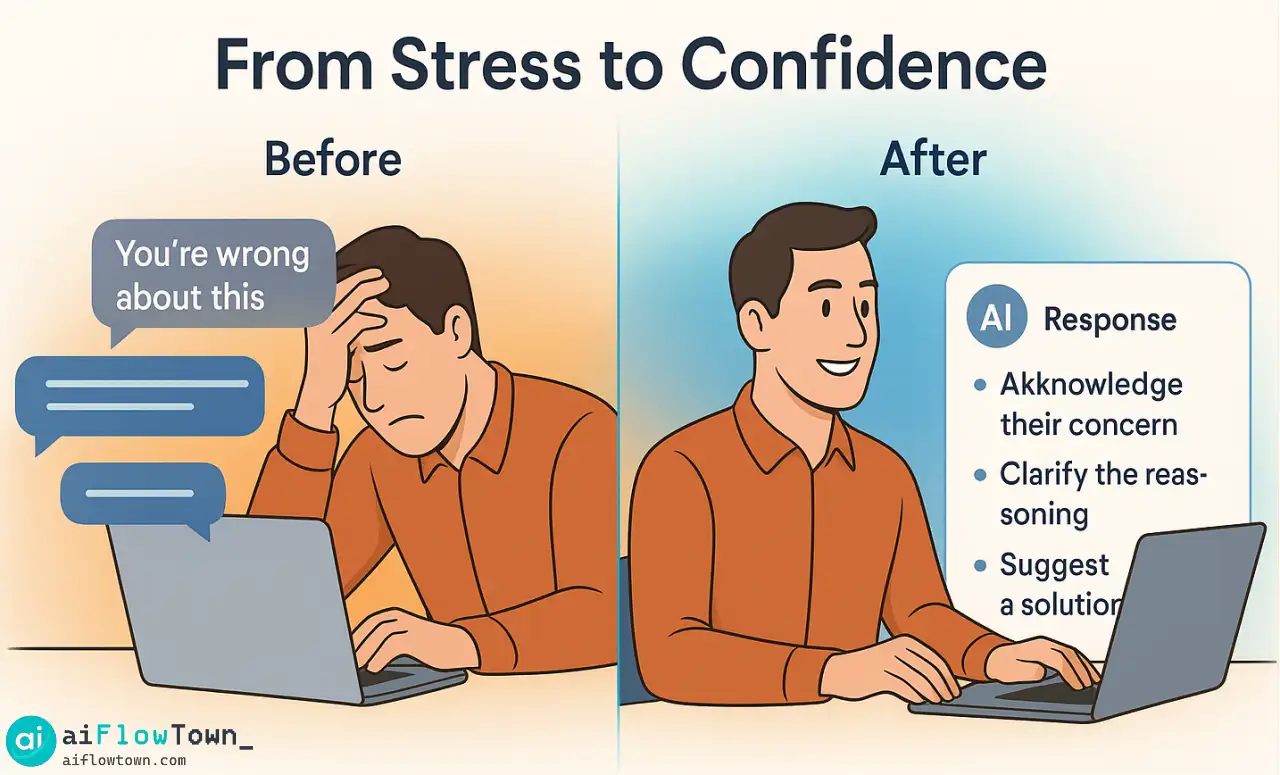
Your First Draft – Emotional
“I’m confused by your email. We discussed the timeline change and you approved moving the deadline. We’ve been working overtime to deliver this and frankly I’m surprised by your reaction. We delivered exactly what was in the brief.”
Problems: Defensive, “frankly” is confrontational, “I’m surprised” implies they’re wrong to be upset, ends with justification instead of solution.
AI-Revised Version – Professional
“Thank you for sharing your concerns. I understand the delay has been frustrating, and I apologize for any stress this caused your team.
You’re absolutely right that the original deadline was Friday. When the requirements evolved on Thursday, we discussed extending to Monday to ensure we delivered the quality you expect. I should have confirmed that adjustment more clearly in writing—that’s on me.
The good news: the deliverable is now complete and ready for your review. I’d love to schedule a quick call to walk through it and ensure it meets your expectations.
Going forward, I’ll send written confirmations of any timeline adjustments and weekly progress updates so we’re always aligned. This partnership matters to us, and I’m committed to rebuilding your confidence.”
– AI-Polished Response –
This response acknowledges feelings, takes appropriate ownership, provides context without excusing, offers next steps, and reinforces commitment. Same information as your draft, completely different impact using de-escalate client conflicts with ai prompts approach.
Advanced Prompt Techniques
Once basic prompts work, refine further for complex situations.
Multi-Issue Response Structuring
When a client email raises five different complaints, prompt AI to address each separately:
"Client email contains multiple issues: missed deadline, budget concerns, communication gaps, quality questions, and contract confusion.

Structure response as:
1. Opening empathy statement
2. Address each issue in order with mini-paragraphs
3. Overall action plan
4. Closing commitment

Keep total under 300 words despite multiple topics."
The Boundaries Without Burning Bridges Prompt
Sometimes you need to say no firmly but diplomatically:
“Write a response that clearly states we cannot accommodate this request, explains why in a way that focuses on quality/expertise rather than ‘we don’t want to,’ and offers an alternative that might meet their underlying need. Tone: Expert advisor who cares about their success, not order-taker.”
The Delayed Response Recovery
You took too long to reply and need to address that:
"I'm responding 3 days late to an urgent client email. Need to acknowledge the delay, apologize genuinely without over-apologizing, then address their original question competently.

Avoid: Lengthy excuses for why I was slow"
Learn more techniques at quick tips and flow hacks.
❓ FAQ
✍️ Should I send AI-written responses without editing?
Never. AI provides a professional draft that removes emotional reactivity. You should always review and adjust to ensure it accurately represents your position and sounds like you. AI handles structure and tone; you handle authenticity.
⏱️ Is using AI for client emails too slow when clients expect quick responses?
AI responses take 2-3 minutes including review. Writing from scratch when emotional takes 20+ minutes and often needs multiple revisions. You’re actually responding faster and better using AI than struggling through drafts alone.
Will clients notice I’m using AI?
Only if you send generic AI responses without personalizing. When you provide good context and edit the output, it reads as you at your most professional—because it is. You’re using AI as a tool to communicate better, not to communicate for you.
What about very sensitive client situations?
For high-stakes situations, use AI to draft but also have a colleague review before sending. AI is excellent at structure and tone, but human judgment about business relationships and politics is still essential for critical communications.
Can I use this for verbal client conversations too?
Yes. Before a difficult client call, use AI to prep: “I need to discuss X issue. Draft talking points that cover Y and Z while maintaining collaborative tone.” AI helps you enter conversations prepared and calm.
Final Thoughts
Difficult clients don’t have to derail your day or damage relationships. With the right ai prompts to handle difficult clients professionally, you can respond calmly and effectively even when you’re internally frustrated. AI doesn’t make you fake—it helps you access your most professional self when stress makes that hard to do alone.
Next time you get that email that makes your stomach drop, don’t fire off a reactive response. Take five minutes with AI. Transform your frustration into a measured, professional reply that solves the problem instead of creating new ones.
Your clients will appreciate the professionalism. Your future self will thank you for not sending that angry draft. And you’ll sleep better knowing you handled it right.
⚠️ Reminder: Even the smartest tools / AI can miss small details or make mistakes. Always double-check your work before presenting or publishing it - a quick review can save hours later.