
Why Long Documents Kill Productivity
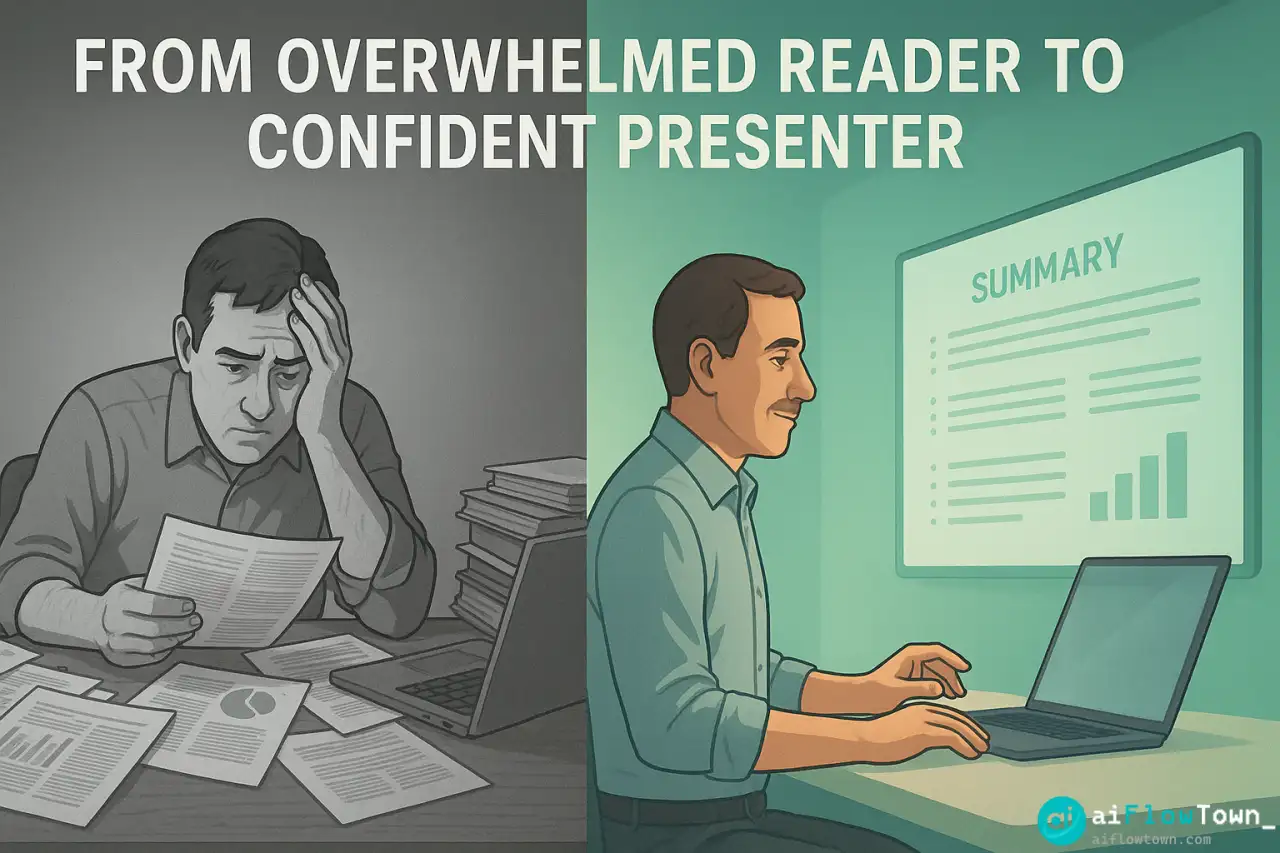
You’re not avoiding that 80-page research paper because you’re lazy. You’re avoiding it because reading takes mental energy you don’t have when you’re already handling ten other priorities. So it sits in your “to read” folder for weeks. Meanwhile, the information inside could solve a problem you’re currently struggling with.
The issue isn’t that long documents exist—it’s that extracting value from them takes disproportionate time. A 50-page report might have 3 pages of insights that matter to you, but finding those 3 pages requires reading all 50. Using ai summarizer tools flips this equation: get the key insights in minutes, then dive deep only where needed.
This isn’t about avoiding reading. It’s about reading strategically—let AI handle the initial extraction, you handle the judgment about what requires deeper attention.
AI Summarization Tool Comparison
| Tool | Best For | Max Length | Price |
|---|---|---|---|
| Claude (Sonnet) | Detailed analysis, research papers | 200k tokens (~500 pages) | $20/mo |
| ChatGPT Plus | Quick summaries, general docs | 128k tokens (~300 pages) | $20/mo |
| Gemini Advanced | Multiple docs at once | 1M tokens (~2500 pages) | $20/mo |
| Scholarcy | Academic papers specifically | Unlimited | $5/mo |
| SummarizeBot | Quick extracts, no context needed | 10k words/doc | Free tier |
For most use cases, Claude produces the best summaries—detailed, accurate, maintains context. ChatGPT is faster but sometimes misses nuance. Gemini handles massive documents but can be verbose. Choose based on your typical document type using ai to summarize long documents automatically. For more tools, visit best AI productivity tools.
Setup and Document Preparation
Getting Documents AI-Ready
- ✅ Text-based PDFs work perfectly
- ✅ Scanned PDFs need OCR first (use Adobe Acrobat or free tools like OCR.space)
- ✅ Word docs can be copied directly into chat
- ✅ Web articles can be pasted as text or use URL if tool supports
- ⚠️ Very large files (100+ pages) might need chunking for some tools
Claude and Gemini handle large files best. ChatGPT sometimes has trouble with documents over 50 pages—breaks them into sections if needed for best tools to summarize pdf with ai effectively.
Quick Setup Steps
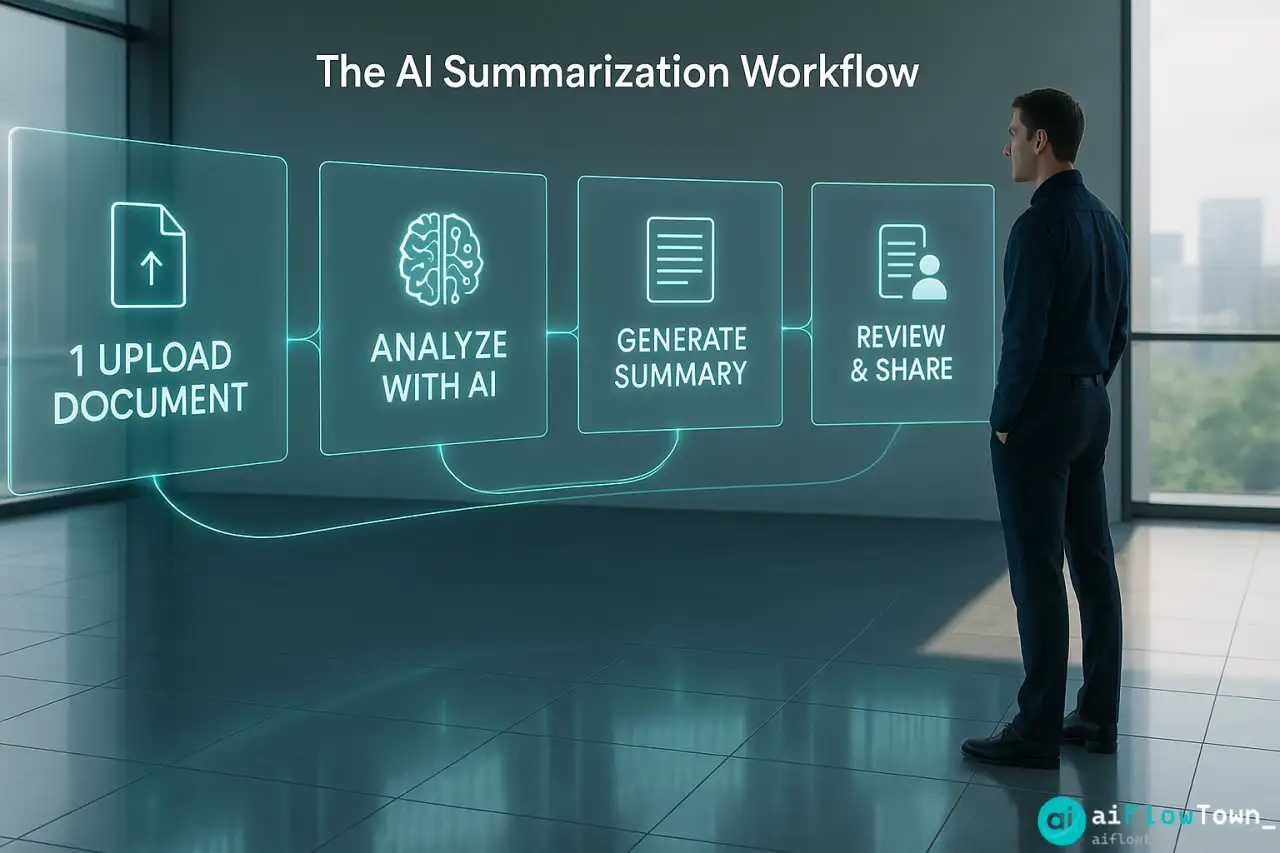
- Open Claude, ChatGPT, or your chosen tool
- Upload PDF or paste text
- Use a structured prompt (see below)
- Get summary in 1-3 minutes depending on length
- Ask follow-up questions for clarification
The Summarization Prompt That Works
Don’t just say “summarize this.” Be specific about what you need:
"Summarize this document for me.

Document type: [Research paper / Business report / Technical doc / etc.]

What I need:
1. Executive summary (2-3 sentences of main point)
2. Key findings or arguments (3-5 bullet points)
3. Important data/statistics mentioned
4. Actionable takeaways relevant to [your context]
5. Anything surprising or counterintuitive

My context: [Why you're reading this - helps AI prioritize relevant info]

Format:
- Use headers for each section
- Keep bullets concise but specific
- Highlight any urgent or critical information
- Total length: 300-500 words

Tone: Professional but accessible - I need to explain this to others."
This structured approach ensures AI covers what matters to you using automatically extract key points from research papers logic. Learn more at AI productivity prompts.
Understanding AI Output Quality
What Good Summaries Look Like
- ✅ Capture main thesis/purpose of document
- ✅ Preserve important nuance and caveats
- ✅ Maintain logical flow between ideas
- ✅ Highlight data that supports key claims
- ✅ Note methodology or approach where relevant
- ✅ Flag contradictions or limitations mentioned
Red Flags to Watch For
- ⚠️ Summary makes claims not in original document
- ⚠️ Important caveats or limitations omitted
- ⚠️ Numbers or statistics misquoted
- ⚠️ Context stripped away making conclusions misleading
- ⚠️ Technical terms misunderstood or misused
Always spot-check AI summaries against original, especially for critical information. AI is accurate 90%+ of the time, but that 10% matters for summarize business reports using ai tools reliably.
Advanced Summarization Tips
Multi-Level Summaries
"Create three versions:

1. Tweet version (280 characters - absolute essence)
2. Executive version (3 paragraphs - for busy leadership)
3. Detailed version (1 page - for team who needs full context)

This lets me share appropriate detail based on audience."
Comparative Analysis
"I've uploaded 3 research papers on [topic]. Summarize: What do they agree on? Where do they disagree? Which presents strongest evidence? What's missing from all of them?"AI synthesizes across documents faster than humans can using convert long documents to summaries with chatgpt systematically.
Question-Focused Summaries
"Read this report and answer:

1. What's the ROI of implementing their recommendations?
2. What resources would we need?
3. What risks do they identify?
4. How does this compare to our current approach?
5. What should we do first?

I don't need general summary - just answers to these questions with page references."
This extracts exactly what you need without wading through full summary. For more workflows, check AI workflow examples.
Real Case: Research Analysis
The Situation
Sarah, a product manager, received 5 competitor analysis reports (totaling 237 pages) from her research team. She had 3 days to present findings to leadership. Traditional approach would require 8-10 hours of reading plus synthesis time.
The AI Approach
"Analyze these 5 competitor reports. Create a synthesis showing:
1. Top 3 competitive threats we should worry about
2. Top 3 opportunities competitors are missing
3. Feature comparison: what do they have that we don't?
4. Pricing strategies across competitors
5. Market gaps all competitors are ignoring

Format as presentation outline with supporting data points. I'm presenting to C-suite in 3 days."
- Targeted Analysis Prompt -
The Results
- ⏱️ AI analysis: 15 minutes (including follow-up questions)
- ⏱️ Sarah’s review and verification: 2 hours
- ⏱️ Presentation creation: 3 hours
- ⏱️ Total time: 5.25 hours vs 12+ hours manually
- ✅ Presentation was comprehensive and well-received
- ✅ Sarah had time to prepare executive talking points
- ✅ Leadership commented on depth of competitive insight
AI didn’t replace her judgment—it handled the extraction and initial synthesis so she could focus on strategic thinking and presentation.
When to Use vs Skip AI Summarization
Use AI When:
- ✅ Document is over 20 pages
- ✅ You need overview before deciding to read fully
- ✅ Multiple documents need comparison
- ✅ You’re looking for specific information in long text
- ✅ Time pressure requires quick extraction
Read Manually When:
- ⚠️ Legal documents where exact wording matters
- ⚠️ Creative writing where style and voice are the point
- ⚠️ Documents under 10 pages (reading is faster than prompting)
- ⚠️ Highly sensitive information you can’t upload to AI
- ⚠️ Complex technical material requiring deep understanding
❓ FAQ
Is it safe to upload confidential documents?
Depends on the tool and your company policy. Claude and ChatGPT Enterprise don’t train on your data. Free versions might. For highly sensitive docs, use enterprise plans or on-premise solutions. When in doubt, redact sensitive info before uploading.
How accurate are AI summaries?
85-95% accurate for factual content. AI is good at extracting key points but can occasionally miss nuance or context. Always verify critical information against original. Use AI for initial extraction, your judgment for validation.
Can AI handle scanned PDFs?
Not directly—scanned PDFs are images. Run them through OCR (Optical Character Recognition) first. Adobe Acrobat does this, or use free tools like OCR.space. Once converted to text, AI processes them normally.
What if the summary misses important details?
Ask follow-up questions: “Did the document mention anything about [specific topic]?” or “What did it say about [concern]?” AI can search the full document for specific information you realize you need after seeing initial summary.
⚡ Which tool is fastest?
ChatGPT is fastest for documents under 30 pages. Claude is slower but more thorough—worth the extra 30 seconds for complex documents. Gemini is fast for massive documents but sometimes overly verbose. Speed vs quality tradeoff.
Final Thoughts
Long documents aren’t going away. Industry reports, research papers, technical documentation—they’re all getting longer as information complexity increases. You can’t read everything thoroughly, but you can’t ignore important documents either. AI summarizer tools solve this by handling initial extraction while you focus on strategic thinking and decision-making.
Next time someone sends you a 50-page report, don’t sigh and add it to your reading backlog. Upload it to Claude or ChatGPT, get a comprehensive summary in 3 minutes, then decide where to focus your reading time. Let AI do the extraction, you do the evaluation.
Your time is too valuable to spend reading page 37 of a report when page 12 had the only insight you needed.
⚠️ Reminder: Even the smartest tools / AI can miss small details or make mistakes. Always double-check your work before presenting or publishing it - a quick review can save hours later.