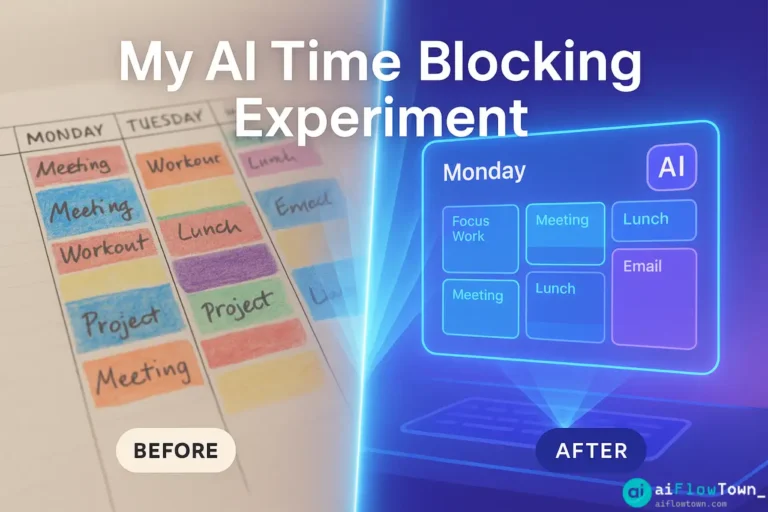
How AI Time Blocking Transformed My Workweek
For years, I was a devout manual time blocker. Every Sunday night, I’d sit down with my Google Calendar and meticulously plan out the week ahead, allocating specific blocks for projects, meetings, and even breaks. It worked, mostly. But it was rigid, time-consuming, and often shattered by unexpected urgent requests. Then, I discovered AI time blocking, and frankly, my work routine hasn’t been the same since. This isn’t just about scheduling; it’s about reclaiming cognitive energy.
If you’re curious about moving beyond manual calendar Tetris, this personal case study details my journey into intelligent time blocking. I’ll share how tools leveraging AI fundamentally differ from traditional methods, the surprising benefits I experienced, and the practical steps involved. It’s a look at how letting an algorithm manage the when allowed me to focus entirely on the what.
This experiment has become a core part of my AI productivity system, transforming how I approach my week.
Part 1: The Frustration with Manual Time Blocking
Manual time blocking is a powerful concept, advocated by productivity experts for decades. The idea is simple: instead of a to-do list, schedule when you’ll do each task. It forces prioritization and provides a clear plan. However, in practice, I found several persistent frustrations:
- The Planning Overhead: Dedicating 1-2 hours every week just to plan the next week felt inefficient.
- Rigidity vs. Reality: Life happens. Urgent meetings pop up, tasks take longer than expected. My perfectly crafted blocks often needed constant, manual rescheduling, adding more overhead.
- Decision Fatigue: Deciding exactly when to schedule which task, considering energy levels and deadlines, was mentally taxing before the week even began.
- Underestimating Buffer Time: I rarely scheduled enough buffer between meetings or tasks, leading to a feeling of constantly rushing.
While better than no plan, manual time blocking often felt like building a beautiful sandcastle that the tide of reality would inevitably wash away. I needed a system that could adapt as quickly as my workday did.
Manual time blocking gives you a static map. AI time blocking gives you a dynamic GPS that reroutes automatically when traffic hits.
Part 2: Enter AI Time Blocking – What’s Different?
AI time blocking tools (like Reclaim AI, Motion, Skedpal, Clockwise – though this article focuses on the concept more than a specific tool review) operate on a different principle. Instead of you manually placing blocks, you provide the AI with:
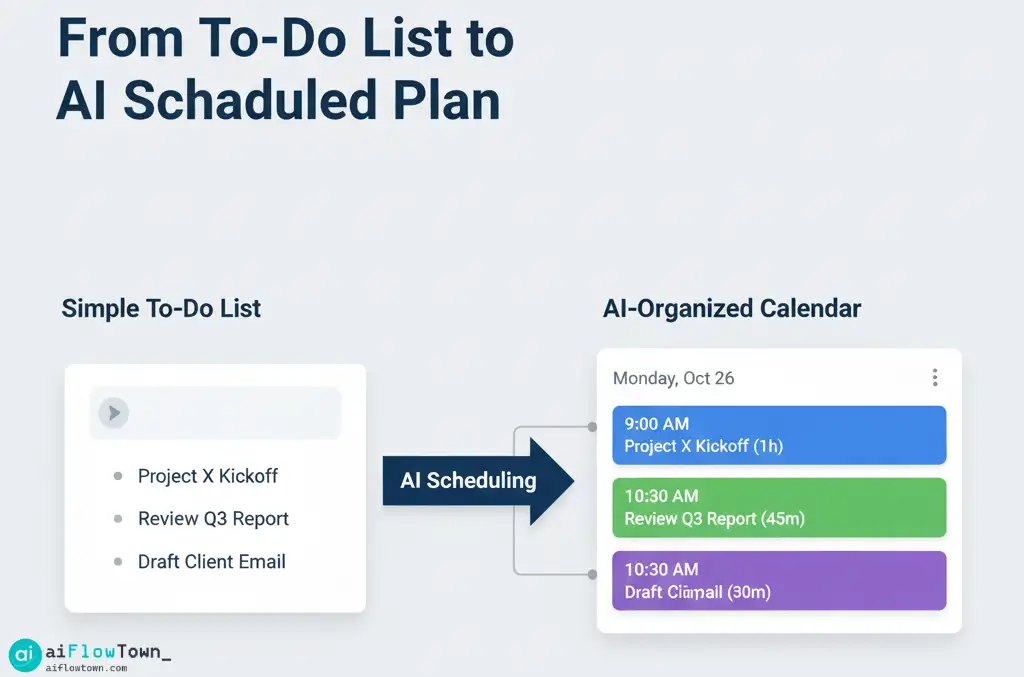
- Your tasks and their estimated durations/deadlines.
- Your recurring habits (lunch, exercise, breaks) and their ideal times/frequencies.
- Your meeting availability and preferences.
- Your calendar(s) showing existing commitments.
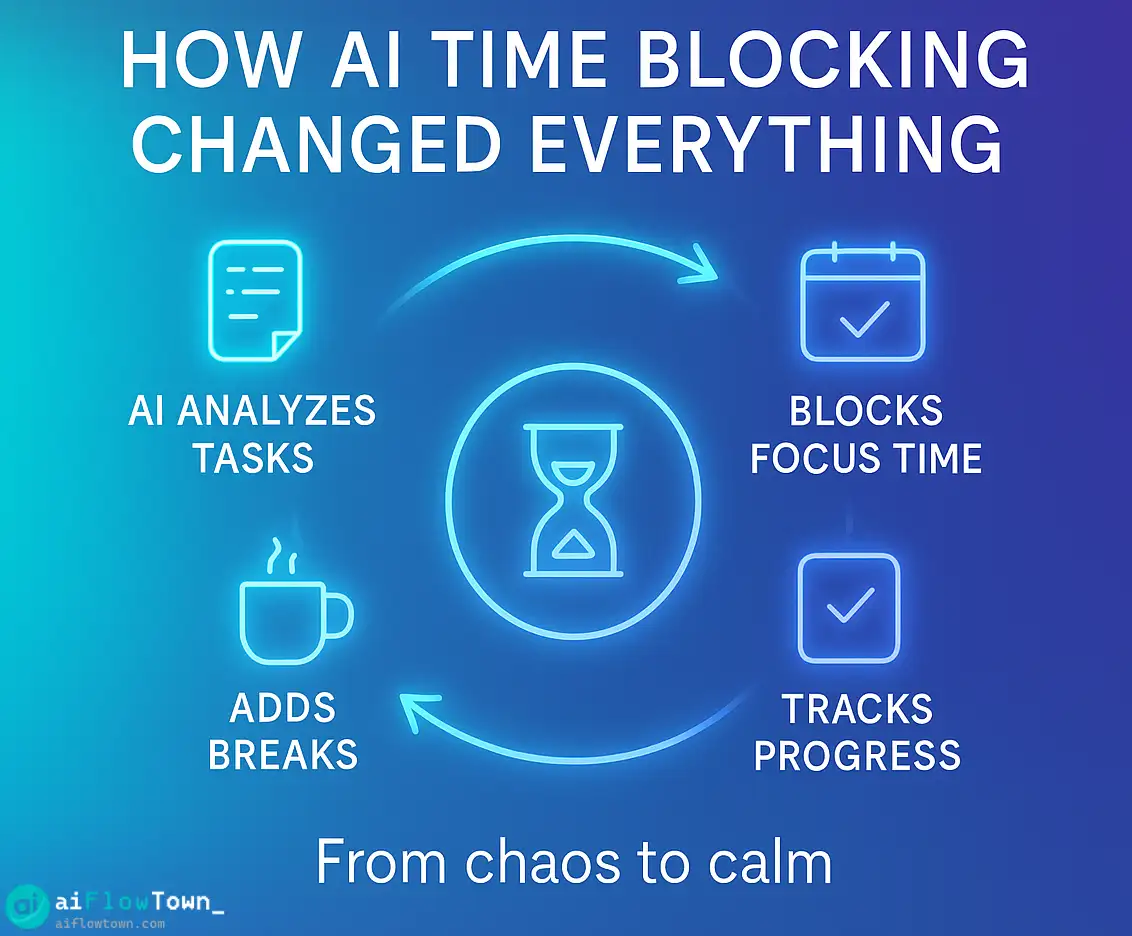
The AI then acts as an intelligent scheduler, constantly analyzing your calendar and commitments to:
- Find Optimal Slots: It automatically finds the best available time blocks for your tasks and habits based on your priorities and deadlines.
- Dynamically Reschedule: If a conflict arises (e.g., a new meeting request), the AI automatically moves lower-priority tasks or flexible habits to the next best slot without your intervention.
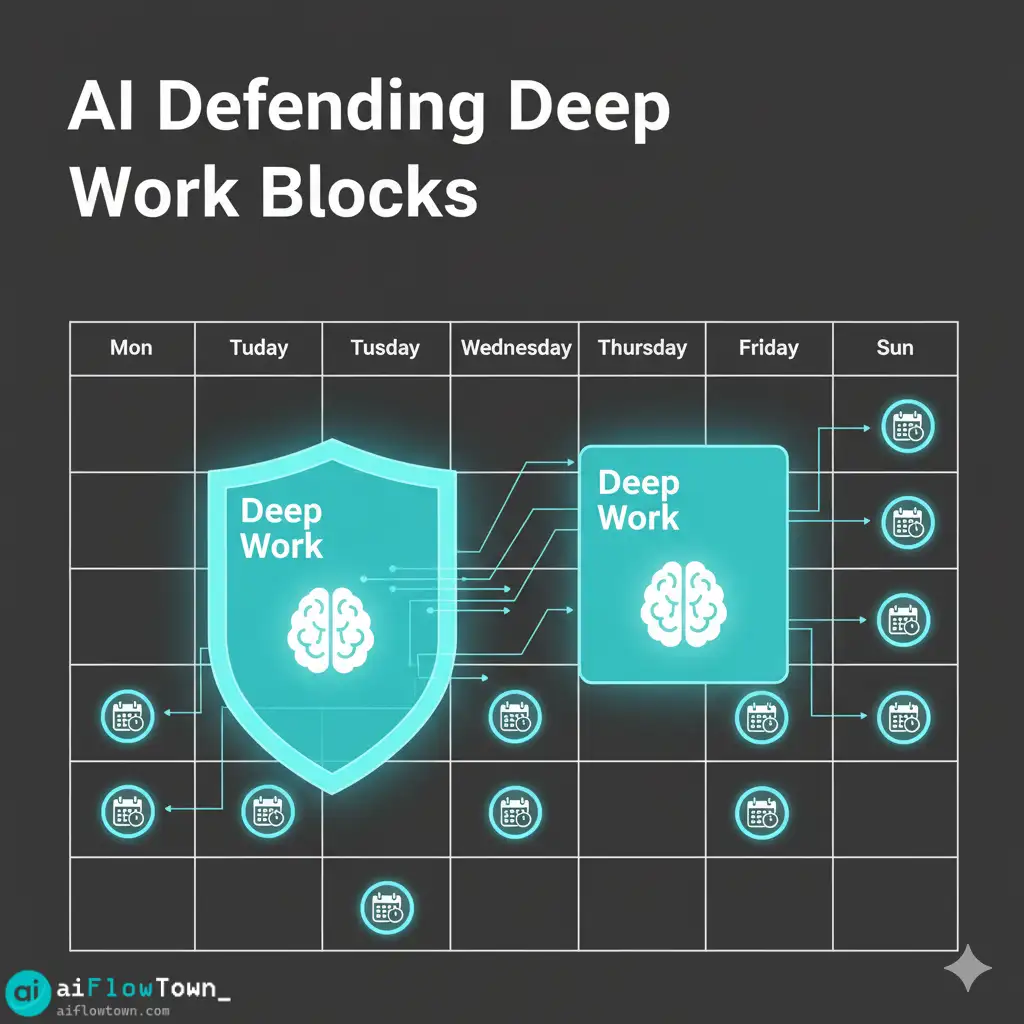
- Defend Focus Time: You can designate specific types of work (e.g., “Deep Work,” “Coding”) as high priority, and the AI will actively protect these blocks, making them less likely to be rescheduled. This is crucial for focus time protection.
- Add Buffers Automatically: Many tools can automatically add buffer time before and after meetings, preventing the back-to-back rush.
The core difference is shifting from manual placement to constraint-based optimization. You tell the AI the rules and priorities, and it handles the complex puzzle of fitting everything together.
Part 3: My Experience – The Tangible Benefits of AI Time Blocking
1. Drastic Reduction in Planning Time
My Sunday night planning session virtually disappeared. Instead of spending an hour dragging blocks around, I now spend about 15 minutes reviewing my task list in my project manager (integrated with the AI scheduler), ensuring deadlines and durations are accurate, and adding any new habits. The AI handles the “where and when.” This alone freed up significant mental bandwidth.
2. Increased Adaptability and Resilience
This was the biggest game-changer. When an urgent meeting inevitably disrupts my planned “focus block,” I no longer feel the stress of needing to manually reshuffle everything. I know the AI will automatically find a new home for that work block later in the day or week, ensuring it still gets done before the deadline. My calendar became fluid and resilient, reflecting reality rather than fighting it.
3. Genuine Focus Time Protection
By marking my “Deep Work” tasks or habits as high priority, the AI scheduler became my gatekeeper. When colleagues tried to book meetings during these times (via scheduling links connected to the AI), they would see me as busy or be offered alternative slots. The AI proactively defended my most important time, something I often failed to do effectively myself.
4. Consistent Habit Implementation
Habits like “exercise” or “daily learning” used to be the first things dropped when my schedule got busy. By defining them as recurring Habits in the AI scheduler with specific time preferences (e.g., “Workout – 3 times/week, ideally 4-6 PM”), the system automatically carved out space for them. Seeing them physically blocked on my calendar made me far more likely to follow through. The automation built accountability.
5. Reduced Decision Fatigue
The constant micro-decisions of manual scheduling (“Should I work on Project A now or later?”, “Where can I fit in lunch?”) were largely eliminated. The AI made the initial placement based on priorities, freeing my mind to focus on executing the task, not just planning it.
Manual vs. AI Time Blocking: Key Differences
This table summarizes the core distinctions I experienced:
| Aspect | Manual Time Blocking | AI Time Blocking |
|---|---|---|
| Planning Effort | High (Requires weekly manual scheduling) | Low (Requires setting priorities & deadlines; AI schedules) |
| Flexibility | Low (Rigid; requires manual rescheduling for conflicts) | High (Dynamically adapts to changes automatically) |
| Focus Protection | Requires strong personal discipline to enforce blocks | Actively defends designated focus blocks via smart scheduling |
| Habit Scheduling | Requires manual placement each week; easily skipped | Automated placement based on rules; increases consistency |
| Decision Fatigue | High (Constant decisions about task placement) | Low (AI makes initial placement decisions based on rules) |
Part 4: Getting Started with AI Time Blocking – Practical Steps
Ready to try it yourself? Here’s a simplified approach:
- Choose Your Tool: Research AI calendar assistants like Reclaim AI, Motion, Skedpal, or Clockwise. Many offer free trials or basic free plans. Pick one that integrates well with your existing calendar (usually Google Calendar or Outlook Calendar).
- Connect & Configure: Connect your calendar(s). Carefully define your working hours, meeting hours, and ideal schedule preferences within the tool’s settings.
- Define Your Habits: Start by adding 2-3 essential recurring habits (e.g., Lunch, Exercise, Daily Planning). Be specific about duration, frequency, and preferred time windows.
- Integrate Your Tasks: Connect the tool to your primary task manager (Todoist, Asana, ClickUp, etc.) if possible, or manually input your top 3-5 tasks for the week with estimated durations and deadlines.
- Observe and Refine: Let the AI run for a week. Observe how it schedules things. Does it match your energy levels? Are the task durations accurate? Adjust the settings, task estimates, and habit preferences based on your observations. AI scheduling gets smarter as you provide better input.
The initial setup takes some effort, but it pays dividends quickly. For more inspiration on structuring your work, explore the ideas in our Mindset & Focus category.
Conclusion: The Future of Personalized Scheduling
My experiment with AI time blocking wasn’t just about finding a new app; it was about fundamentally changing my relationship with my schedule. By delegating the logistical puzzle of time management to an intelligent system, I freed up significant mental energy and gained a level of flexibility and focus protection that manual methods could never provide.
It requires a shift in mindset—trusting an algorithm with your time—but the payoff in reduced stress and increased productivity is substantial. If you feel constrained by your calendar, I highly encourage you to explore the world of AI calendar scheduling. It might just change your work routine forever, too.
❓ FAQ
❓ What are the best AI time blocking tools?
Popular and highly-regarded tools in this space include Reclaim AI, Motion, Skedpal, and Clockwise (more team-focused). Each has slightly different features, pricing, and user interfaces. It’s best to try free trials of a couple to see which one fits your workflow and preferences.
Do I need a paid subscription to use AI time blocking?
Most dedicated AI time blocking tools operate on a subscription model. While some offer limited free plans or trials, the core features like unlimited task scheduling, advanced habit configuration, and buffer time usually require a paid subscription.
⚙️ Does AI time blocking work if my schedule changes constantly?
Yes, that’s actually where it shines! Because the AI constantly re-evaluates your calendar and priorities, it’s excellent at adapting to unexpected changes. When a new meeting pops up, it automatically finds the next best time for the tasks or habits that were displaced, saving you the manual rescheduling effort.
What if I don’t like where the AI schedules a task?
You are always in control. All AI time blocking tools allow you to manually drag and drop the time blocks they create. Most will then “lock” that event in place or adjust future scheduling around your manual change. You can also adjust task priorities or habit flexibility settings to influence the AI’s decisions.
⚠️ Reminder: Even the smartest tools / AI can miss small details or make mistakes. Always double-check your work before presenting or publishing it - a quick review can save hours later.