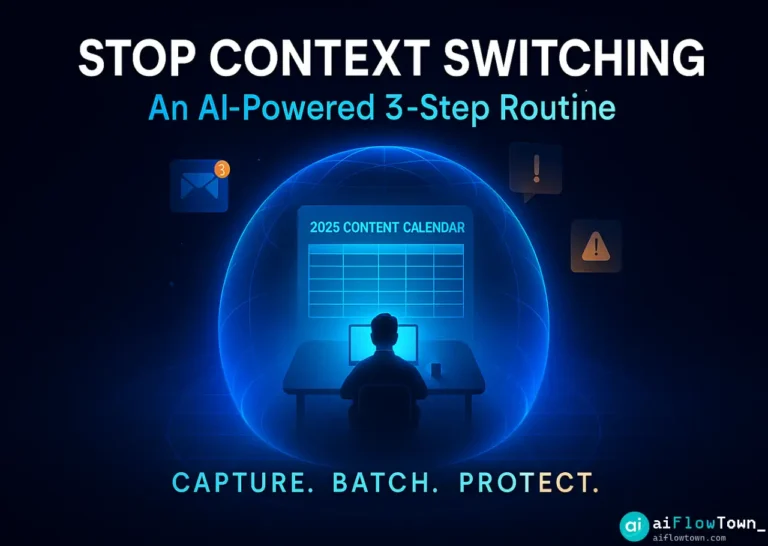
Shield Your Focus from Context Switching
You open your inbox to check “one quick email.” Forty-five minutes later, you’ve checked Slack, tweaked a spreadsheet, and reviewed a calendar invite, but you’ve completely forgotten why you opened your email. Your flow is broken. This isn’t a lack of willpower; it’s death by a thousand papercuts. The modern workday is designed to break your focus. The cost of this constant context switching is massive, not just in lost time, but in mental energy. AI can’t give you more self-control, but it can act as a shield—an assistant that deflects the noise so you can finally do the real work.
Why Context Switching Is Your Real Enemy
Let’s be clear: context switching is not multitasking. Multitasking is trying to do two things at once. Context switching is jumping between unrelated tasks before either is finished.
It looks like this:
- ➡️ Writing a report…
- …then checking a Slack notification…
- …then answering a “quick” email…
- …then trying to get back to the report.
The problem is something researchers call “attention residue.” When you switch from Task A to Task B, your brain doesn’t make a clean jump. A part of your mind is still thinking about Task A. This “residue” makes you slower, less accurate, and more tired. The cost of context switching is that you end the day feeling busy, but not productive.
Fixing this is the key to deep work. It’s one of the biggest blockers to real output, and a topic we cover in our mindset and focus guides.
A 3-Step Routine to Stop Context Switching
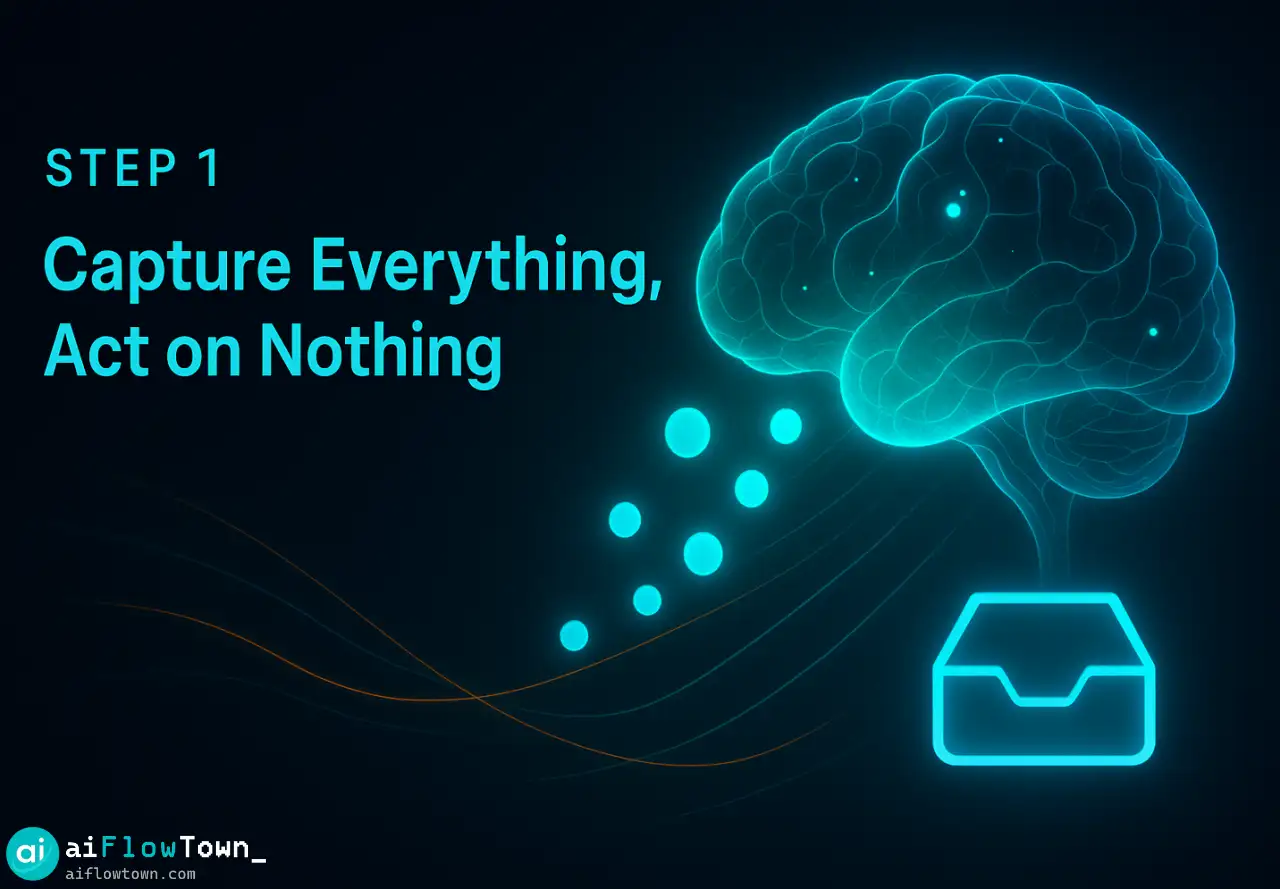
Step 1: Capture Everything, Act on Nothing
The main reason we switch tasks is the fear of forgetting. You’re writing code, and you suddenly remember you need to email a client. You stop coding to send the email because you’re afraid the thought will vanish.
The Fix: Use a “quick capture” inbox. This can be an AI voice memo app (like Otter.ai) or a simple text file. The rule is: if a new thought pops up, you capture it in less than three seconds. Don’t act on it. Don’t categorize it. Just capture it, and get right back to your main task.
This empties your brain, removes the fear, and allows you to stay in flow.
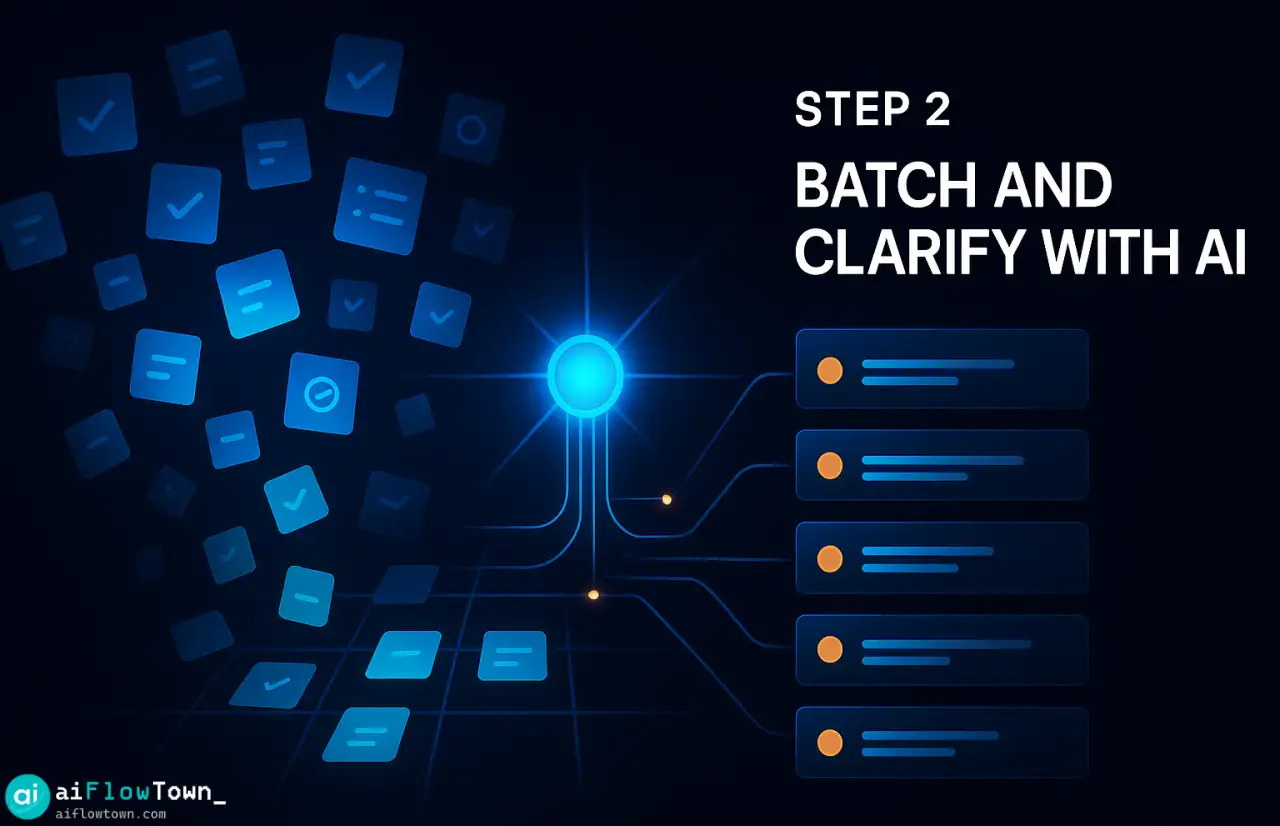
Step 2: Batch and Clarify with AI
A long “captured” list is just another messy inbox. Now, you process it in batches. Set two 15-minute blocks per day (e.g., 11:30 AM and 4:30 PM) to process your “capture inbox.”
This is where AI comes in. Copy your entire brain dump and use a simple prompt.
**Prompt:**
You are an expert productivity assistant. I'm giving you my raw brain dump of notes, ideas, and tasks.
Your job is to:
1.  Organize them into logical groups (e.g., "Emails to Send," "Research Topics," "Calls to Make").
2.  Suggest a simple priority (High, Medium, Low) for each group.
3.  Rewrite the tasks as clear, actionable items.

**My Brain Dump:**
- email client X about invoice
- idea for new blog post about AI focus
- remember to call the dentist
- slack Bob about Q4 numbers
- check if the server is down
The AI will turn that chaos into a clean, organized list. You’re no longer switching contexts; you’re handling all “email” tasks at once, all “call” tasks at once, etc.
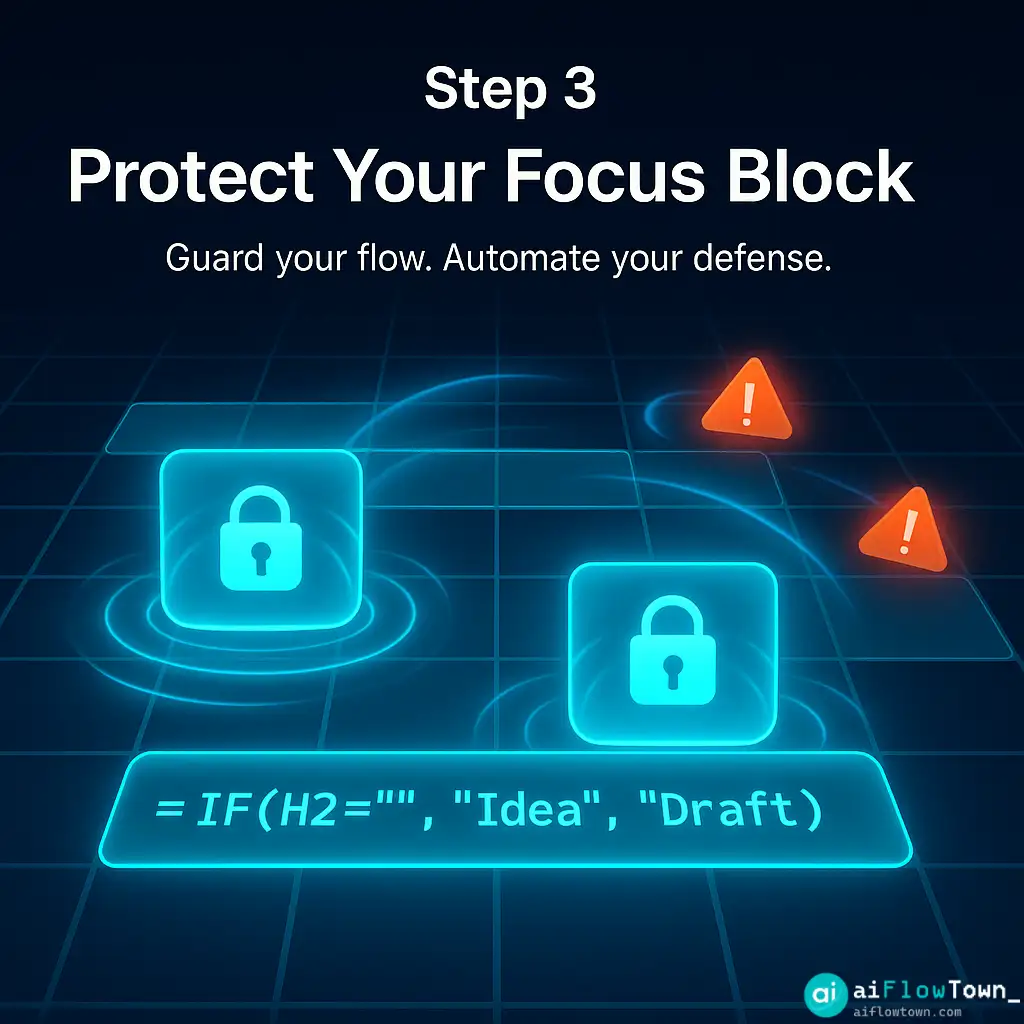
Step 3: Protect Your Focus Block with AI
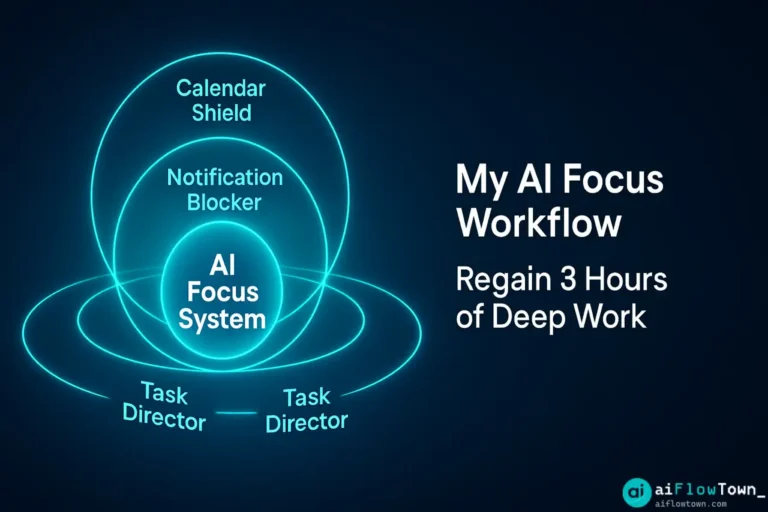
The final step is defense. You’ve captured tasks and batched them. Now you must protect the 90-minute “deep work” blocks where you do your real job. Distractions (Slack, email) are the enemy here.
Use AI tools as your gatekeeper:
- AI Calendar Tools (Reclaim.ai, Motion): These tools automatically find and block “deep work” time in your calendar so no one can book meetings with you.
- AI Assistants: Use AI to set smart “Do Not Disturb” modes. An AI assistant can scan incoming Slacks or emails and only notify you if the message is truly urgent (e.g., mentions “server down”) while holding everything else.
This is a core part of building effective AI workflows that work for you, not against you.
AI Tools That Help This Routine
You don’t need expensive software. You can start this routine with tools you already have. Here’s a breakdown of how different AI tools support this 3-step system.
| Routine Step | AI Tool Type | How It Helps |
|---|---|---|
| Step 1: Capture | AI Voice Memos (e.g., Otter.ai, native phone apps) | Transcribes your thoughts hands-free so you never leave your main task. |
| Step 2: Batch | AI Chatbots (e.g., ChatGPT, Claude, Gemini) | Organizes your messy “brain dump” into a clean, prioritized to-do list. |
| Step 3: Protect | AI Calendar Schedulers (e.g., Reclaim.ai) | Finds and defends deep work time in your calendar automatically. |
| (General) | AI Email Summarizers | Reads your inbox for you and summarizes, so you only open what matters. |
If you’re just starting, check out our list of the best free AI tools that can do many of these tasks.
Common Mistakes to Avoid
Building this habit takes a few days. Be aware of these common traps.
Warning: Automating a Bad Habit
If your habit is to check Slack every 5 minutes, an AI tool won’t fix that. AI is a shield, not a cure for a lack of boundaries. Use the tool to enforce the boundary (e.g., “I will only check Slack at 11:30 AM”), not to make your bad habit faster.
Insight: Using “Capture” as Another Distraction
The goal of Step 1 is “capture and return,” not “capture and admire.” Don’t stop to perfect the note. Don’t organize it. Just dump it and get back to work. The organizing happens later, during your batching step. This is how to stop context switching at work effectively.
❓ FAQ
Won’t setting up these AI tools take more time?
It takes about an hour to set up this system. You connect your calendar to a tool and create a prompt template. That one-hour investment saves you many hours every single week. It’s a small setup cost for a big return.
Is context switching just a lack of self-discipline?
No. Modern tools are designed to steal your attention with notifications and rewards. This routine isn’t about having more willpower; it’s about building a better system that defends your focus so willpower isn’t needed as often.
What’s the one AI tool I should start with?
Start with “Step 2: Batch and Clarify” using a free AI chatbot like ChatGPT or Claude. It costs nothing and immediately shows you the power of turning a chaotic brain dump into an organized, actionable plan.
Final Thoughts
Focus isn’t an accident. In the modern workplace, it’s a victory. It’s the result of a good system, and AI is the best assistant we’ve ever had for building that system.
This 3-step routine (Capture, Batch, Protect) gives you a simple framework to follow. The goal is to stop the damage of context switching so you can end your day feeling accomplished, not just busy. You’re not just managing tasks; you’re managing your energy.
Ready to apply this focused mindset to your daily tasks? Start by exploring our AI productivity prompts to automate your next task.
⚠️ Reminder: Even the smartest tools / AI can miss small details or make mistakes. Always double-check your work before presenting or publishing it - a quick review can save hours later.