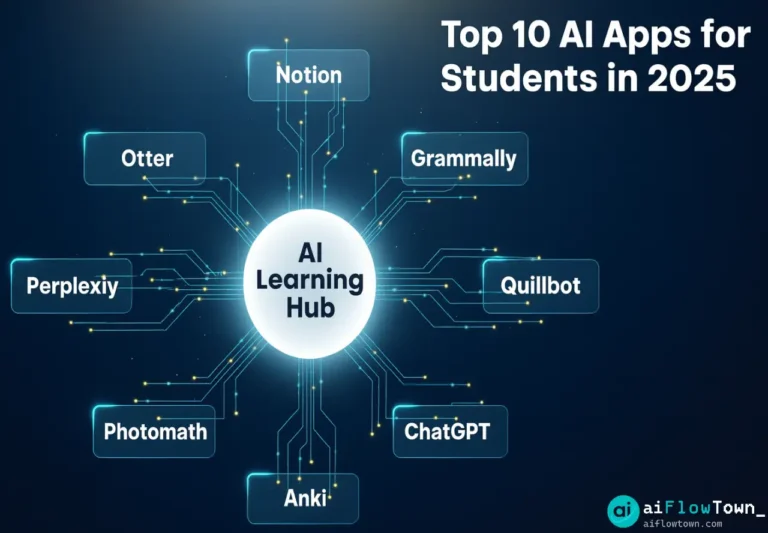
You’re drowning in readings, lectures, assignments, and exams. Traditional study methods—highlighting textbooks, rewriting notes, cramming before tests—waste hours while producing mediocre retention. AI apps transform studying from passive consumption to active learning: instant note summaries, personalized quizzes, research assistance, writing feedback, and math explanations. These aren’t cheating tools—they’re learning accelerators that help you understand faster and remember longer. Here are the 10 AI apps every student should use in 2025.
Why Students Need AI Tools Now
The volume of information students process has exploded, but hours in the day haven’t. Modern students face:
- 100+ pages reading weekly across multiple courses
- Lectures at speeds impossible to fully capture
- Research papers requiring synthesis of dozens of sources
- Writing assignments demanding higher standards
- Competition requiring better grades with less time
These ai apps for students don’t do your work for you—they help you process information faster, understand deeper, and study more effectively using best ai tools for college students principles.
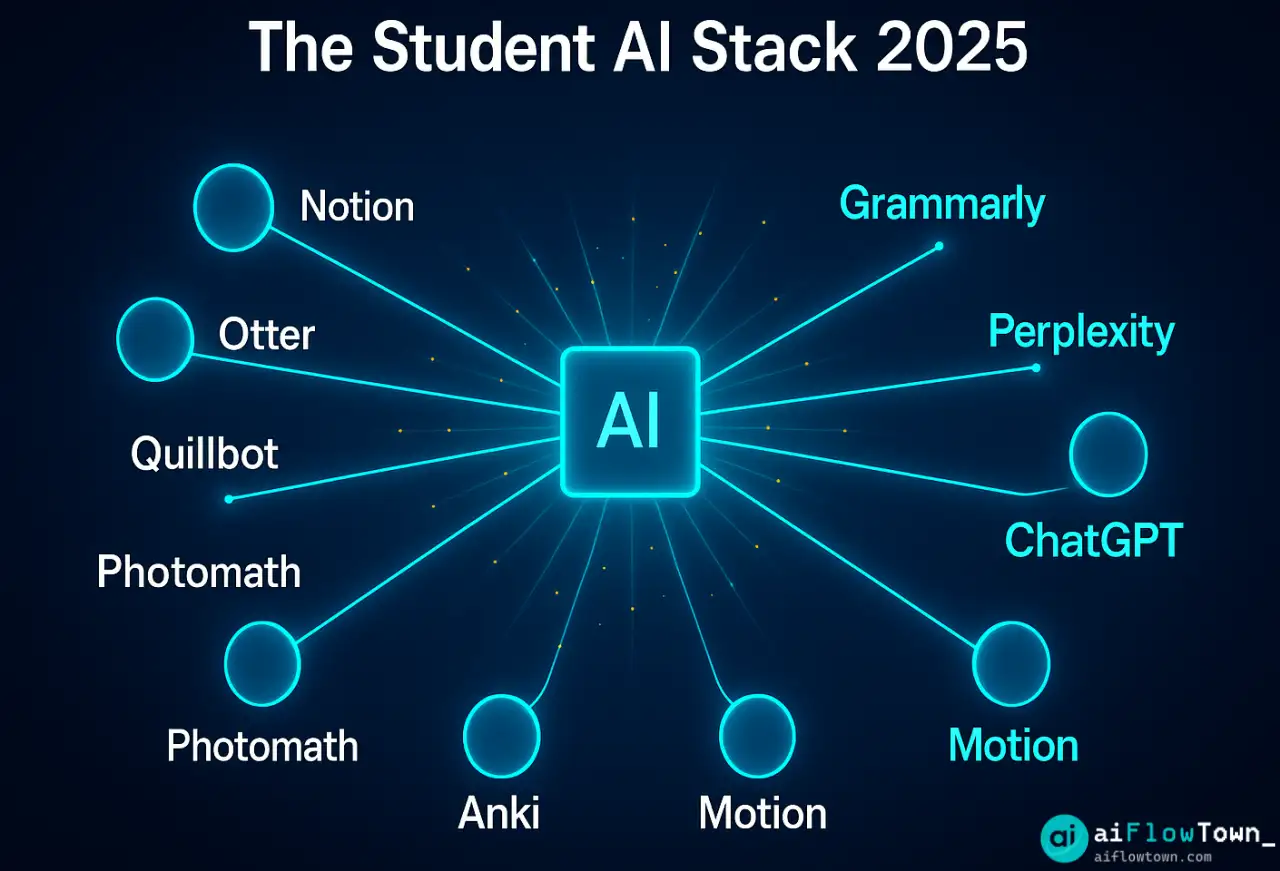
Category 1: Note-Taking & Lecture Capture
1. Notion AI — Smart Note System
What it does: All-in-one workspace with AI that organizes notes, generates summaries, creates study guides.
| Feature | Student Benefit | Time Saved |
|---|---|---|
| Lecture note templates | Consistent structure across all classes | 5 min per lecture |
| AI summarization | 10 pages → 1 page key points | 15 min per chapter |
| Quiz generation | Auto-create practice questions from notes | 20 min per study session |
| Connected databases | Link notes to assignments and readings | 10 min per week |
Best for: Organized students who want everything in one place
Cost: Free for students (Plus normally $10/mo, AI add-on $10/mo)
Platform: Web, Mac, Windows, iOS, Android
2. Otter.ai — Lecture Transcription
What it does: Automatically transcribes lectures in real-time, syncs with slides, identifies key concepts.
How students use it:
During lecture:
- Record audio (with professor permission)
- Otter transcribes in real-time
- You focus on understanding, not frantic typing
- Add comments/highlights at important moments

After lecture:
- Review transcript in 5 minutes vs 60-minute recording
- Search for specific topics instantly
- Export to notes with timestamps
- Share with study group
Best for: Fast-paced lectures, language learners, accessibility needs
Cost: Free (600 min/mo), Premium $17/mo
Platform: Web, iOS, Android
Category 2: Writing & Research
3. Grammarly — Writing Enhancement
What it does: Real-time grammar, clarity, tone, and plagiarism checking across all writing.
Student-specific features:
- ✅ Detects unclear arguments in essays
- ✅ Suggests stronger vocabulary for academic writing
- ✅ Checks citation formatting consistency
- ✅ Tone adjustment (formal for papers, casual for emails)
- ✅ Plagiarism detection (Premium)
Grade impact: Students report 10-15% improvement in writing grades after consistent Grammarly use using ai study apps that improve grades effectively.
Best for: Any student who writes essays, reports, or papers
Cost: Free (basic), Premium $12/mo (worth it for plagiarism checker)
Platform: Browser extension, Word, Google Docs, mobile apps
4. Perplexity AI — Research Assistant
What it does: AI search that gives direct answers with academic sources, not just links.
Research workflow:
Old way:
Google → Read 10 articles → Take notes → Compare info → Synthesize
Time: 2-3 hours for research paper foundation

With Perplexity:
Ask question → Get answer with sources → Verify sources → Dive deeper where needed
Time: 30-45 minutes for same foundation

Key difference: AI synthesizes information, you focus on critical thinking
Academic integrity note: Use for understanding and starting points, not final citations. Always verify sources and read primary materials for serious papers.
Best for: Research papers, literature reviews, quick fact-checking
Cost: Free tier generous, Pro $20/mo
Platform: Web, mobile apps. For more research tools, visit tools and apps.
5. Quillbot — Paraphrasing & Summarization
What it does: Rewrites text for clarity, summarizes long articles, checks grammar.
Student use cases:
- Paraphrase research for notes (avoid accidental plagiarism)
- Summarize 20-page articles to 1 page
- Rewrite your own sentences for better clarity
- Check grammar before submitting assignments
Warning: Don’t use to paraphrase sources directly into papers—that’s still plagiarism. Use to understand complex texts or rephrase your own writing.
Best for: Reading comprehension, note-taking, self-editing
Cost: Free (limited), Premium $20/mo
Platform: Web, browser extension
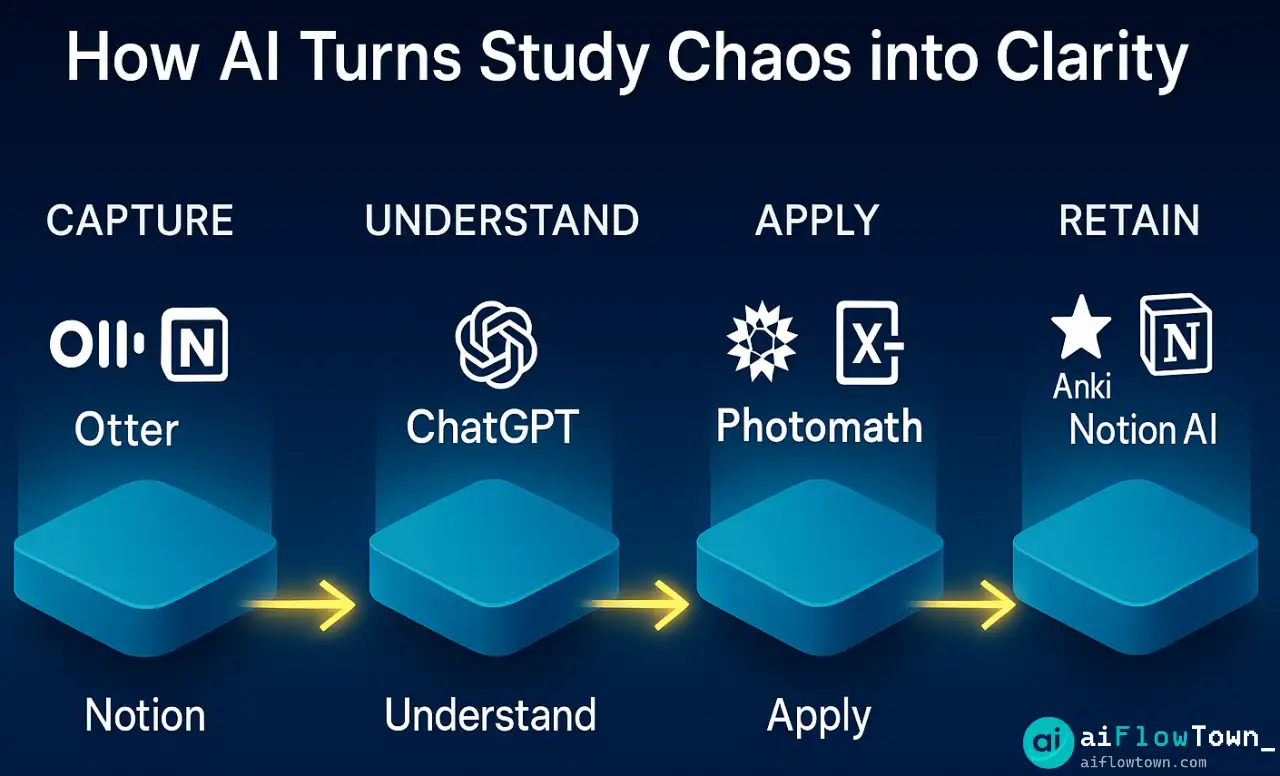
Category 3: Math & STEM
6. Photomath — Math Problem Solver
What it does: Take photo of math problem, get step-by-step solution with explanations.
Learning approach:
Wrong way: Use Photomath for answers, submit homework without understanding
Right way: Attempt problem → Get stuck → Use Photomath to see method → Understand steps → Try similar problems yourself → Check with Photomath
Result: You learn the process, don’t just copy answers
– Effective Math Learning –
Covers: Arithmetic, algebra, geometry, trigonometry, calculus, statistics
Best for: Math homework help, exam prep, understanding where you went wrong
Cost: Free (basic), Plus $10/mo (detailed explanations)
Platform: iOS, Android
7. Wolfram Alpha — Computational Knowledge
What it does: Answers factual queries, solves equations, generates data visualizations for STEM subjects.
Beyond basic calculators:
- Chemistry: molecule structures, reactions, element properties
- Physics: formulas, unit conversions, problem solving
- Statistics: distributions, hypothesis tests, data analysis
- Engineering: equations, material properties, calculations
- Biology: anatomy, genetic sequences, organism data
Best for: STEM majors, science homework, exam studying
Cost: Free (basic), Pro $8/mo (step-by-step solutions)
Platform: Web, mobile apps
Category 4: Study & Memory
8. Anki — Spaced Repetition Flashcards
What it does: Smart flashcards that use spaced repetition algorithm for optimal memory retention.
How spaced repetition works:
Day 1: Learn new card
Day 2: Review (if remembered, next review in 4 days)
Day 6: Review (if remembered, next review in 10 days)
Day 16: Review (if remembered, next review in 30 days)

Cards you struggle with appear more frequently
Cards you know well appear less often

Result: Learn more with less total study time
Best for: Languages, medical terms, history facts, anything requiring memorization using student productivity apps with ai learning algorithms.
Cost: Free (desktop/Android), $25 one-time (iOS)
Platform: Windows, Mac, Linux, iOS, Android
9. ChatGPT — Study Tutor
What it does: Explains concepts, generates practice problems, quizzes you, helps understand difficult topics.
Study prompts for students:
"Explain [concept] like I'm 5"
Gets simple explanation before diving into complexity

"Quiz me on [topic] with 10 questions"
Active recall practice

"I don't understand [specific thing in textbook]"
Alternative explanations for confusing material

"Create a study guide for [exam topic]"
Organized review material

"What are common misconceptions about [subject]?"
Avoid typical mistakes
Academic integrity: Use to understand, not to generate essay content. Professors can detect AI writing.
Best for: Concept explanation, practice problems, study strategies
Cost: Free (GPT-3.5), Plus $20/mo (GPT-4)
Platform: Web, mobile apps. For more prompts, check prompt library.
Category 5: Organization & Planning
10. Motion — AI Schedule Planner
What it does: Automatically schedules study time, assignments, and deadlines on your calendar.
Student workflow:
Input once:
- Assignment: "20-page research paper"
- Due date: March 15
- Estimated time: 12 hours

Motion automatically:
- Breaks into 2-hour work sessions
- Schedules across multiple days
- Places in your least-busy times
- Adjusts when classes/activities appear
- Reminds you to start

You just: Show up when Motion tells you to work
Best for: Students juggling multiple deadlines, procrastinators
Cost: $19/mo (student discount from $34/mo)
Platform: Web, mobile apps
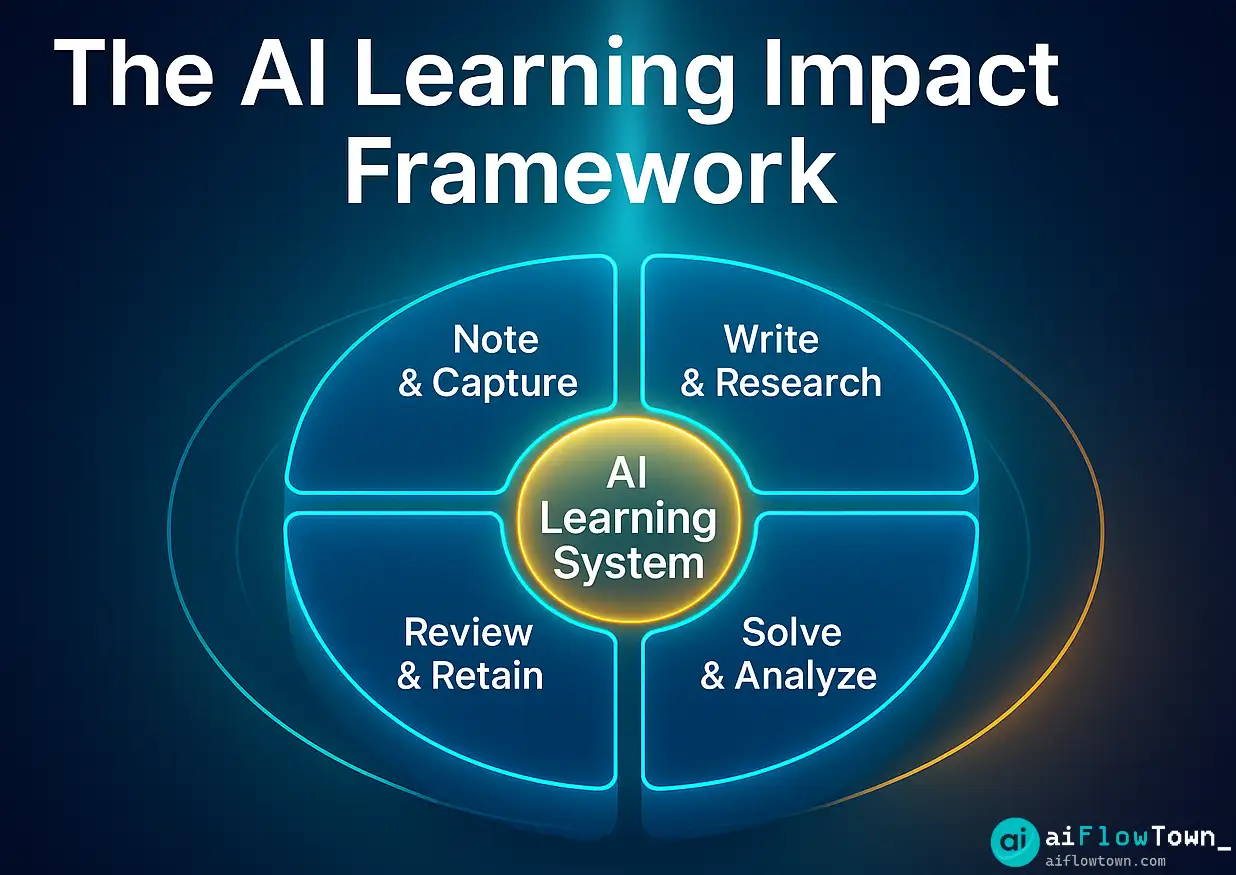
Building Your Student AI Stack
Essential Stack (Free)
- ✅ Notion (notes organization)
- ✅ Otter.ai (lecture transcription)
- ✅ Grammarly (writing help)
- ✅ ChatGPT (study tutor)
- ✅ Anki (memorization)
Total cost: $0
Covers: 90% of student needs
Premium Stack (For Serious Students)
- ✅ Everything in Essential Stack
- ✅ + Grammarly Premium ($12/mo for plagiarism check)
- ✅ + Photomath Plus ($10/mo for detailed math help)
- ✅ + ChatGPT Plus ($20/mo for better tutoring)
Total cost: $42/mo
ROI: Better grades, less stress, 10+ hours saved weekly
Academic Integrity Guidelines
Ethical AI Use for Students:
| ✅ Good Uses | ❌ Bad Uses (Will Get You in Trouble) |
|---|---|
| Understanding concepts you don’t grasp from lecture | Having AI write your essays |
| Generating practice problems for self-study | Copying AI solutions without understanding |
| Getting feedback on your writing clarity | Paraphrasing AI output as your own ideas |
| Organizing and summarizing your own notes | Using AI for exam questions (unless allowed) |
| Learning from step-by-step solutions (then practicing yourself) | Submitting AI-generated work as original |
Using free ai apps for homework help ethically means AI assists your learning, doesn’t replace it. For more on learning strategies, visit AI workflows.
❓ FAQ
Will professors know I used AI?
Yes, if you use it to generate content. Professors use AI detection tools and can spot AI writing style. Use AI to understand concepts and improve your own work, not to generate submitted content. Check your school’s AI policy—many now have explicit guidelines.
Which apps are worth paying for?
Start with free versions. Pay for Grammarly Premium if you write lots of papers (plagiarism checker is valuable). Pay for ChatGPT Plus if you’re a STEM major needing complex problem help. Motion worth it if you struggle with procrastination. Don’t pay for everything—most free tiers are sufficient.
Can I use these during class?
Recording lectures: Always ask professor permission first. Some schools require it legally. Note-taking apps: Fine. AI writing assistance during in-class essays: Usually not allowed, check syllabus. During exams: Absolutely not unless explicitly permitted. When in doubt, ask your professor.
Which app has biggest impact on grades?
Depends on your weakness. Bad at math: Photomath + Wolfram Alpha. Poor writer: Grammarly. Disorganized: Notion + Motion. Can’t remember material: Anki. Use AI to shore up your specific weak points, not randomly try everything.
⚖️ Is using AI cheating?
Depends how you use it. Calculator for math isn’t cheating, having someone else do your homework is. Same with AI: using it to understand is studying, using it to generate submitted work is cheating. Your school’s honor code defines the line—read it carefully.
Final Thoughts
These ai apps for students aren’t about shortcuts or cheating—they’re about learning more efficiently in an information-overloaded world. The students who thrive in 2025 aren’t those who avoid AI, but those who use it ethically to understand faster, study smarter, and produce better work.
Start with the free essential stack this week. Use AI to help you learn, not to replace learning. Check your school’s policies. Focus on understanding concepts deeply rather than surface-level completion. AI should make you a better student, not a dependent one.
Your professors used calculators, Wikipedia, and Google when those were new. You’ll use AI. The key is using it to enhance your learning capability, not substitute for it. Build your AI stack based on your actual needs and watch your efficiency multiply.
Next: Want more ways to study effectively? Explore our collection of AI prompts for learning and research that help you master any subject faster.
⚠️ Reminder: Even the smartest tools / AI can miss small details or make mistakes. Always double-check your work before presenting or publishing it - a quick review can save hours later.