The Tyranny of the Urgent
Your calendar says you have three hours of focus time this morning. You open your task list. There’s the big strategic project due in three weeks. Then there’s that client email from yesterday—24 hours old, feels urgent. Then a Slack about a meeting agenda. Then a document to review…
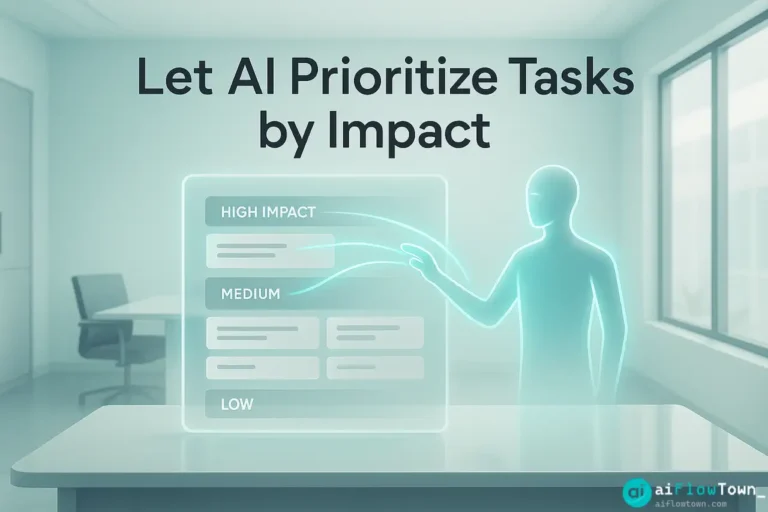
Three hours later, you’ve checked off eight tasks. You feel productive. But you didn’t touch the strategic project. You worked on whatever felt most pressing in the moment, which is almost never the most important thing. This is why ai task prioritization matters—human brains are terrible at separating urgent from important.
The problem isn’t laziness or poor planning. It’s that your brain uses flawed shortcuts: recency bias makes recent tasks feel more important, social pressure makes requests from others feel urgent, and easy tasks feel satisfying to check off. None of these factors correlate with actual impact.
Why Your Brain Can’t Prioritize Objectively
The Completion Bias Trap
Quick wins feel good. Checking off five small tasks gives you dopamine that one big complex task doesn’t. So you unconsciously gravitate toward easy stuff. At day’s end, you’ve been “productive” but accomplished nothing that actually matters. Your brain optimizes for feeling productive over being effective.
Emotional Priority Distortion
Tasks attached to fear or guilt feel more urgent than they are. That email from your boss feels like TOP PRIORITY even though responding has minimal business impact. Meanwhile, the strategic analysis that could drive next quarter’s growth sits at the bottom because it doesn’t trigger anxiety.
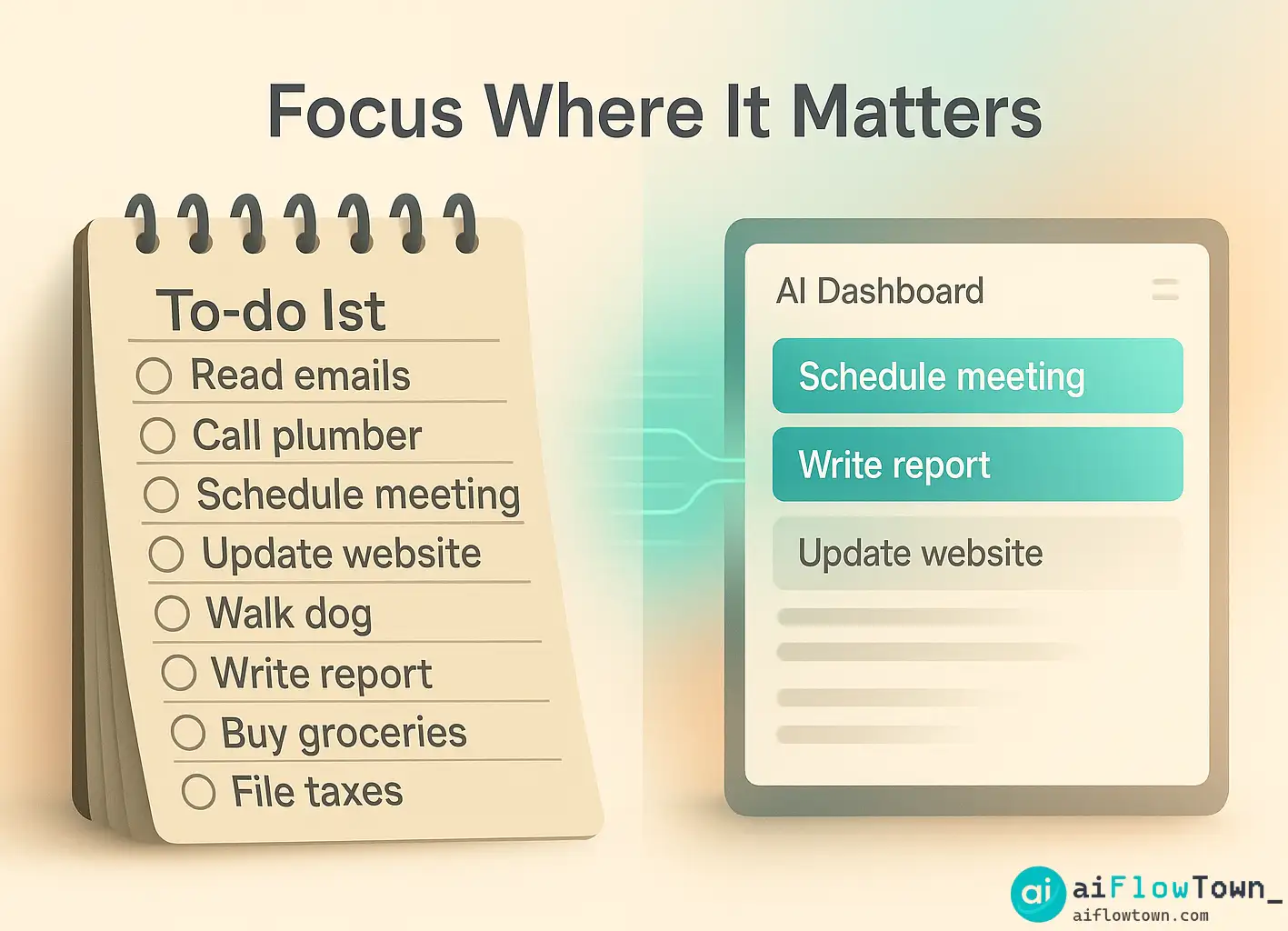
Most people prioritize by deadline or requester status. But “due Friday” doesn’t tell you if completing this task matters. You’re sorting by the wrong variables and getting predictably wrong outcomes. This is where smart task ranking with ai tools provides objectivity your brain can’t.
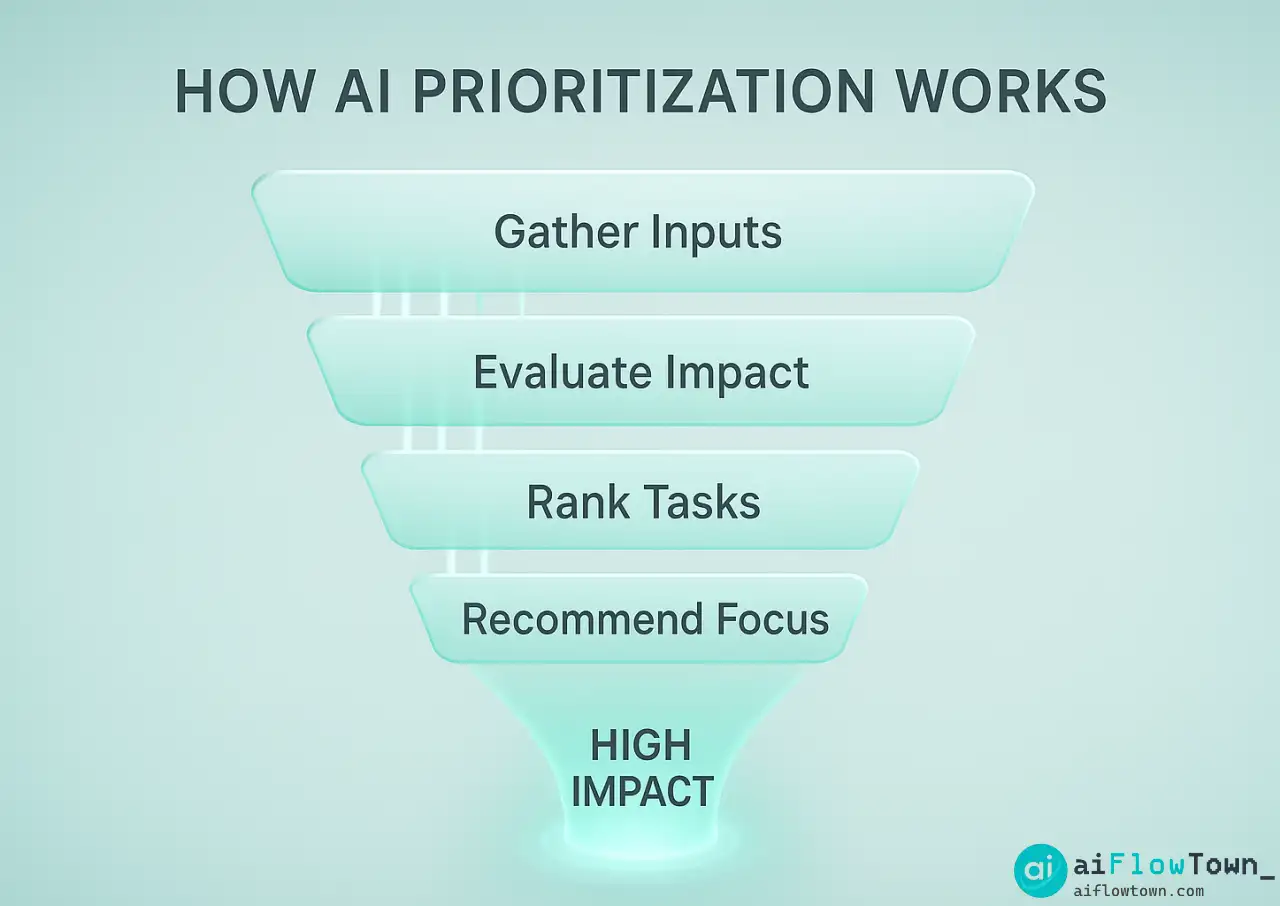
How AI Actually Measures Task Impact
The Impact Scoring Framework
Impact Score = (Business Value × Urgency × Effort) ÷ 100
– Business Value: 1-10 scale, how much does this move key metrics?
– Urgency: 1-10 scale, what happens if this waits another week?
– Effort: 1-10 scale (inverse), lower effort = higher scoreResult: Tasks with high value, real urgency, and low effort score highest.
AI applies this formula consistently to every task. No emotional bias. No recency effects. Just math using automate priority decisions using ai scoring logic. For comprehensive strategies, visit AI workflow automation.
Context-Aware Adjustments
Beyond the formula, AI considers context. If you’re in focus mode, it deprioritizes meetings. If you’re low energy late afternoon, it suggests easier tasks. AI adapts recommendations to your current state and constraints, helping identify high-impact work with ai analysis.
Setting Up AI Priority Scoring
Define Your Impact Criteria
Before AI can prioritize, tell it what “impact” means for your work:
My Impact Criteria:

High Impact (8-10):
- Directly generates revenue or saves significant cost
- Unblocks multiple team members or projects
- Strategic work that shapes next quarter

Medium Impact (4-7):
- Improves efficiency but not mission-critical
- Required for compliance or contracts
- Maintains existing relationships

Low Impact (1-3):
- Nice to have improvements
- Routine maintenance
- Internal process tweaks
The Daily Prioritization Prompt
Each morning, feed your task list to AI:
"Here are my tasks for today:

1. Respond to client proposal request
2. Fix bug in login system
3. Weekly team meeting prep
4. Review marketing copy
5. Update Q4 financial projections
6. Respond to 12 emails
7. Research competitor pricing

Evaluate each on:
- Business impact (1-10)
- True urgency (1-10)
- Effort required (1-10)

Rank by priority and tell me:
1. What to do first
2. What to do today
3. What can wait
4. What to delegate

My constraints: 4 hours focus time, low energy afternoon."
AI returns a ranked list with reasoning. You’re not guessing anymore. Explore more at AI productivity prompts.
Real Example: A Founder’s Priority Transformation
The Before State
James, a startup founder, worked 12-hour days and felt constantly behind. His prioritization method: whatever was most recent or whoever asked loudest. Client emails got immediate attention. Strategic planning got pushed to “when I have time”—which was never.
Typical day: Morning on inbox. Client calls. Fix small bugs. Attend meetings. Day ends without touching the two projects that would actually grow the business—product roadmap and fundraising deck.
The AI Implementation
James started each day feeding his task list to ChatGPT with impact criteria specific to his startup: revenue generation, team unblocking, and investor relationships scored highest.
The first AI ranking shocked him. The task he’d been avoiding—outlining the fundraising deck—scored highest. The 12 inbox emails? Seven were low-impact and could wait. The “urgent” bug fix? Medium impact—affected one user, team had workaround.
Results After 30 Days
| Metric | Before AI | After AI |
|---|---|---|
| Working hours | 12 hours/day | 9 hours/day |
| Fundraising deck | On list 3 months | Completed in 2 weeks |
| Product roadmap | Stale, outdated | Updated, shared |
| High-impact work | ~20% of time | ~60% of time |
James now uses optimize task order with ai prioritization system daily. He says: “I finally know I’m working on the right things. That certainty is worth more than any productivity hack.”
Advanced Priority Techniques
Context-Specific Scoring
Different contexts need different priority frameworks:
Crisis Mode: Urgency weighted 2x
Growth Mode: Revenue impact weighted 3x
Strategic Mode: Long-term value weighted 3x– Adaptive Priority Frameworks –
Tell AI which mode you’re in, and it adjusts scoring accordingly.
Weekly Priority Review
Each Friday, have AI analyze: did you actually work on what it ranked highest? If not, why? This reveals systematic biases—maybe you consistently avoid certain high-impact work. That insight helps you fix the real problem. For more strategies, check productivity flow hacks.
Common Mistakes to Avoid
The biggest mistake is letting AI prioritize but then ignoring its recommendations. If you consistently override the AI to do low-impact tasks that feel more comfortable, you’re not using the system—you’re just adding extra steps to your existing dysfunction.
Garbage In, Garbage Out
If you tell AI everything is “high impact,” scoring becomes meaningless. Be honest. Most tasks are medium or low impact. That’s normal. Value comes from identifying the few truly high-impact items buried in the list.
Never Updating Criteria
What counts as “high impact” changes as your business evolves. Review criteria quarterly. What mattered in startup mode might not matter in growth mode. Update definitions and AI’s scoring improves immediately.
❓ FAQ
What if AI ranks tasks differently than my intuition?
That’s often the point. Your intuition is biased by urgency and emotion. Try following AI’s ranking for a week. If certain recommendations consistently feel wrong, refine your impact criteria—but give the system a fair chance first.
⏱️ Does prioritizing daily take too much time?
The prompt takes 3-5 minutes. In return, you save hours working on wrong things. Think of it as investing 5 minutes to avoid wasting 3 hours on low-impact work. ROI is immediate.
Can AI prioritize when everything genuinely is urgent?
If everything is truly urgent, you have a workload problem, not a prioritization problem. AI will still rank by impact—helping you make the least-bad choice of what to delay. But the real solution is reducing total commitments.
Does this work for teams or just individuals?
Both. Individuals use it for daily focus. Teams use it for sprint planning and resource allocation. Same scoring framework applies—just at different scales. Shared criteria ensure team alignment on what matters.
What about mandatory tasks regardless of impact?
Some tasks are mandatory—compliance, legal requirements, contractual obligations. Flag these as “must do” separate from priority ranking. AI can help schedule them efficiently, even if they’re not “high impact.”
Final Thoughts
You can’t do everything on your task list. The question is: will you work on what matters or what feels urgent? AI to prioritize tasks by impact gives you clarity to choose effectiveness over busyness. It’s the difference between working hard and working on the right things.
Tomorrow morning, before diving into your task list, spend five minutes with AI. Get your priority ranking. Work on the top three items before touching email or Slack. At week’s end, compare: did you actually move important projects forward, or just clear urgent noise?
The tasks screaming for attention will always be there. The question is whether you’ll let them dictate your day or decide based on actual impact. AI gives you the clarity to choose wisely.
⚠️ Reminder: Even the smartest tools / AI can miss small details or make mistakes. Always double-check your work before presenting or publishing it - a quick review can save hours later.