The Weekly Report Nobody Wants to Write
It’s Friday afternoon. You’re mentally checked out. Your manager expects a team update by end of day. You open a blank document and stare. What did we accomplish this week? You scroll through Slack trying to piece together progress. Check meeting notes. Review your calendar. Slowly, painfully, you reconstruct the week into something coherent.
This takes 30-60 minutes every single week. That’s 26-52 hours per year spent on a task that feels more like admin work than actual contribution. Using ai team report templates changes this equation: you dump your rough notes, AI structures them into a professional update, and you’re done.
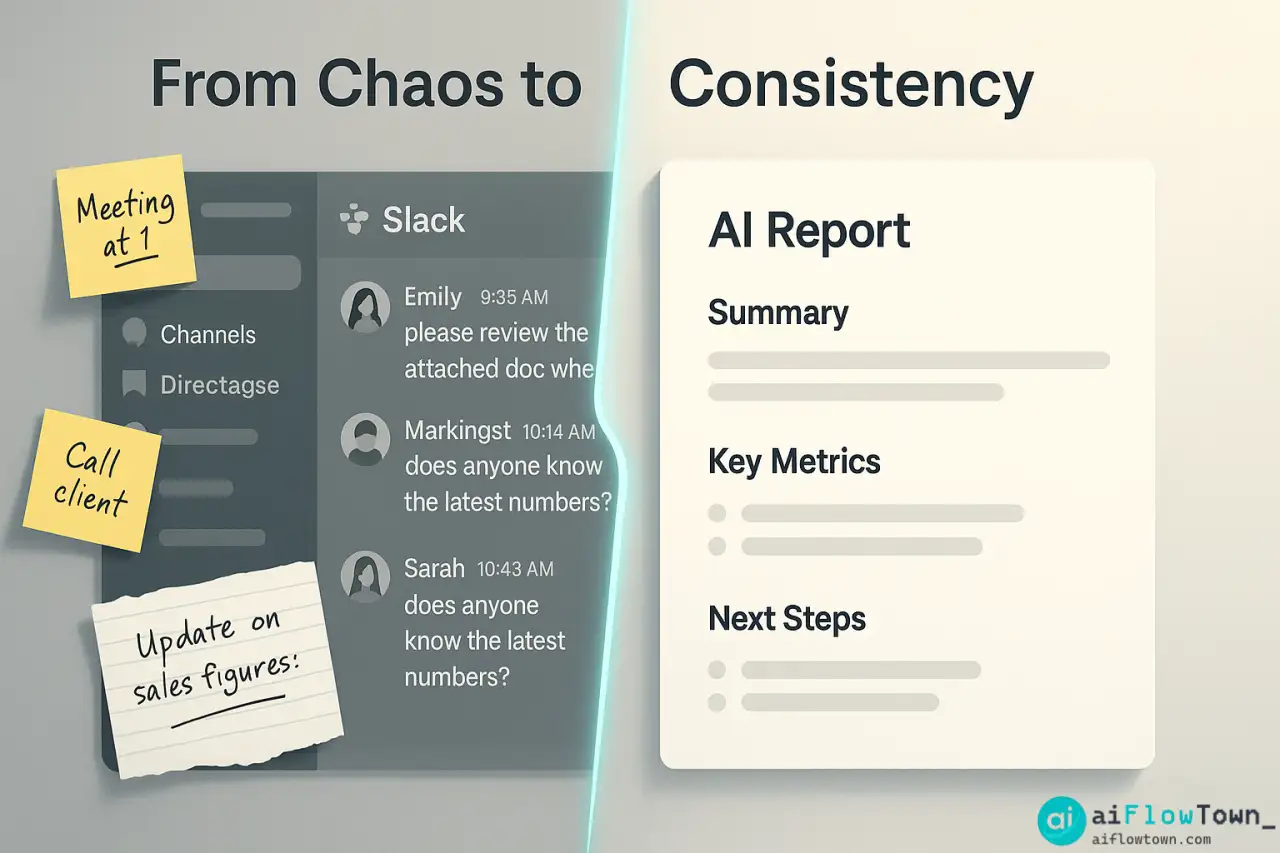
The real problem isn’t just time—it’s consistency. When you’re rushed, updates get shorter and less detailed. When you’re tired, quality suffers. AI maintains consistent quality and format every week, regardless of your energy level or how hectic Friday afternoon gets.
Why Manual Team Updates Are Painful
The Blank Page Problem
Starting from scratch every week means reinventing the structure. Should you organize by project? By person? Chronologically? You waste mental energy on formatting instead of content. By the time you decide on structure, you’re already frustrated.
The Memory Reconstruction Challenge
What happened Monday feels like ancient history by Friday. You remember the big stuff, but small wins and important details slip through. You know something significant happened Tuesday, but what exactly? This archaeological dig through your week shouldn’t be part of the reporting process.
Tone Inconsistency
When things go well, your update is upbeat and detailed. When the week was rough, your update becomes defensive or overly brief. Professional communication should maintain consistent tone regardless of circumstances. That’s hard to do manually when emotions are involved. This is where automate team status reports with ai helps maintain professionalism.
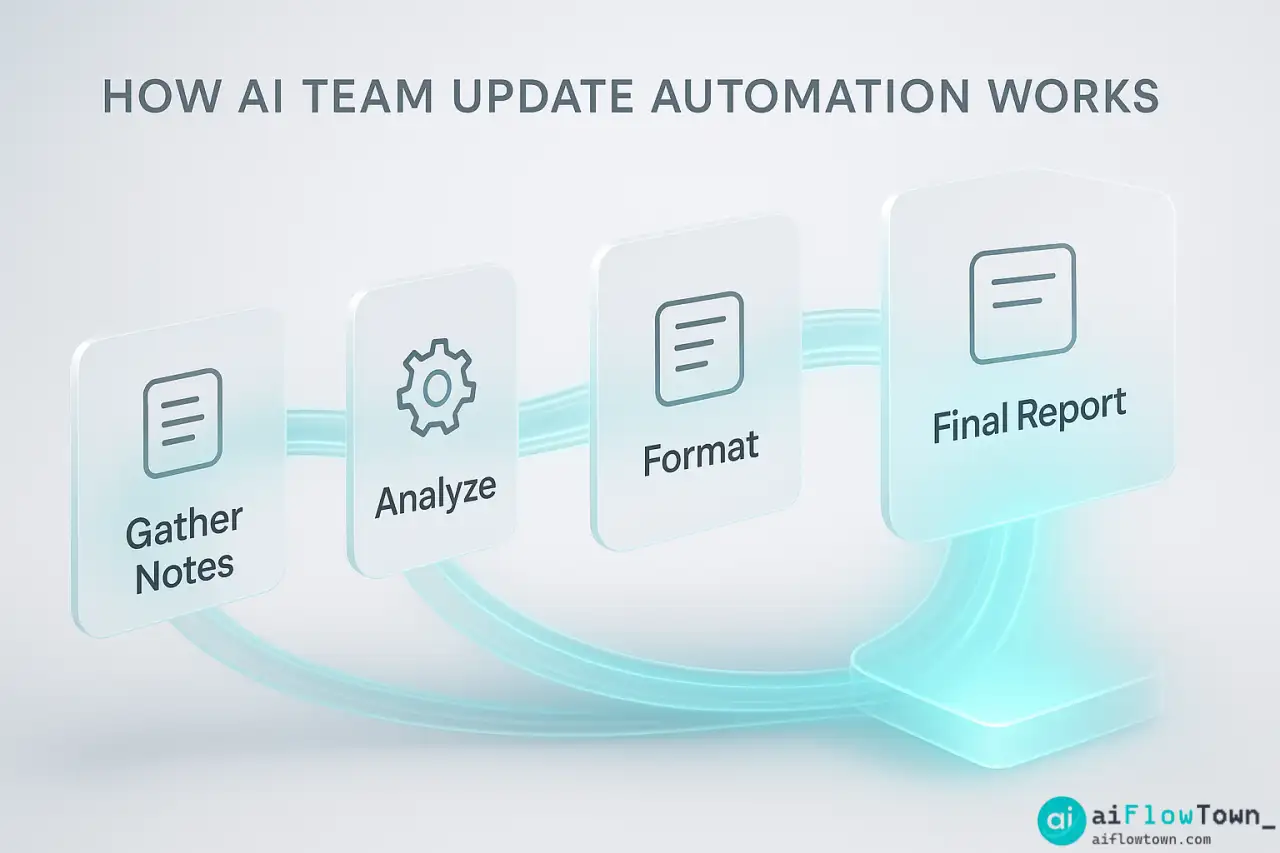
How AI Templates Actually Work
AI doesn’t write your update from nothing—it transforms your rough input into polished output using a consistent template.
The Input Process
Throughout the week, you jot down quick notes in whatever format works for you:
- Finished design mockups for homepage
- Bug in payment system, Tom fixed it
- Client meeting went well, they approved phase 2
- Sarah out sick Mon-Wed
- Started work on Q4 planning doc
- Team morale seems good
These are raw, unstructured notes. Not ready for management eyes. That’s fine—AI will handle the polish and helps generate weekly summaries using ai templates efficiently.
The Template Structure
AI uses a consistent template every week. A standard format:
Weekly Team Update – [Date]
Key Accomplishments
– Major wins and completed deliverablesIn Progress
– Current work and expected completionBlockers/Challenges
– Issues needing attention or escalationNext Week’s Focus
– Priorities for the coming weekTeam Notes
– Important context (absences, changes, kudos)
Same structure every time means readers know exactly where to find information they care about. For more templates, visit AI productivity prompts.
The Transformation
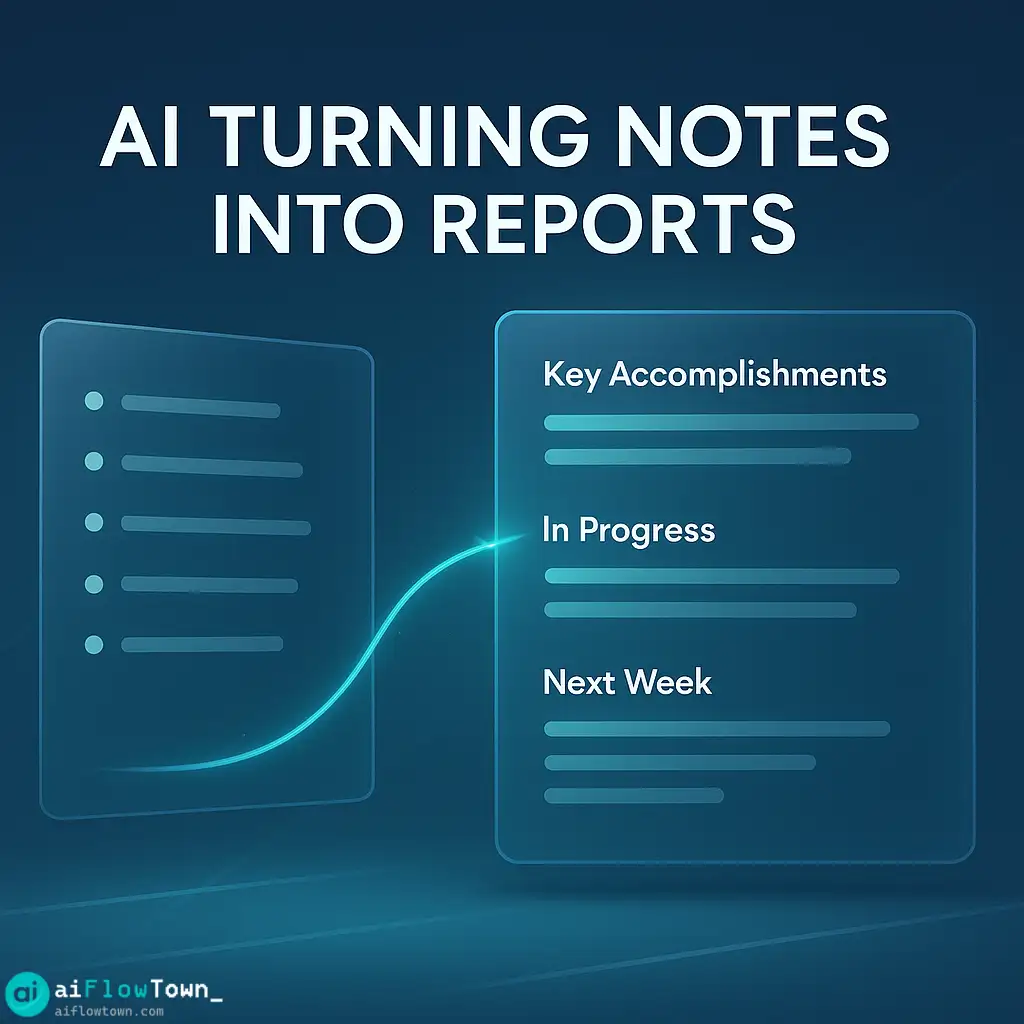
AI takes your bullet points and transforms them into professional narrative. Your “Tom fixed payment bug” becomes “Resolved critical payment processing issue affecting checkout flow. System now stable with monitoring in place.” Same information, professional presentation.
Setting Up Your AI Team Update System
Choose Your Tool
| Method | Best For | Setup Time |
|---|---|---|
| Notion AI + template | Teams using Notion | 10 min |
| ChatGPT with saved prompt | Quick, flexible setup | 5 min |
| Google Docs + AI extension | Simple workflow | 15 min |
| Slack bot integration | Updates via Slack | 30 min |
Create Your Master Prompt
This is the template AI will use every week. Customize it for your team’s needs:
"Transform these rough notes into a professional weekly team update.

Team: [Your team name]
Week ending: [Date]

My notes:
[Paste your bullet points here]

Format the output as:

 Key Accomplishments
[List major wins, completed projects, shipped features]

 In Progress
[Current work with expected completion dates]

⚠️ Blockers
[Issues needing attention - be specific about what's needed]

 Next Week
[Top 3 priorities for coming week]

 Team Notes
[Absences, kudos, important context]

Tone: Professional but not stiff, concise, focus on outcomes not just activities. Keep it under 400 words."
Save this prompt. You’ll reuse it every week, just changing your notes section. This helps smart team update automation with chatgpt work consistently. Learn more at AI workflow examples.
Weekly Execution
Friday afternoon workflow becomes simple:
- Review your week’s notes (5 minutes)
- Paste notes into your saved prompt (1 minute)
- Run through AI (30 seconds)
- Quick review and adjust (3 minutes)
- Send to team/manager (30 seconds)
Total time: Under 10 minutes instead of 40+.
Real Example: Before and After
Your Raw Notes
- homepage redesign done, looks good
- fixed that annoying bug with notifications
- client kickoff meeting tuesday, they seem happy
- maria on vacation this week
- started the api documentation finally
- team dinner thursday was fun
- behind on the mobile app work, need more time
AI-Generated Update
Weekly Team Update – October 20, 2025
Key Accomplishments
– Completed homepage redesign and deployed to production
– Resolved persistent notification system bug affecting user experience
– Successfully conducted client kickoff meeting for Project Phoenix with positive feedbackIn Progress
– API documentation development (30% complete, targeting end of month)
– Mobile app features running behind schedule⚠️ Blockers
– Mobile app timeline needs adjustment – recommend adding 2 weeks to original estimate to maintain quality standardsNext Week
– Finalize API documentation first draft
– Client review session for homepage
– Replan mobile app sprint with revised timelineTeam Notes
– Maria out on planned vacation, returns Monday
– Team building dinner well-received, boosted morale
– AI-Formatted Team Update –
Advanced Template Customizations
Metrics Integration
Add a metrics section if your team tracks KPIs:
"Also include a metrics section showing:
- Tasks completed this week vs planned
- Current sprint velocity
- Customer support tickets resolved
- Any other relevant numbers

Format metrics clearly with week-over-week comparison when relevant."
Audience-Specific Versions
Generate different versions for different audiences from the same notes:
For your manager: Focus on outcomes, risks, and decisions needed
For your team: Include process details, kudos, and context
For executives: High-level summary with business impact
For clients: Deliverable-focused with next steps
Tell AI which audience, and it adjusts detail level and emphasis accordingly. Explore more at productivity flow hacks.
Automatic Distribution
Connect your AI workflow to distribution channels. AI generates the update, automatically posts to your team Slack channel or emails to stakeholders. No manual copy-paste. The entire process from notes to distributed update takes under 10 minutes.
Common Mistakes to Avoid
The biggest mistake is feeding AI nothing but vague bullets and expecting magic. “Worked on project” becomes “Continued project work”—technically accurate but useless. Give AI specific details to work with, and output quality improves dramatically.
Too Vague Input
Bad: “Made progress on feature”
Good: “Completed user authentication flow, added password reset functionality, 80% done with social login integration”
AI can only work with what you give it. Specific inputs produce specific, useful outputs.
Never Personalizing
AI drafts should be starting points, not final products. Always add personal touches: a specific thank you to someone who helped, context that AI couldn’t know, or adjustments to emphasis based on your audience’s current concerns.
Ignoring Consistent Format
If you change template structure every week, readers have to relearn where to find information. Stick with one format for at least a quarter. Consistency helps readers scan and find what matters to them quickly.
❓ FAQ
Will my manager notice I’m using AI?
Only if you send unedited AI output that sounds generic. When you provide good notes and personalize the draft, it reads as you being organized and professional—which you are. AI is just helping with structure and formatting.
⏱️ What if I don’t take notes during the week?
You’ll still need to do a Friday review to reconstruct the week—but it’s faster with AI handling the writing. Better approach: keep a running doc all week where you jot quick notes after each day. Takes 2 minutes daily, saves 20+ minutes Friday.
Can whole teams use the same template?
Yes, and it’s recommended. Consistent format across team members makes it easier for managers to read multiple updates quickly. Everyone uses the same structure but fills in their specific accomplishments.
Is it safe to put project details in AI tools?
For public AI tools, avoid confidential information. For enterprise AI with data protection agreements, you have more flexibility. When in doubt, use AI for structure and tone while keeping sensitive details vague until final edit.
Should updates include metrics or just narrative?
Both. Numbers provide objective progress measurement. Narrative provides context. AI can format both—just include metrics in your notes and it will incorporate them professionally into the update.
Final Thoughts
Weekly team updates don’t need to be a Friday afternoon time sink. With ai template for weekly team updates, you transform rough notes into professional communication in minutes instead of hours. The format stays consistent, the quality stays high, and you reclaim time for actual work instead of report writing.
Set up your template this week. Next Friday, try it. Compare: how long did your update take versus previous weeks? How does the quality compare? You’ll quickly see why going back to manual report writing feels like going back to handwriting letters when email exists.
Your future self—52 Fridays from now—will thank you for automating this away. That’s 40+ hours per year you’ll never spend reconstructing your week into bullet points again.
⚠️ Reminder: Even the smartest tools / AI can miss small details or make mistakes. Always double-check your work before presenting or publishing it - a quick review can save hours later.