What Bottlenecks Actually Look Like
A bottleneck isn’t always obvious. It’s not necessarily the slowest step—it’s the step that limits the entire process flow. You might have the fastest designers in the industry, but if every design waits 3 days for approval before development can start, approvals are your bottleneck. The design speed doesn’t matter when work sits idle waiting for the next stage.
Common bottleneck symptoms:
- ⚠️ Work piles up before certain team members or stages
- ⚠️ Some people are always busy while others have downtime
- ⚠️ Projects take longer than the sum of individual task times
- ⚠️ Deadlines slip consistently even when everyone is “working hard”
- ⚠️ Team members wait on others frequently
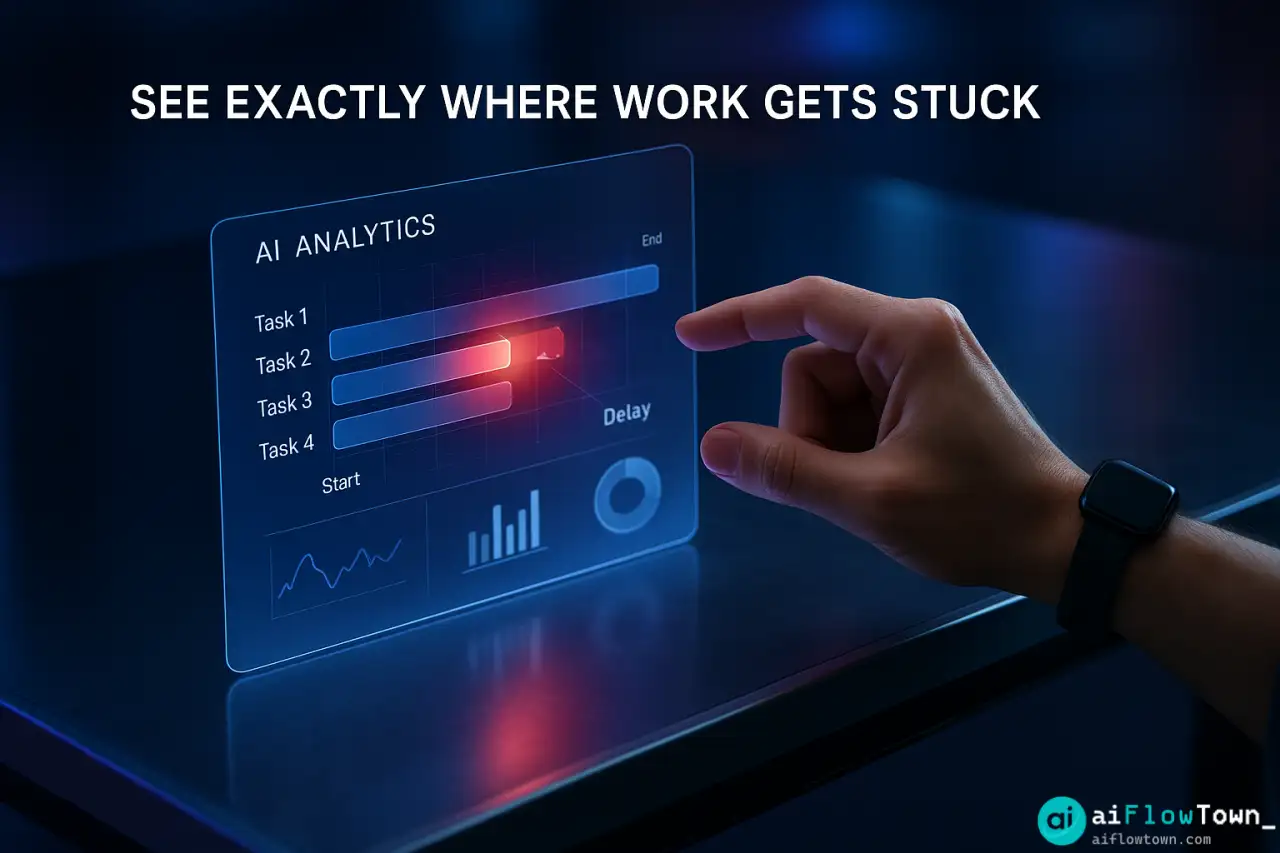
Traditional bottleneck analysis requires manually tracking handoffs, measuring wait times, and interviewing team members. It takes weeks and the data gets stale. Using ai workflow bottleneck detection compresses this to hours and provides objective data instead of subjective impressions.
Linking Data Sources for AI Analysis
AI needs data to identify bottlenecks. The more complete your data, the better the analysis using ai to detect bottlenecks in team workflow accurately.
What Data AI Needs
| Data Source | What It Reveals | How to Export |
|---|---|---|
| Project management tool | Task completion times, handoff delays | CSV export from Asana/Monday/Jira |
| Calendar data | Meeting time vs work time | Google Calendar export |
| Communication logs | Response times, approval delays | Slack export (with permissions) |
| Time tracking | Actual time spent per task type | RescueTime/Toggl export |
You don’t need all of these. Project management data alone reveals most bottlenecks. Calendar and communication data add context. For more workflow strategies, visit AI workflow optimization.
Preparing Data for Analysis
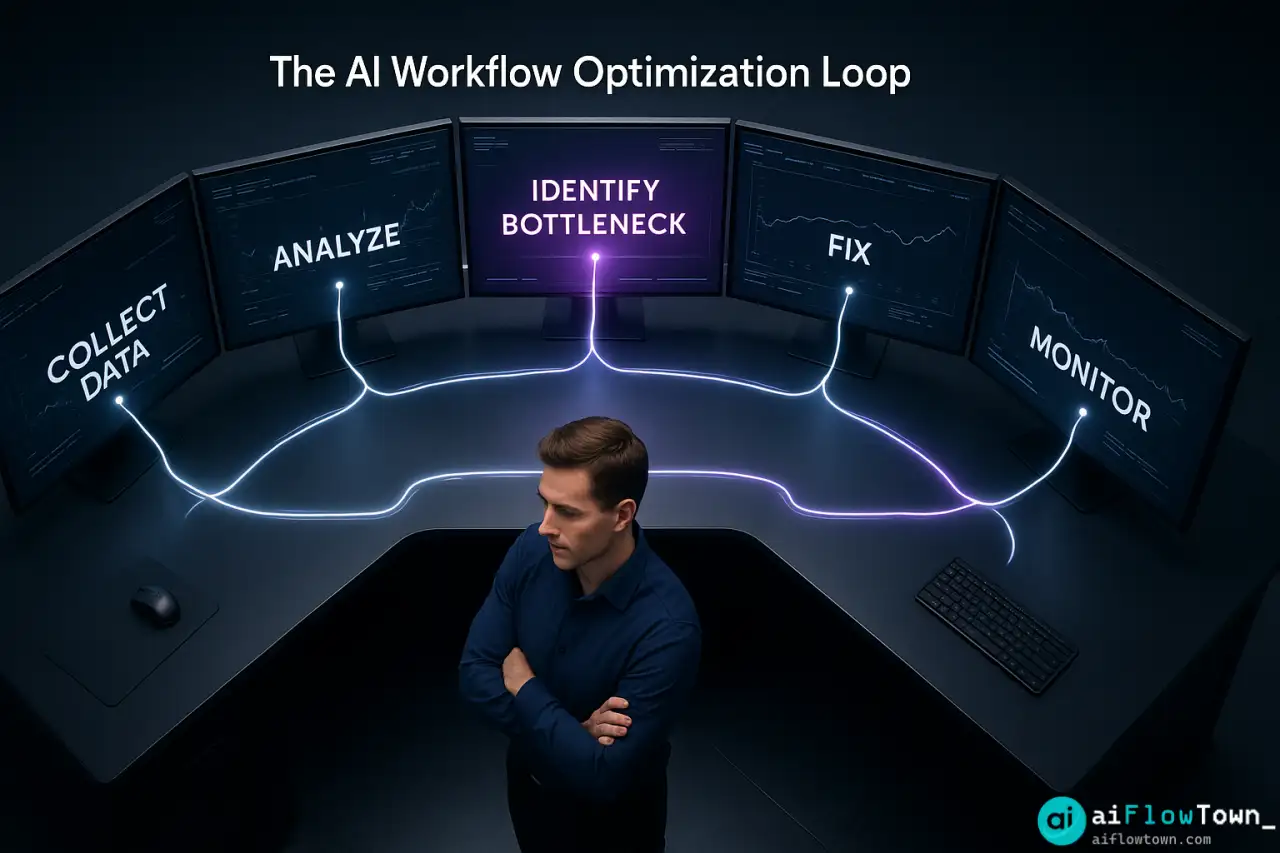
Export your project data covering 30-60 days. Look for fields like: task name, assigned to, status, created date, completed date, moved to next stage date. The time gaps between stages reveal where bottlenecks hide using identify process slowdowns with ai analysis.
The AI Analysis Prompt
Feed your workflow data to ChatGPT or Claude with this prompt:
"Analyze this workflow data to identify bottlenecks.

Data: [Paste CSV or summarize key metrics]

Context:
- Team size: [X people]
- Typical project stages: [List stages]
- Average project should take: [Expected duration]
- Actually taking: [Actual duration]

Analyze for:
1. Which stage has longest average wait time?
2. Where do tasks pile up most frequently?
3. Who is a bottleneck (overwhelmed with work others wait on)?
4. What time of week/month shows most delays?
5. Which handoffs between stages are slowest?

For each bottleneck identified:
- Quantify the impact (hours/days of delay)
- Explain why this is a bottleneck vs just slow work
- Suggest 2-3 specific fixes

Prioritize bottlenecks by impact: fix which one first?"
AI processes the data and returns specific findings you can act on. Learn more at AI productivity prompts.
Real Example: Marketing Team Analysis
The Situation
A 7-person marketing team took 21 days average to complete campaigns that should take 12 days. Everyone felt busy. Leadership couldn’t identify the problem. They exported 60 days of project data from Monday.com and fed it to Claude.
AI’s Analysis
Claude identified three bottlenecks ranked by impact:
Primary Bottleneck: Creative Approval Stage
Average wait time: 4.2 days
Impact: Affects 100% of projectsIssue: All creative work requires approval from Marketing Director who reviews once weekly on Fridays. Work submitted Monday waits until Friday. Work submitted Saturday waits 6 days.
Solution: Daily 15-min approval sessions OR delegate approval authority to senior team members OR async approval via documented criteria.
Secondary Bottleneck: Designer Workload
Average wait time: 2.8 days
Impact: Affects 65% of projectsIssue: One designer handles all visual work. Queue of 8-12 items typical. New requests wait for current work to finish.
Solution: Hire second designer OR train team members in basic design OR use design templates to reduce custom work.
Tertiary Bottleneck: Client Feedback Loop
Average wait time: 3.1 days
Impact: Affects 40% of projectsIssue: Client feedback requests have no deadline. Average response time 3 days but some take 7+. Team can’t proceed without input.
Solution: Set feedback deadlines OR proceed with best judgment after 48 hours OR schedule dedicated review sessions with clients.
– AI Bottleneck Analysis –
This analysis took AI 3 minutes. Manual analysis would have required weeks of observation and meetings using analyze team productivity using ai tools systematically.
The Fixes Implemented
Week 1: Marketing Director delegated routine approval to two senior team members. Only strategic decisions require director review.
Week 2: Created design template library. 60% of design requests now use templates with minor customization.
Week 3: Implemented 48-hour feedback deadline for clients. If no response, team proceeds with documented assumptions.
Results After 30 Days
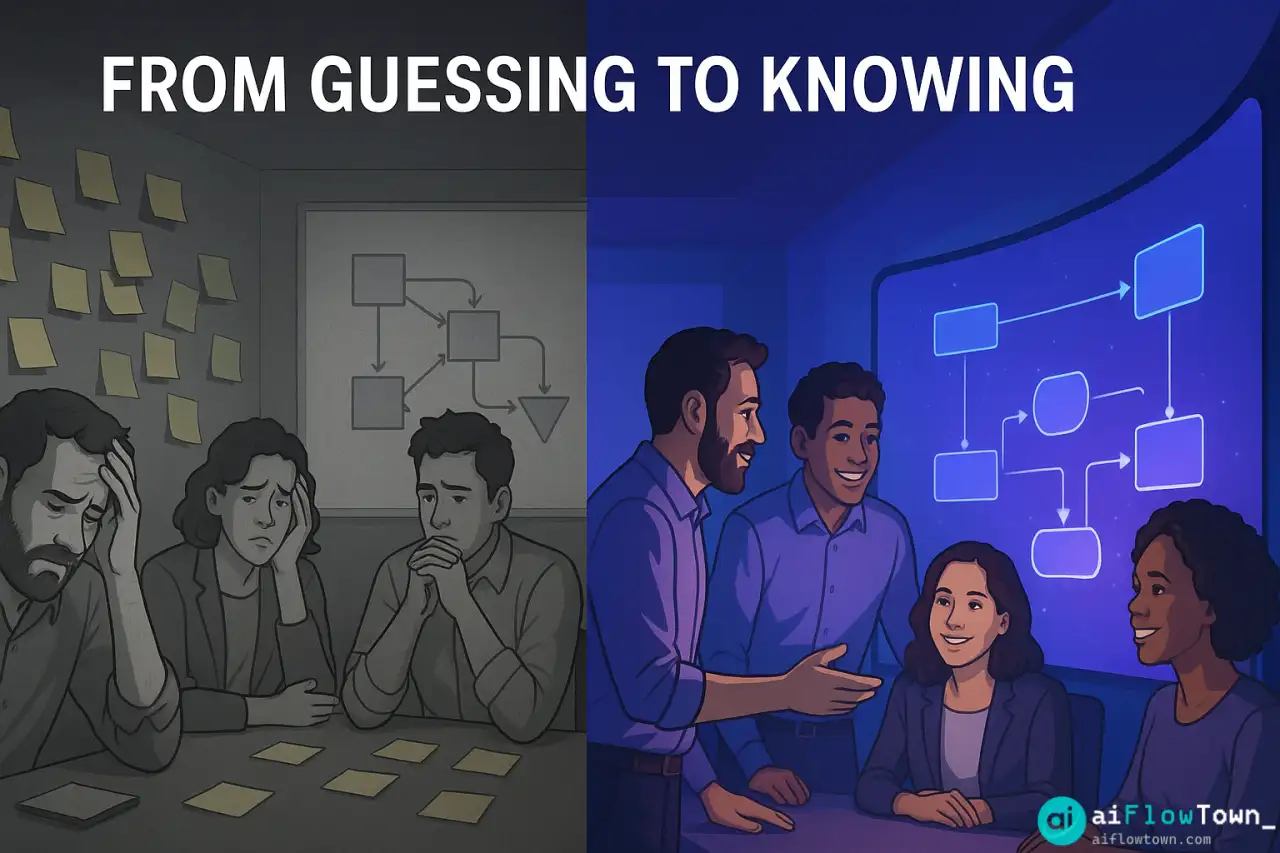
- ✅ Average project duration: 21 days → 13 days
- ✅ Approval wait time: 4.2 days → 0.8 days
- ✅ Designer queue: 8-12 items → 3-5 items
- ✅ Client feedback delays: 3.1 days → 1.2 days
- ✅ Team morale improved (less waiting, more progress)
Fixing the bottlenecks didn’t require hiring or major process overhaul—just targeted adjustments based on data using find workflow inefficiencies with chatgpt effectively.
Pattern Insights AI Catches
Beyond obvious bottlenecks, AI identifies subtle patterns:
Time-Based Patterns
AI might notice: “Bottlenecks worsen end-of-month. Analysis shows team prioritizes monthly reporting over project work during last week of month. This creates backlog that takes 5 days to clear in new month.”
Dependency Chains
AI maps: “Task A waits on Person 1 (2 days) who waits on Person 2 (1 day) who waits on Client (3 days). Total 6-day chain for what could be parallel work. Restructure so Person 2 provides info to Person 1 directly.”
Hidden Capacity Issues
AI reveals: “Designer isn’t slow—they’re doing work that takes appropriate time. Bottleneck is volume: 25 requests monthly but capacity for 15. Either reduce demand or increase supply.”
Humans miss these patterns because we see individual tasks. AI sees the system. For more insights, check productivity flow hacks.
Fixing What AI Finds
Once AI identifies bottlenecks, fixes fall into categories:
Increase Capacity
If one person is genuinely overwhelmed: hire, redistribute work, or automate parts of their tasks.
Reduce Demand
If capacity is actually fine but demand is excessive: say no to low-value work, batch requests, implement request criteria that filter unnecessary work.
Parallelize Work
If dependencies are artificial: restructure so stages happen simultaneously instead of sequentially. Designer and copywriter work in parallel, not copywriter waits for designer.
Eliminate Wait States
If approval delays are the issue: delegate authority, set decision timeframes, use async approval with documented criteria instead of meetings.
Automating Ongoing Detection
Don’t just analyze once. Set up continuous monitoring using optimize team processes with ai bottleneck detection:
Monthly workflow review automation:

1. Export last 30 days of project data
2. Feed to ChatGPT with saved analysis prompt
3. Compare current bottlenecks to previous month
4. Identify: Are old bottlenecks resolved? New ones emerged?
5. Share report with team leadership
6. Schedule fixes for top 1-2 issues

Time investment: 20 minutes monthly
Value: Catch bottlenecks before they become chronic
This turns bottleneck detection from occasional fire-fighting to systematic process improvement.
❓ FAQ
What if we don’t track our work in tools?
Start tracking now, even roughly. Use a simple spreadsheet: task, who’s doing it, start date, end date, who it goes to next. Two weeks of data is enough for AI to spot patterns. Perfect tracking isn’t required for useful analysis.
What if the bottleneck is a person?
Approach sensitively. The person isn’t the problem—the workload or process design is. Present it as: “AI shows work piles up at this stage. How can we redistribute or support better?” Not: “You’re slow.” Often the “bottleneck person” is aware and frustrated too.
How often should we run this analysis?
Monthly for active process improvement. Quarterly for maintenance once processes stabilize. After any major team or process change. When project timelines start slipping. Don’t over-analyze—act on findings between analyses.
⚡ Can AI suggest solutions or just find problems?
AI suggests solutions based on patterns it sees. “This bottleneck looks like capacity issue—consider hiring or redistributing.” But you apply domain knowledge: Is hiring realistic? Would training help? AI provides options, you choose what fits your reality.
What if AI identifies multiple bottlenecks?
Normal. Fix the biggest impact bottleneck first. Fixing it might reveal the next one was hidden behind it. Sequential fixing beats trying to solve everything simultaneously. Ask AI: “If we could only fix one, which has highest ROI?”
Final Thoughts
Teams stay busy while projects drag because bottlenecks are hard to spot without data. Your intuition about where things slow down is often wrong—it’s usually not where you think. AI workflow bottleneck detection removes guesswork by analyzing actual data to show exactly where work gets stuck.
Export your project data. Feed it to AI with the analysis prompt. Get specific findings in minutes. Then fix the top issue and measure improvement. Repeat monthly. This systematic approach compounds—each bottleneck you eliminate makes the entire workflow faster.
Your team isn’t slow. Your process has bottlenecks. Now you know how to find and fix them.
⚠️ Reminder: Even the smartest tools / AI can miss small details or make mistakes. Always double-check your work before presenting or publishing it - a quick review can save hours later.