Introduction
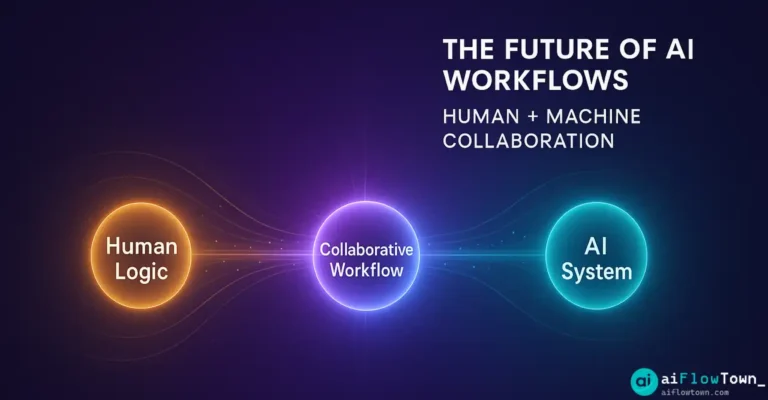
The debate isn’t “AI vs. Humans” anymore—it’s “AI + Humans.” As we move deeper into 2025, the most successful teams aren’t replacing people with machines. They’re building workflows where AI handles repetitive logic while humans focus on creative judgment, relationship-building, and strategic thinking. If you’re wondering where AI workflows are heading, the answer is clear: toward collaboration, not competition.
Why Human-AI Collaboration Works
The promise of “full automation” has always been a myth. AI can draft emails, analyze data, and generate reports faster than any human. But it can’t read the room in a client meeting, pivot strategy when conditions shift, or sense when a team is burnt out.
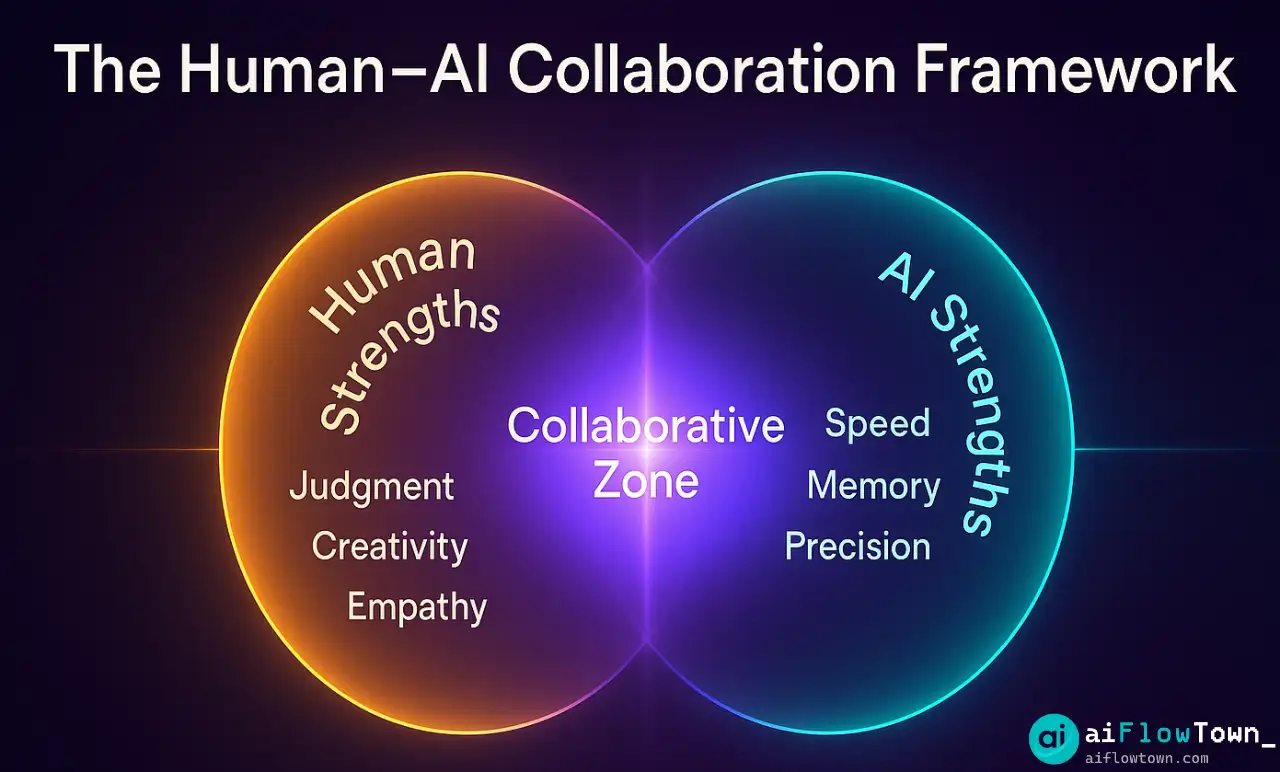
AI excels at pattern recognition, speed, and consistency. Humans bring context, empathy, and creativity. The magic happens when you combine both: AI handles the grunt work, humans handle the decisions.
Real Examples in Action
Customer support teams use AI chatbots to handle FAQs and ticket routing. When issues get complex or emotional, humans take over with full context already collected. Customers get faster responses, support reps focus on problems that need human judgment.
Writers use AI for outlines and first drafts, then add voice and expertise AI can’t replicate. Content gets published faster without sacrificing authenticity.
Data analysts let AI crunch numbers and flag patterns, then interpret the “why” and translate findings into actionable strategy. Speed meets insight.
The Collaboration Framework
| Step | AI’s Role | Human’s Role |
|---|---|---|
| Input | Gather and organize data | Define what matters |
| Processing | Analyze and surface patterns | Set quality standards |
| Output | Generate drafts or reports | Review and refine |
| Decision | Present options | Make the final call |
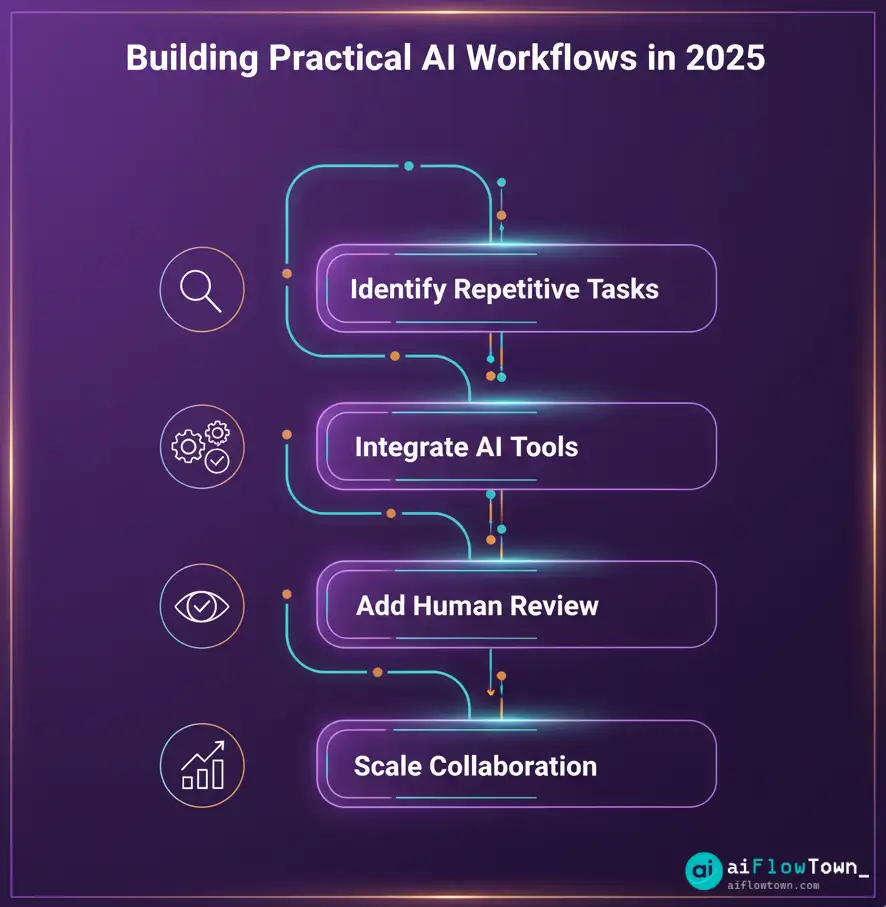
Start by identifying repetitive tasks in your workflow. Data entry, email sorting, meeting notes—these are prime candidates for AI automation. Look for tools that integrate with your existing stack. Check out our guide to AI workflows for integration ideas.
Build in human review stages for critical tasks. AI should never run unsupervised on anything high-stakes. Think of AI as a co-pilot, not an autopilot.
Skills That Matter Most
Critical Thinking: AI can’t question assumptions or spot when something doesn’t add up in context.
Emotional Intelligence: Understanding people and navigating complex relationships remain uniquely human.
Strategic Judgment: Humans innovate and make decisions that break from patterns when necessary.
Prompt Engineering: The better you communicate with AI, the better your outputs. Explore our AI productivity prompts to sharpen this skill.
How to Start Today
You don’t need a massive budget. Pick one repetitive task this week. Use ChatGPT or Claude to automate it. Review the output, refine your prompt, repeat until it works consistently.
Start with low-risk tasks: summarizing notes, drafting routine emails, organizing research. Track your time savings and reinvest that time in strategic thinking.
For more tools, check out our guide to best free AI tools.
❓ FAQ
Will AI replace my job if I collaborate with it?
No—collaboration makes you more valuable. Workers who integrate AI become more productive and strategic. The people at risk are those who refuse to adapt.
What tasks should I automate first?
Start with repetitive, rule-based tasks: email sorting, data entry, meeting summaries, report formatting. Once comfortable, move to more complex workflows.
Do I need technical skills to use AI workflows?
No. Modern AI tools work with plain English instructions. Focus on learning prompt engineering and understanding AI strengths and limitations.
⚠️ How do I know when AI is making mistakes?
Always review AI outputs before using them. Look for factual errors or logical inconsistencies. Build domain expertise so you can spot when AI produces nonsense.
How long does it take to see results?
You’ll see time savings within days for simple tasks. For complex workflows, expect 2-4 weeks to refine prompts and build trust in AI outputs.
Final Thoughts
The future of AI work isn’t human or AI—it’s human and AI. The teams that thrive will be those who treat AI as a collaborative partner, not a threat or magic solution.
AI handles speed and scale. Humans handle strategy and judgment. Together, they create workflows that are faster, smarter, and more human-centered than either could achieve alone.
Ready to build practical AI workflows? Discover proven automation strategies with our guide to AI automation tools for beginners that integrate seamlessly with human oversight.
⚠️ Reminder: Even the smartest tools / AI can miss small details or make mistakes. Always double-check your work before presenting or publishing it - a quick review can save hours later.