Introduction
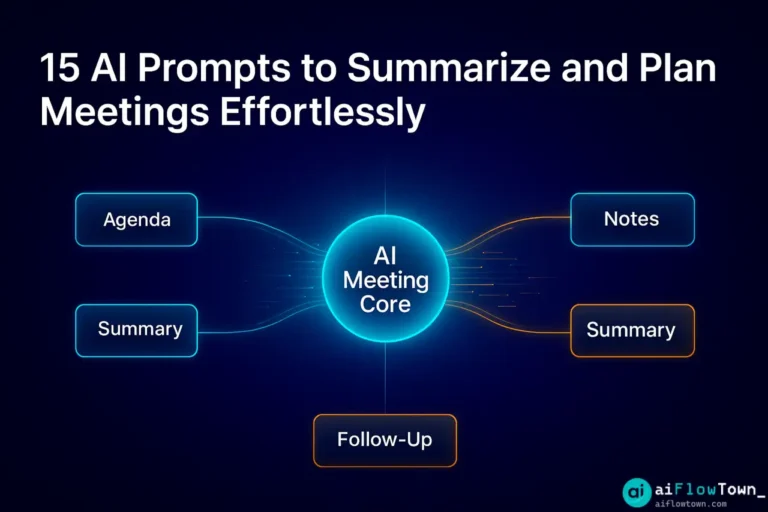
Meetings eat up hours of your week. Planning them, running them, summarizing them—it’s a loop that never ends. But what if AI could handle the grunt work while you focus on the actual conversation? These 15 meeting prompts turn ChatGPT, Claude, or any AI assistant into your personal meeting coordinator. Copy them, tweak them, and watch your meeting workflow transform from chaotic to effortless.
Why AI Prompts Are Perfect for Meetings
Meetings generate a ton of information: action items, decisions, context, follow-ups. Most of it gets lost in messy notes or forgotten entirely. AI doesn’t forget. Feed it a transcript or rough notes, and it’ll structure everything into a clean, actionable format.
The best part? You don’t need fancy tools or integrations. These meeting prompts work with any AI chat interface. Just paste your meeting details and get instant results.
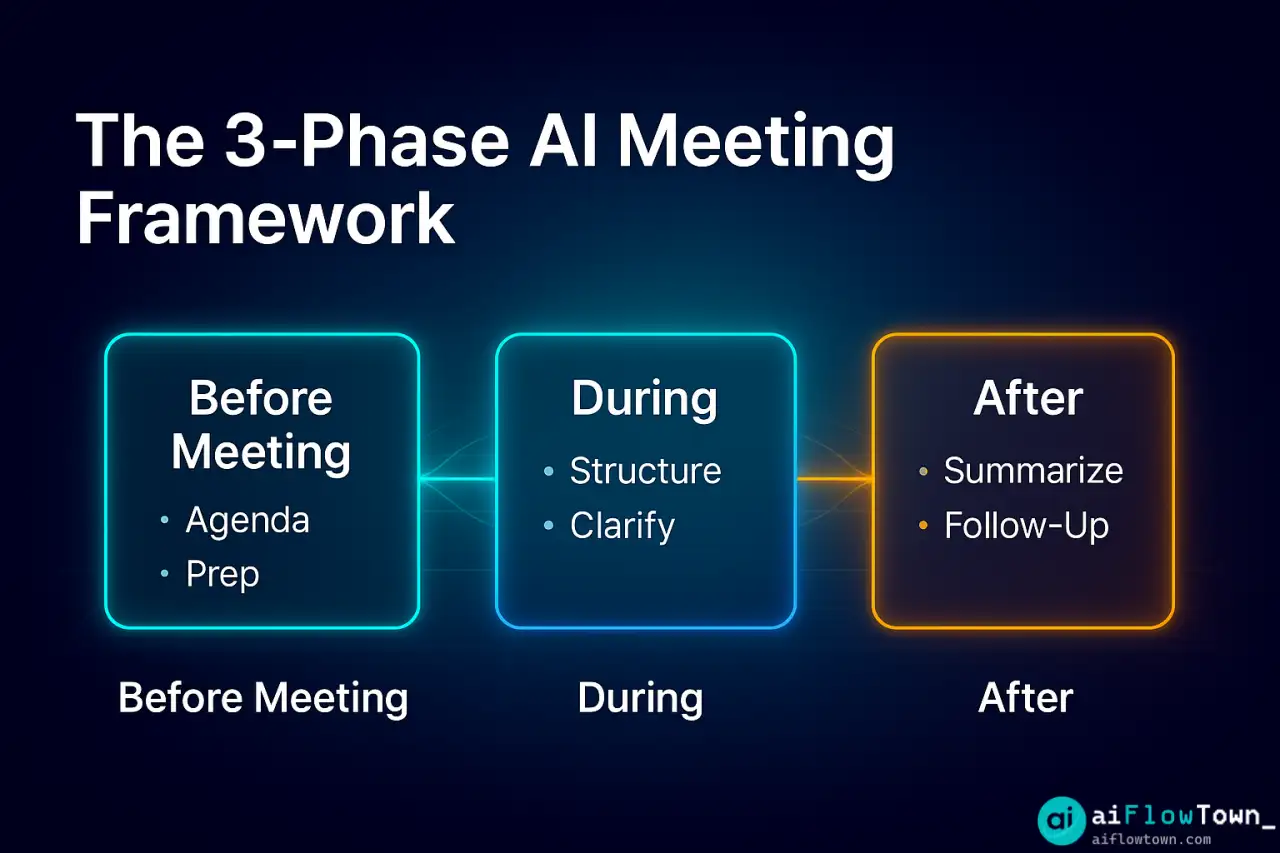
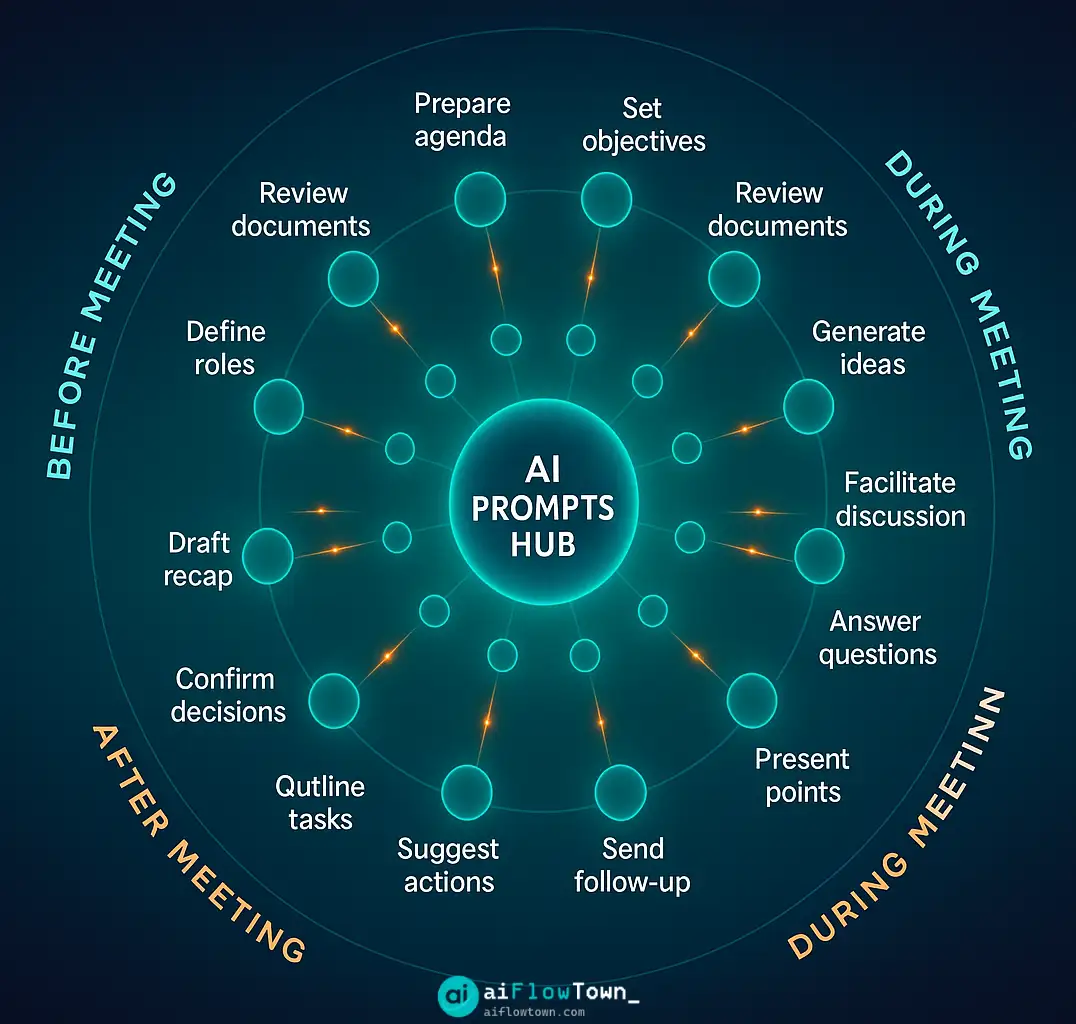
Before the Meeting: Planning & Agenda Prompts
1. Generate a Meeting Agenda
**Prompt:**
Create a meeting agenda for [meeting type] with [attendees]. The goal is to [objective]. Include time allocations for each section and keep it under [duration].

**Example:**
Create a meeting agenda for a product roadmap review with the design and engineering teams. The goal is to finalize Q2 priorities. Include time allocations for each section and keep it under 45 minutes.
2. Draft Pre-Meeting Questions
**Prompt:**
I'm meeting with [person/team] to discuss [topic]. Generate 5 questions I should ask to make the meeting productive.

**Example:**
I'm meeting with our marketing lead to discuss campaign performance. Generate 5 questions I should ask to make the meeting productive.
3. Create a Meeting Brief
**Prompt:**
Write a brief for [meeting topic] that explains: why we're meeting, what we need to decide, and what attendees should prepare. Keep it under 150 words.

**Example:**
Write a brief for a pricing strategy review that explains: why we're meeting, what we need to decide, and what attendees should prepare. Keep it under 150 words.
During the Meeting: Real-Time Assistance
4. Structure Brainstorming Sessions
**Prompt:**
We're brainstorming [topic]. Give me a framework to organize ideas into categories and help the team prioritize. Include prompts to keep discussion focused.

**Example:**
We're brainstorming new feature ideas for our mobile app. Give me a framework to organize ideas into categories and help the team prioritize. Include prompts to keep discussion focused.
5. Clarify Action Items on the Fly
**Prompt:**
Turn this discussion point into a clear action item: [paste discussion snippet]. Include who's responsible, what needs to be done, and by when.

**Example:**
Turn this discussion point into a clear action item: "We need to figure out the onboarding flow before launch." Include who's responsible, what needs to be done, and by when.
After the Meeting: Summary & Follow-Up Prompts
6. Summarize Meeting Notes
**Prompt:**
Summarize these meeting notes into: key decisions, action items with owners, and important context. Format it for easy sharing.

[Paste your raw notes here]

**Example:**
Summarize these meeting notes into: key decisions, action items with owners, and important context. Format it for easy sharing.

[Notes: Discussed Q2 budget, decided to allocate 40% to paid ads, Sarah will create budget breakdown by Friday, need approval from CFO before spending]
7. Extract Action Items
**Prompt:**
From these meeting notes, extract all action items. For each, specify: task, owner, deadline, and priority level (high/medium/low).

[Paste meeting notes]
8. Write a Meeting Recap Email
**Prompt:**
Write a professional meeting recap email covering: what we discussed, what we decided, and next steps. Tone should be clear and concise.

[Paste meeting summary]
Specialized Meeting Prompts
9. One-on-One Check-In Template
**Prompt:**
Create a template for a 1-on-1 check-in with [team member role]. Include sections for: recent wins, current blockers, growth goals, and support needed. Keep it conversational.
10. Client Meeting Follow-Up
**Prompt:**
Draft a client follow-up email based on this meeting: [paste notes]. Confirm next steps, reiterate commitments, and suggest a timeline. Tone should be professional but warm.
11. Project Kickoff Agenda
**Prompt:**
Build a kickoff meeting agenda for [project name]. Include: project overview, roles and responsibilities, timeline, success metrics, and Q&A. Allocate 60 minutes total.
12. Standup Meeting Summary
**Prompt:**
Turn these daily standup updates into a structured summary: what each person accomplished yesterday, what they're working on today, and any blockers.

[Paste standup notes]
Advanced Meeting Workflow Prompts
13. Compare Meeting Outcomes
**Prompt:**
Compare the outcomes of these two meetings on [topic]. Highlight: what changed, what stayed the same, and what decisions are still pending.

[Meeting 1 notes]
[Meeting 2 notes]
14. Generate Meeting Metrics
**Prompt:**
Analyze these meeting notes and tell me: how many action items were created, how many decisions were made, and whether the meeting stayed on topic. Suggest improvements.

[Paste notes]
15. Create a Recurring Meeting Template
**Prompt:**
Design a reusable template for weekly [meeting type]. Include standing agenda items, time blocks, and prompts to keep meetings focused and productive.

**Example:**
Design a reusable template for weekly team syncs. Include standing agenda items, time blocks, and prompts to keep meetings focused and productive.
How to Use These Prompts Effectively
| Best Practice | Why It Matters |
|---|---|
| Add context to prompts | AI gives better results when it understands your meeting type and goals |
| Paste actual content | Raw notes, transcripts, or recordings produce accurate summaries |
| Iterate on outputs | First result might be 80% there—refine with follow-up prompts |
| Save your best prompts | Build a personal library of tweaked prompts for recurring meetings |
| Review before sharing | AI can miss nuance—always check summaries before sending |
For more ways to optimize your workflow, explore our AI workflows collection.
Tips for Better Meeting Prompts
Be specific with roles and deadlines. Instead of “someone should handle this,” say “Sarah will create the budget breakdown by Friday.”
Include meeting type in your prompt. A standup summary needs different structure than a client call recap.
Use follow-up prompts for refinement. If the first output is too long, ask: “Make this 50% shorter and focus only on action items.”
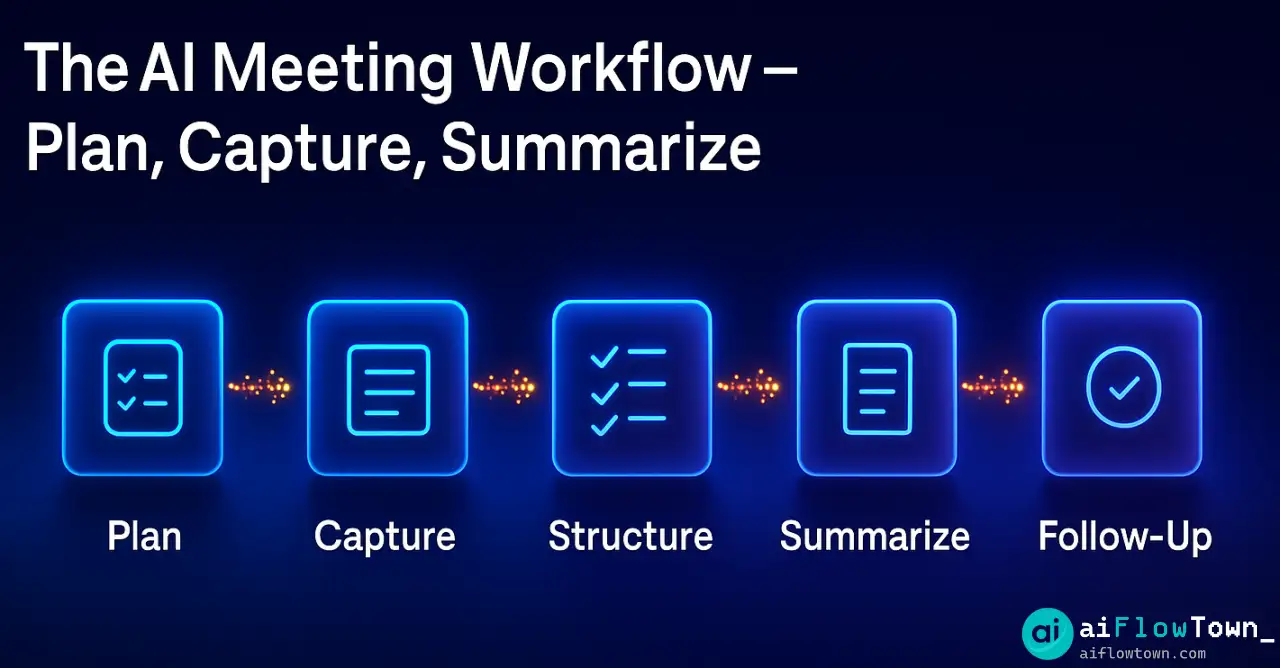
Combine prompts for complex workflows. Use one prompt for the summary, another for the follow-up email, and a third for task assignments.
Check out our guide to AI productivity prompts for more examples.
Common Meeting Prompt Mistakes
Don’t paste messy notes without context. AI can’t read your mind—tell it what kind of meeting it was and what you need.
Don’t skip the review step. AI might misinterpret tone, miss sarcasm, or combine unrelated points.
Don’t use the same prompt for every meeting. Customize based on meeting type, audience, and desired outcome.
❓ FAQ
Do these prompts work with all AI tools?
Yes. These prompts work with ChatGPT, Claude, Gemini, or any AI chat interface. The key is providing clear context and pasting your actual meeting content.
⏱️ How much time do these prompts save?
Most users save 15-30 minutes per meeting on note cleanup and follow-ups. Over a week with 5-10 meetings, that’s 2-5 hours back in your schedule.
Is it safe to paste meeting notes into AI?
For sensitive meetings, remove confidential details before pasting. Most AI tools don’t store your prompts long-term, but always check your company’s AI usage policy first.
Which prompt should I start with?
Start with Prompt #6 (Summarize Meeting Notes). It’s the most universal and immediately useful. Once you see results, expand to agenda and follow-up prompts.
Can I modify these prompts?
Absolutely. These are templates—tweak them to match your meeting style, company terminology, and workflow. The more you customize, the better the outputs.
Final Thoughts
Meetings don’t have to drain your productivity. With the right meeting prompts, AI handles the tedious parts while you focus on actual collaboration and decision-making.
Start with one or two prompts from this list. Test them on your next meeting. Refine based on what works. Over time, you’ll build a meeting workflow that’s faster, clearer, and far less exhausting.
The goal isn’t to automate meetings entirely—it’s to eliminate the busywork so you can show up prepared, stay present during discussions, and follow through without drowning in admin tasks.
Ready to automate more of your workflow? Discover how to streamline your entire productivity system with our guide to the 15 best AI productivity tools that work seamlessly together.
⚠️ Reminder: Even the smartest tools / AI can miss small details or make mistakes. Always double-check your work before presenting or publishing it - a quick review can save hours later.