Introduction
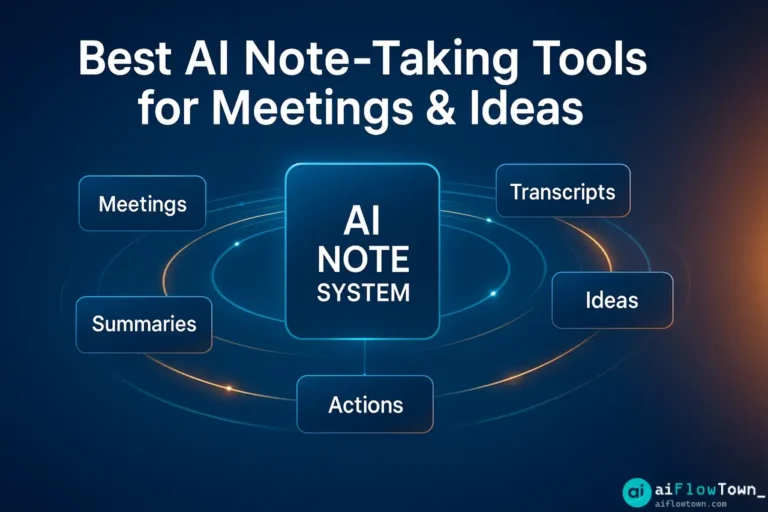
You’re in back-to-back meetings, brainstorming sessions, and calls—and your notes are a mess. Scattered across apps, half-finished, or worse: never written at all. AI note-taking tools fix this by automatically capturing, organizing, and summarizing everything so you can stay present instead of frantically typing. Here’s how to choose the right one for your workflow.
What Makes AI Note-Taking Different
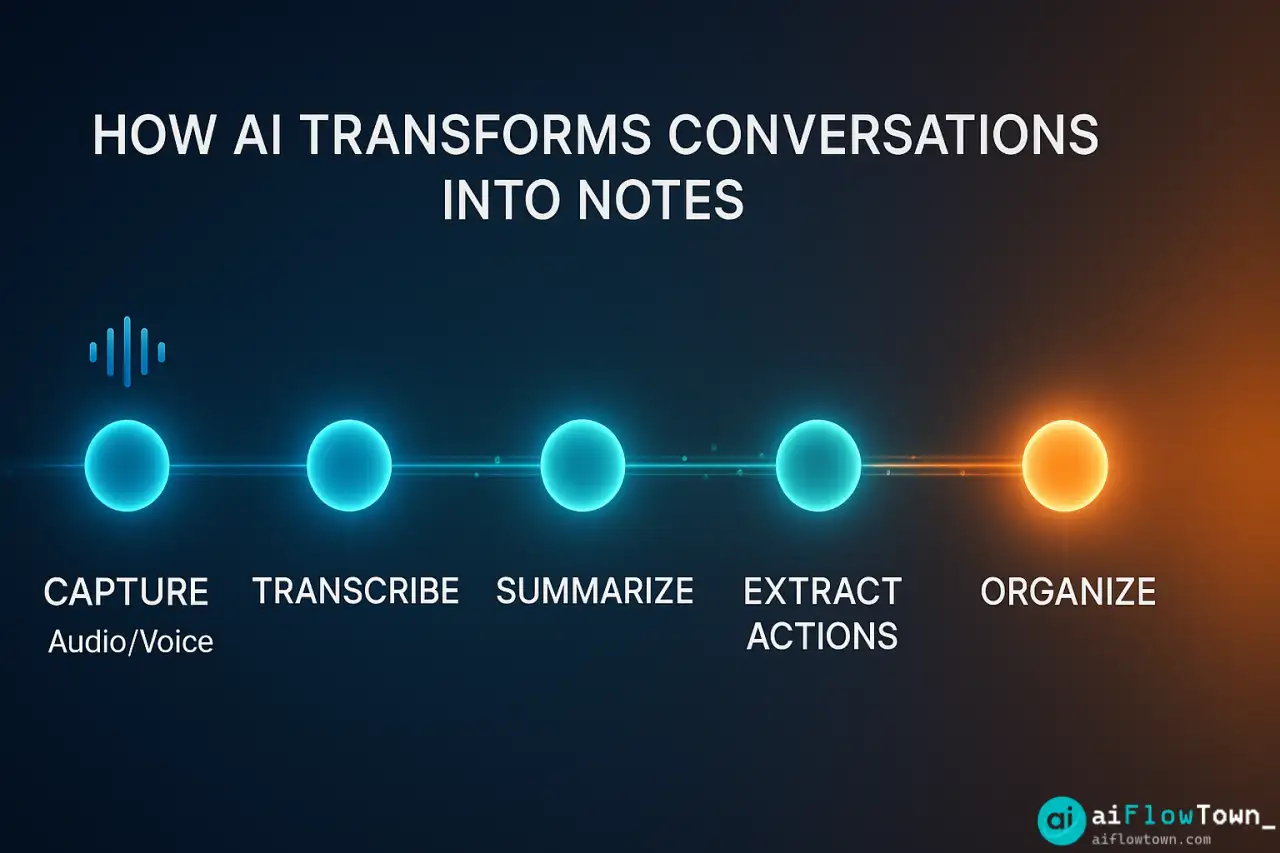
Traditional note-taking relies on you remembering to write things down. AI note taking flips the script: it listens, transcribes, and structures information automatically. You talk, it captures. You brainstorm, it organizes. You review later, and everything’s already formatted.
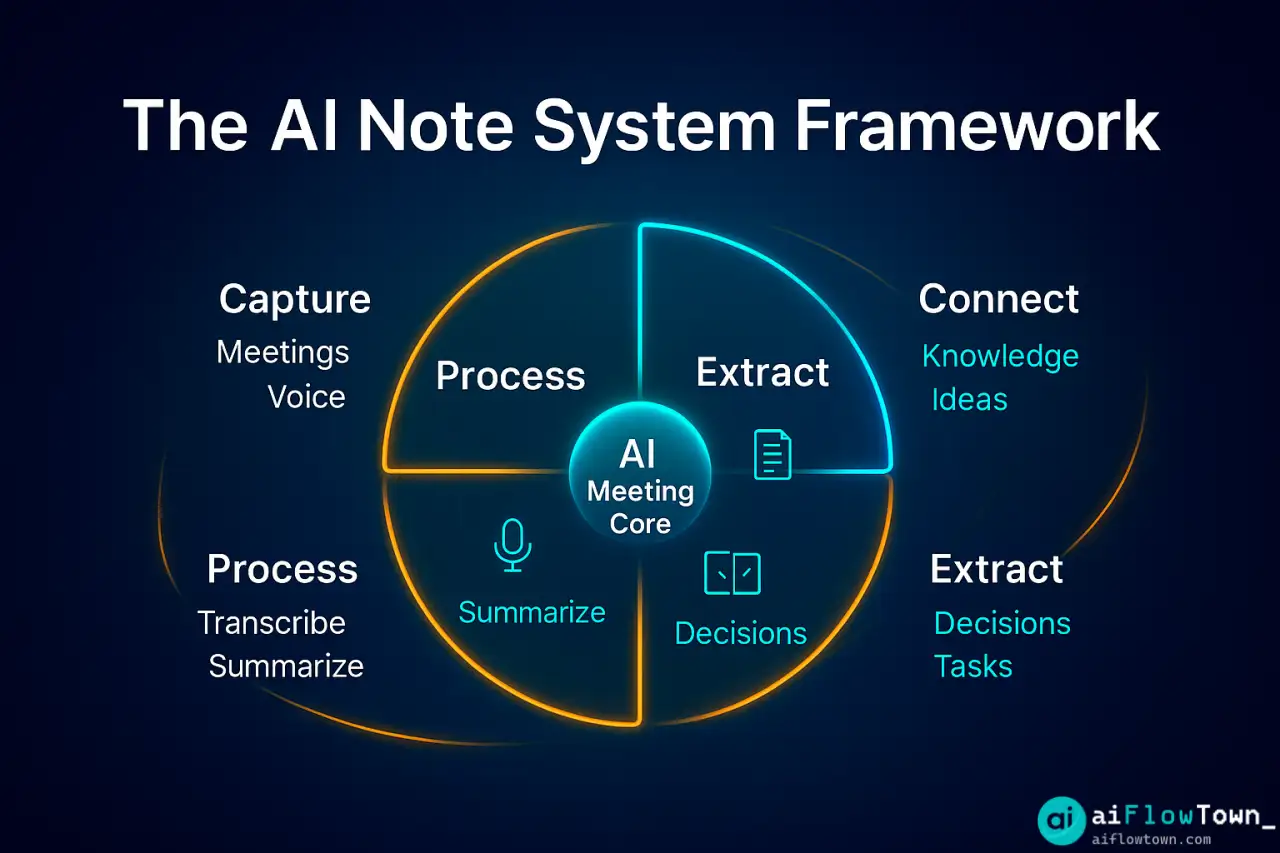
The best tools go beyond basic transcription. They identify speakers, extract action items, generate summaries, and even suggest follow-ups. It’s like having a personal assistant who never misses a detail.
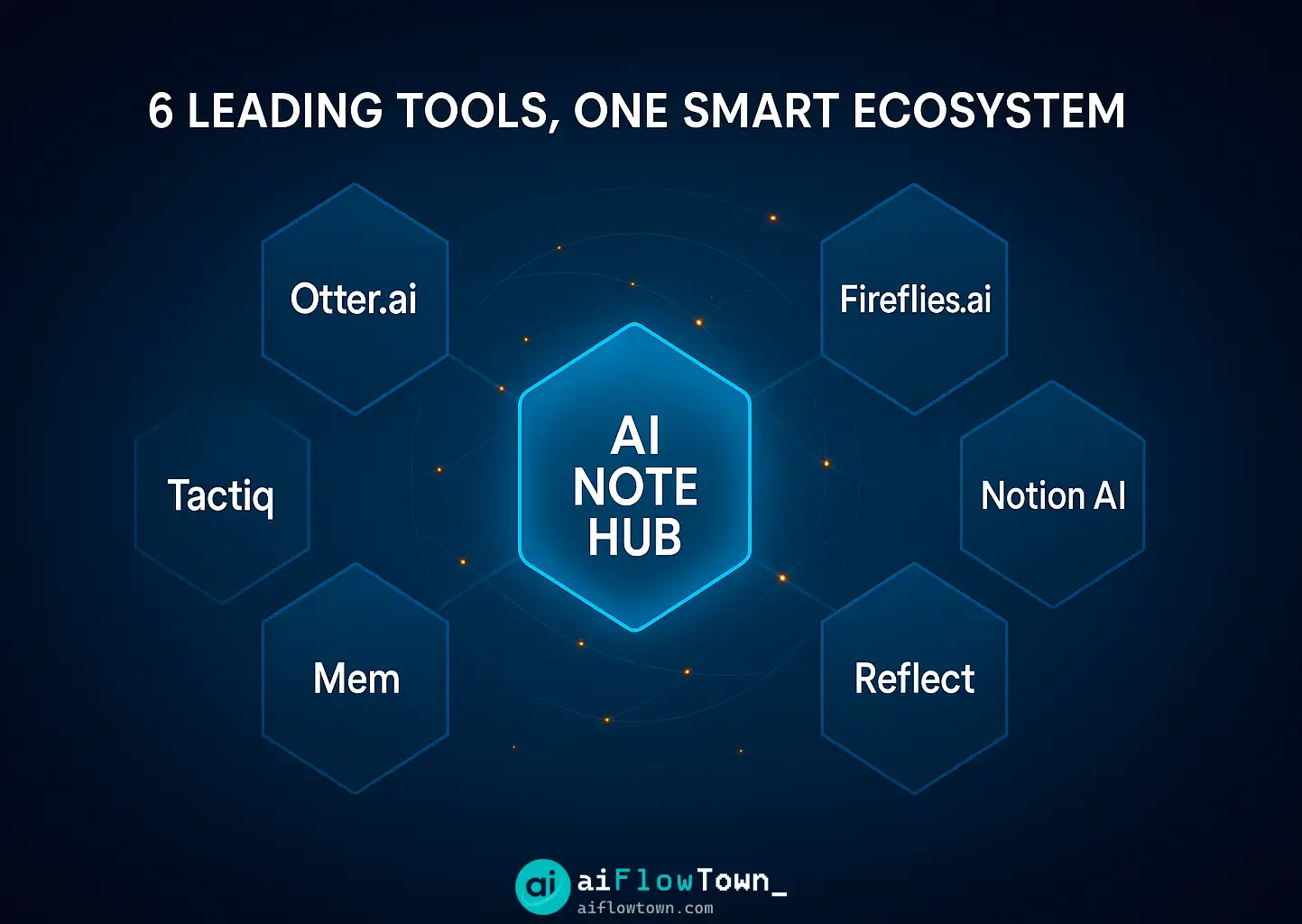
Top AI Note-Taking Tools Compared
| Tool | Best For | Key Feature | Price |
|---|---|---|---|
| Otter.ai | Live meeting transcription | Real-time transcripts with speaker ID | Free tier + $10/mo |
| Notion AI | Knowledge base integration | Summarizes and organizes within Notion | $10/user/mo |
| Reflect | Personal thinking & ideas | Networked notes with AI summaries | $10/mo |
| Fireflies.ai | Team meeting workflows | Auto-joins calls, integrates with CRM | Free tier + $10/mo |
| Mem | Quick capture & retrieval | AI-powered search and connections | $15/mo |
| Tactiq | Google Meet & Zoom users | Browser extension, instant transcripts | Free tier + $8/mo |
Best AI Note-Taking Tools by Use Case
For Live Meeting Transcription: Otter.ai
Otter.ai excels at real-time transcription during calls and in-person meetings. It identifies speakers, timestamps key moments, and lets you search transcripts instantly. The mobile app records conversations on the go, and the web version integrates with Zoom and Google Meet.
The free tier gives you 300 minutes per month—enough for most individual users. Upgrade for unlimited transcription and advanced search.
For Knowledge Management: Notion AI
If you already live in Notion, its AI features turn meeting notes into structured knowledge. It summarizes long pages, extracts action items, and suggests related content across your workspace. The integration is seamless—no switching between apps.
Notion AI works best for teams building a shared knowledge base. For more on Notion workflows, check our templates & resources collection.
For Personal Reflection: Reflect
Reflect is designed for thinkers and writers. It uses networked notes (like Roam or Obsidian) but adds AI to surface connections between ideas. Daily notes get auto-summarized, and the AI suggests related thoughts from past entries.
It’s perfect for journaling, brainstorming, and building a personal knowledge system over time.
For Team Collaboration: Fireflies.ai
Fireflies.ai automatically joins your Zoom, Teams, or Google Meet calls, records everything, and generates searchable transcripts. It integrates with Slack, CRMs, and project management tools to push action items directly into your workflow.
The standout feature? Ask Fireflies questions about past meetings. “What did Sarah say about the Q2 budget?” It’ll find the answer in seconds.
For Fast Capture: Mem
Mem is built for speed. Capture thoughts via text, voice, or email, and AI organizes them automatically. No folders, no tagging—just search or let Mem surface relevant notes when you need them.
It’s ideal for people who think in fragments and need AI to connect the dots later.
For Browser-Based Note-Taking: Tactiq
Tactiq is a Chrome extension that transcribes Google Meet and Zoom calls in real-time. It’s lightweight, free for basic use, and doesn’t require bot invites (so attendees won’t see “Tactiq Bot joined the meeting”).
Great for quick meetings where you don’t want the overhead of a full transcription service.
How to Choose the Right Tool
If you need real-time meeting transcripts: Otter.ai or Fireflies.ai
If you’re building a knowledge base: Notion AI
If you want personal thinking support: Reflect or Mem
If you need quick, no-setup capture: Tactiq
If your team needs CRM integration: Fireflies.ai
For a broader view of AI productivity tools, explore our guide to best free AI tools.
Key Features to Look For
Automatic Transcription Accuracy
Not all AI transcription is equal. Test tools with your accent, industry jargon, and meeting environments (quiet office vs. noisy café). Top tools hit 90%+ accuracy even with multiple speakers.
Speaker Identification
If you’re in team meetings, speaker labeling is essential. It’s the difference between “Someone said we need more budget” and “Sarah said we need more budget.”
Action Item Extraction
The best tools don’t just transcribe—they identify tasks, decisions, and next steps automatically. This saves you from re-reading entire transcripts to find what matters.
Search & Retrieval
You’ll accumulate hundreds of notes. AI-powered search lets you find information by concept, not just keywords. Ask “What did we decide about pricing?” and get instant answers.
Integration with Your Stack
Your notes need to live where you work. Check for integrations with Slack, Notion, Google Docs, project management tools, and calendars.
Pros & Cons of AI Note-Taking
| Pros | Cons |
|---|---|
| ✅ Never miss important details | ❌ Requires good audio quality |
| ✅ Stay present in conversations | ❌ Can feel invasive in some contexts |
| ✅ Searchable transcript history | ❌ Subscription costs add up |
| ✅ Automatic action item extraction | ❌ May not catch all nuance or sarcasm |
| ✅ Saves 15-30 min per meeting | ❌ Privacy concerns for sensitive meetings |
Best Practices for AI Note-Taking
Always ask permission before recording. Not everyone is comfortable with AI transcription. Get verbal consent at the start of meetings.
Review AI summaries before sharing. AI can misinterpret context, combine unrelated points, or miss sarcasm. Always do a quick check before sending to others.
Use AI notes as a starting point. Add your own observations, decisions, and context that AI might miss. The best notes combine AI efficiency with human insight.
Set up integrations early. Connect your note-taking tool to Slack, email, or project management systems so action items flow automatically into your workflow.
For more on building efficient workflows, check out our AI workflows guide.
Common Mistakes to Avoid
Don’t rely on AI in noisy environments. Background noise kills transcription accuracy. Use headphones with a good mic or find a quiet space.
Don’t skip the organization step. Even with AI, notes need structure. Create folders, tags, or projects so you can find information later.
Don’t ignore privacy policies. Some tools train their AI on your data. Read the fine print, especially for confidential business meetings.
❓ FAQ
Are there good free AI note-taking tools?
Yes. Otter.ai and Fireflies.ai both offer generous free tiers with 300-600 minutes per month. Tactiq is free for basic use. These are enough for most individual users before needing paid upgrades.
Is it safe to use AI for confidential meetings?
Check your company’s AI policy first. For sensitive meetings, use tools with end-to-end encryption or opt for local recording with manual transcription. Never paste confidential content into public AI tools.
Which tool has the best accuracy?
Otter.ai and Fireflies.ai both exceed 90% accuracy in good audio conditions. Accuracy depends more on your mic quality and background noise than the tool itself. Test with your specific setup.
Do these tools work on mobile?
Most have mobile apps. Otter.ai, Reflect, and Mem all work well on phones. Fireflies and Tactiq are primarily desktop tools since they integrate with browser-based meeting platforms.
Can I use multiple AI note-taking tools together?
Absolutely. Many users combine tools: Otter for meetings, Reflect for personal thinking, and Notion AI for team knowledge. Just avoid duplicate recordings to save on subscription costs.
Final Thoughts
The best ai note taking tool isn’t the one with the most features—it’s the one that fits your workflow. If you’re in constant meetings, Otter or Fireflies will save hours. If you’re building a personal knowledge system, Reflect or Mem might be better.
Start with free tiers. Test for a week. Pay attention to what you actually use versus what sounds cool in marketing copy. The right tool should feel invisible—it just works while you focus on the conversation.
AI note-taking isn’t about replacing your brain. It’s about offloading the mechanical parts so you can think better, remember more, and follow through faster.
Ready to build a complete productivity system? Discover how these tools fit into your workflow with our guide to the 15 best AI productivity tools that work together seamlessly.
⚠️ Reminder: Even the smartest tools / AI can miss small details or make mistakes. Always double-check your work before presenting or publishing it - a quick review can save hours later.