Why Delegation Breaks Down
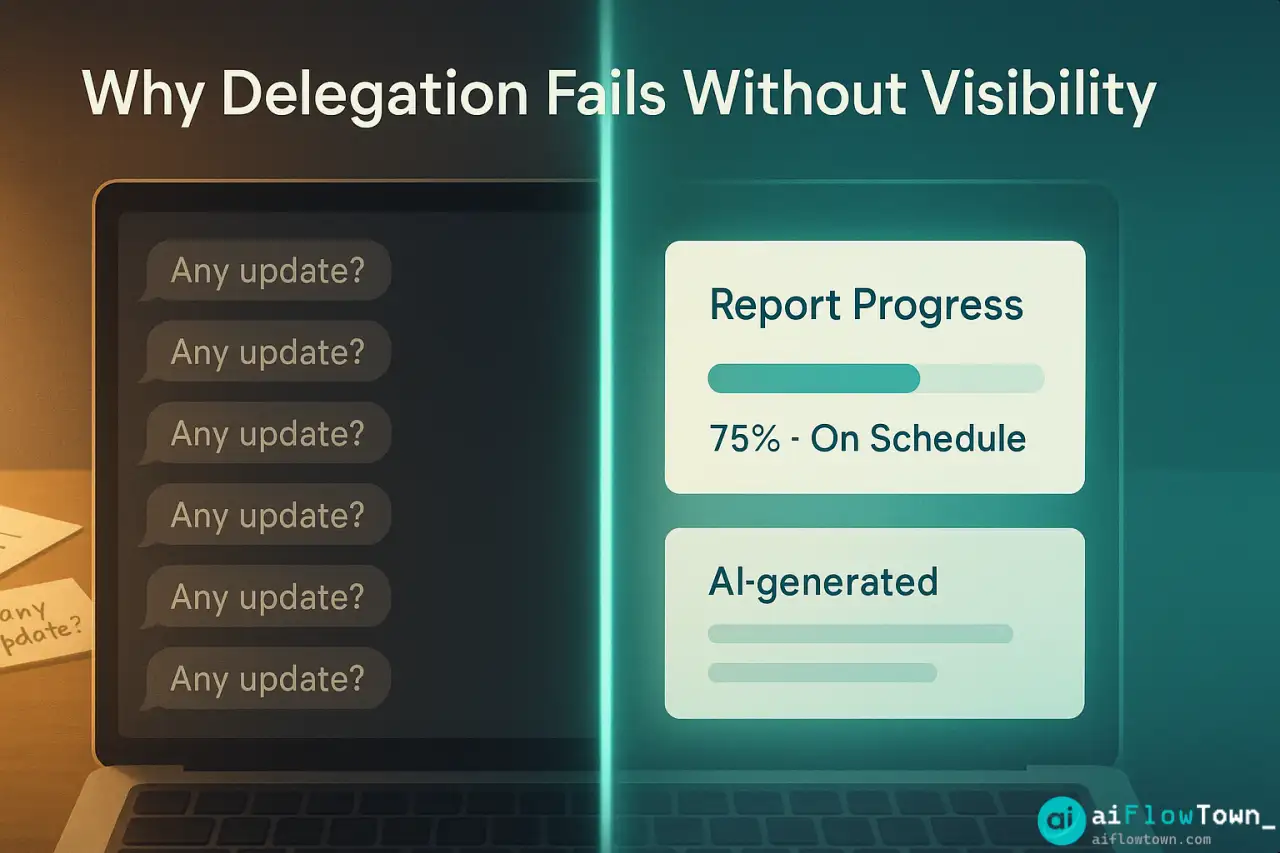
The delegation problem isn’t that people don’t want to do the work—it’s the information gap between assignment and completion. You delegate, then you’re blind until you manually check in. If you check too often, you’re micromanaging. If you don’t check enough, you discover problems too late.
Common delegation failures:
- ⚠️ Task assigned verbally, forgotten by both parties
- ⚠️ No clear deadline or success criteria
- ⚠️ Blockers encountered but not communicated
- ⚠️ Progress invisible until task is “done” or overdue
- ⚠️ Dependencies between tasks not tracked
- ⚠️ Priority shifts but delegated tasks don’t adjust
Using ai task delegation tools creates visibility without constant check-ins. AI monitors progress, identifies risks, and surfaces issues proactively using ai tools for task delegation and tracking systematically. For more management strategies, visit AI workflow optimization.
The AI Delegation Tool Landscape
| Tool | Best For | AI Features | Price |
|---|---|---|---|
| Motion | Automatic scheduling + delegation | AI schedules tasks, auto-adjusts for delays | $34/mo per user |
| Asana + AI | Enterprise teams | Smart status updates, risk detection | $25+/mo per user |
| ClickUp Brain | All-in-one PM | AI summaries, progress insights, writing | $7+/mo per user |
| Monday.com AI | Visual workflows | Auto-status updates, bottleneck detection | $12+/mo per user |
| Notion AI | Documentation-heavy teams | Task extraction from docs, summaries | $10/mo per user |
Each excels at different aspects of automate task assignment with ai systems. Choose based on team size and workflow complexity. For more tools, visit best AI productivity tools.
Setting Up Intelligent Delegation
The Initial Assignment
Delegate tasks with AI-readable structure:
Instead of: "Can you work on the marketing campaign?"

Use structured format:

Task: Create Q1 marketing campaign plan
Assigned to: Sarah
Due date: Jan 15
Priority: High
Success criteria:
  - 3 campaign concepts with budget estimates
  - Channel strategy for each concept
  - Timeline and resource requirements
Dependencies: Needs Q4 performance data from analytics team
Estimated effort: 12 hours
Check-in points: Jan 8 (concepts ready), Jan 12 (draft complete)

This structure lets AI:
- Track if task is on schedule based on effort estimate
- Alert if dependencies aren't resolved
- Remind about check-in points automatically
- Surface risk if approaching deadline with no progress
Automated Progress Tracking
Monday 9am: “Quick update on Q1 marketing campaign – what % complete?”
Sarah responds: “30% – finished research, starting concepts today”
AI logs: Task at 30%, pace slightly behind (should be 40% by day 3)
Wednesday 9am: AI checks: still 30%? Sends: “Need help with anything?”
If yes: Alerts you that task has blocker
If no response: Escalates to you Thursday
This intelligent monitoring uses smart progress tracking using ai tools without manual check-ins. Learn more at AI productivity prompts.
AI-Powered Status Updates
Automatic Summary Generation
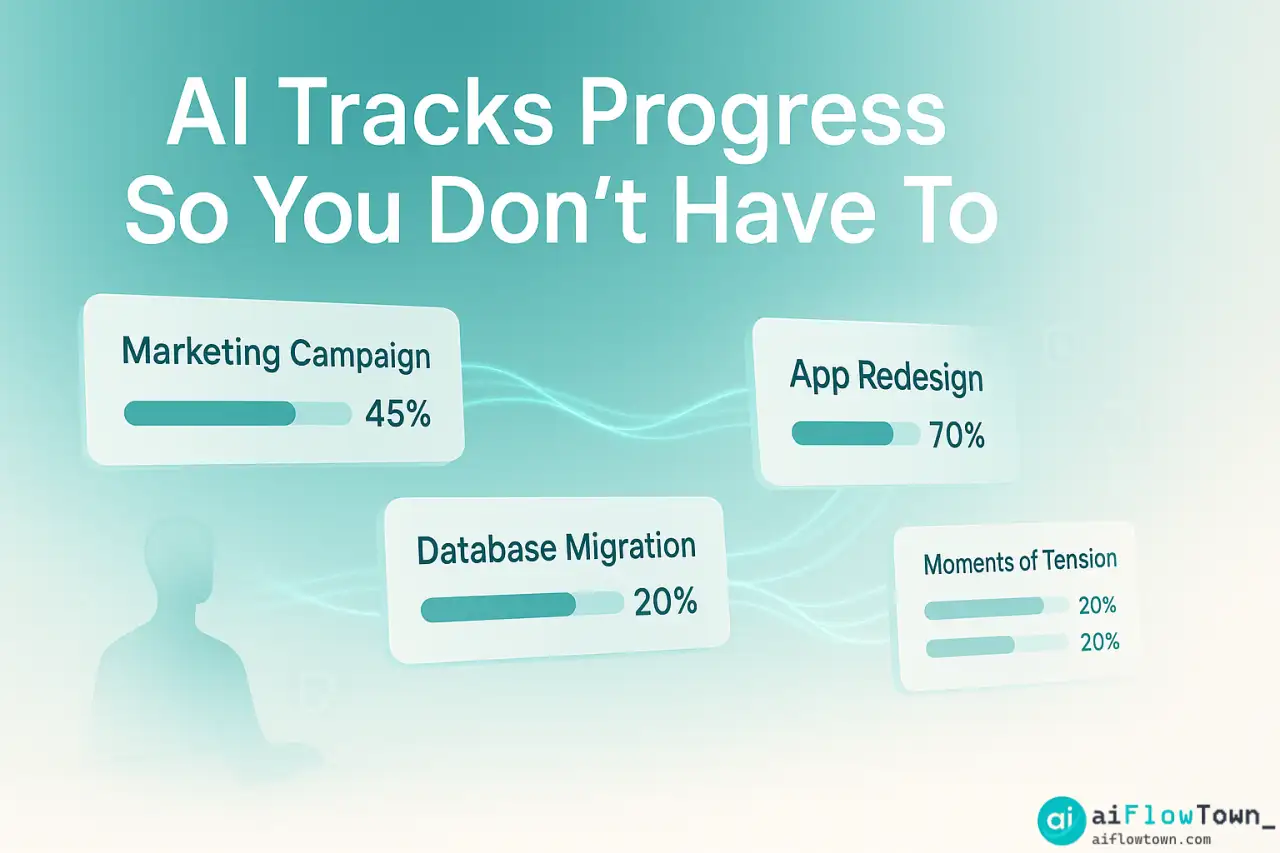
Daily Team Digest (Auto-generated):

 Tasks On Track (12):
- Q1 Marketing Campaign (Sarah, 45% complete, on schedule)
- API Integration (Marcus, 70% complete, ahead of schedule)
[...10 more tasks...]

⚠️ Tasks At Risk (2):
- Mobile App Redesign (Chen, 15% complete, 3 days behind)
  Risk: Design assets delayed by vendor
  Action needed: Approve alternate vendor or extend deadline

- Customer Database Migration (Alex, no progress in 4 days)
  Risk: Alex hasn't updated status despite reminders
  Action needed: Check if Alex has blocker

✅ Completed Yesterday (5):
[List of completed tasks]

 Starting Today (3):
[List of new tasks beginning]

AI Recommendations:
- Prioritize resolving mobile app vendor issue (blocks 3 other tasks)
- Check in with Alex on database migration
- Marketing campaign on track for Friday review
This dashboard view uses delegate work efficiently with ai assistance by surfacing only what needs attention.
Smart Escalation Logic
AI Alert Rules:

Immediate Alert:
- Task marked "Blocked" by assignee
- Task overdue
- Dependencies preventing start date
- Assignee requests help

Daily Digest:
- Tasks progressing slower than estimated
- Tasks nearing deadline (3 days out)
- Tasks with no updates for 2+ days

Weekly Summary:
- Overall team capacity utilization
- Tasks consistently slipping
- Team members overloaded vs underutilized

No Alert:
- Tasks progressing on schedule
- Routine updates with no issues
- Completed tasks (just log)
ChatGPT Integration for Summaries
For teams without AI PM tools, use ChatGPT to analyze your task manager data:
"Analyze my team's task progress and identify risks.

Task data: [Export from Todoist/Asana/whatever you use]

For each task, I need:
- Title and assignee
- Due date vs today's date
- Last update timestamp
- Current status

Analyze and report:

1. Red Flags: Tasks likely to miss deadline
   - Due in < 3 days with < 50% progress
   - No updates in 3+ days
   - Marked blocked or at risk

2. Yellow Flags: Tasks needing monitoring
   - Due in 3-7 days, progress slower than expected
   - Dependencies not yet resolved
   - Assignee has 5+ concurrent tasks

3. Green: Tasks on track (just list count, not details)

4. Capacity issues:
   - Who's overloaded (5+ active tasks)?
   - Who has capacity (< 3 tasks)?
   - Should tasks be redistributed?

5. Bottlenecks:
   - What's blocking multiple tasks?
   - Which person is dependency for others?

Make this actionable—tell me exactly what to address first."
Run this daily or weekly to maintain visibility using reduce micromanagement using ai task tracking effectively.
Real Case: Agency Manager
Before AI Tracking
Jessica managed 8 designers and developers at a digital agency. Delegation process:
- ❌ Tasks assigned in Slack or verbal
- ❌ Tracked in spreadsheet she updated manually
- ❌ Daily standup to hear status (30 min/day)
- ❌ Still surprised by missed deadlines weekly
- ❌ 2-3 hours daily on “project management”
- ❌ Team felt micromanaged despite poor visibility
After AI Implementation
Jessica switched to Motion with AI scheduling:
New workflow:
– All tasks assigned through Motion with clear criteria
– AI auto-schedules based on team capacity
– Team members update progress (Motion prompts them)
– AI generates daily risk report Jessica reviews in 5 minutes
– She intervenes only when AI flags actual issues
– Eliminated daily standup (replaced with async updates)
Results after 60 days:
– Project management time: 2-3 hours → 30 min daily
– On-time delivery: 70% → 92%
– Team satisfaction: Higher (less micromanagement feeling)
– Missed deadlines: Reduced 65% (earlier blocker visibility)
– Jessica’s time freed up for actual strategic work
– AI-Enabled Delegation –
Key Success Factors
- ✅ Structured task creation (not vague assignments)
- ✅ Team bought into updating status (takes 30 sec/task)
- ✅ AI alerts configured to Jessica’s preferences
- ✅ Weekly retrospective to tune AI settings
- ✅ Trust that AI catches issues (stopped manual checking)
Practical Implementation Tips
Getting Team Buy-In
Frame it as:
"This tool means I won't need to bug you constantly about status.
Update your tasks when you start/finish, mark blockers immediately,
and I'll only reach out when there's actually a problem.
Less interruption for you, better visibility for me."

Not as:
"I'm implementing this tracking system to monitor productivity."

Make it easy:
- Status update takes < 30 seconds
- Mobile app for quick updates
- Can update via Slack bot
- No detailed explanations needed
Tuning AI Sensitivity
Adjust alert thresholds based on your team:
- Experienced team → Alert only 1 day before deadline if < 80% complete
- Junior team → Alert 3 days before if < 60% complete
- Remote team → Alert if no update for 2 days (async communication lag)
- Co-located team → Alert if no update for 4 days (they talk in person)
What to Delegate to AI vs Humans
AI handles:
- ✅ Routine progress tracking
- ✅ Deadline reminders
- ✅ Dependency monitoring
- ✅ Capacity balancing suggestions
- ✅ Pattern detection (who’s consistently late?)
You handle:
- Actual problem-solving when blockers surface
- Performance conversations
- Strategic priority shifts
- Coaching and development
- Relationship building
❓ FAQ
⚡ Does AI delegation feel impersonal?
Only if you let it. AI handles mechanical tracking—you still have human conversations when issues arise. Team appreciates not being interrupted for “status updates” constantly. Save your personal touch for meaningful interactions, not check-ins.
What if team ignores AI prompts?
Make status updates part of workflow: task isn’t “done” until marked complete in system. If someone consistently ignores prompts, that’s a management issue to address directly—they’re not updating because they’re stuck, overloaded, or don’t value the system. Fix the root cause.
Can AI handle complex project dependencies?
Yes, but you need to define them. AI tracks “Task B can’t start until Task A done” relationships automatically. It alerts when dependencies are blocking progress. But you must set up dependencies initially—AI won’t infer them from task descriptions.
Is AI task management worth the cost?
Calculate: hours spent on manual tracking × your hourly rate. If you spend 10 hours/month tracking tasks and make $50+/hour, that’s $500/month of your time. AI tools cost $100-300/month for small teams. ROI is immediate for managers.
What about tasks that don’t fit templates?
Creative or exploratory work doesn’t fit structured tracking. Mark these as “flexible deadline” or “ongoing.” AI won’t nag about progress. Use AI tracking for predictable deliverables with clear deadlines, not open-ended research or creative exploration.
Final Thoughts
Effective delegation isn’t about control—it’s about visibility. You need to know if delegated work is progressing without constantly interrupting people to ask. AI task delegation tools create this visibility automatically by tracking status, identifying risks, and alerting you only when intervention is needed.
Start with your next project. Structure tasks clearly, assign them in an AI-enabled tool, let the system track progress for a week. You’ll discover problems earlier, interrupt your team less, and spend time solving actual issues instead of hunting for status updates.
The best delegation feels like magic: you assign work, things get done, you only hear about problems that need your attention. AI makes that magic systematic.
⚠️ Reminder: Even the smartest tools / AI can miss small details or make mistakes. Always double-check your work before presenting or publishing it - a quick review can save hours later.