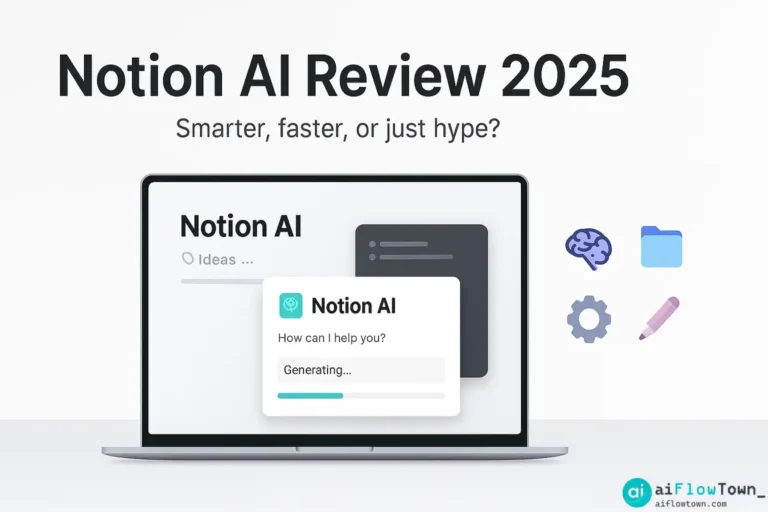
Is Notion AI the Upgrade We’ve Been Waiting For?
For years, Notion has been the undisputed champion of customizable productivity, a digital LEGO set that lets you build any workflow you can imagine. But in the age of AI, a new question has emerged: can this all-in-one workspace also be an intelligent partner? With the launch of its integrated AI features, Notion promises just that. This is our in-depth Notion AI review for 2025.
We’ll move beyond the hype and answer the single most important question: is Notion AI worth it? We’ll dissect its core features, compare it to standalone giants like ChatGPT, break down the pricing, and help you decide if this powerful add-on is the right investment for your productivity stack. We’re not just listing features; we’re evaluating its real-world impact on a modern workflow.
Notion AI isn’t just another tool; it’s a fundamental change to the way you can interact with your own information. Let’s explore if it lives up to the promise.
Part 1: What is Notion AI and How is it Different?
Unlike standalone tools such as ChatGPT or Claude, where you copy and paste information into a chat window, Notion AI lives inside your documents. This is its single biggest advantage: context. Notion AI can read, understand, and act upon the information already on your page. It’s not a generic chatbot; it’s a contextual assistant for the work you’re already doing. Think of it this way: ChatGPT is a brilliant consultant you call into a meeting. Notion AI is a team member who has been in the meeting the whole time, knows the history of the project, and can act on the notes directly. This core difference informs all of its key features and is crucial to understanding its value proposition. You can find out more on the official Notion AI product page.
Part 2: A Deep Dive into Notion AI Features
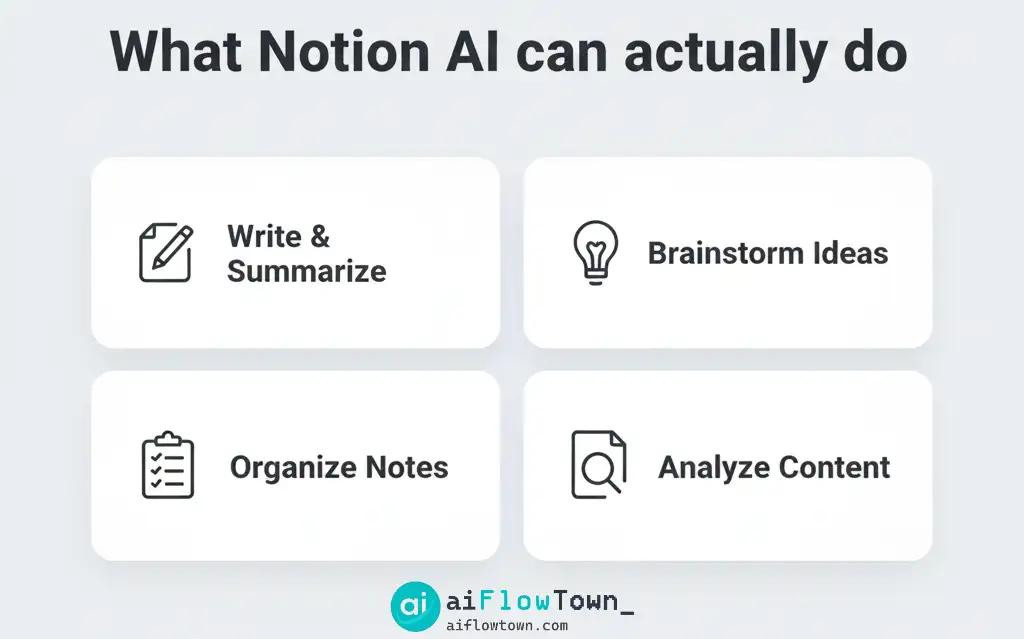
Notion AI’s capabilities can be grouped into three main categories: creating new content, editing existing content, and automating databases. Let’s break down the most impactful Notion AI features.
1. Writing and Brainstorming (The “Blank Page” Problem)
This is Notion AI’s most direct competitor to ChatGPT. You can ask it to brainstorm, write drafts, create outlines, and more.
- Drafting Content: You can ask it to “Write a blog post about the benefits of time-blocking” or “Draft a project plan for a new app launch.”
- Brainstorming Ideas: Prompts like “List 10 marketing ideas for a new coffee shop” or “Give me 5 creative names for a productivity podcast” work seamlessly.
- Creating Outlines: Turn a simple idea into a structured plan by asking it to “Create a detailed outline for an article about the history of AI.”
While powerful, the quality of pure generation is often comparable to free models like GPT-3.5. Its real strength is not starting from scratch, but working with what’s already there.
2. Editing and Transformation (The “Contextual Powerhouse”)
This is where Notion AI truly shines. By highlighting any text on your page, you can access a powerful AI menu to transform it.
- Summarize: The star of the show. Highlight pages of meeting notes and click “Summarize” to get a concise, bulleted list of key points. This is an incredibly powerful Notion AI text summarizer.
- Extract Action Items: Similar to summarizing, this command reads through a document and pulls out any sentence that looks like a task, creating an instant to-do list.
- Improve Writing: Fix spelling and grammar, or rewrite a clunky paragraph to be more clear and professional.
- Change Tone: Instantly rewrite a paragraph to be more professional, casual, confident, or friendly. This is a huge time-saver for communications.
- Translate: Translate any block of text into over a dozen languages.
3. AI Autofill for Databases (The “Automation Engine”)
This is arguably the most advanced feature. You can create a new property in any Notion database and set it to be filled by AI. This allows you to perform automated analysis on your database entries.
- Example 1 (Content Calendar): You have a database of blog post ideas. You can create an “AI Summary” property and have the AI automatically write a one-sentence summary for each idea.
- Example 2 (Sales CRM): You paste in notes from a sales call. An AI property can automatically extract the “Next Step” or analyze the “Sentiment” of the call.
- Example 3 (Feedback Log): For a database of user feedback, an AI property can automatically categorize each piece of feedback into buckets like “Bug Report,” “Feature Request,” or “Positive Feedback.”
This feature turns your databases from static storage into dynamic, self-organizing systems, a key component of effective AI automation.
Part 3: Notion AI vs. Standalone Tools (ChatGPT, Claude)
The central question for many is: “Why pay for Notion AI when I can use other tools for free?” The answer comes down to workflow integration vs. raw power. Let’s compare them.
| Feature | Notion AI | Standalone AI (e.g., ChatGPT) |
|---|---|---|
| Integration | ⭐⭐⭐⭐⭐ Seamlessly integrated. No context switching. | ⭐ Requires constant copying and pasting. |
| Context-Awareness | ⭐⭐⭐⭐ Excellent. Can act on any text on the page. | ⭐⭐ Limited. You must manually provide all context in the prompt. |
| Raw Intelligence/Creativity | ⭐⭐⭐ Good, but not always on par with the latest paid models. | ⭐⭐⭐⭐⭐ Access to the most powerful and creative state-of-the-art models (with a paid plan). |
| Cost Efficiency | ⭐⭐⭐⭐ A flat monthly fee for unlimited usage (per user). | ⭐⭐⭐ Can be free, but pro plans are often more expensive per user than the Notion AI add-on. |
The verdict on Notion vs ChatGPT is clear: if your primary need is the absolute most powerful creative or analytical engine, a dedicated tool like ChatGPT Plus might be better. But if your goal is to speed up your existing workflow and reduce friction, Notion AI’s deep integration is a massive advantage. It’s the difference between having an external consultant and an internal team member.
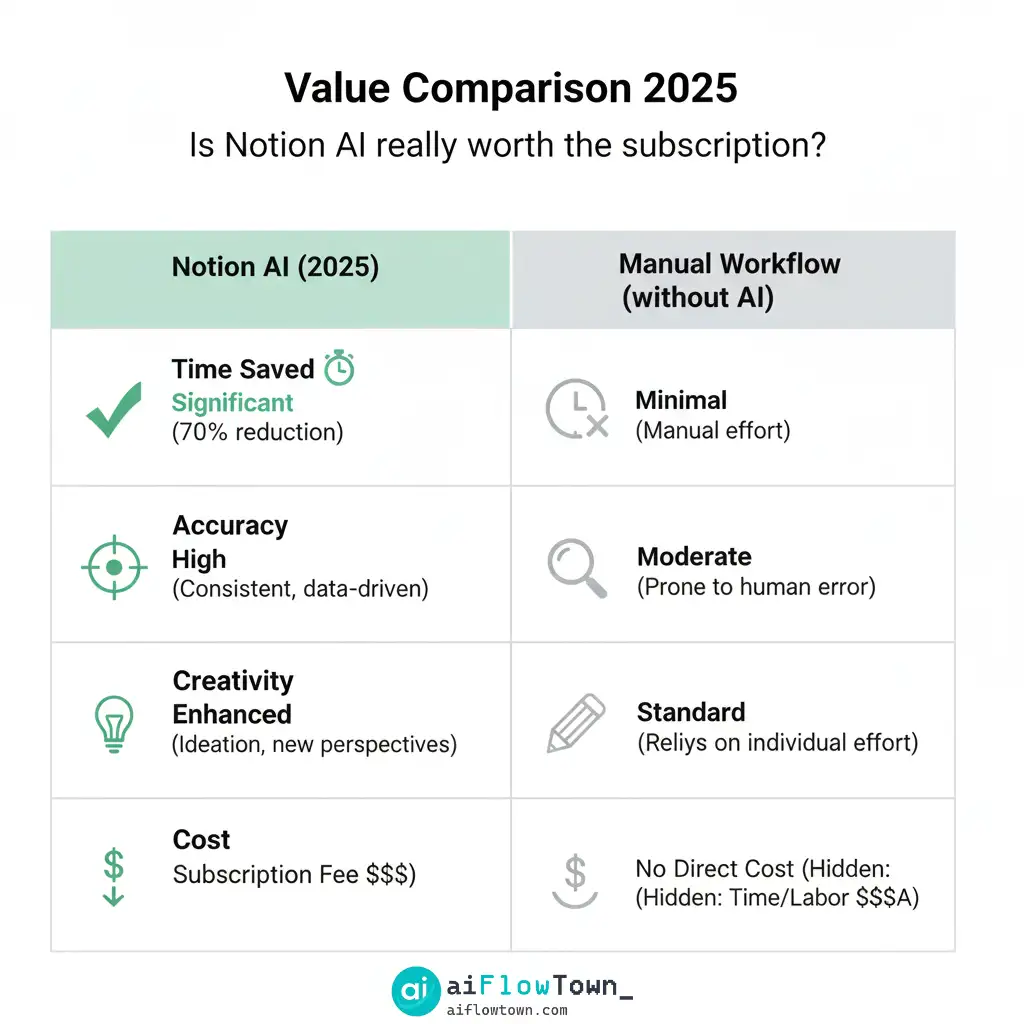
Part 4: Notion AI Pricing and the Free Tier
So, what’s the cost? As of 2025, the Notion AI pricing model is simple:
- It’s an Add-On: Notion AI is not included in the standard plans. It’s a per-user, per-month add-on that you can add to any plan, including the free one.
- The Cost: The price is typically around $10 per user per month (or slightly less if paid annually).
- The Free Tier: Every Notion user gets a limited number of complimentary AI actions. This allows you to test out all the features before committing. The number of free actions is not huge, but it’s enough to get a solid understanding of its capabilities.
Conclusion: The Verdict – Is Notion AI Worth It?
After extensive use and comparison, our Notion AI review leads to a clear conclusion. Yes, Notion AI is worth paying for, but only if you are already a committed Notion user.
If you live and breathe Notion—if your projects, notes, and knowledge base are already there—the productivity gains from its contextual, integrated nature are undeniable. The time saved from summarizing meeting notes, drafting content, and automating databases easily justifies the monthly cost. It’s a workflow accelerator.
However, if you are not a heavy Notion user and simply want the most powerful AI chatbot for creative or complex tasks, you might be better served by a dedicated, standalone tool. Notion AI’s power isn’t in its brain; it’s in its deep, seamless connection to your existing work.
❓ FAQ
Can I use Notion AI on the free plan of Notion?
Yes. The Notion AI free offering gives every user (even on the free plan) a limited number of AI actions to try. Once you use them up, you’ll need to purchase the add-on for continued use, but you can test everything without a paid Notion subscription.
How does Notion AI’s intelligence compare to ChatGPT-4?
In terms of raw reasoning and creative generation for complex tasks, ChatGPT-4 generally has the edge. However, Notion AI’s “intelligence” comes from its context. Because it can see all the other information on your page, it can provide more relevant summaries and actions than ChatGPT can without you manually providing that context.
How do I use Notion AI?
There are two main ways to activate Notion AI: 1) Press the `spacebar` on a new line to open the AI prompt for generating new content. 2) Highlight any existing text on your page and click the “Ask AI” button that appears to access the editing and transformation menu (summarize, improve, etc.).
Is Notion AI a good replacement for all my other AI tools?
Probably not. It’s best to think of it as a specialized tool. It’s a fantastic replacement for the friction of copying/pasting text for summarization and editing. However, you may still want to use one of the best free AI tools for image generation or a standalone chatbot for deep, creative brainstorming.
⚠️ Reminder: Even the smartest tools / AI can miss small details or make mistakes. Always double-check your work before presenting or publishing it - a quick review can save hours later.