A Weekly Review That Goes Beyond Logistics
Sunday afternoon. You open your laptop to “plan the week.” An hour later, you’ve just moved tasks from last week’s to-do list to this week’s, answered a few emails, and felt a wave of anxiety. This isn’t planning; it’s just rescheduling your stress. The problem is that most weekly reviews are just administrative. They lack reflection. They’re a “what” list, not a “why” system. We built this Notion weekly review template to fix that. It’s a simple, 3-part system that forces you to review, reflect, and then plan.
Why Most Weekly Reviews Fail
The weekly review is the single most powerful habit for long-term productivity. So why do we hate doing it? It’s because most templates make three mistakes:
- They are too complex. You spend 30 minutes just filling out boxes and databases. A good system should be fast.
- They are backward-looking. They focus 90% on what you did and 10% on what you will do.
- They skip reflection. They don’t have a built-in step to ask “Why did this happen?” and “What’s the one thing I need to fix?”
A good review isn’t a diary. It’s a steering wheel. Its purpose is to make small corrections to ensure you’re still heading in the right direction. This requires a better mindset and focus, not a bigger to-do list.
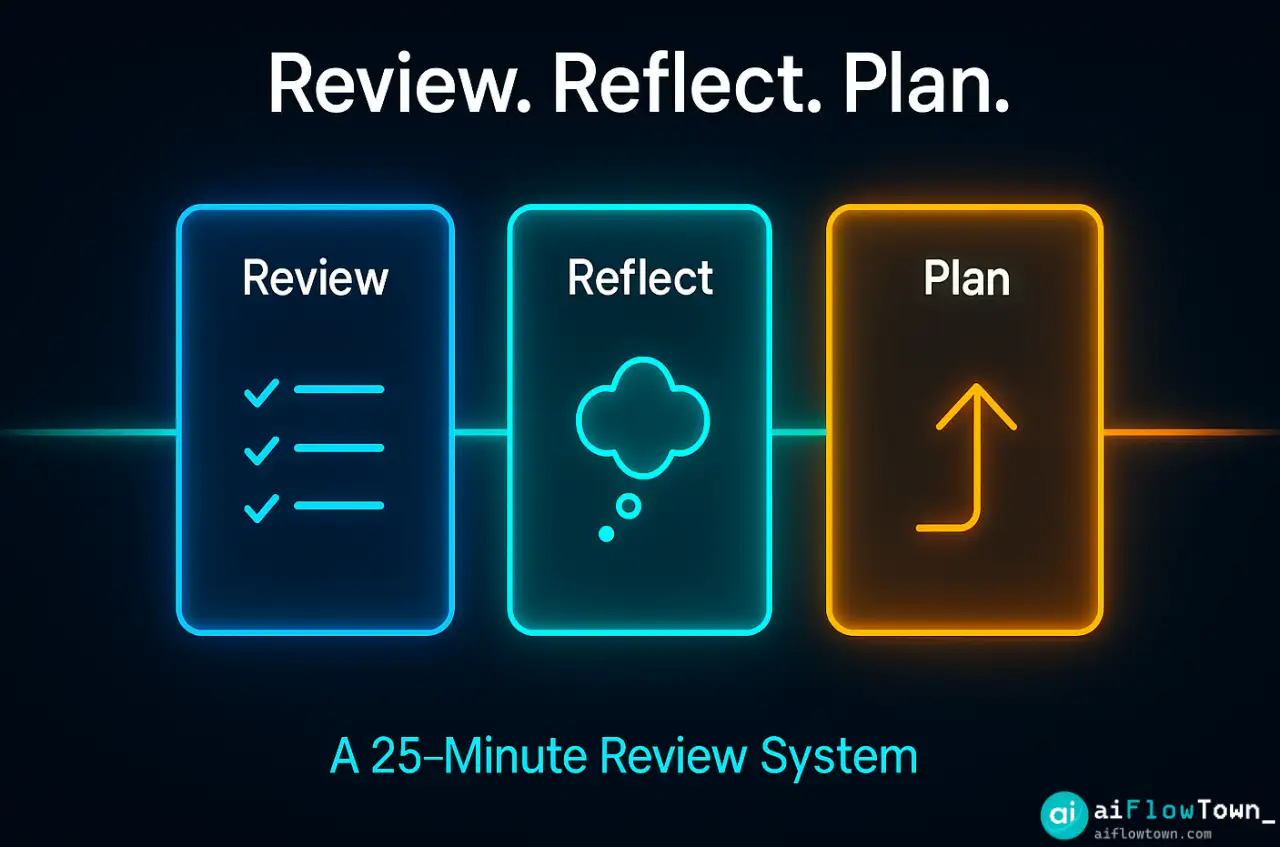
The 3-Part System: Review, Reflect, Plan
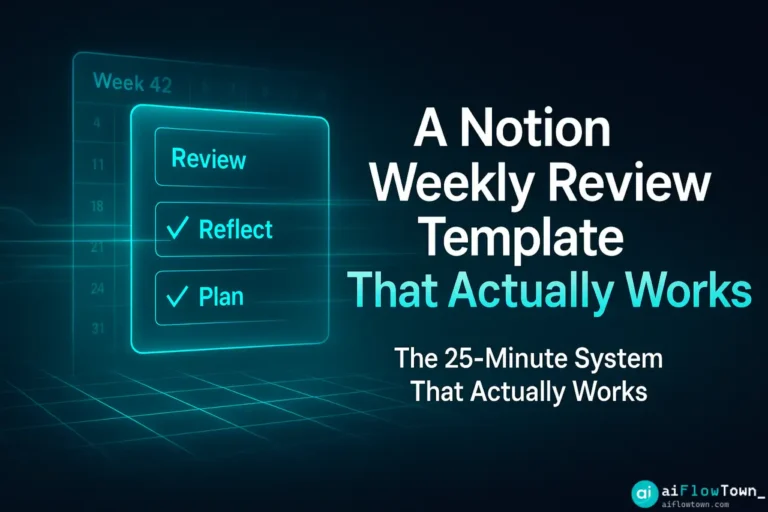
Our template is built on a 3-part logic, designed to be completed in 25 minutes. It forces you to look back, look inward, and then look forward.
Part 1: The Review (5 Minutes)
This is the fast, objective part. You’re just gathering data. Don’t analyze it yet. Just get it out of your head.
- What was my big win?
- What got done? (Check off from last week’s plan)
- What didn’t get done? (Move these to the new week’s “Inbox”)
- What new tasks/ideas popped up? (Add to “Inbox”)
Part 2: The Reflection (10 Minutes)
This is the most important part. This is where you stop being an admin and start being a strategist. Look at the tasks that didn’t get done and ask “Why?”
- What was my single biggest bottleneck or distraction?
- On a scale of 1-10, how did I feel about my energy and focus?
- What’s one thing I can stop doing next week?
- What’s one thing I should start doing?
This is the perfect place to use AI. We’ll share the prompts for this in a moment.
Part 3: The Plan (10 Minutes)
Now, with clarity from your reflection, you can build a realistic plan. This plan should be small, clear, and focused.
The Rule of 3: Your week should be built around 3 “Big Priorities.” These are the 3 things that, if you get them done, will make the week a success. Everything else is secondary.
- What are my 3 “Big Priorities” for this week?
- What are the smaller, necessary tasks? (Process your “Inbox”)
- What one task can I do right now to build momentum?
Inside the Notion Template
The template is a simple, clean Notion page you can duplicate. It’s not a monster database system. It’s a single, reusable checklist structured around the 3-part system. Here’s a simple breakdown of the layout.
| Section | Component | Purpose |
|---|---|---|
| Top | Week Title (e.g., “Week 42: Oct 26 – Nov 1”) | For quick reference and archiving. |
| Part 1: Review | Checklists & “Inbox” Text Box | To capture what happened and what’s new. |
| Part 2: Reflect | Simple questions & “AI Reflection” toggle | To force you to think and analyze. |
| Part 3: Plan | “Big 3 Priorities” list & “Other Tasks” list | To define a clear, focused plan for the week. |
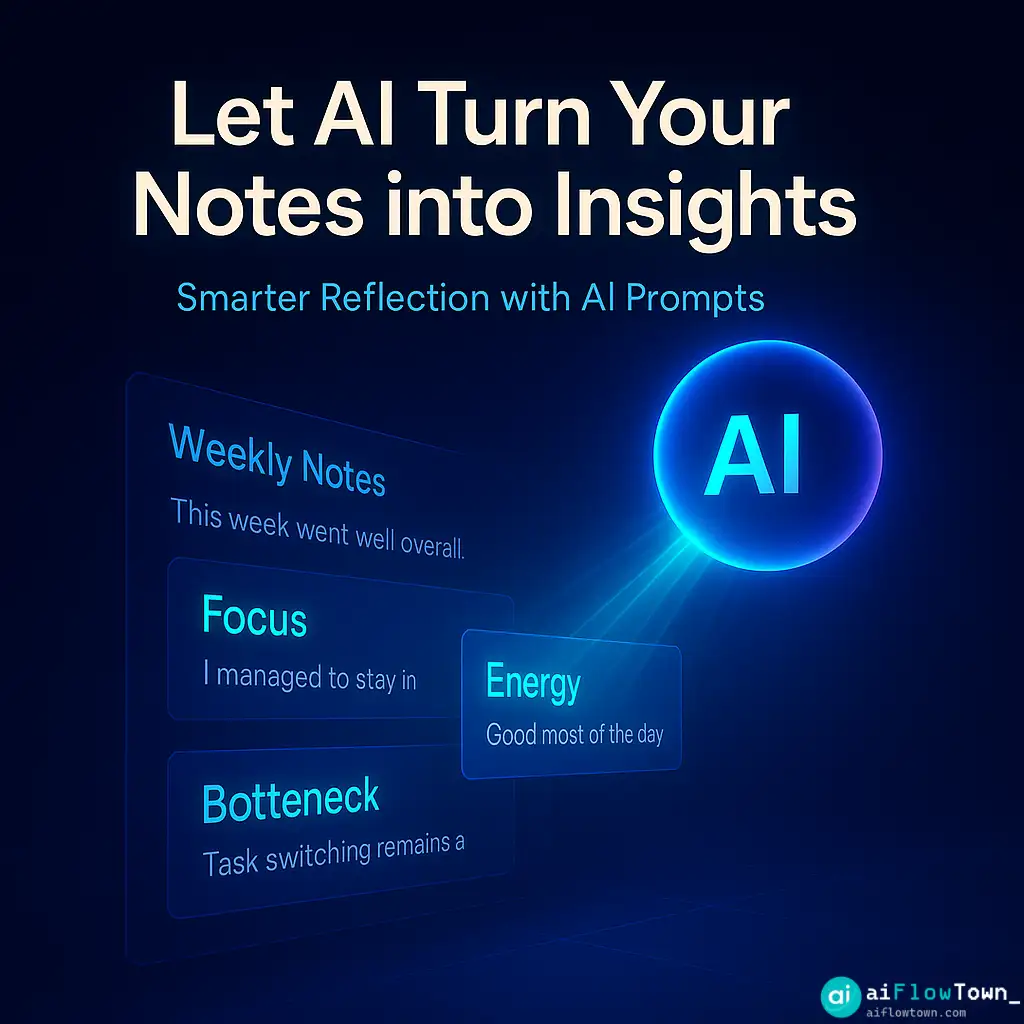
AI Prompts for a Smarter Review
The template includes a toggle with these prompts. After you fill out Part 1, copy your “Review” data (what got done, what didn’t) and use these prompts to supercharge your “Reflection.”
You can find more prompts like this in our Prompt Library.
1. The ‘Bottleneck’ Prompt:
Act as a productivity coach. Here is my data from last week:

[Paste your 'Done' and 'Not Done' lists]

Based on this, what is the most likely *bottleneck* or *distraction* that stopped me from completing my tasks? Identify 1-2 patterns and suggest a solution.
2. The ‘Prioritization’ Prompt:
Here is my 'Inbox' of new tasks for next week:

[Paste your messy 'Inbox' list]

Organize this list for me. Group similar tasks (e.g., 'Emails', 'Writing', 'Finance') and suggest the 3 most urgent and important tasks to be my "Big 3 Priorities."
3. The ‘Energy’ Prompt:
Last week my energy was a [Your 1-10 Rating]. My biggest drain was [Your Answer].

Give me 3 small, actionable tips to protect my energy this week or manage this drain better.
4. The ‘Theme’ Prompt:
Based on my goals and my results from last week, what should the "theme" for this coming week be? Give me a single, motivating sentence (e.g., "This week is about *focus*, not *volume*.").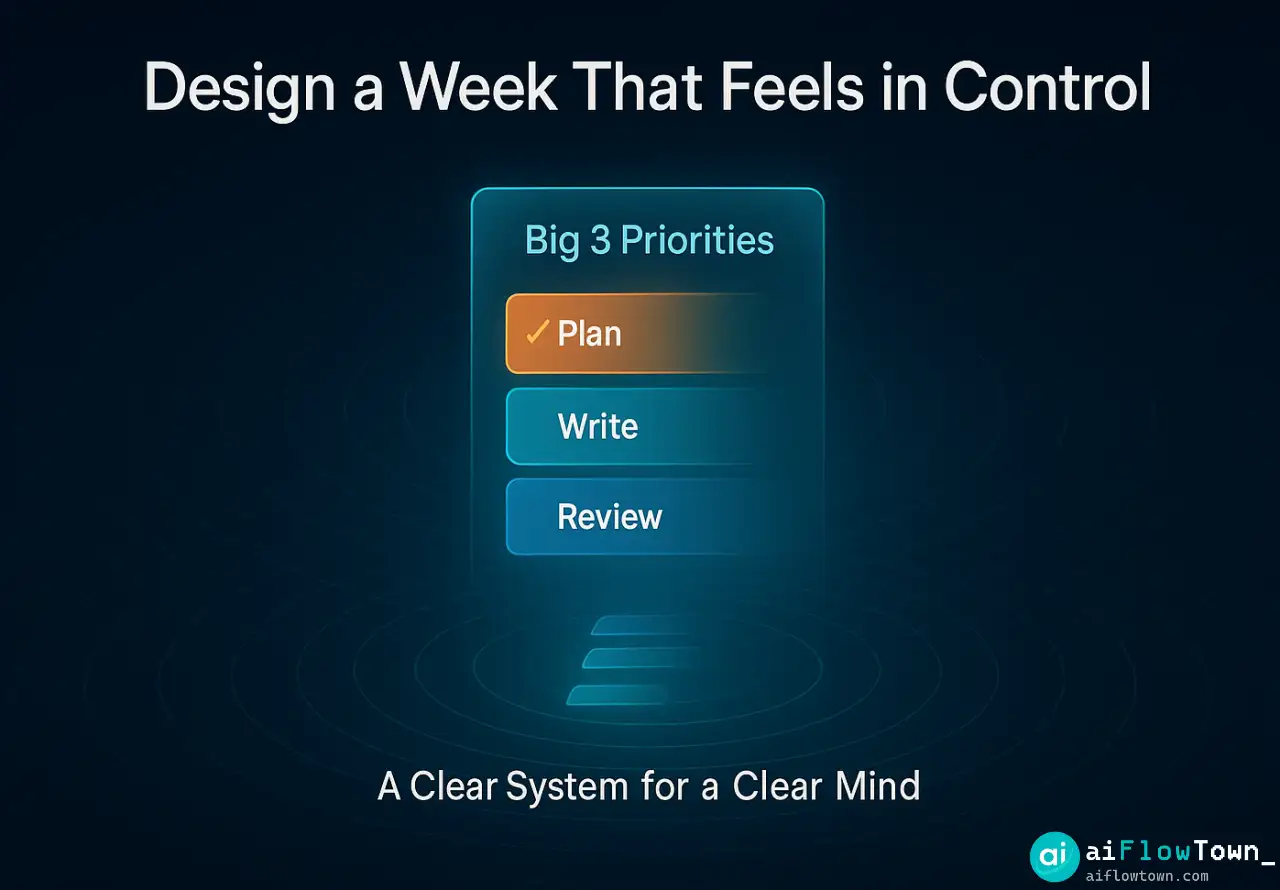
How to Use This Template
This is the easy part. No complex setup required.
- Get the Template: (We will place a button here for you to link to your Notion duplicate page).
- Duplicate It: Click the “Duplicate” icon in the top-right corner of Notion to add it to your private workspace.
- Set a Recurring Reminder: Set one 25-minute calendar event for the same time every week (e.g., Sunday at 4 PM). This is the most important step.
- Follow the Checklist: When the time comes, open the template and just go top-to-bottom. Don’t overthink it.
You can use this with any of the best free AI tools (like ChatGPT or Claude) by simply copying and pasting from Notion into the AI chat window.
❓ FAQ
Why Notion? Can I use this in another tool?
This template is built in Notion for its clean interface and easy duplication. However, the system (Review, Reflect, Plan) is what matters. You can easily copy the questions and structure into Todoist, ClickUp, Asana, or even just a plain text document.
⏰ How long does this weekly review really take?
The first time you do it, set aside 30-40 minutes. After your second or third time, you will get into a flow. The goal is to complete the entire process in 20-25 minutes. It should be a sprint, not a marathon.
Do I have to use the AI prompts?
No. The AI prompts are 100% optional. They are there to help you if you feel “stuck” on the reflection part. The core of the template is the 3-step checklist, which you can use entirely on its own.
Final Thoughts
A weekly review shouldn’t feel like a chore. It should feel like you’re taking back control. By separating the doing from the thinking, you give yourself space to make smart, small adjustments that lead to big results.
This weekly review template is designed to be a tool, not a burden. Use it to stop rescheduling stress and start designing your ideal week. A simple checklist is often the most powerful tool you have.
Want more prompts to supercharge your planning? Explore our full list of AI productivity prompts to get more out of your new workflow.
⚠️ Reminder: Even the smartest tools / AI can miss small details or make mistakes. Always double-check your work before presenting or publishing it - a quick review can save hours later.