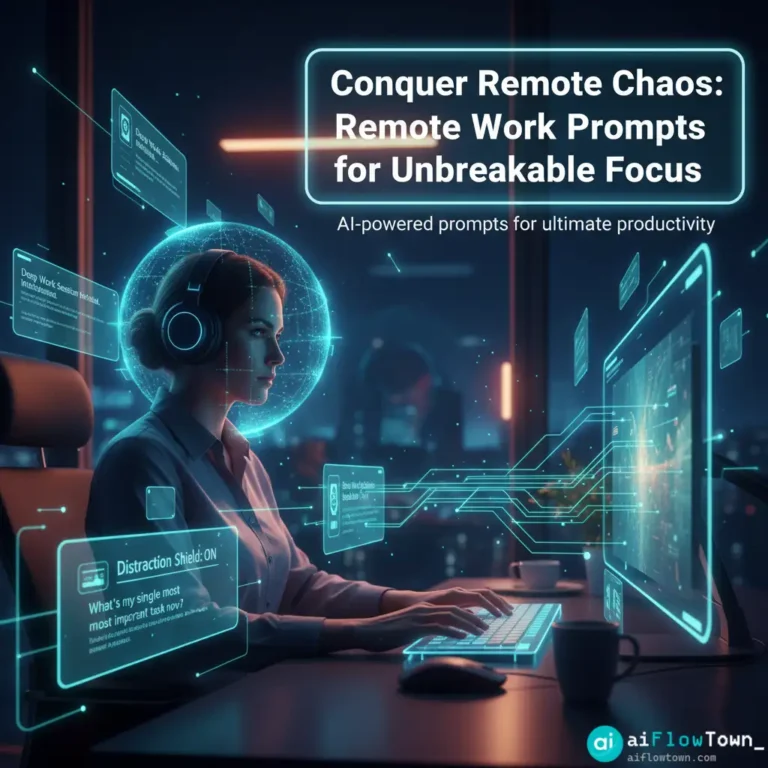
Thrive at Home with AI-Powered Remote Work Prompts
Remote work offers incredible freedom, but it comes with a unique set of challenges. The line between your living room and your office blurs. Distractions are everywhere, from household chores to the siren call of social media. Without the structure of a traditional office, maintaining focus and productivity can feel like a constant battle. This is where a new kind of partner comes in: your AI assistant. This guide will provide 16 specific remote work prompts designed to turn your AI into a powerful focus and productivity coach.
We’ll go beyond generic advice. These are actionable, copy-and-paste prompts that leverage the power of AI to create structure, manage your time, and help you stay focused working from home. You’ll learn how to use AI to design your day, overcome procrastination, and build a sustainable, efficient remote work routine. Think of this as your personal playbook for thriving in a world of distributed work.
These techniques are designed to help you implement the best work from home productivity tips in a systematic way. Let’s build your remote work command center.
Part 1: The Remote Work Challenge – Structure is Everything
In an office, structure is given to you: set hours, scheduled meetings, the physical presence of colleagues. At home, you are the architect of your own structure. This freedom is powerful, but it requires a high degree of self-discipline and intentionality. Without a system, it’s easy to drift, procrastinate, and end the day feeling busy but unproductive.
The prompts in this guide are designed to solve this exact problem. They use AI as a tool to externalize your planning, create accountability, and build the routines that high-performing remote workers rely on. The goal is to use AI to build the scaffolding that allows for sustained periods of deep work.
In remote work, you don’t find focus, you design it. An AI assistant is the most powerful design tool you have.
Part 2: The Prompt Library for Remote Warriors
These prompts are divided into categories that address the key challenges of working from home. Copy them, adapt them, and make them your own.
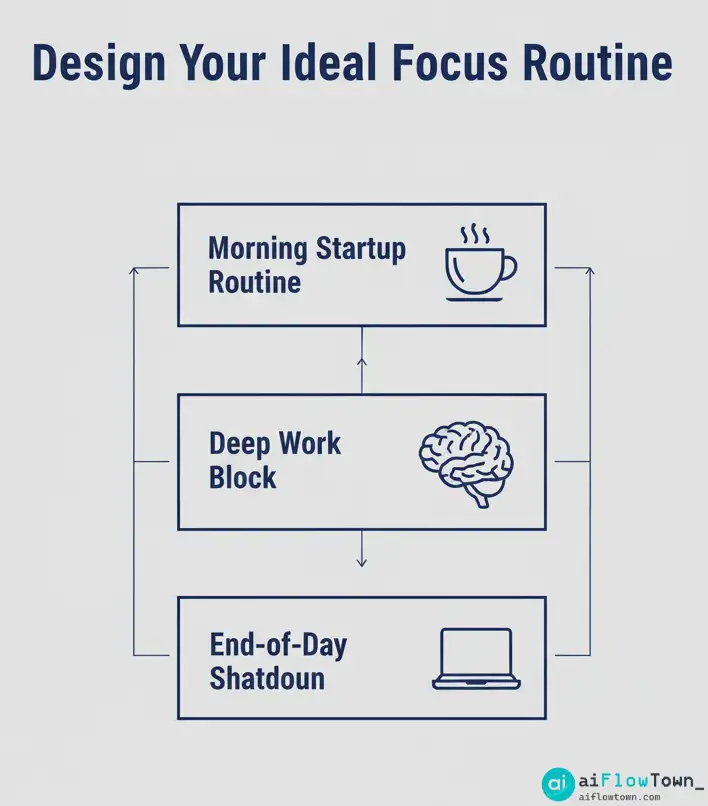
Category 1: Designing Your Day (The Morning Startup)
The first 30 minutes of your workday are the most important. Use these prompts to set a clear, intentional plan before you even open your email.
1. The Daily Plan & Focus Prompt
Act as an executive performance coach. It's the start of my workday. My single most important goal for today is [Your Most Important Task]. I also have these other tasks: [List 2-3 other tasks]. Based on this, create a simple time-blocked schedule for my day (9 AM - 5 PM) that prioritizes a 2-hour "deep work" block for my main goal.
2. The “Clarity from Chaos” Prompt
Act as a productivity expert. Here is my messy brain dump of everything I *could* do today: [Paste a list of all your tasks, big and small]. Analyze this list and apply the "1-3-5 Rule" to help me prioritize. Identify: 1 Most Important Task, 3 Medium-Importance Tasks, and 5 Small Tasks I can get done. Format the output into three separate lists.
3. The Proactive Obstacle Planning Prompt
Act as a mindset coach. My main goal today is to [Your Goal]. What are 2-3 potential distractions or obstacles I might face while working from home today? For each one, suggest a simple, proactive "if-then" plan to overcome it. (e.g., "If I feel the urge to check social media, then I will stand up and stretch for 2 minutes.")
4. The Daily Focus Affirmation Prompt
Generate a short, powerful focus statement for my day based on my primary goal: [Your Goal]. The statement should be in the first person and serve as a reminder of my intention.
Category 2: Managing Tasks & Overcoming Procrastination
These prompts help you break down work, fight procrastination, and maintain momentum throughout the day.
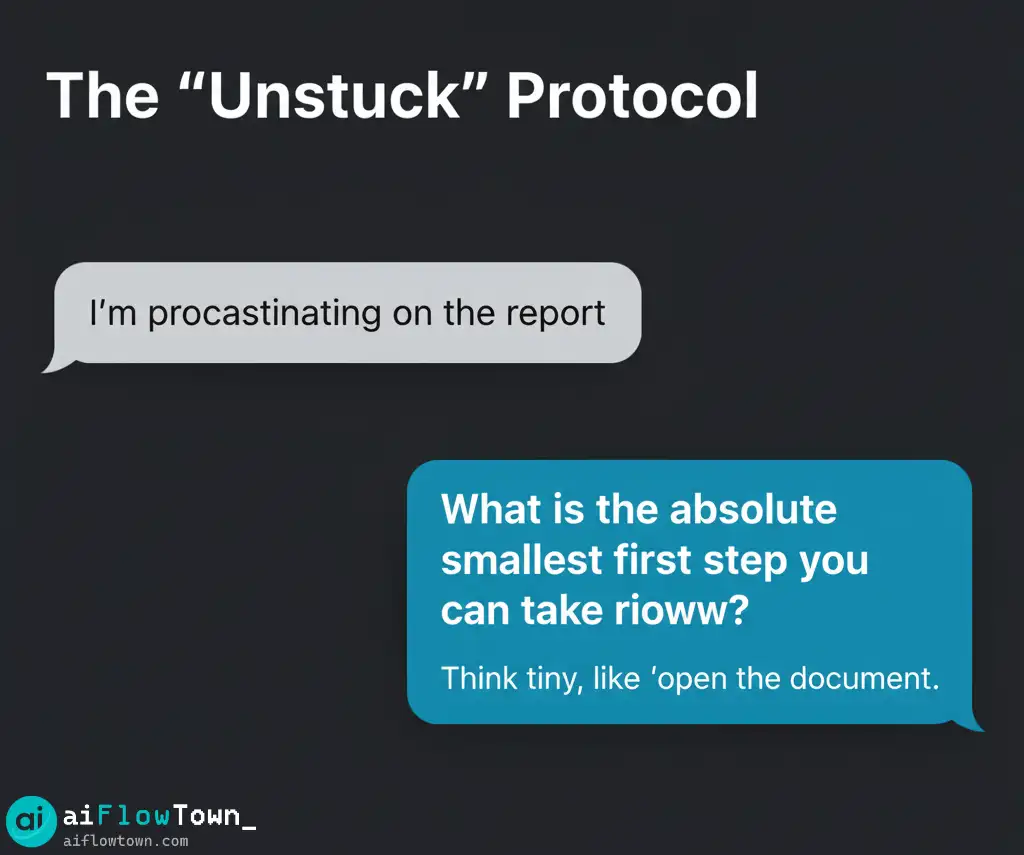
5. The “Unstuck” Prompt (Task Decomposition)
Act as a solution-focused coach. I'm feeling overwhelmed and am procrastinating on this task: "[Describe the overwhelming task]". Guide me by asking me questions to break this task down into the absolute smallest, most manageable first step I can take in the next 5 minutes.
6. The Pomodoro Session Planner
I want to use the Pomodoro Technique for the next 90 minutes. Act as a focus facilitator. Create a plan for three 25-minute focus sprints, with 5-minute breaks in between. Assign a specific micro-task from my main project, "[Project Name]", to each sprint.
7. The “End of Day” Brain Dump & Shutdown
Act as my executive assistant. It's the end of my workday. Guide me through a shutdown routine. Ask me to list all the "open loops" or unfinished tasks still on my mind. Then, ask me to identify the single most important task for tomorrow so I can start the next day with clarity.
8. Prioritization Matrix Prompt
I have a list of tasks but don't know where to start: [List of tasks]. Act as a project manager and categorize these tasks into a 2x2 Eisenhower Matrix (Urgent/Important). Present the output as a simple table.
Category 3: Communication & Collaboration
Working remotely requires clear, intentional communication. Use these prompts to draft professional and effective messages.
9. The “Clear Status Update” Prompt
Act as an expert communicator. I need to write a status update for my manager on the [Project Name] project. Here are my raw notes: [Paste bullet points of your progress, challenges, and next steps]. Synthesize these notes into a concise, professional, and well-structured email update.
10. The “Polite No” Prompt (Boundary Setting)
I've been asked to take on a new task, [New Task], but my plate is full. Act as a career coach. Draft a polite but firm email that declines the request while showing that I am still a collaborative team player. Suggest an alternative timeline or resource.
11. Drafting a Request for Clarification
I've received a vague task from a colleague: "[Vague Task]". Act as a project manager. Draft a clear, friendly email asking for specific clarification on the expected outcome, deadline, and any available resources.
12. Summarizing a Long Email Chain
Here is a long email chain: [Paste the full email chain]. Summarize the key decisions made, the current status of the discussion, and what is required from me now.
Category 4: Mindset & Well-being
These prompts are designed to help you manage the psychological challenges of remote work, from isolation to burnout.
13. The “Re-Focus” Prompt (After Distraction)
I just got distracted and spent 20 minutes on social media. I'm feeling frustrated. Act as a mindfulness coach. Give me a 3-step mental reset routine to help me let go of the frustration and gently return to my work without judgment.
14. The “End of Week” Wins Prompt
Act as a supportive manager. It's Friday afternoon. Ask me to list my 3 biggest accomplishments this week, no matter how small. Help me acknowledge my progress.
15. Combating Isolation Prompt
I'm feeling a bit isolated working from home today. Act as a team culture consultant. Suggest 3 simple, proactive things I can do in the next hour to connect with my colleagues (e.g., "Schedule a 15-min virtual coffee chat," "Share an interesting article in the team channel").
16. AI Burnout Check-in
Act as a wellness coach. Ask me 3 questions to check for signs of AI burnout. The questions should be about my energy levels, my feelings of dependency on AI, and my ability to disconnect.
How to Be More Efficient at Home: A Summary Table
| Challenge | Recommended Prompts | Why It Helps |
|---|---|---|
| Lack of Daily Structure | Daily Plan & Focus (#1), 1-3-5 Rule (#2) | Creates a clear, actionable plan for your day before distractions can take hold. |
| Procrastination | “Unstuck” Prompt (#5), Pomodoro Planner (#6) | Breaks down overwhelming tasks into small, manageable steps. |
| Boundary Setting | “Polite No” (#10), End of Day Shutdown (#7) | Helps you protect your time and create a clear separation between work and life. |
| Distractions | Obstacle Planning (#3), “Re-Focus” Prompt (#13) | Proactively plans for distractions and helps you recover quickly when they happen. |
Conclusion: Architecting Your Ideal Remote Workday
The key to how to be more efficient at home is not about willpower; it’s about systems. The remote work prompts in this guide provide the building blocks for those systems. They turn your AI from a simple tool into an active partner in designing a focused, productive, and sustainable remote work life.
Start by integrating just one or two of these prompts into your daily routine. Use the “Daily Plan” prompt every morning for a week. Use the “End of Day” prompt to help you disconnect. As you experience the clarity and control these small habits bring, you’ll naturally start to build a more robust system. The best remote workers aren’t the ones who work the hardest; they are the ones who build the best structures.
❓ FAQ
Do I need a specific AI tool for these prompts?
No. These prompts are designed to work well with any major large language model (LLM) like ChatGPT, Claude, or Google Gemini. The principles of giving the AI a clear role and specific instructions are universal.
How can I make these prompts a daily habit?
The best way is to use a text expander tool. Save your favorite prompts (like the “Daily Plan”) with a short keyword (e.g., `;daily`). Typing this keyword will automatically paste the full prompt into your AI chat window, reducing friction and making it an effortless part of your routine. For more on this, check out our guide to AI productivity prompts.
What if I still get distracted after planning my day?
That’s completely normal! The goal is not perfection, but quick recovery. The “Re-Focus” prompt (#13) is designed for this exact situation. The key is to not let a small distraction derail your entire day. Acknowledge it, reset, and return to your plan. The official RescueTime blog also has excellent resources on managing digital distractions.
✨ Which prompt is the most important one to start with?
If you only use one prompt, start with the **Daily Plan & Focus Prompt (#1)**. Spending just five minutes at the start of your day to create an intentional plan is the single highest-leverage activity for improving remote work productivity.
⚠️ Reminder: Even the smartest tools / AI can miss small details or make mistakes. Always double-check your work before presenting or publishing it - a quick review can save hours later.