Introduction
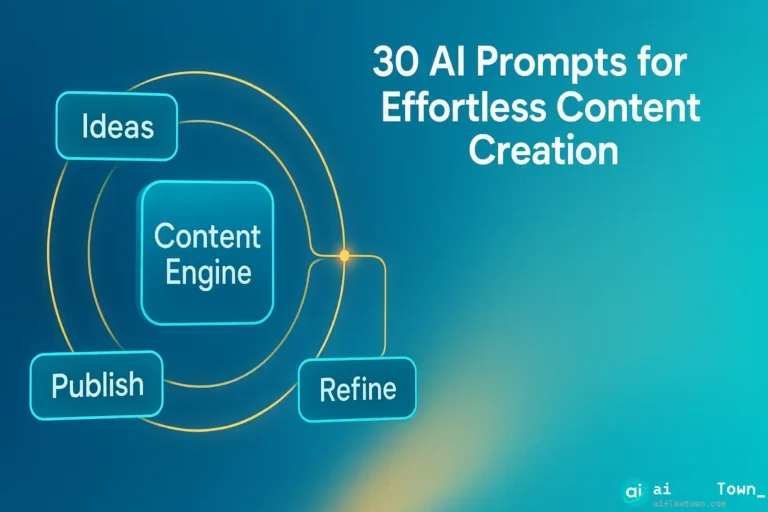
Blank pages are brutal. You know what you need to create, but getting started feels impossible. These 30 content creation prompts fix that. No more staring at cursors. Just grab a prompt, fill in your details, and start writing.
Why Content Creation Gets Stuck
It’s not writer’s block—it’s decision paralysis. You’re deciding structure, tone, examples, and word choice all at once. That’s too many decisions.
Good content creation prompts remove most decisions upfront. They give you structure, suggest approaches, and leave you to focus on the actual ideas. You’re not starting from zero anymore.
How to Use These Prompts
Don’t copy-paste and expect magic. Every prompt has placeholders in brackets. Fill those in with your specific details.
The more context you give, the better your results. “Write about marketing” gets generic garbage. “Write about email marketing for B2B SaaS companies targeting CFOs” gets something useful.
After AI responds, iterate. Ask for shorter versions, different angles, more examples. First outputs are starting points, not finish lines.
For more prompt techniques, check out our ultimate AI prompt library.
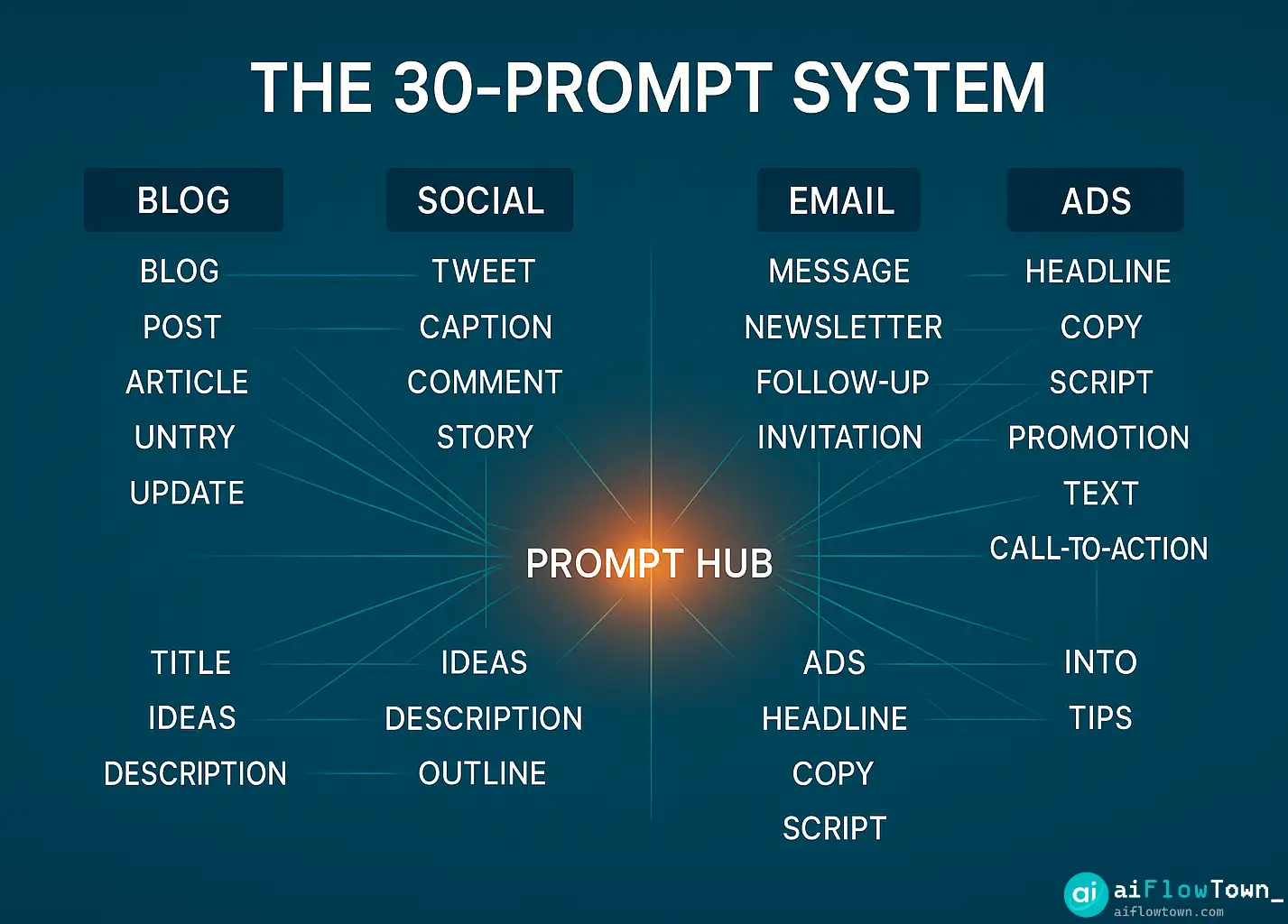
Blog Post Prompts
1. Topic Research
I write about [your niche]. My audience is [describe readers]. Generate 20 blog post ideas that solve real problems they face. Focus on practical, actionable topics.
2. Outline Generator
Create a blog post outline for: [topic]
Target length: [word count]
Reader goal: [what they want to learn]
Include: intro hook, 5-7 main sections with subheadings, practical examples, conclusion with next steps
3. Introduction Writer
Write an engaging intro for a blog post about [topic].
Hook: Start with [a problem/statistic/question]
Promise: Tell readers they'll learn [specific outcome]
Length: 150 words
Avoid: Generic statements, obvious advice
4. Section Expander
Expand this section heading into 200 words: [paste heading]
Include: explanation, example, practical tip
Tone: [conversational/professional/educational]
5. Conclusion Craft
Write a conclusion for this post: [brief summary of post]
Include: key takeaway, immediate next step, avoid clichés
End with action, not just summary
Email Marketing Prompts
11. Newsletter Template
Write a newsletter for [audience]
Main topic: [this week's focus]
Sections: Quick intro, main content, one actionable tip, P.S. with personal note
Tone: Like emailing a friend
Length: 400 words
12. Subject Line Generator
Generate 10 email subject lines for: [describe email content]
Mix these approaches: curiosity, benefit, urgency, question
Test: Would I open this in a crowded inbox?
Under 50 characters
13. Welcome Email
Write a welcome email for new [subscribers/customers]
Include: warm greeting, what to expect, immediate value, next step
Tone: Friendly, not salesy
Set expectations for email frequency
14. Re-engagement Email
Write an email to inactive subscribers
Acknowledge: It's been a while
Ask: What changed? What do they want?
Offer: Option to update preferences or unsubscribe
Keep it short and genuine
15. Promotional Email
Write a promotional email for [product/service]
Lead with benefit, not features
Include: clear value prop, one strong CTA, sense of urgency without being pushy
What makes this different from alternatives?
Landing Page Prompts
16. Headline Creator
Write 10 headline variations for [product/service]
Target: [specific audience]
Format: [Benefit] for [audience] without [pain point]
Test different angles: speed, simplicity, results
17. Feature to Benefit
Turn these features into benefits: [list features]
For each feature ask: "So what? Why does this matter?"
Write from customer perspective
Focus on outcomes, not capabilities
18. FAQ Section
Generate 10 FAQs for [product/service]
Include: pricing, getting started, compatibility, support, results timeline
Answer objections before they become deal-breakers
Keep answers short and clear
19. Call-to-Action
Write 5 CTA button text variations for [action you want]
Avoid: Generic "Click here" or "Submit"
Use: Action verbs, value-driven language
Make it clear what happens next
20. Social Proof
Write a testimonial prompt to send customers
Ask for: specific problem solved, what result they got, one sentence recommendation
Make it easy: 3 simple questions, takes 2 minutes
Video Script Prompts
21. YouTube Video Script
Create a script for a [duration] video about [topic]
Hook (first 10 seconds): [problem or surprising fact]
Main content: [3-5 key points]
Include: timestamps, visual cues, call-to-action
End: Subscribe prompt + next video tease
22. Short-Form Video
Write a 30-second script for [TikTok/Instagram Reels/YouTube Shorts]
Hook in first 3 seconds
One clear point
Visual suggestion for each line
End with question or CTA
23. Tutorial Outline
Create a tutorial outline for: How to [skill/task]
Break into 5-7 clear steps
What viewers see vs. what you say
Common mistakes to mention
Estimated section lengths
For video content strategies, check out our prompt library.
Ad Copy Prompts
24. Facebook Ad
Write Facebook ad copy for [product/service]
Target: [audience]
Hook: Stop the scroll with [problem/benefit]
Body: Short explanation + proof
CTA: Clear next step
Length: 125 words max
25. Google Search Ad
Create Google search ad for keyword: [keyword]
Headline 1: Include keyword + benefit (30 chars)
Headline 2: Differentiation point (30 chars)
Description: What makes you different + CTA (90 chars)
26. LinkedIn Ad
Write LinkedIn ad targeting [job title/industry]
Speak to their specific pain point
Offer: [what they get]
Proof: [stat or social proof]
Professional tone, not salesy
Content Editing Prompts
27. Clarity Check
Make this clearer: [paste text]
Remove: jargon, passive voice, unnecessary words
Add: concrete examples, simpler alternatives
Goal: 8th-grade reading level
28. Tone Adjustment
Rewrite this in a [tone]: [paste text]
Current tone: [describe current]
Target tone: [professional/casual/friendly/authoritative]
Keep the core message, change how it feels
29. Length Reducer
Cut this to [target length]: [paste text]
Keep: Main points, key examples
Remove: Repetition, filler, obvious statements
Every sentence should earn its place
30. Engagement Booster
Make this more engaging: [paste text]
Add: Questions, specific examples, shorter sentences
Remove: Long paragraphs, abstract language
Make it feel like a conversation
Prompt Best Practices
| Do This | Not That |
|---|---|
| Be specific about audience | “General readers” |
| Give examples of desired output | Vague descriptions |
| State word/character limits | “Write something short” |
| Define tone clearly | “Make it good” |
| Include context and constraints | Just the task |
Common Content Prompt Mistakes
Too vague. “Write about marketing” gives you nothing useful. Add who it’s for, what specific aspect, what format, what length.
No context. AI doesn’t know your brand voice, audience pain points, or industry nuances unless you tell it.
Expecting perfection first try. Use outputs as drafts. Edit, refine, add your expertise. AI starts, you finish.
Not iterating. First response disappointing? Ask follow-ups. “Make it shorter.” “Add an example.” “Change the tone.” Keep refining.
Forgetting your voice. AI-generated content sounds generic because it is. Your job is adding the personality, insights, and examples only you can provide.
❓ FAQ
⏱️ How much time do these prompts actually save?
First drafts that took 45 minutes now take 10. Outlines that took 20 minutes take 3. You’re still editing and refining, but you’re not starting from blank pages anymore.
Do I need different prompts for ChatGPT vs Claude?
These work across all major AI tools. You might get slightly different styles—Claude tends toward longer responses, ChatGPT more concise—but the prompts themselves work fine everywhere.
Can I modify these prompts?
Please do. These are templates. Adapt them to your industry, audience, and style. The best prompts are the ones you customize based on what actually works for you.
What if the output is terrible?
Add more context. Be more specific about audience, tone, and desired outcome. Or try a different prompt approach. Sometimes the angle matters more than the words.
Should I fact-check AI content?
Always. AI makes up statistics, misremembers facts, and states things confidently that aren’t true. Never publish AI-generated content without verifying claims and adding your own verification.
Final Thoughts
These 30 content creation prompts don’t replace you—they accelerate you. You still need to bring expertise, voice, and judgment. AI just removes the friction of getting started.
Pick five prompts that match what you create most often. Use them for a week. Refine them based on results. Save the versions that work. Over time, you’ll have a personal collection that feels like it reads your mind.
The goal isn’t AI-generated content. It’s AI-assisted content that still sounds like you, just created faster. Use these prompts to get the rough draft done in minutes, then spend your time making it actually good.
Content creation doesn’t have to be slow. It just needs a better starting point.
Ready to build a complete content system? Learn how these prompts integrate into your workflow with our guide to the 15 best AI productivity tools that work together.
⚠️ Reminder: Even the smartest tools / AI can miss small details or make mistakes. Always double-check your work before presenting or publishing it - a quick review can save hours later.