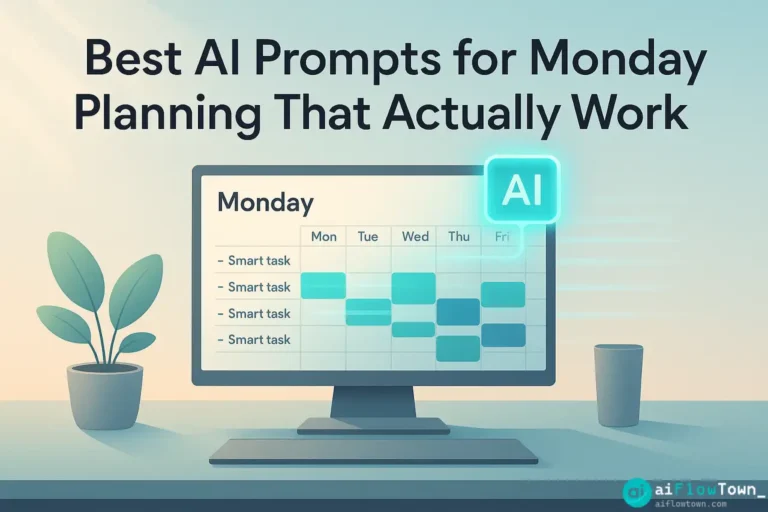
Why Monday Morning Feels Like Drinking from a Fire Hose
You open your laptop Monday at 9am. Slack has 47 unread messages. Your inbox shows 23 new emails. You have a meeting in 30 minutes and you haven’t even figured out what you’re doing today, let alone this week. AI planning prompts exist because most people spend Monday mornings reacting instead of planning—and by the time they catch their breath, it’s Wednesday.
The problem isn’t that you don’t know how to plan. It’s that planning takes mental energy you don’t have on Monday morning. Your brain is still in weekend mode. The idea of sitting down and organizing a week’s worth of work feels overwhelming, so you skip it and jump straight into emails. Bad move.
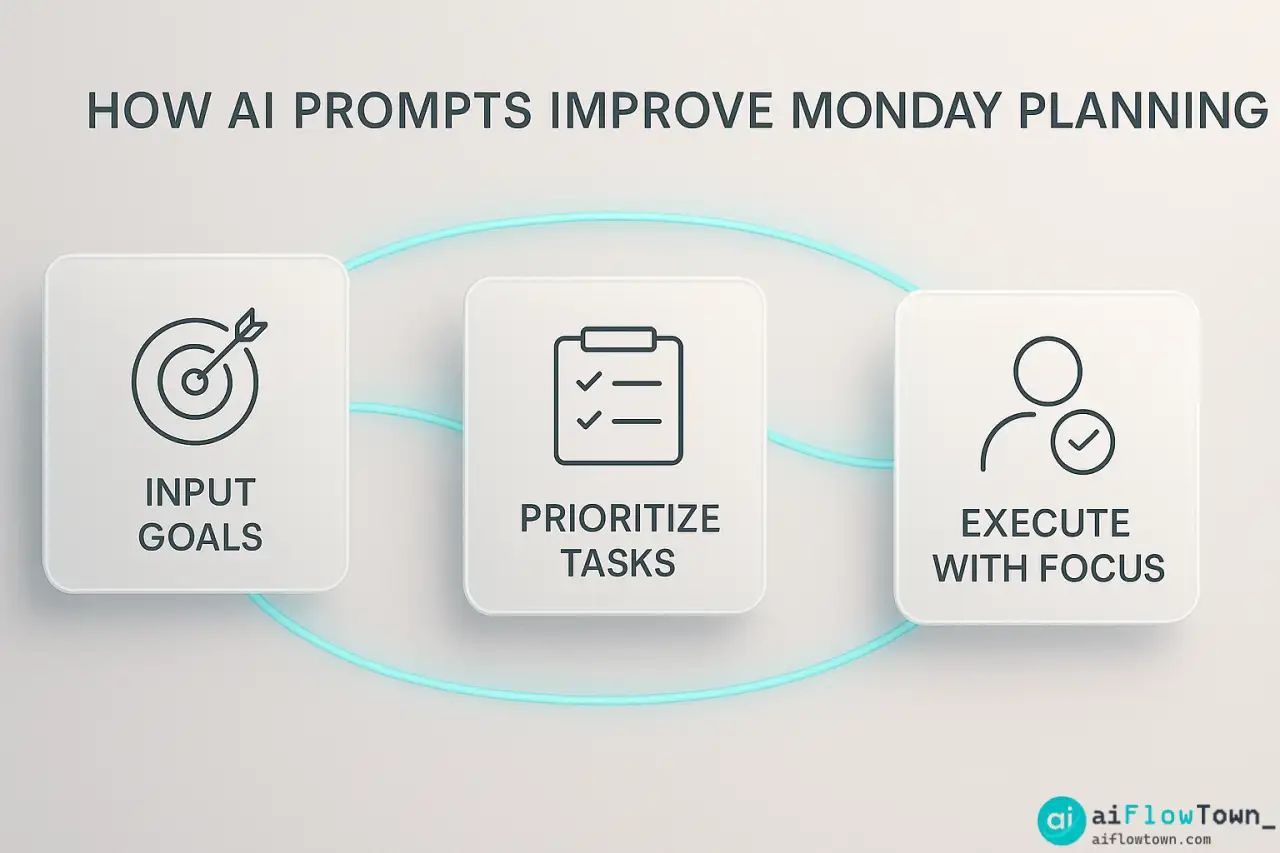
AI changes this equation. Instead of staring at a blank page trying to organize your thoughts, you prompt AI with the messy version of what’s in your head, and it gives you back structure. You’re not doing less thinking—you’re offloading the organizational thinking so you can focus on strategic thinking.
The Anatomy of a Working Prompt
Good best monday planning ai prompts have three components: context, constraints, and desired output format. Let’s break this down:
Context: What’s actually on your plate
Constraints: Your real limitations (time, energy, deadlines)
Output format: How you need the information structured
A weak prompt: “Plan my week.”
A strong prompt: “I have three client projects due Friday, two internal meetings, and need to prep a presentation. I work best in 90-minute blocks. Give me a day-by-day breakdown with time blocks and priority levels.”
See the difference? The second prompt gives AI enough information to actually help. It’s not just listing tasks—it’s telling AI how you work and what kind of output you need.
Why Generic Templates Fail
You’ve seen those “ultimate productivity prompt libraries” with 100 prompts you’ll never use. They fail because they’re optimized for looking impressive, not for matching your actual workflow. The ai prompts for weekly planning workflow that work are the ones you customize to your job, your team, and your personal work style.
A marketing manager needs different Monday planning than a software developer. A freelancer with multiple clients needs different structure than someone working on one big project. Don’t use prompts because they look smart—use prompts because they solve your specific Monday chaos.
The Core Prompt Framework for Monday Planning
Here’s the base template I’ve refined over dozens of Monday mornings. You’ll customize this based on your work, but the structure remains solid.
The Master Monday Prompt
I need to plan my week. Here's what's on my plate:

[Paste your task list, calendar events, and any deadlines]

My constraints:
- I have [X] hours of focused work time per day
- I need [Y] hours for meetings/calls
- My energy is highest [morning/afternoon/evening]
- I must finish [critical task] by [deadline]

Please organize this into:
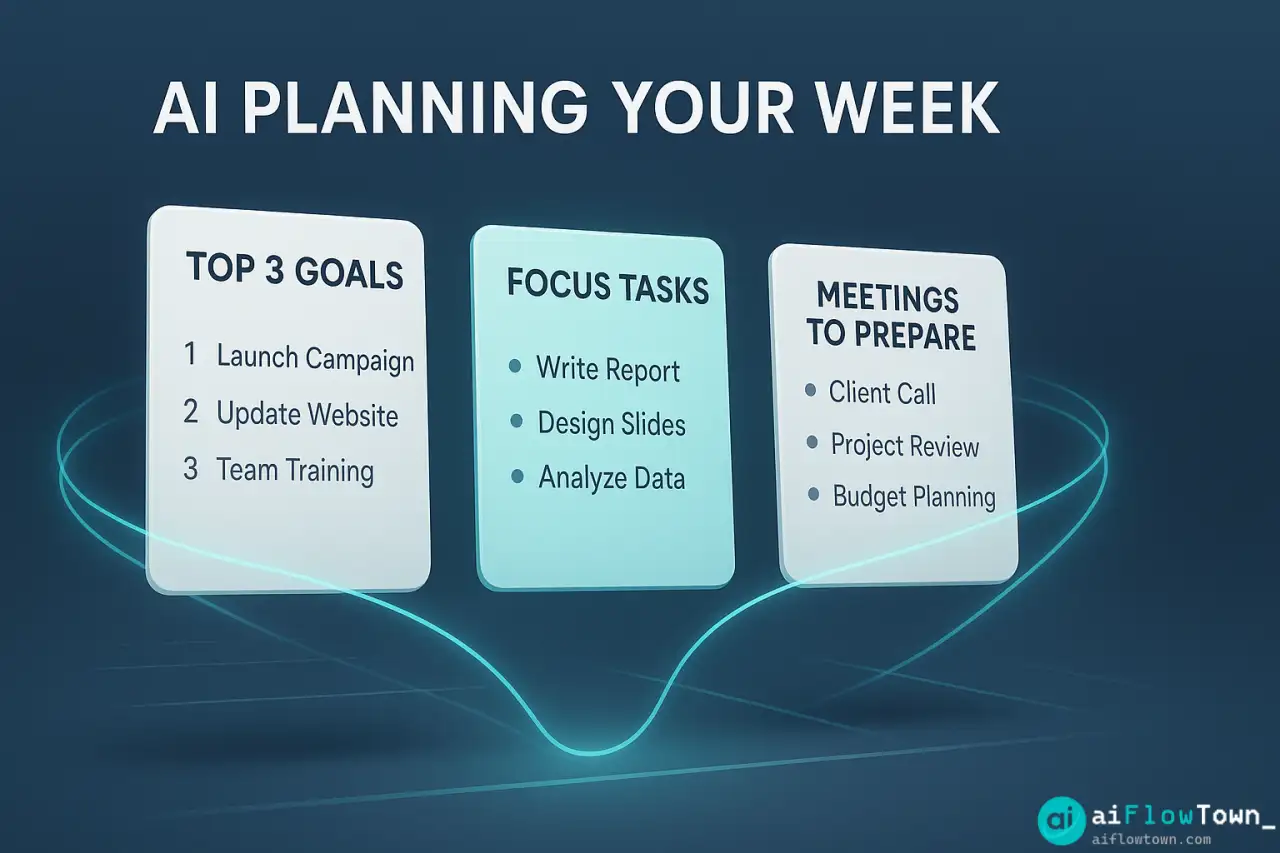
1. Top 3 priorities for the week
2. Day-by-day task breakdown
3. Time blocks for each major task
4. What to push to next week if I'm overbooked
This prompt works because it doesn’t ask AI to guess. It gives AI your reality and asks for structure. The output isn’t a fantasy schedule—it’s a realistic plan based on actual constraints.
How to Adapt This to Your Work
The framework is flexible. Modify based on your situation:
- Project managers: Add team dependencies and meeting schedules
- ✍️ Content creators: Include content calendar and deadlines
- Consultants: List client priorities and billable hour targets
- Designers: Mention revision rounds and feedback cycles
- Developers: Note sprint goals and deployment windows
The point is to make the prompt reflect how you actually work, not how productivity gurus say you should work. For more ideas on customizing AI for your workflow, check out practical AI workflow examples.
Step-by-Step: Your First AI-Powered Monday Plan
Let’s walk through an actual Monday planning session using AI prompts. I’ll show you exactly what to type and what kind of output to expect.
Step 1: Brain Dump Everything
Don’t try to organize yet. Just list everything swimming in your head:
- Finish Johnson proposal by Thursday
- Team meeting Tuesday 2pm
- Review budget for Q4
- Follow up with 3 clients from last week
- Write blog post (due Friday)
- Fix website bug someone reported
- Prep for Friday presentation
- Respond to vendor emails
- Schedule dentist appointment (personal)
This is messy. That’s fine. AI will sort it.
Step 2: Add Your Context
Now tell AI about your week’s reality. Be specific about how to plan monday with ai tools that understand your actual schedule:
My schedule this week:
- Monday: Free until 3pm, then two back-to-back calls
- Tuesday: Team meeting 2-3pm, otherwise open
- Wednesday: Client calls 10am and 2pm
- Thursday: Deadline day, need focused time
- Friday: Presentation at 11am, afternoon is light

My work style:
- Best focus time: 9am-12pm
- Meetings drain me, need recovery time after
- I need 2-hour blocks for deep work
- Friday afternoon I'm mentally done
Step 3: Run the Planning Prompt
Combine your brain dump and context, then add:
Based on this, create:

1. A prioritized weekly plan with daily focus areas
2. Time blocks for each major task
3. What to delegate or defer if I'm overloaded
4. A realistic "done by Friday" definition

Format: Give me a day-by-day breakdown I can copy into my task manager.
Hit enter and watch AI organize chaos into clarity.
What Good Output Looks Like
AI should return something like this:
| Day | Morning Block (Deep Work) | Afternoon | Priority Level |
|---|---|---|---|
| Monday | Johnson proposal (2hrs) | Client follow-ups + calls | Critical |
| Tuesday | Blog post draft (2hrs) | Team meeting + Q4 budget review | Important |
| Wednesday | Website bug fix (90min) | Client calls + email catchup | Important |
| Thursday | Johnson proposal final (2hrs) | Blog post edits + vendor emails | Critical |
| Friday | Presentation final prep (90min) | Present + light admin work | Moderate |
Notice what AI did: it matched deep work to your best hours, buffered recovery time after meetings, and pushed non-urgent tasks to low-energy slots. This isn’t magic—it’s pattern recognition based on the constraints you provided.
Advanced Prompts for Specific Monday Scenarios
The basic framework covers most weeks, but some Mondays need specialized approaches. Here are prompts for common situations.
The Overwhelmed Monday
You have too much work and no idea where to start. This prompt helps you triage using smart ai prompts for task prioritization:
“I have 23 tasks and only 3 days of real work time this week. Here’s my list: [paste list]. Which 5 should I absolutely do this week, which 5 can wait until next week, and which should I delegate or cancel? Explain your reasoning.”
– Triage Prompt –
AI will evaluate based on deadlines, dependencies, and impact. It’s like having a project manager in your pocket.
The Post-Vacation Monday
You’ve been gone for a week. Your inbox is chaos. Email after email, Slack after Slack. Use this prompt to separate signal from noise:
"I've been on vacation for [X] days. Here are all my messages/emails: [paste or summarize].

Categorize into:
1. Urgent - needs response today
2. Important - needs response this week
3. FYI - read but no action needed
4. Ignore - can be archived

Then create a Monday action plan focused only on category 1 and 2."
This keeps you from spending all Monday just catching up on things that don’t matter. You can explore more AI prompt strategies for different work scenarios.
The Meeting-Heavy Monday
Your calendar is packed. You have maybe 90 minutes of actual work time. This prompt maximizes those fragments:
"My Monday has meetings at: [list times].

That leaves me these time blocks: [list available slots].

From this task list [paste list], what can I realistically accomplish in these fragments? Prioritize tasks that fit the time available and don't require deep focus since I'll be context-switching a lot."
AI will suggest tasks that match your fragmented schedule—admin work, quick emails, simple updates—rather than deep work that needs uninterrupted time.
The No-Meeting Monday
You blocked your calendar. It’s all yours. Don’t waste it. Use this prompt to make the most of rare deep work time:
"I have an entire Monday with zero meetings—6+ hours of uninterrupted time.

Here are my big-picture projects: [list projects].

What's the single most valuable thing I can make serious progress on today? Design a focused work plan that maximizes this rare opportunity."
AI will identify your highest-leverage work and structure it into a flow state-friendly schedule. Don’t let analysis paralysis waste your clear calendar.
The Weekly Reset Routine
Monday planning works better when it connects to Friday reflection. Here’s how to use weekly reset using ai planning prompts to make each Monday easier than the last.
Friday Afternoon: The Week-End Prompt
Before you log off Friday, spend 10 minutes with this prompt:
"Here's what I accomplished this week: [list completed tasks].

Here's what I didn't finish: [list incomplete tasks].

Here's what's on my calendar for next week: [paste next week's meetings/deadlines].

Create a brief for Monday morning that includes:
1. What carried over and why
2. New priorities for next week
3. Potential scheduling conflicts to watch
4. One thing to celebrate from this week"
AI synthesizes this into a clean handoff to future-you. Monday morning, you read that brief and you’re oriented immediately. No “what was I doing again?” confusion.
Making It a Habit
The Friday-to-Monday loop creates momentum. Each week gets slightly more organized because you’re learning what works:
- ✅ Week 1: You use basic planning prompts, feel less scattered
- ✅ Week 2: You notice which time blocks worked, adjust prompts accordingly
- ✅ Week 3: Your prompts are more specific, output is more useful
- ✅ Week 4: Planning takes 10 minutes instead of 30, and it’s better quality
This isn’t about perfection. It’s about continuous small improvements that compound. Learn more about building sustainable habits with focus and mindset strategies.
Real Example: A Marketing Manager’s Monday Transformation
Let me show you a real before-and-after from someone who started using AI planning prompts consistently.
Before AI Planning
Sarah manages marketing for a SaaS company. Her typical Monday looked like:
- 9am: Open laptop, immediately overwhelmed by Slack messages
- 9:15am: Start responding to emails without a plan
- 10am: Realize she has a meeting in 30 minutes, scramble to prepare
- 11am: Meeting ends, not sure what to do next, checks email again
- 12pm: Lunch, still hasn’t planned the week
- 2pm: Finally sits down to plan, but now she’s tired and reactive
- 5pm: Day is over, accomplished reactive work but no strategic progress
She ended Mondays feeling busy but not productive. The week lacked direction because Monday lacked direction.
After AI Planning (Her Actual Prompt)
"I'm a marketing manager. This week I need to:

- Launch email campaign (due Wednesday)
- Review Q4 content calendar (ongoing)
- Three team 1-on-1s (Tuesday/Wednesday)
- Monthly metrics report (due Friday)
- Plan next product launch campaign (exploratory)

I have meetings Monday 2-4pm, Tuesday 10-12pm and 2-3pm.

Give me a Monday-Friday plan that:
1. Puts campaign launch prep in my best focus hours (9-11am)
2. Schedules report work for Thursday when data is fresh
3. Leaves buffer time after meetings (I need 30min to reset)
4. Makes Friday light since I'm burned out by then

Format as daily priority blocks."
Her New Monday Routine
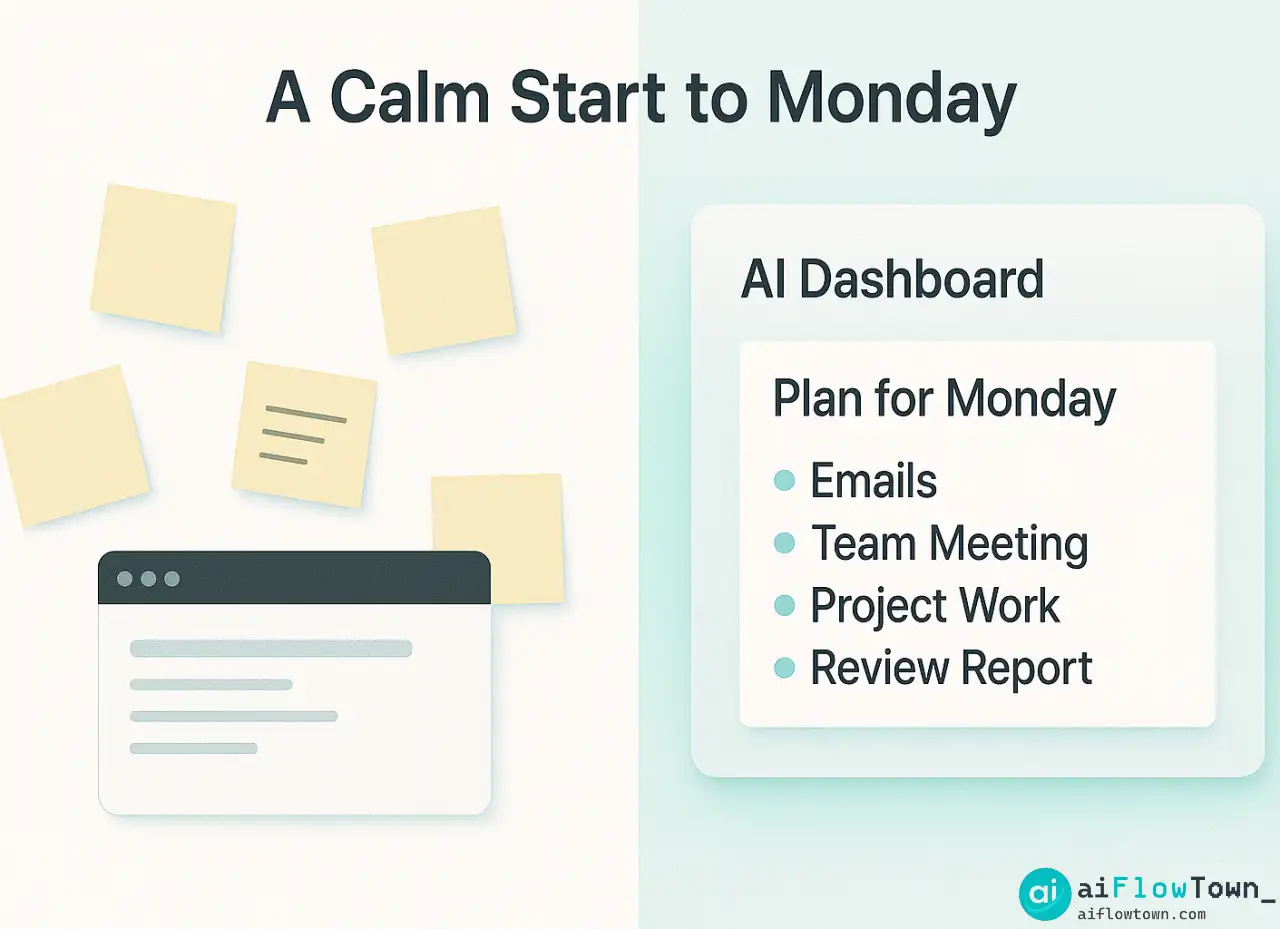
Now she runs this prompt Sunday evening or Monday at 8:45am. By 9am, she has a clear plan:
| Time Block | Monday | Tuesday | Wednesday |
|---|---|---|---|
| 9-11am (Peak) | Email campaign setup | Campaign final check | Campaign launch + monitor |
| 11am-12pm | Admin + email | Meeting prep | Q4 calendar review |
| Afternoon | Meetings 2-4pm | 1-on-1s, recovery buffer | 1-on-1, content planning |
Result: She launches the campaign on time, her team gets quality 1-on-1 time, and she’s not working late to catch up on things she should have prioritized Monday morning.
What Changed
It wasn’t the tools. It wasn’t working longer hours. It was starting Monday with clarity instead of chaos. The best monday planning ai prompts gave her a decision-making framework so she wasn’t reinventing her week every Monday morning.
Common Mistakes People Make with Planning Prompts
The most common mistake is treating AI output as gospel. AI gives you a draft plan. You’re the editor. If the plan doesn’t feel right, adjust it. The prompt is a starting point, not a finish line.
Mistake: Prompting Without Context
You ask: “Plan my Monday.” AI has nothing to work with. It gives you generic advice. You’re disappointed and decide AI planning doesn’t work. The problem wasn’t AI—it was a vague prompt. Always include specific tasks, time constraints, and your work style.
Mistake: Ignoring Your Energy Patterns
AI might schedule your hardest work for 3pm because that’s when you have a free block. But if you’re a morning person who’s mentally done by 3pm, that plan will fail. Tell AI when your energy is high and when it tanks. Good prompts include “I work best in the morning” or “I hit a wall after lunch.”
Mistake: Planning Every Minute
Over-scheduled plans feel impressive but collapse when reality hits. Leave buffer time. Tell AI: “Build in 30-minute buffers between major tasks” or “Keep Friday afternoon light for overflow.” Realistic plans beat perfect plans.
Mistake: Not Iterating
Your first prompt won’t be perfect. That’s expected. Each week, refine based on what worked: “Last week’s plan had me doing deep work after meetings and I couldn’t focus. This week, schedule deep work first.” AI learns your preferences when you give it feedback through better prompts.
Templates You Can Copy and Customize
Here are ready-to-use prompts for different roles and situations. Swap in your details and run them.
For Freelancers Managing Multiple Clients
"I'm a freelancer with [X] active clients this week.

Client priorities:
- Client A: [task] due [date]
- Client B: [task] due [date]
- Client C: [task] due [date]

I work [X] billable hours per day. Non-billable time needed for: [admin tasks].

Create a week plan that:
1. Allocates fair time to each client based on deadlines
2. Batches similar work (all design work together, all writing together)
3. Includes buffer for client revisions
4. Protects time for admin/invoicing"
For Managers with Team Coordination
"I manage a team of [X] people. This week's priorities:

Team needs: [List 1-on-1s, reviews, blockers to unblock]
My projects: [Your individual work]
Meetings: [When team needs you vs when you need focus time]

Plan my week balancing:
1. Being available for team urgencies
2. Making progress on my own deliverables
3. Not working nights/weekends to catch up

Flag if I'm overcommitted."
For Developers in Sprint Cycles
"I'm a developer. This sprint (ending Friday) I committed to:

[List sprint tasks with story points]

I also have: [Meetings, code reviews, support tickets]

My coding flow: [Best in morning/afternoon, need X-hour blocks]

Create a daily plan that:
1. Protects coding time in my flow state hours
2. Batches meetings/reviews
3. Shows if I'm on track to hit sprint goals
4. Suggests what to de-scope if I'm behind"
You can find more specialized templates at AI productivity prompts collection.
| Your Role | Key Prompt Element | What to Emphasize |
|---|---|---|
| Creative (writer, designer) | Energy and inspiration cycles | “I need uninterrupted creative time” |
| Sales/Client-facing | Meeting prep and follow-ups | “Buffer time before/after client calls” |
| Analyst/Data role | Deep focus for complex work | “I need 3+ hour blocks for analysis” |
| Operations/Admin | Task batching and interruptions | “Group similar tasks, expect urgent requests” |
❓ FAQ
⏰ How long should Monday planning take?
With good prompts, 10-15 minutes max. If it’s taking longer, your prompt is either too vague or you’re overthinking. The goal is quick clarity, not a perfect plan.
What if my week doesn’t go according to plan?
That’s normal. Plans are guides, not contracts. When things change, re-run your prompt mid-week with updated info. Takes 5 minutes and gets you back on track.
Which AI tool is best for planning prompts?
ChatGPT, Claude, and Gemini all work well. The tool matters less than the prompt quality. Start with whatever you already use. The prompt framework is what makes it effective.
Should I plan on mobile or desktop?
Desktop is better for initial planning—easier to copy tasks from email/calendar. But you can refine or adjust plans on mobile throughout the week if priorities shift.
Can teams use shared planning prompts?
Yes, but each person needs to customize for their role. Create a team template with shared priorities, then everyone adapts it to their individual work. Maintains alignment without forcing identical schedules.
Final Thoughts
Monday morning doesn’t have to feel like chaos. With the right ai planning prompts, you can go from scattered to structured in minutes, not hours. The secret isn’t working harder—it’s asking better questions and letting AI organize the answers.
Start small. Pick one prompt from this article. Run it next Monday. See how it feels. Adjust based on what works. Within a month, Monday planning becomes automatic instead of stressful.
Your future self—standing in front of an organized week instead of a pile of random tasks—will thank you for starting today.
⚠️ Reminder: Even the smartest tools / AI can miss small details or make mistakes. Always double-check your work before presenting or publishing it - a quick review can save hours later.