The 3am Meeting Nobody Asked For
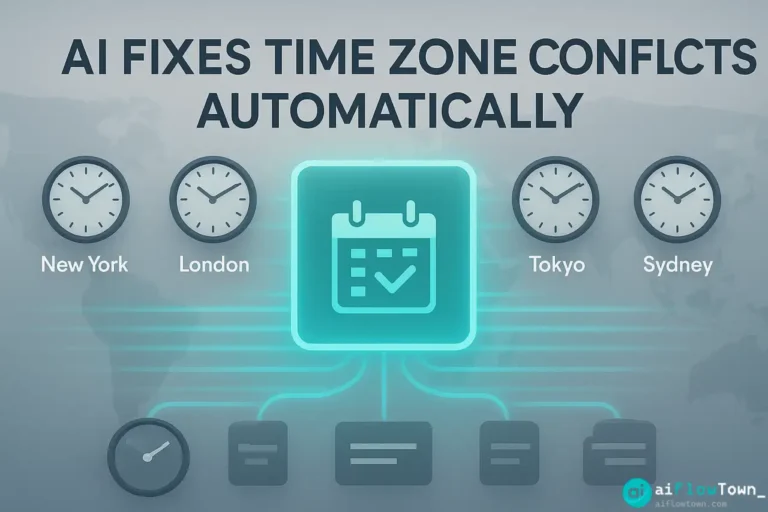
You send a meeting invite for “10am your time” to a colleague in Sydney. They accept. Both of you show up. Nobody else is there. Turns out “your time” meant different things to different people. The London team thought you meant 10am GMT. The Tokyo team converted wrong and joined 12 hours early yesterday.
This isn’t rare—it’s weekly chaos for distributed teams. The problem multiplies with daylight saving time. Half your team changes clocks, half doesn’t, and suddenly your recurring Monday meeting is now at the wrong time for everyone. Using ai scheduling solves this because AI doesn’t forget which countries observe DST and which don’t.
Manual time zone coordination is cognitive overhead nobody needs. You’re burning mental energy on arithmetic instead of actual work. AI handles the math so you don’t have to.
Why Your Brain Isn’t Built for Time Zone Math
Let’s trace how a simple meeting request becomes a coordination nightmare.
The Calculation Trap
You’re in California scheduling with someone in Berlin. You Google “time zone converter,” type in times, get an answer. But you forgot: is Germany on summer time right now? When does California’s daylight saving end? Off by one hour means your 9am becomes their 7pm instead of 6pm.
Multiply this across six team members in five time zones. One person calculates wrong. Everyone’s calendar shows conflicting times. You spend the first 10 minutes waiting to see who actually shows up.
Finding the Least Terrible Time Slot
You need to schedule across San Francisco, London, and Sydney. Someone is taking a call outside normal hours—that’s unavoidable. But manually figuring out “what’s the least painful time for everyone” involves spreadsheets, world clocks, and guilt. AI does this calculation instantly using automate meeting scheduling across time zones algorithms that optimize for fairness.
The Daylight Saving Ambush
You set up a weekly meeting. It works great for three months. Then daylight saving time hits one region but not others. Suddenly your 2pm meeting is now 3pm for half the team and still 2pm for the rest. Nobody noticed until people started missing calls. AI automatically adjusts recurring meetings when DST changes, preventing chaos before it starts.
How AI Actually Solves Time Zone Hell
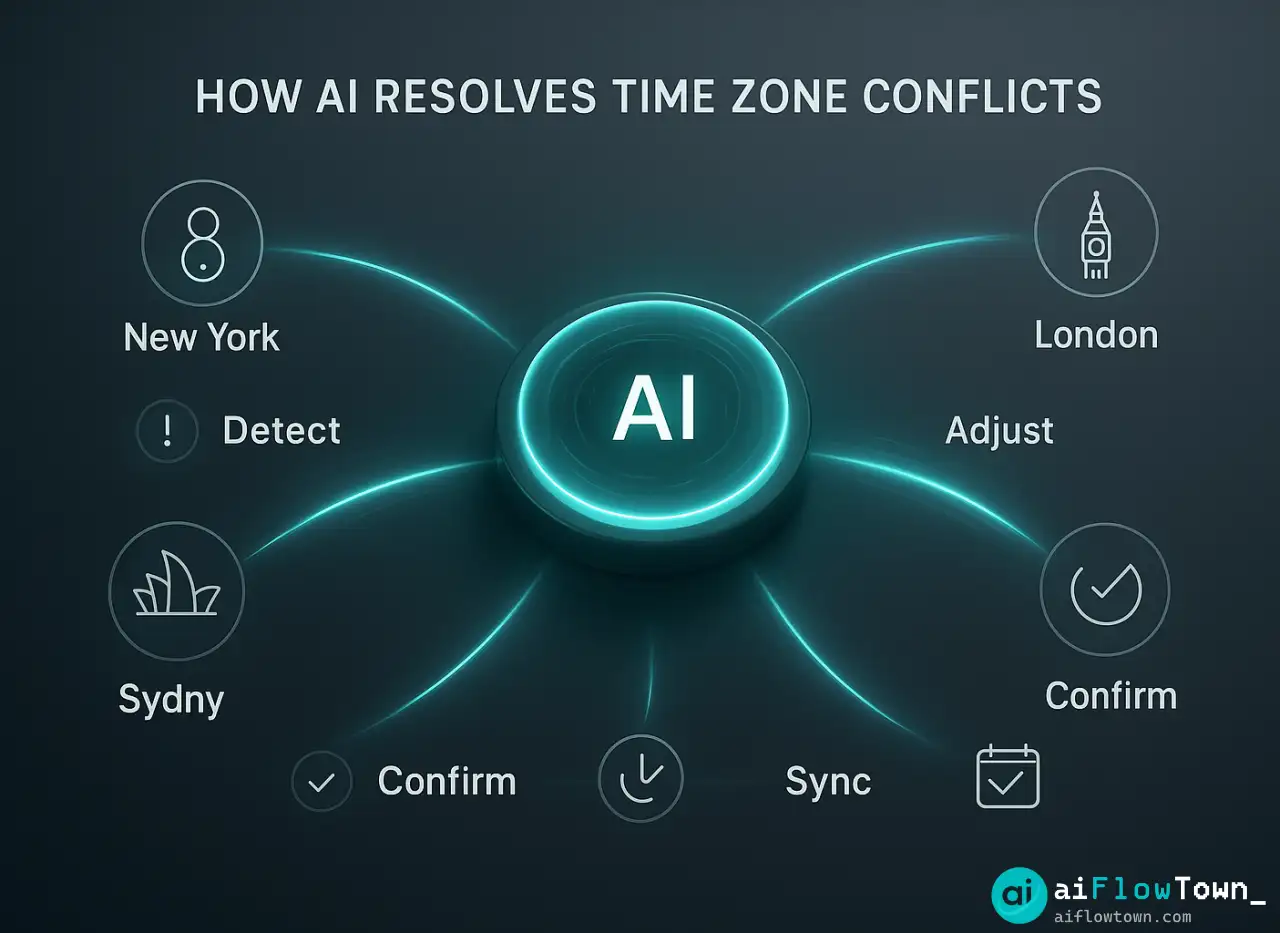
AI scheduling isn’t just a fancy calculator. It’s understanding context, preferences, and constraints across multiple people simultaneously.
Automatic Time Zone Detection and Display
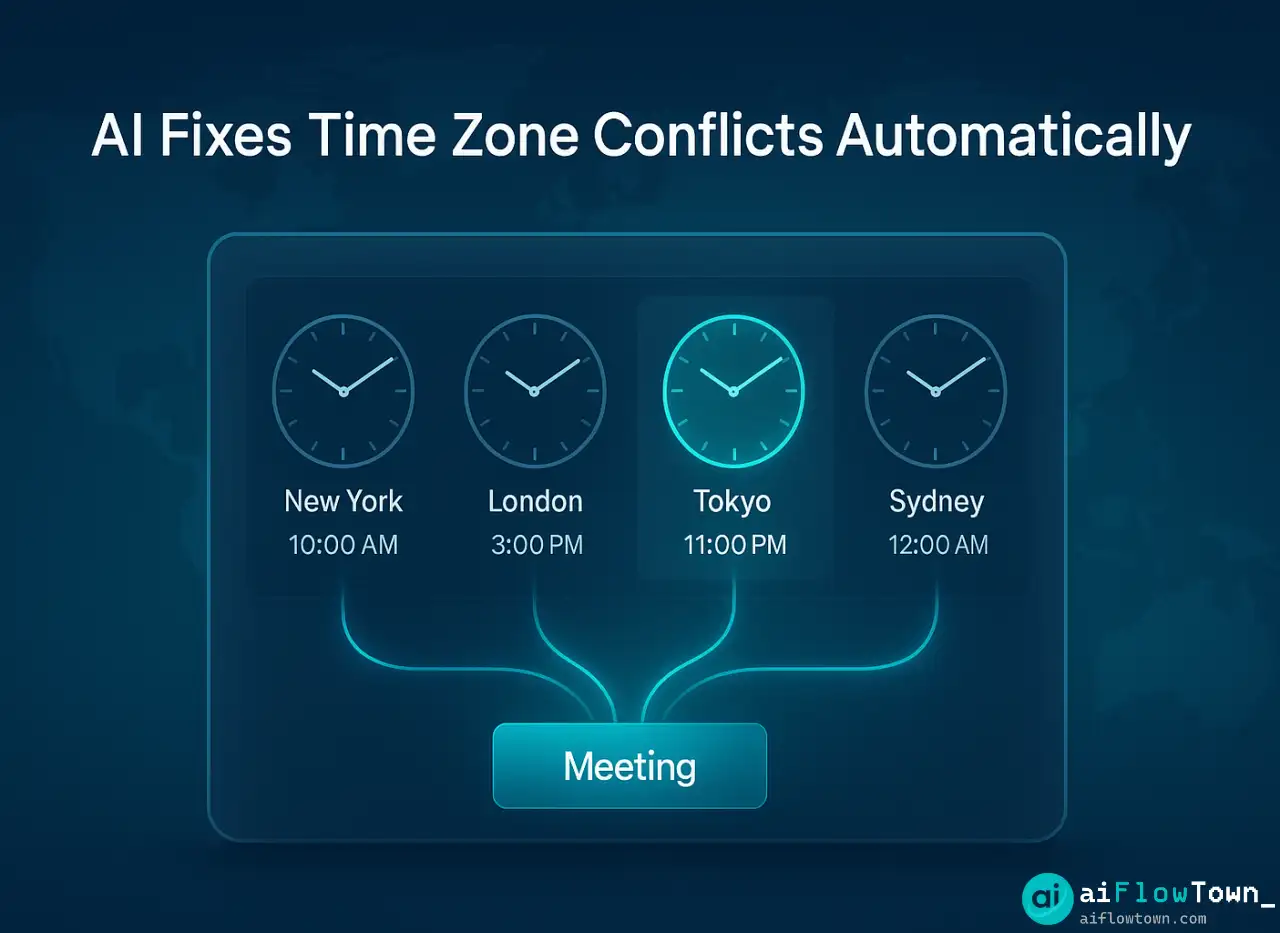
Modern AI tools read your calendar, know where each person is located, and display meeting times in everyone’s local time automatically. When you propose “2pm Tuesday,” your colleague in Tokyo sees “4am Wednesday” and can immediately say “that doesn’t work.”
No manual conversion. No “wait let me check what time that is for me.” The AI shows each person what the meeting looks like in their reality. This is how smart calendar tools for global teams prevent miscommunication before it happens.
Finding Fair Overlap Windows
You tell AI: “Schedule 60 minutes with these five people across three time zones.” AI checks everyone’s calendars, identifies working hours for each location, and finds slots where nobody is being asked to join at midnight. It can even weight preferences—prioritizing times that are morning for most people if that’s your team’s preference.
AI doesn’t just find A time that works—it finds the BEST time based on factors you specify: avoid early mornings for Person A, keep Person B out of evening meetings, try to cluster meetings for Person C to preserve focus time.
Handling DST Changes Automatically
AI tracks daylight saving time rules for every country and region. When clocks change in Europe but not Asia, AI updates all your recurring meetings automatically. Your Monday 9am GMT meeting stays at 9am GMT even when the UK shifts an hour—no manual editing of dozens of calendar entries.
For deeper automation strategies, explore AI workflow techniques.

Setting Up AI Scheduling for Your Team
Let’s implement a system that prevents time zone disasters starting with your next meeting.
Choose Your Tool
| Tool | Best For | Key Feature |
|---|---|---|
| Calendly | External meetings | Auto time zone display |
| Reclaim.ai | Team scheduling | Smart habit protection |
| Motion | Project-based teams | Task + calendar optimization |
| Clockwise | Large distributed teams | Focus time optimization |
Initial Configuration
Connect your calendar and set your preferences:
- ✓ Your working hours and time zone
- ✓ Meeting buffer times—no back-to-back calls
- ✓ Protected focus time blocks
- ✓ Maximum meetings per day
AI uses these constraints when suggesting times. It won’t propose 8am if you’ve set working hours to start at 9am. It won’t schedule your sixth meeting of the day if you’ve capped at five.
Team Coordination Setup
For team scheduling, configure group preferences. Tell the AI which team members work in which time zones and their typical schedules. When someone tries to book a meeting with your distributed team, AI automatically proposes times that respect everyone’s working hours using prevent time zone mistakes with ai scheduling logic.
Learn more optimization techniques at AI automation for beginners.
Real Example: A Remote Company’s Scheduling Transformation
Let me show you what happened when a 30-person remote company implemented AI scheduling across seven time zones.
The Before State
Before AI, their process was painful. Someone would propose a time. Five people would reply with “that’s 11pm for me, can’t do it.” Another round of proposals. More rejections. By the fourth email thread, they’d find a time that sort-of worked but was 7am for the West Coast team and 9pm for the APAC team. Nobody was happy.
They estimated 40-60 minutes of back-and-forth per cross-timezone meeting just to find a slot. With 15-20 such meetings per week company-wide, that was 10-15 hours of collective time wasted on scheduling coordination.
The AI Implementation
They rolled out Clockwise across the company. Setup took two weeks—mostly getting everyone to input their preferences and teaching them to trust the AI suggestions. They established team norms: AI proposes times, and unless there’s a strong reason to override, people accept the first option.
Results After 60 Days
- ✅ Scheduling coordination time dropped by 75%
- ✅ Missed meetings due to time zone errors: nearly zero
- ✅ Team satisfaction with meeting times increased
- ✅ DST transitions caused zero scheduling issues
- ✅ New hires could schedule internationally from day one
The company now uses coordinate meetings with ai time zone converter built into their workflow. When someone needs to schedule, they don’t think about time zones—they just let AI handle it.
Advanced Strategies for Complex Scheduling
Once basic AI scheduling works, you can optimize for more sophisticated scenarios.
Rotation Fairness for Recurring Meetings
Got a weekly meeting that can’t fit everyone’s ideal time? Set up rotation. AI alternates the meeting time so the “inconvenient slot” rotates fairly among team members. One week it’s 6am for Person A, next week it’s 8pm for Person B. Everyone shares the burden equally over time.
Emergency Override Protocol
Sometimes you need to schedule urgently and can’t wait for AI optimization. Set up an “urgent meeting” mode where AI prioritizes speed over perfection—finds the soonest available slot even if it’s not ideal for everyone. Use sparingly, but it’s there when you need it.
Integration with Project Deadlines
Connect your AI scheduler to project management tools. When a deadline approaches, AI automatically suggests more frequent check-ins and finds time slots accordingly. As deadlines pass, meeting frequency naturally decreases. Your calendar adapts to project tempo without manual intervention.
Explore more AI tools at best AI productivity tools.
❓ FAQ
Does AI work for teams spread across 10+ time zones?
Yes, though finding good times becomes mathematically harder. AI will identify the reality: some meetings may need to be split into regional sessions, or certain team members may need to join asynchronously. AI shows you the constraints clearly rather than hiding them.
What happens when someone travels to a different time zone?
Most AI tools detect time zone changes automatically from your calendar or device settings. Your meetings adjust to show correct local times. For temporary travel, you can manually set “I’m in Tokyo this week” and AI reschedules around that reality.
⏰ Can AI handle different working hour preferences per person?
Absolutely. You set your working hours as 7am-3pm, your colleague sets theirs as 11am-7pm. AI finds overlap and proposes times that respect both preferences. It won’t suggest 8am meetings for the late starter or 5pm meetings for the early finisher.
Does this work with recurring meetings?
Yes, and this is where AI shines. Recurring meetings automatically adjust for DST changes. If your team spans hemispheres where DST happens at different times, AI keeps the meeting at the intended hour for everyone despite clock changes.
Are these tools expensive for small teams?
Many have free tiers sufficient for small teams. Calendly free works for basic scheduling. Paid plans typically start around $10-15 per user monthly. For teams that waste hours on scheduling coordination, ROI is immediate.
Final Thoughts
You don’t need to be a human time zone calculator. AI scheduling handles the complexity of coordinating across zones while you focus on the actual meeting content. The ai to fix time zone scheduling conflicts approach turns “is 2pm EST okay for everyone?” into a system that just works automatically.
Start with your next cross-timezone meeting. Use an AI scheduler instead of email ping-pong. Watch how it finds a time in 30 seconds that would have taken 30 minutes of back-and-forth. Then expand from there.
Your globally distributed team will thank you. Your calendar will thank you. And you’ll never again accidentally schedule a 3am meeting for someone in Sydney.
⚠️ Reminder: Even the smartest tools / AI can miss small details or make mistakes. Always double-check your work before presenting or publishing it - a quick review can save hours later.