The Meeting Memory Problem
You’re in back-to-back meetings. During the second one, someone asks “didn’t we cover this last week?” You think you remember the decision, but you’re not 100% sure. You scramble through your notes—half-complete bullets that made sense two hours ago but now look cryptic. Meanwhile, the meeting continues and you’re missing what’s being said right now because you’re hunting for what was said last Tuesday.
This happens because humans are terrible at simultaneous listening and documenting. When you’re taking notes, you’re not fully present in the discussion. When you’re fully engaged in the conversation, your notes suffer. Using ai meeting summary tools solves this by handling the documentation while you handle the thinking.
The cost of poor meeting documentation isn’t just inconvenience. It’s duplicated work when teams forget what was already decided. It’s dropped action items that nobody remembered to assign. It’s the follow-up meeting to clarify the first meeting because nobody has clear notes on what was agreed.
What Makes a Good Meeting Summary
Before we automate, let’s define what “good” means. A useful meeting summary isn’t a transcript. Nobody wants to read 3,000 words when they need to know three decisions.
The Essential Elements
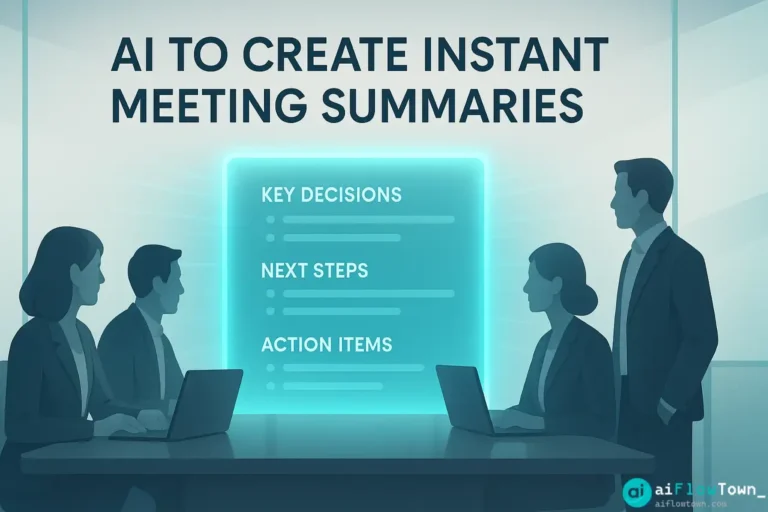
Every effective meeting summary needs these components:
- Key decisions made: What was agreed upon
- ✅ Action items: Who does what by when
- Important discussions: Context for the decisions
- ❓ Open questions: What still needs resolution
- Next steps: What happens next and when
Notice what’s NOT in that list: verbatim transcript of every word spoken, small talk, tangential conversations. Good summaries extract signal from noise. This is where AI excels—it can process an hour of conversation and pull out just what matters.
Why Manual Note-Taking Fails
Even good note-takers miss things. You’re focused on writing down one point when someone makes another important comment. By the time you catch up, the conversation has moved on. You end up with incomplete captures of what actually happened.
Plus, different people take different notes. Ask three attendees for their meeting notes and you’ll get three different versions of what was “decided.” AI provides a single source of truth that everyone can reference.
How AI Actually Creates Meeting Summaries
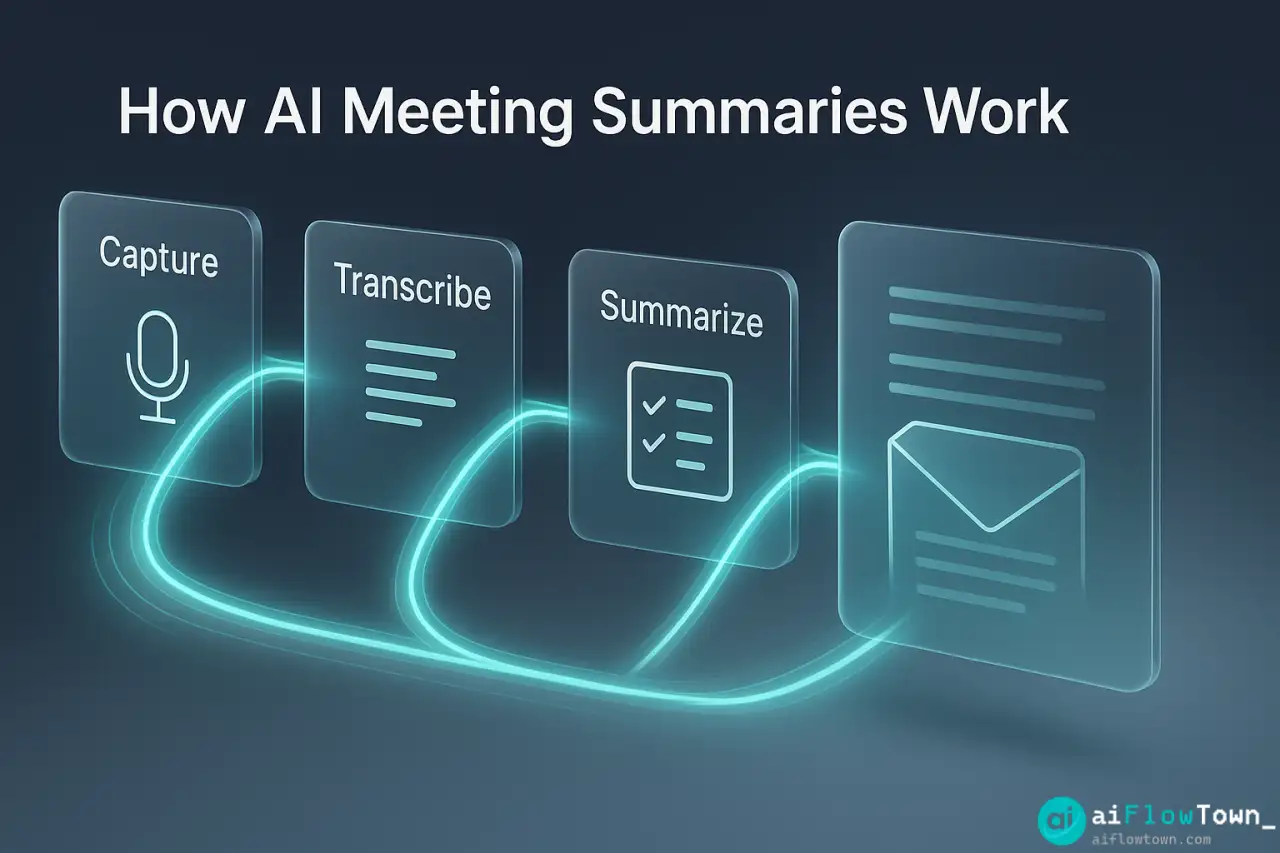
Let’s break down the mechanics of ai to create instant meeting summaries so you understand what’s happening behind the scenes.
Step 1: Transcription
AI listens to your meeting (via Zoom, Teams, Meet, or uploaded recording) and converts speech to text. Modern transcription is 95%+ accurate and handles multiple speakers, accents, and technical jargon reasonably well.
The transcript isn’t the summary—it’s the raw material. A 60-minute meeting produces about 9,000 words of transcript. Nobody wants to read that. The AI’s job is to process those 9,000 words into a 300-word summary.
Step 2: Content Analysis
AI reads the full transcript and identifies patterns. It recognizes phrases like “so we’re agreeing to…” or “the action item is…” or “can someone take ownership of…”. It distinguishes between casual discussion and actual decisions.
This is where smart meeting recap using ai transcription gets powerful—it understands context. When someone says “I’ll handle that by Friday,” AI knows that’s an action item and captures: who (speaker name), what (the task mentioned), when (Friday).
Step 3: Structured Output
Instead of dumping information randomly, AI organizes it into clear sections. You get a formatted summary that’s scannable—decisions at the top, action items in a list, discussion context below. Someone who missed the meeting can read the summary in 2 minutes and be fully caught up.
For more on building effective AI workflows, check out AI workflow automation.
Setting Up Your AI Meeting Summary System
Let’s walk through creating a working system. You’ll have AI summaries running by your next meeting.
Choose Your Tool
Several options exist depending on your meeting platform and needs:
| Tool | Best For | Key Feature | Price |
|---|---|---|---|
| Otter.ai | General meetings | Real-time transcription + summary | Free / $17/mo |
| Fireflies.ai | Sales/client calls | CRM integration | Free / $10/mo |
| Fathom | Zoom meetings | Instant highlights | Free |
| Notion AI | Existing Notion users | Summarize uploaded transcripts | $10/mo |
| ChatGPT + transcript | DIY approach | Custom prompts | $20/mo |
For this guide, I’ll use Otter.ai because it’s beginner-friendly and works across platforms.
Installation and Setup
Install the Otter app or browser extension. Connect it to your calendar so it can automatically join scheduled meetings. Configure your preferences:
- ✓ Auto-join meetings: Yes (or manual if you prefer control)
- ✓ Share summaries: With all attendees or just you
- ✓ Summary style: Brief (300 words) or detailed (500+ words)
- ✓ Action item detection: Enabled
First meeting, Otter joins as a participant. Some people find this weird initially—a bot in their meeting. Set expectations: “I’m using AI to capture notes so we can all focus on discussion rather than documentation.”
During the Meeting
Here’s what’s different: you actually participate fully. No laptop open typing frantically. No “sorry, what was that?” because you were writing notes. You listen, discuss, contribute. The AI is handling the documentation in real-time.
If something critical is said, you can mark it with tools that have live highlighting. Otherwise, just let the AI work. It’s capturing everything.
Post-Meeting Processing
Meeting ends. Within 2-3 minutes, you get your summary. Here’s what it looks like:
Meeting: Q4 Planning Discussion
Date: Oct 20, 2024 | Duration: 47 min | Attendees: 5Key Decisions:
– Launch date moved to Nov 15 (from Nov 1) due to design delays
– Budget approved at $50K with $5K contingency
– Marketing will lead launch, Product supportsAction Items:
– Sarah: Finalize campaign creative by Oct 25
– Mike: Complete technical setup by Nov 1
– Team: Review draft messaging by Oct 22Open Questions:
– Pricing tier structure needs CEO approval
– Legal review timeline TBD
– AI-Generated Summary –
This is what everyone needed from the meeting—not 9,000 words of transcript, but the essentials they can act on. This is how to extract action items from meetings with ai efficiently.
Customizing Your Summary Format
The default AI summary is good, but you can make it better with custom prompts. If you’re using ChatGPT or similar, feed it the transcript with instructions:
"Here's a meeting transcript. Create a summary with:

1. Decisions Made - bullet list of what was decided
2. Action Items - format as [Person]: [Task] by [Date]
3. Key Discussion Points - 2-3 sentences of context
4. Parking Lot - items mentioned but not resolved
5. Next Meeting - when we're meeting again and why

Keep it under 400 words. Use clear, direct language."
AI follows this structure every time. You’re training it to produce summaries in your preferred format. Learn more prompt techniques at AI productivity prompts.
Real Example: A Product Team’s Transformation
Let me show you what happened when a 12-person product team started using AI meeting summaries.
The Before State
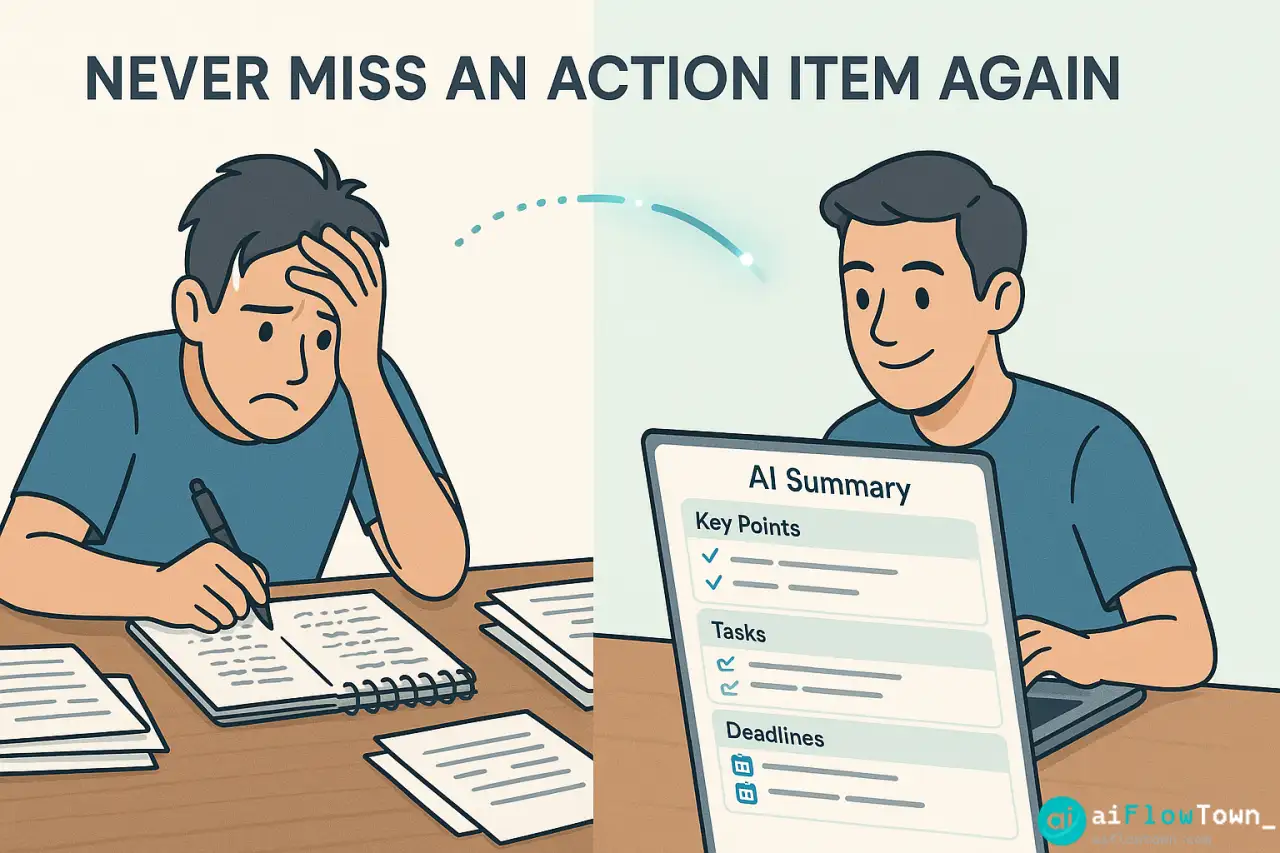
Before AI, their process was chaotic. One person (usually the PM) took notes during meetings. Notes were inconsistent—sometimes detailed, sometimes just bullets, sometimes forgotten entirely. After meetings, people would Slack each other: “What did we decide about the API change?” “Who’s handling the redesign?” “When’s that due again?”
They spent an estimated 3-4 hours per week in follow-up conversations clarifying what was discussed in the original meetings. That’s nearly a full workday wasted on re-explaining things that were already covered.
The AI Setup
They implemented Fireflies.ai for all team meetings and standups. Initial setup took one afternoon. They created a shared Notion database where all AI summaries automatically posted. Every team member could access every meeting summary, even meetings they didn’t attend.
Results After 30 Days
- ✅ Follow-up clarification messages dropped by 70%
- ✅ Action item completion rate improved from 60% to 85%
- ✅ New team members could review past decisions easily
- ✅ Meeting time decreased—less “let me check my notes” delays
- ✅ Disagreements about “what we decided” essentially eliminated
The team now uses generate meeting summaries automatically with chatgpt and similar tools as their single source of truth. When someone asks “what did we decide?”, the answer is “check the AI summary” rather than “let me try to remember…”
Advanced Tips for Better Meeting Summaries
Once basic AI summarization is working, you can optimize further.
Train AI on Your Meeting Types
Different meetings need different summaries. A brainstorming session needs different capture than a status update meeting. Create custom prompts for each type:
For brainstorming: “Capture all ideas mentioned, group by theme, note which ideas got positive reactions”
For status updates: “Extract: what’s completed, what’s in progress, what’s blocked, who needs help”
For client calls: “Focus on: client requests, commitments we made, next steps, client concerns”
The AI adapts its summarization based on what matters for that meeting type. You can explore more customization at best AI productivity tools.
Integration with Task Management
Don’t let action items sit in a summary—push them to your task manager. Many AI tools integrate with Asana, Todoist, or Notion. Action items automatically become tasks assigned to the right people with due dates. No manual transfer needed.
Summary Distribution Automation
Set up automatic distribution: summary posts to team Slack channel, emails to attendees, and saves to shared drive—all without you clicking a button. The summary reaches everyone who needs it immediately after the meeting ends.
Common Mistakes to Avoid
The biggest mistake is treating AI summaries as perfect and never reviewing them. AI is 90-95% accurate, but that remaining 5-10% can include critical misunderstandings. Always scan the summary before sharing widely.
Over-Relying Without Verification
AI occasionally misinterprets context. Someone says “we should NOT do X” and AI might miss the “not.” Always do a quick scan—takes 60 seconds—to catch any errors before the summary becomes the official record.
Not Setting Expectations with Team
If you suddenly have a bot joining meetings without explanation, people get uncomfortable. Brief your team first: “We’re using AI to capture notes so we can all participate more fully.” Get their buy-in rather than surprising them.
Summarizing Sensitive Meetings
HR discussions, performance reviews, confidential strategy sessions—these shouldn’t go through third-party AI tools unless you have proper data protection agreements. Know where your company draws the line on AI usage for sensitive content.
❓ FAQ
Does AI work with bad audio quality or accents?
Modern AI handles most accents well, but audio quality matters. Clear audio with minimal background noise produces better summaries. For critical meetings, use headphones/microphones rather than laptop speakers.
Is it safe to have AI in confidential meetings?
Depends on the tool and your company’s policies. Enterprise tools like Microsoft Teams AI have data protection agreements. Free consumer tools may store transcripts. Check your company’s AI usage policy before using in sensitive meetings.
⏱️ How long does it take to get a summary?
Most tools deliver summaries within 2-5 minutes after the meeting ends. Real-time tools show evolving summaries during the meeting itself. Longer meetings (90+ minutes) may take slightly longer to process.
Can AI distinguish between different speakers?
Yes, most tools identify speakers and attribute comments correctly. Accuracy improves when participants introduce themselves early in the meeting. Some tools integrate with your calendar to automatically label speakers by name.
Do I need the paid version or is free enough?
Free tiers work well for occasional use (3-5 meetings per week). If you’re in meetings daily or need features like CRM integration and unlimited transcription, paid plans are worth it. Start free and upgrade when you hit limits.
Final Thoughts
Meeting summaries don’t need to be a manual chore that eats up 30 minutes after every discussion. With AI handling the documentation, you can be fully present in meetings while still ensuring nothing important gets lost. The ai meeting summary approach turns meetings from “I think we decided…” into “here’s exactly what we decided.”
Start with one meeting this week. Let AI create the summary. Compare it to your usual notes. You’ll quickly see where the value is—and wonder why you spent years manually documenting what AI can capture automatically.
Your team will thank you for the clarity. Your future self will thank you for the time saved. And your “wait, what did we decide last week?” moments will basically disappear.
⚠️ Reminder: Even the smartest tools / AI can miss small details or make mistakes. Always double-check your work before presenting or publishing it - a quick review can save hours later.