The Cost of Unprepared Meetings
You’re double-booked. The meeting you forgot about starts in 30 minutes. You know it’s with a client but can’t remember the context. What were they working on? What did you promise last time? What’s their current situation? You spend the first 10 minutes of the meeting trying to orient yourself while looking like you don’t care enough to prepare.
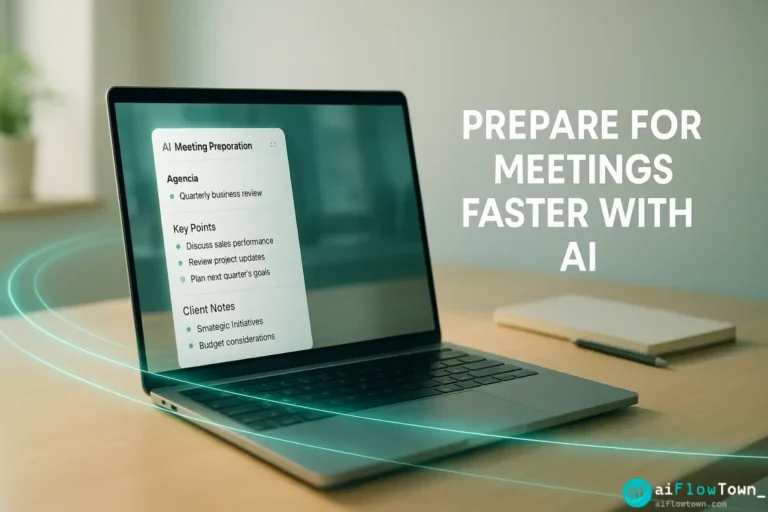
This scenario happens more often than anyone admits. Calendar invites appear. You accept. Then life gets busy and suddenly the meeting is now, and you’re scrambling. Using ai meeting preparation doesn’t eliminate the need to prepare—it compresses prep time from 60+ minutes to under 15 while improving quality.
The difference between a productive meeting and a wasted hour often comes down to preparation. But traditional prep—searching emails, reviewing notes, building agendas—takes so long that people skip it. AI removes that friction.
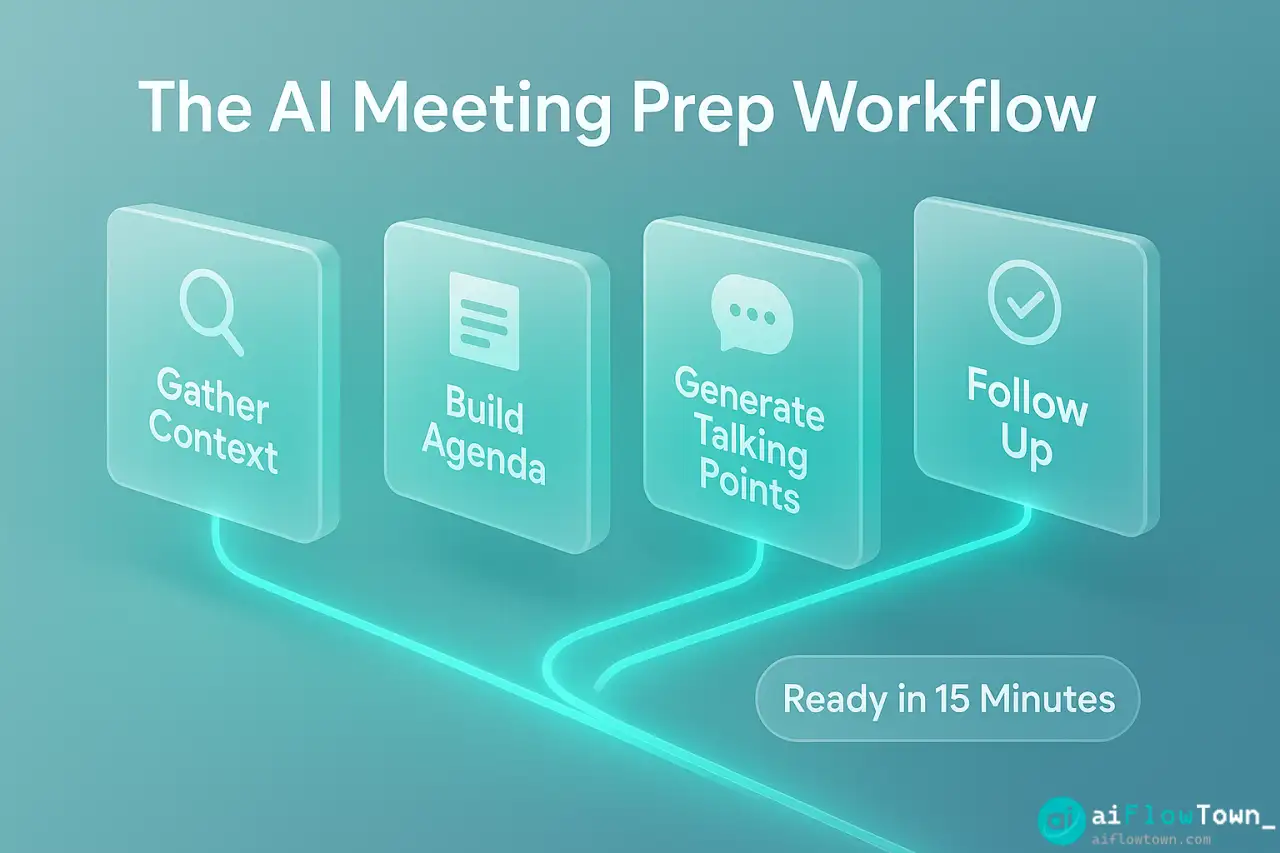
The Core Meeting Prep Workflow
Effective meeting preparation has three stages: context gathering, agenda creation, and talking point development. Here’s how AI handles each.
Stage 1: Context Gathering
You need to know what’s happened before this meeting. Previous discussions, decisions made, action items from last time. Manually searching through emails and notes takes forever. AI prompt instead:
"I have a meeting with [Client/Person Name] in 2 hours. Help me prepare.

What I know:
- Last meeting was [date/topic]
- We discussed [main points you remember]
- Current project status is [brief status]

What I need:
1. Summary of our conversation history
2. Outstanding action items from previous meetings
3. Key decisions made that I should reference
4. Any potential issues or concerns they raised

Based on this context, what should I prioritize in this meeting?"
AI synthesizes what you provide and identifies gaps you should fill before the meeting. It’s like having an assistant who reviewed all your notes and prepared a brief. This is the foundation of ai prompts for smarter meeting preparation.
Stage 2: Agenda Creation
Meetings without agendas drift. But creating agendas from scratch feels like work on top of work. AI prompt for instant agenda:
"Create a meeting agenda for [meeting type] with [attendees].

Meeting goal: [What you want to accomplish]
Duration: [30/60/90 minutes]
Key topics to cover: [List 3-5 topics]

Format the agenda with:
- Time allocation for each topic
- Expected outcome for each section
- Who should lead each discussion
- Questions to prepare answers for

Keep it realistic for the time available."
AI generates a structured agenda with time blocks and expected outcomes. You’re not starting from blank page—you’re editing a solid first draft and helps create meeting agendas using chatgpt prompts efficiently. For more prompt strategies, visit AI productivity prompts.
Stage 3: Talking Points Development
You have the context and agenda. Now you need specific points to make during discussion:
“Based on this agenda and context, create talking points for each section. Include: key message to convey, supporting data or examples to reference, potential objections and how to address them, questions to ask to keep discussion productive.”
AI produces structured talking points you can reference during the meeting. You walk in prepared, not winging it.
Prompt Templates for Different Meeting Types
Different meetings need different preparation. Here are ready-to-use templates.
Client Check-In Meeting
| Prep Element | AI Prompt | Output Use |
|---|---|---|
| Context review | “Summarize our work with [client] over past 3 months. What’s going well? What concerns have they raised?” | Quick orientation |
| Agenda | “Create 30-min check-in agenda covering: project status, upcoming milestones, questions/concerns” | Meeting structure |
| Status update | “Draft a project status update highlighting: completed work, current progress, next steps, timeline” | Your opening remarks |
| Objection handling | “They might raise concerns about [X]. Prepare 3 ways to address this constructively” | Response preparation |
Strategy Discussion Meeting
"I'm leading a strategy meeting about [topic].

Attendees: [List with roles]
Goal: Make decision on [specific decision]
Current situation: [Brief context]

Prepare:
1. Framework for evaluating options
2. Key questions each stakeholder will likely ask
3. Data points I should have ready
4. Potential roadblocks to decision and how to navigate them
5. Meeting structure that leads to clear decision by end

Make this actionable, not theoretical."
AI provides structure for complex discussions that could otherwise meander for hours. This is essential for smart meeting planning with ai assistance.
One-on-One Performance Discussion
"Preparing for 1-on-1 with [team member name].

Recent context:
- Performance highlights: [list]
- Areas needing development: [list]
- Projects they're working on: [list]

Create discussion guide covering:
1. Positive feedback delivery (specific examples)
2. Constructive feedback approach (growth-focused)
3. Questions to understand their perspective
4. Development opportunities to suggest
5. Action items to agree on

Tone: Supportive but direct, focused on growth not criticism."
Sensitive conversations benefit from structured preparation. AI helps you think through approach before emotions enter the room. Learn more at AI workflow examples.
Real Example: Client Meeting Transformation
The Old Way
- ⏰ 30 min before: Realize meeting is soon, panic slightly
- ⏰ 25 min before: Search email for client name, skim recent threads
- ⏰ 15 min before: Try to remember what was discussed last time
- ⏰ 10 min before: Frantically build rough agenda in head
- ⏰ 5 min before: Still not ready, join meeting hoping for the best
Result: First 10 minutes of meeting spent getting oriented, discussions drift without clear structure, important points forgotten until after meeting ends.
The AI-Assisted Way
Sarah now uses prepare for client meetings with ai prompts systematically:
- 15 min before: Feeds client name and meeting purpose to ChatGPT
- 13 min before: Reviews AI-generated context summary and past action items
- 10 min before: Uses AI-created agenda as meeting guide
- 8 min before: Scans talking points for each agenda section
- 5 min before: Confident, prepared, ready to lead productive discussion
The Results
Before AI prep: Meetings felt reactive, Sarah often forgot key points, clients sometimes needed to remind her of previous discussions
After AI prep: Meetings stay on track, Sarah leads confidently, clients comment on how “organized and prepared” she always is
Time investment: 10 minutes vs 30+ minutes of scattered prep, with better results
– Meeting Preparation Impact –
Advanced Preparation Techniques
Research Integration
For important meetings, combine preparation with research:
"I'm meeting with [Company] tomorrow. Help me prepare by:

1. Suggesting what recent company news I should know about
2. Identifying potential pain points they might be facing
3. Preparing questions that show I understand their business
4. Creating talking points that align with their current priorities

Context about them: [Industry, size, recent changes you know about]
Context about us: [What you offer, past relationship]"
AI suggests research directions you might not have considered, making you look thoroughly prepared.
Scenario Planning
“This meeting could go three ways: they love the proposal, they have major concerns, or they need more time. For each scenario, prepare: how I should respond, what questions to ask next, what action items to suggest, how to maintain positive momentum.”
You walk in ready for any direction the conversation takes. For more strategies, check productivity flow hacks.
Post-Meeting Follow-Up Prep
Use AI to prepare follow-up immediately after meetings:
"Meeting just ended. Here are my rough notes: [paste notes]

Create:
1. Clean summary of what was discussed
2. List of action items with owners and deadlines
3. Key decisions made
4. Follow-up email I can send within 1 hour

Tone: Professional, confirms understanding, moves things forward."
Strike while memory is fresh. Send polished follow-up while competitors are still in their next meeting.
Common Mistakes to Avoid
The biggest mistake is treating AI preparation as a replacement for actually caring about the meeting. AI gives you structure and context, but you still need to engage thoughtfully. Don’t just read AI-generated talking points robotically—use them as a foundation for genuine conversation.
Over-Relying on Scripts
AI-generated talking points are guides, not scripts. If you sound like you’re reading from notes, the benefit disappears. Internalize the key points, then speak naturally.
Skipping Context Review
AI can only work with information you provide. If you feed it incomplete context, it generates incomplete preparation. Take 2 minutes to gather relevant background before prompting.
Not Adapting During Meeting
Your agenda is a starting point. If the meeting takes a productive direction you didn’t anticipate, follow it. Don’t force the conversation back to your prepared structure if it’s not serving the moment.
❓ FAQ
⏰ How much time does AI meeting prep actually save?
Traditional thorough prep takes 30-60 minutes. AI-assisted prep takes 10-15 minutes for similar or better quality. You save 20-45 minutes per meeting while being more prepared than manual scrambling would achieve.
Should I share AI-generated agendas with attendees?
Yes, but edit first. Review the agenda, adjust for anything AI missed, then send it. Attendees don’t need to know AI helped create it—they just benefit from having clear structure in advance.
Does this work for informal meetings too?
Absolutely. Even casual check-ins benefit from 5 minutes of prep. Ask AI: “Quick prep for casual catch-up with [person]. What should I make sure to ask about or mention?” Takes 2 minutes, makes the conversation more valuable.
What if the meeting context is confidential?
Use AI for structure and approach without sharing sensitive details. Prompt with generic versions: “Preparing for discussion about contract renewal” instead of specific client names or deal terms. AI can still provide useful frameworks.
Can I reuse prompts for recurring meetings?
Yes, and you should. Save your best prompts as templates. For weekly team meetings or monthly client check-ins, having a refined prompt ready means prep takes under 5 minutes every time.
Final Thoughts
Meeting preparation doesn’t need to be a time-consuming scramble or something you skip due to other priorities. With ai meeting preparation prompts, you compress prep from an hour to 15 minutes while actually improving quality. The agenda is clearer, the context is fresher, and your talking points are more organized.
Start with your next important meeting. Use one of these prompts. Walk in prepared and watch how differently the conversation flows when you’re not improvising everything. Then make it a habit for every meeting that matters.
Being prepared isn’t about having more time—it’s about using AI to make the time you have count for more. Your meeting attendees will notice the difference, even if they don’t know your secret.
⚠️ Reminder: Even the smartest tools / AI can miss small details or make mistakes. Always double-check your work before presenting or publishing it - a quick review can save hours later.