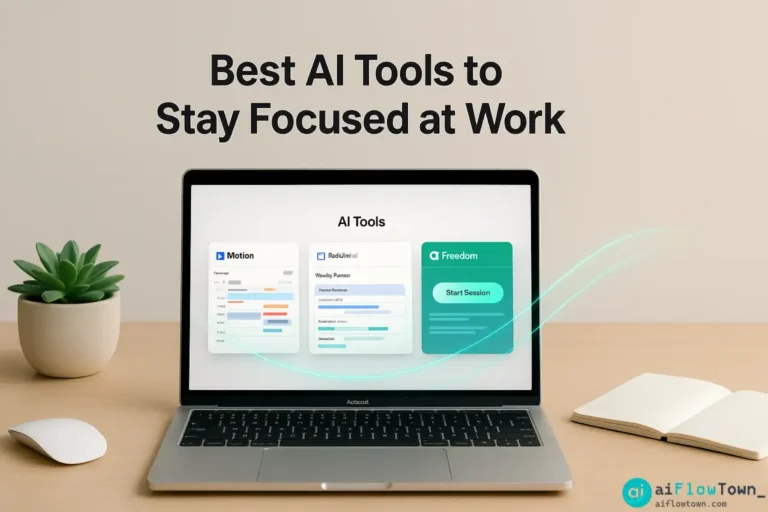
The AI Focus Tool Landscape
| Tool | What It Does | Best For |
|---|---|---|
| Motion | AI calendar + task scheduling | Automatic focus time protection |
| Reclaim.ai | Smart calendar defense | Blocking focus time flexibly |
| Clockwise | Team calendar optimization | Coordinated team focus time |
| Freedom | Website/app blocking | Eliminating digital distractions |
| Serene | Focus session manager | Time-boxing deep work |
None of these are silver bullets. They’re tools that, when configured correctly, automate behaviors that protect your focus using ai tools to reduce context switching at work systematically. For more strategies, visit AI workflow optimization.
Motion and Reclaim: Calendar Defense Systems
How Motion Works
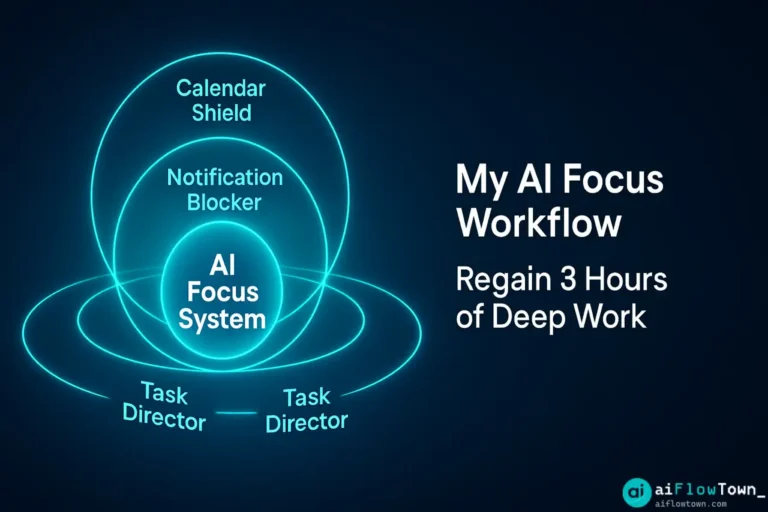
Motion is an AI-powered calendar and task manager combined. You add tasks with deadlines and estimated durations. Motion’s AI automatically schedules them on your calendar in blocks, protecting that time from meeting invites. When someone tries to book you during a Motion-scheduled focus block, it appears as busy.
The key feature: automate focus time protection with ai that adapts. You don’t manually block calendar time and hope people respect it. Motion makes it impossible for others to book over your focus blocks.
How Reclaim.ai Works
Reclaim proactively blocks focus time before meetings can fill your calendar, then flexes those blocks around meetings as they get scheduled. You tell Reclaim: “I need 2 hours of focus time daily, preferably mornings.” Reclaim blocks it. When a meeting request comes in during that time, Reclaim automatically moves your focus block to another slot.
The advantage: you always have focus time scheduled, even as your calendar fills with meetings. It’s using smart calendar blocking using ai tools that responds to your actual schedule.
Which to Choose
Motion ($34/mo) is better if you want task management integrated with calendar. Reclaim (free-$12/mo) is better if you just need calendar protection and already have a task manager you like. Both work—pick based on whether you want all-in-one (Motion) or focused tool (Reclaim).
DND Automation: The Notification Shield
Calendar protection is half the battle. The other half: controlling notifications during focus time. You know you should enable Do Not Disturb during focus work. But you forget. Or you turn it on, then turn it off for “just this one message,” then forget to turn it back on.
The Automated Approach
Connect your calendar to notification controls using reduce task switching with ai automation. When Reclaim or Motion blocks focus time, automatically enable Do Not Disturb on phone, pause Slack notifications, close email, and set status to “Focusing – back at [time].”
Tools like Zapier or IFTTT can bridge calendar events to notification settings. Once configured, it runs automatically. You don’t decide to focus—the system creates focus conditions for you. For more automation, check AI automation for beginners.
Using ChatGPT to Track Context Switching
Before fixing context switching, measure it. Use ChatGPT as your tracking assistant:
"Help me track context switching today.

Every time I switch tasks, I'll tell you:
- What I was working on
- What interrupted me
- How long until I got back to original task

At end of day, analyze:
- How many switches happened
- Most common interruption sources
- Which switches were necessary vs avoidable
- Patterns in my switching behavior

Then suggest: Top 3 changes to reduce switching tomorrow."
Track for 3 days. You’ll discover your specific switching patterns. Maybe it’s always email. Maybe it’s certain team members. Maybe it’s specific times of day. AI helps identify what to fix.
Real Case: A Developer’s Focus Transformation
The Before State
Marcus, a software developer, averaged 18 context switches per day. His calendar had meetings scattered throughout—9am standup, 11am code review, 2pm planning, 4pm 1-on-1. Between meetings, he’d start coding, get interrupted by Slack, check email, switch back to code. By day’s end, he’d written maybe 2 hours of actual code in an 8-hour workday.
The AI Implementation
Marcus implemented three changes:
- Installed Reclaim.ai, set rule: “2 hours morning focus time, 2 hours afternoon focus time”
- Connected Reclaim to Slack status via Zapier—auto-DND during focus blocks
- Used Motion to batch similar tasks—all code reviews in one block, all meetings clustered
The Results After 30 Days
| Metric | Before | After |
|---|---|---|
| Context switches/day | 18 | 6 |
| Focus blocks/day | 0-1 | 2-3 |
| Deep work hours | 2 hours | 4-5 hours |
| Meeting fragments | All day | Clustered blocks |
Marcus: “I didn’t realize how fragmented my day was until I measured it. AI didn’t give me more time—it gave me longer uninterrupted chunks, which is what actually matters for coding.” This demonstrates ai apps to minimize workplace interruptions effectively.
The Focus Protection Checklist
Use this checklist to implement AI focus tools systematically:
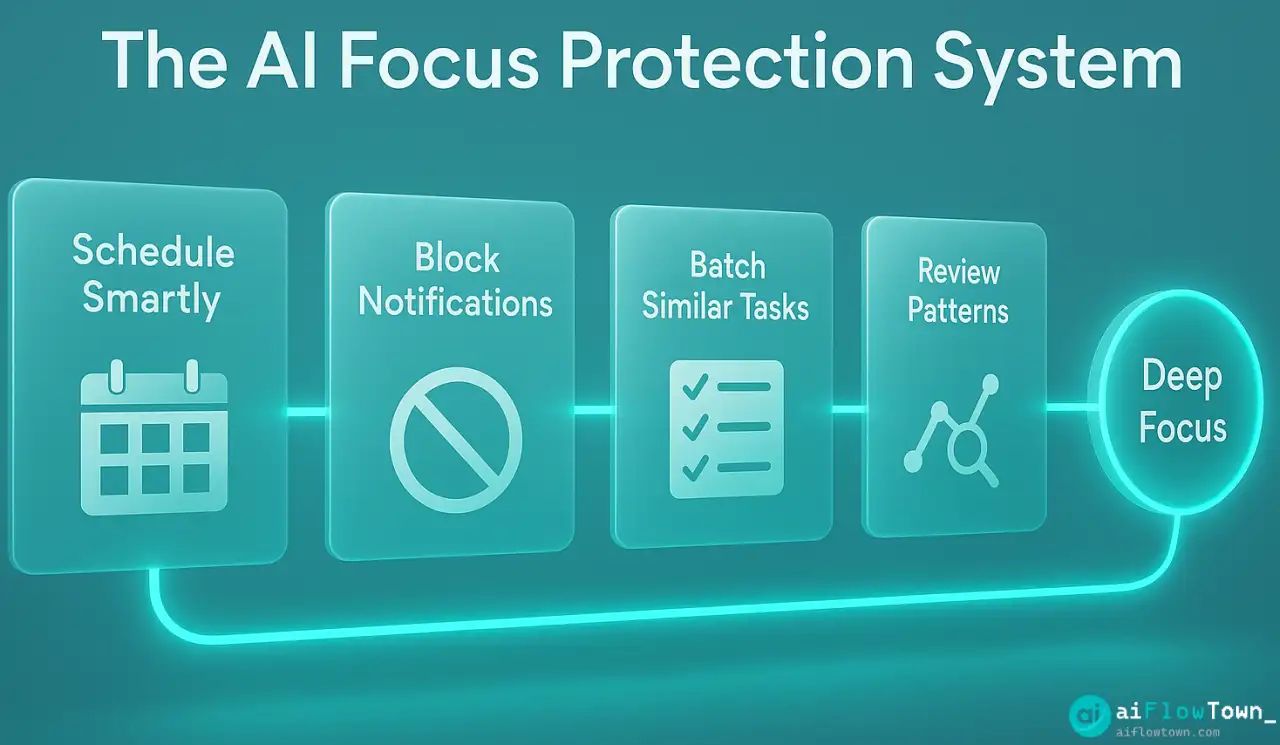
- ✅ Calendar protection: Install Motion or Reclaim, set minimum daily focus time
- ✅ Notification automation: Connect calendar to DND settings via Zapier
- ✅ Batch similar tasks: Use AI to group related work into single blocks
- ✅ Track switching: Use ChatGPT to log and analyze for 3 days
- ✅ Team communication: Set clear “focusing” status expectations
- ✅ Review weekly: Adjust focus time rules based on what’s working
Start with calendar protection. That’s the foundation. Add notification automation next. Everything else builds on these two. Learn more at productivity flow hacks.
❓ FAQ
Are these tools worth the cost?
Reclaim is free for individuals. Motion costs $34/mo but replaces both calendar and task manager. If you bill $50+/hour, reclaiming even one hour per week pays for the tool. Calculate your hourly rate and do the math.
What if people complain I’m “always busy”?
Set availability windows. Use Reclaim to keep 9-10am and 2-4pm open for meetings, protect the rest for focus. You’re not unavailable—you’re organized. Most people respect clear boundaries better than inconsistent availability.
What about urgent interruptions?
True emergencies are rare. Set communication norms: “If urgent, call me. Slack/email can wait until my focus block ends.” Most “urgent” things can wait 90 minutes. Real emergencies will find a way through.
Can teams use these together?
Yes, Clockwise is built for this. It coordinates across team calendars to find collective focus time. If your whole team adopts one tool, you get team-wide benefits like no meetings during agreed focus hours.
⏱️ How long before I see results?
Immediate calendar impact, but behavioral change takes 2-3 weeks. First week feels weird—your day looks different. By week three, you’ll wonder how you ever worked with constant fragmentation.
Final Thoughts
Context switching isn’t a discipline problem—it’s a systems problem. You can’t willpower your way to focus when your environment is designed to fragment your attention. AI focus tools fix the system by automating the protection you know you need but struggle to maintain manually.
Start with calendar protection using Motion or Reclaim. Add notification automation. Track your switching for a few days to see the improvement. You’re not becoming superhuman—you’re removing the friction that prevented you from doing your best work.
The focused version of you already exists. These tools just remove the obstacles preventing that person from showing up consistently.
⚠️ Reminder: Even the smartest tools / AI can miss small details or make mistakes. Always double-check your work before presenting or publishing it - a quick review can save hours later.