Why Meetings Fail Without Agendas
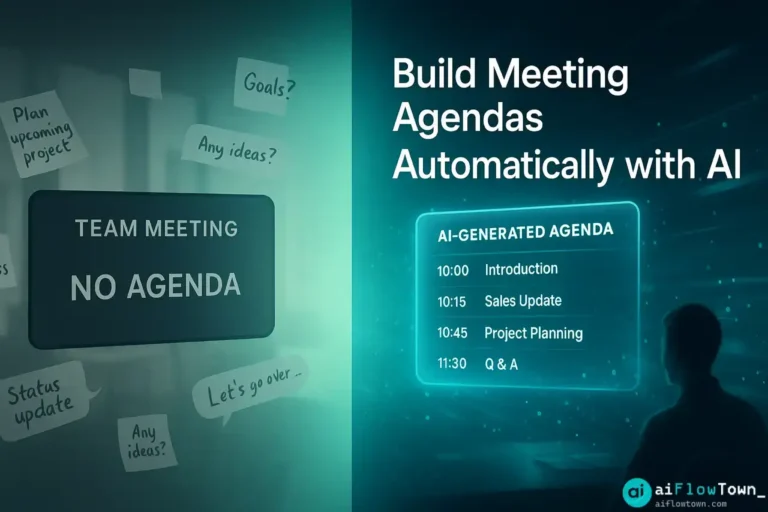
You schedule meetings with good intentions. Something needs discussing, so you send a calendar invite with a vague title like “Q4 Planning” or “Marketing Sync.” Days later, the meeting arrives and nobody—including you—prepared because there was no clear agenda. The meeting becomes a wandering conversation that touches on everything but resolves nothing.
Common agenda-less meeting problems:
- ⚠️ First 10 minutes wasted figuring out what to discuss
- ⚠️ Important topics never mentioned
- ⚠️ Tangents consume time meant for key decisions
- ⚠️ No clear outcomes or action items
- ⚠️ People unprepared because they didn’t know what to prepare
- ⚠️ Follow-up meetings needed because original achieved nothing
Using ai meeting agenda tools doesn’t require you to manually craft agendas—AI extracts topics from emails, Slack, and project tools, then structures them into effective meeting flow using ai tools to build meeting agendas automatically. For more meeting strategies, visit AI productivity prompts.
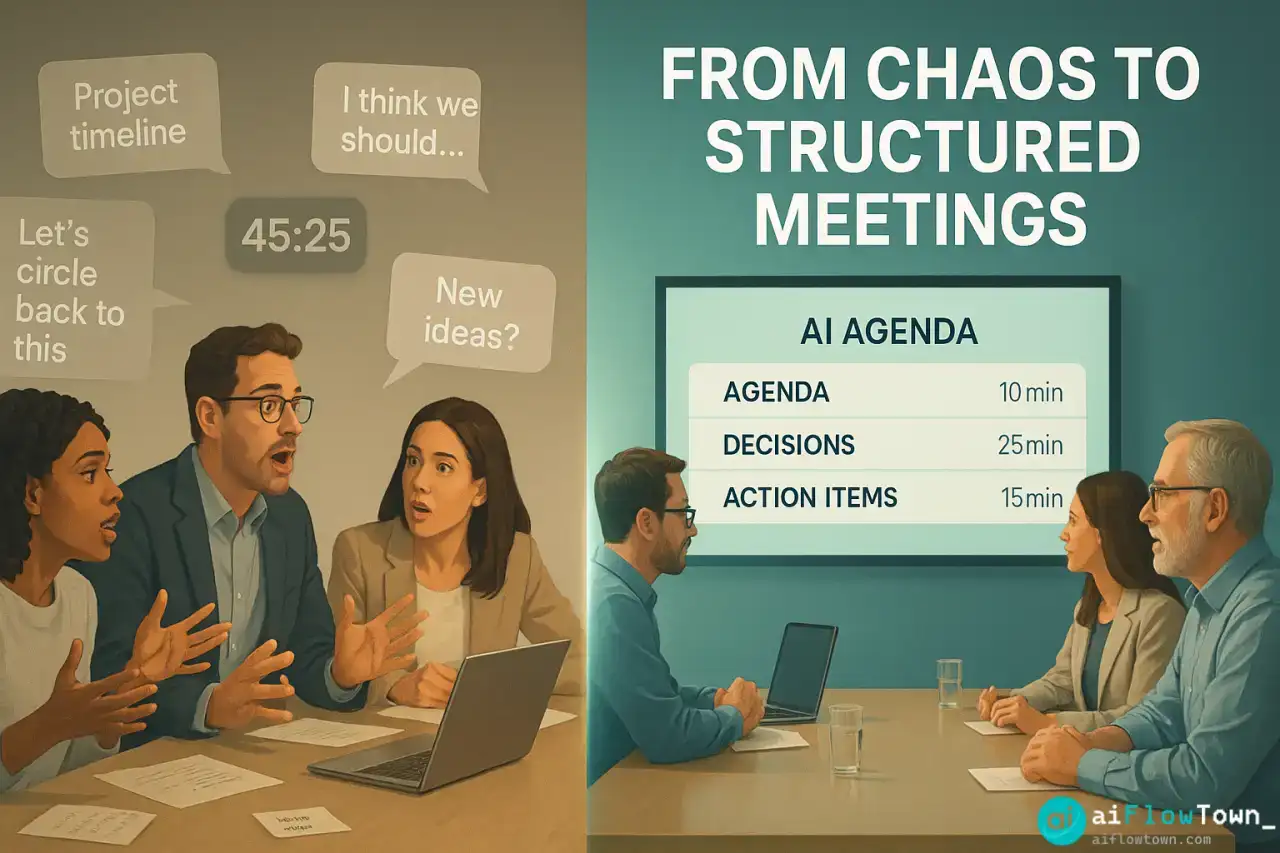
The AI Agenda Generation Process
What AI Needs to Build Agendas
| Input Source | What AI Extracts | How to Provide It |
|---|---|---|
| Email threads | Discussion topics, open questions, decisions needed | Forward relevant emails to AI or paste threads |
| Slack conversations | Unresolved issues, action items, topics mentioned | Export channel history or copy relevant messages |
| Project docs | Blockers, milestones, review items | Share doc links or paste key sections |
| Previous meetings | Follow-up items, recurring topics | Paste previous meeting notes |
| Your brain | Strategic priorities, concerns | Brain dump in conversational format |
The more context you provide, the better the agenda using create meeting structure using chatgpt prompts effectively. Learn more at AI workflow examples.
Available AI Tools for Agenda Creation
Purpose-Built Meeting Tools
- ✅ Fellow.app: AI suggests agenda items from past meetings, integrates with calendar
- ✅ Tactiq: Generates agendas from Slack/email mentions of meeting topics
- ✅ Notion AI: Creates agendas from linked project pages and previous meeting notes
- ✅ Clockwise: Analyzes team calendar and suggests meeting topics based on deadlines
DIY with ChatGPT/Claude
For maximum flexibility, use general AI with custom prompts:
"Build a meeting agenda for me.

Meeting details:
- Title: [Meeting name]
- Duration: [30/60/90 minutes]
- Attendees: [Names/roles]
- Meeting type: [Strategy/Review/Planning/Decision/Update]

Context to consider:
[Paste: email threads, Slack conversations, project updates, your notes]

From this context, create agenda with:

1. Meeting objective (one sentence - what success looks like)

2. Pre-reads (if any docs need reviewing beforehand)

3. Topics with time allocation:
   For each topic:
   - Topic name (clear, specific)
   - Time allocated (be realistic)
   - Discussion type (Info sharing / Decision / Brainstorm / Review)
   - Who leads this section
   - Desired outcome (what we need by end of this topic)

4. Decisions needed (explicit list)

5. Parking lot topics (mentioned in context but not urgent)

Format for easy scanning. Total time should match meeting duration. Prioritize topics - most important first in case we run out of time."
This comprehensive prompt ensures automatically generate agenda from email threads with proper structure. For more prompts, check productivity flow hacks.
Real Example: Project Review Meeting
The Input (What You Give AI)
Meeting: Q4 Mobile App Review, 60 minutes
Attendees: Product team (5 people)Context from Slack/Email:
“The iOS version is running behind schedule, Android is on track. We need to decide if we launch both together or stagger. Design team wants feedback on the new onboarding flow. There’s a bug in payment processing that’s blocking beta. Marketing is asking about launch date. Sarah raised concerns about user testing—we only tested with 12 people. Also need to review the analytics dashboard before launch.”
AI-Generated Agenda
Q4 Mobile App Review Meeting
Objective: Decide launch strategy and resolve blockers preventing beta releasePre-reads: Analytics dashboard mockup (link), Bug report #234 (link)
AGENDA (60 minutes)
1. iOS Schedule Review (10 min) – DECISION
Lead: Sarah
Current delay scope, what’s blocking completion, realistic new timeline
Outcome: Confirmed iOS delivery date2. Launch Strategy Decision (15 min) – DECISION
Lead: Team discussion
Options: (A) Wait for iOS and launch together, (B) Launch Android first, (C) Limited iOS beta
Consider: Marketing timeline, competitive pressure, user expectations
Outcome: Clear launch approach with dates3. Payment Bug Blocker (10 min) – DECISION
Lead: Dev team
Bug status, fix timeline, impact on beta schedule
Outcome: Beta timeline confirmation4. Onboarding Flow Feedback (10 min) – REVIEW
Lead: Design team
Quick review of new flow, gather immediate reactions
Outcome: Approve to proceed or schedule detailed review5. User Testing Concerns (10 min) – DISCUSSION
Lead: Sarah
Is 12 users sufficient? Need more testing before launch?
Outcome: Decide if additional testing required6. Analytics Dashboard (5 min) – REVIEW
Lead: Product
Quick approval of pre-shared dashboard
Outcome: Approved or feedback for iterationDECISIONS NEEDED:
– Launch strategy (together vs staggered)
– iOS timeline adjustment
– Additional user testing yes/no
– Analytics dashboard approvalPARKING LOT:
– Marketing materials review (schedule separate meeting)
– App Store optimization strategy (future discussion)– Structured Meeting Agenda –
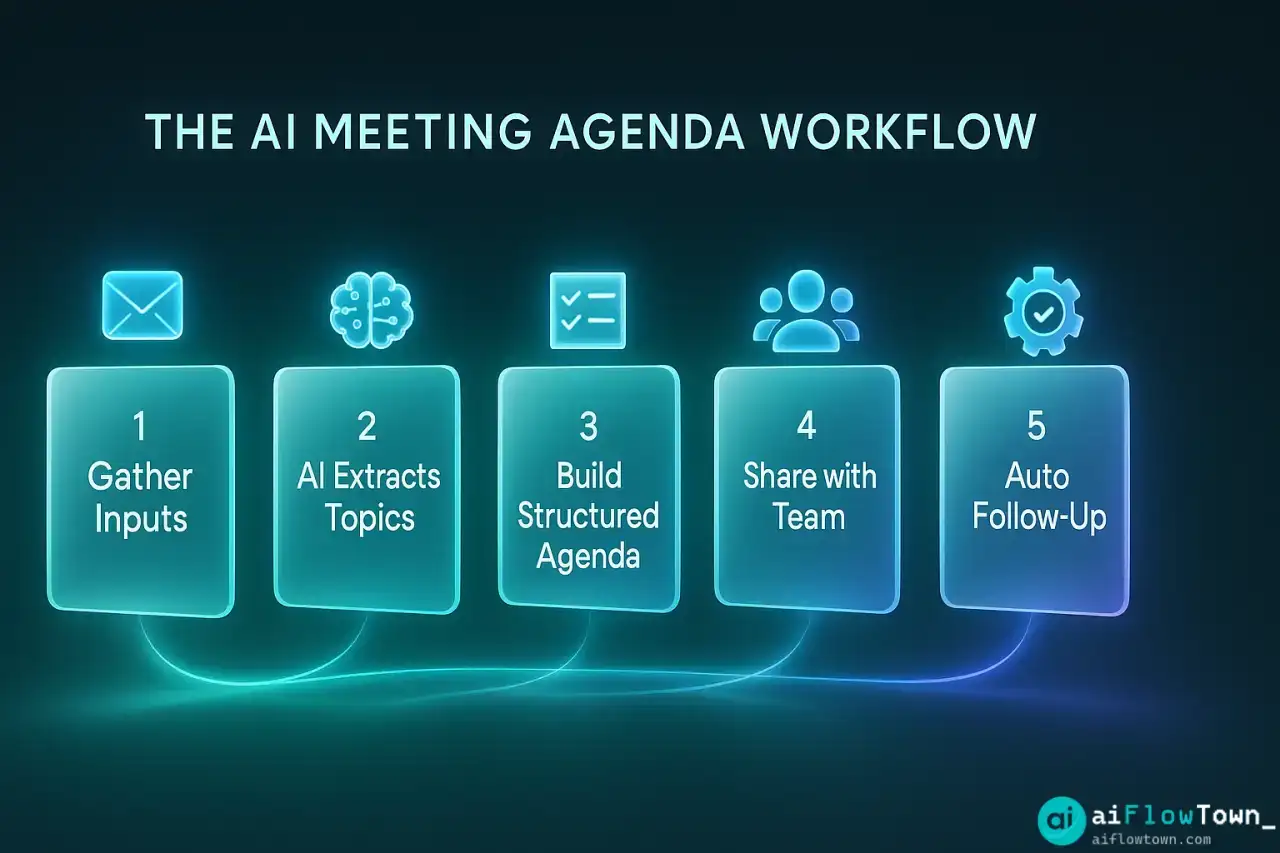
The Automated Workflow
Recurring Meeting Automation
For weekly/monthly meetings, set up automatic agenda generation:
Zapier/Make.com workflow:

Monday 9am (for Friday team meeting):
1. Trigger: Scheduled time
2. Pull data:
   - Slack messages from #team channel this week
   - Emails with "team meeting" in subject
   - Open tasks in project manager due this month
3. ChatGPT: Analyze and create agenda using template
4. Format: Convert to Google Doc
5. Share: Post in Slack + email to attendees
6. Calendar: Update meeting invite with agenda link

Result: Every Friday meeting has fresh agenda by Monday morning
Team has 4 days to prepare and suggest additions
Ad-Hoc Meeting Flow
For spontaneous meetings scheduled same-day:
Create calendar invite with meeting title
Immediately paste title into ChatGPT with context
AI generates agenda in 30 seconds
Copy agenda into calendar event description
Update attendees—agenda is in the invite
Total time: 3 minutes. Meeting now has structure using organize meeting topics with ai assistance efficiently.
Sharing and Collaboration
Pre-Meeting Distribution
Best practices for agenda sharing:
- Send 24+ hours before meeting for preparation
- Include in calendar invite (people actually see it)
- Add to meeting doc if using Notion/Google Docs
- Post in relevant Slack channel with @mentions
- Invite additions: “Anything to add to agenda? Reply by EOD”
During Meeting Updates
Check off completed topics as you go. Add notes under each item. Parking lot captures tangents to address later. At meeting end, agenda becomes the meeting notes—you already documented everything by following the structure.
Post-Meeting Follow-Up
Ask AI to convert agenda + notes into summary:
"Convert this agenda with meeting notes into summary email:

[Paste agenda with notes filled in]

Create summary with:
- Brief overview of what was covered
- Decisions made (list format)
- Action items with owners and deadlines
- Parking lot items for future discussion
- Next meeting date/topics (if applicable)

Tone: Brief and actionable - people should scan this in 60 seconds"
The Universal Meeting Agenda Template
Adapt this structure for any meeting type:
[MEETING TITLE]
Date: [Date] | Time: [Time] | Duration: [Minutes]
Attendees: [Names]
Location: [Room/Zoom link]

OBJECTIVE
[One sentence - what does success look like?]

PRE-READS
- [Document 1 - with link]
- [Document 2 - with link]

AGENDA

1. [TOPIC NAME] ([X] min) - [TYPE]
   Lead: [Name]
   Context: [Why this topic]
   Outcome: [What we need by end]

2. [TOPIC NAME] ([X] min) - [TYPE]
   Lead: [Name]
   Context: [Why this topic]
   Outcome: [What we need by end]

[Repeat for each topic]

DECISIONS NEEDED
- [Decision 1]
- [Decision 2]

PARKING LOT
- [Topic to address later]

MEETING TYPES:
INFO = Information sharing, no decisions
REVIEW = Feedback on work/proposal
DECISION = Must reach conclusion
BRAINSTORM = Generate ideas
PLANNING = Create plan/timeline
❓ FAQ
⏰ How far in advance should agendas be sent?
Minimum 24 hours for meetings requiring preparation. 2-3 days for strategic or decision meetings where attendees need to review materials or gather data. For daily standups, 1 hour before is fine since they’re routine.
What if the agenda changes during the meeting?
That’s fine—agenda is a starting point, not a prison. If an urgent topic surfaces, adjust priorities. Just note the change so people understand why you deviated. Flexibility is good; aimlessness is bad.
Should every meeting have an agenda?
Yes, even if it’s simple. “Discuss X, decide Y, review Z” is better than nothing. Exception: true social/team-building meetings where the point is unstructured connection. But for work meetings, always have structure.
What if attendees don’t read the agenda?
Start meetings by reviewing agenda (2 minutes). Ask “anything to add?” Then follow it strictly—this trains people that agendas matter. If someone raises topic not on agenda: “Let’s parking lot that and schedule separate time.”
Can AI create agendas for recurring meetings?
Yes, perfect use case. AI analyzes what’s changed since last meeting (new issues, completed items, upcoming deadlines) and refreshes standing agenda template. Recurring meetings with fresh agendas stay relevant instead of becoming stale rituals.
Final Thoughts
Meetings without agendas are conversations, not meetings. They might feel productive in the moment but rarely drive decisions or progress. AI meeting agenda tools eliminate the friction of agenda creation by extracting topics from your existing communications and structuring them into effective meeting flow.
Before your next meeting, spend 3 minutes with AI generating an agenda from context. Share it with attendees. Watch how the meeting stays focused, covers important topics, and actually concludes with clear outcomes instead of “we should probably meet again to finish discussing this.”
Your calendar is full of meetings. Make them productive by ensuring every single one has a clear agenda. AI makes that possible without adding “create agenda” to your already overwhelming task list.
⚠️ Reminder: Even the smartest tools / AI can miss small details or make mistakes. Always double-check your work before presenting or publishing it - a quick review can save hours later.