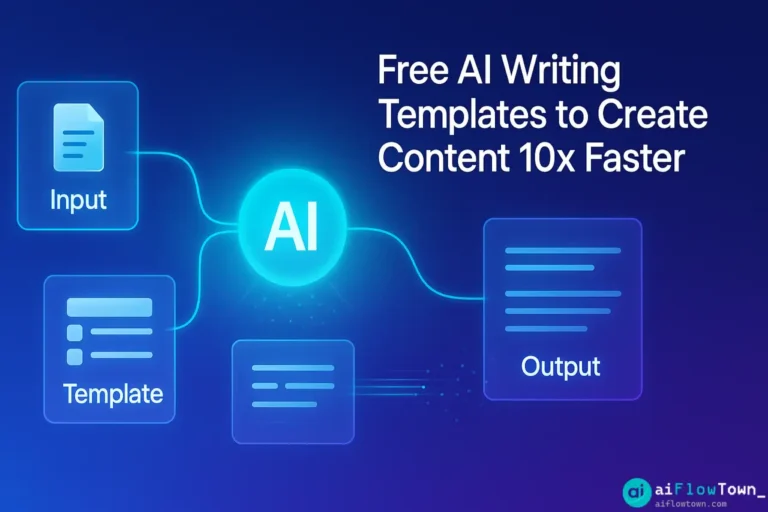
You stare at a blank Google Doc. Cursor blinking. You need to write something—an email, a report, a social post—but starting from nothing drains energy. AI writing templates solve this by providing proven frameworks you just fill in. Instead of “write me a marketing email,” you use a template with specific placeholders: [pain point], [solution], [call to action]. Fill in your details, run through AI, get polished content in 2 minutes instead of 20. This isn’t about letting AI write for you—it’s about giving AI enough structure to produce exactly what you need, fast.
Why Templates Beat Blank Prompts
Compare these two approaches:
Vague prompt: “Write a professional email to a client.”
Result: Generic, formal email that sounds like AI and requires heavy editing.
Template prompt:
"Write a client update email using this structure:
- Subject: [Project name] - [Status update type]
- Opening: Reference last touchpoint
- Progress: [3 completed items]
- Next steps: [2 upcoming milestones with dates]
- Question: [One specific thing I need from client]
- Tone: Professional but warm, 150 words max"
Result: Specific, on-brand email requiring minimal editing.
The difference is structure. AI writing templates provide frameworks that guide AI toward useful output using free chatgpt writing templates download philosophy—proven formats you customize.
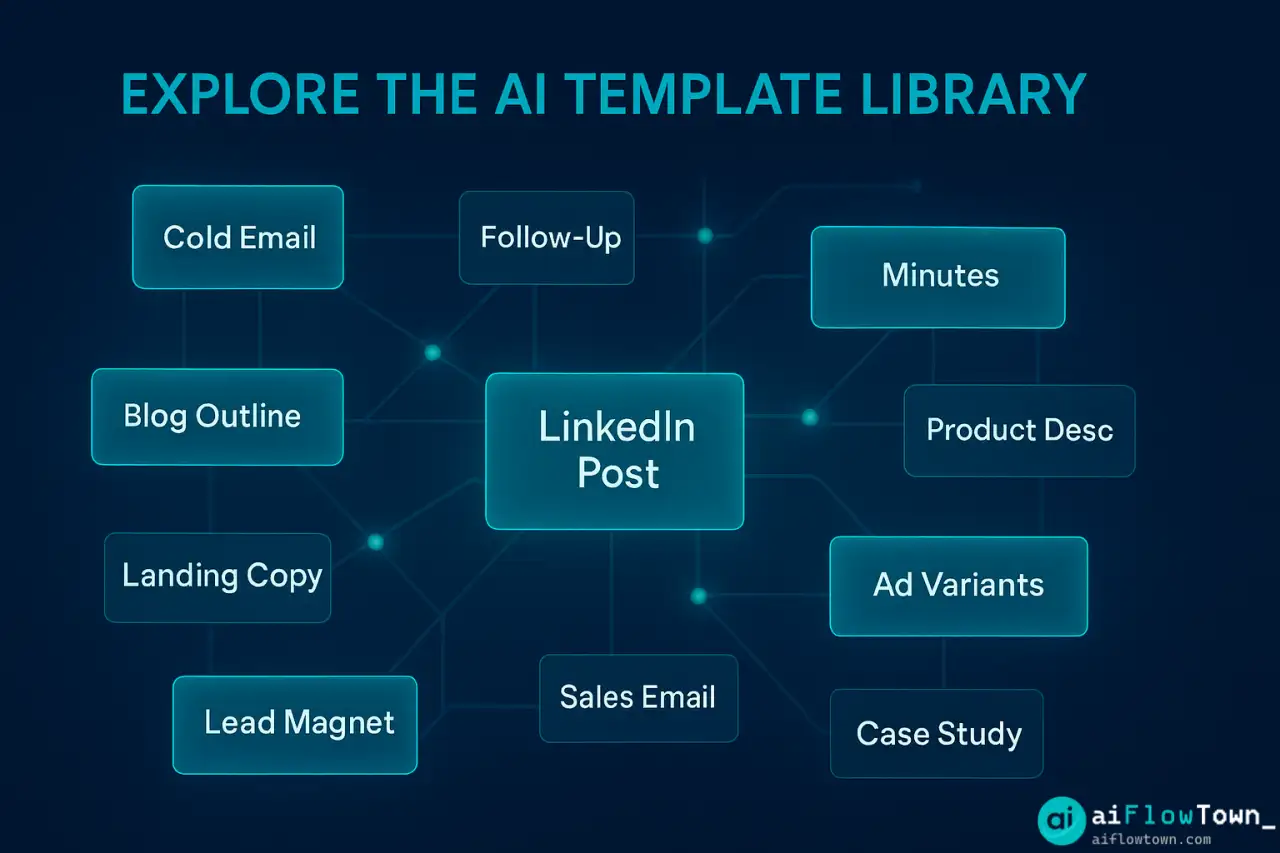
The Essential Template Library
Category 1: Email Templates
Template 1: The Cold Outreach Email
"Write a cold outreach email:

To: [Recipient role/title]
Context: [How you found them / why reaching out]
Value proposition: [What you offer that solves their problem]
Social proof: [Relevant result/client/credential]
Ask: [Specific, low-friction request - 15 min call, reply to question, etc.]

Tone: Professional but conversational, not salesy
Length: Under 100 words
Subject line: Suggest 3 options, each under 50 characters"
Template 2: The Follow-Up Email
"Write a follow-up email:

Original context: [What we discussed / what I sent]
Time since last contact: [Days/weeks]
New value add: [Something useful since last contact - article, idea, update]
Gentle reminder: [What I'm following up about]
Easy out: [Give them permission to say no/not now]

Tone: Helpful, not pushy
Length: 75 words max"
Template 3: The Difficult Conversation Email
"Write an email addressing [situation]:

The issue: [What happened, factually]
Impact: [Why this matters]
My part: [What I'm taking responsibility for]
Request: [What needs to change going forward]
Next step: [Proposed action or meeting]

Tone: Direct but respectful, no blame
Length: 150 words max"
These templates enable ready-to-use ai prompt templates for common email scenarios. For more templates, visit templates and resources.
Category 2: Content Creation Templates
Template 4: The Blog Post Outline
"Create a blog post outline:

Topic: [Main subject]
Target audience: [Who's reading and why]
Main promise: [What reader will learn/gain]
Keyword: [Primary SEO keyword]

Structure:
- Hook (problem reader has)
- 5-7 H2 sections covering [list main points]
- Each H2 has 2-3 H3 subsections
- Conclusion with clear takeaway
- Include where to add: examples, data, quotes

Tone: [Conversational / Technical / Authoritative]
Target length: [Word count]"
Template 5: The Social Media Post
"Write a [LinkedIn/Twitter/Instagram] post:

Core message: [One sentence - what's the point?]
Hook (first line): [Attention-grabbing opening]
Body: [Main content - story, tip, insight]
Value: [Actionable takeaway]
CTA: [What should audience do - comment, share, click]

Format: [Thread / Single post / Carousel]
Length: [Character limit]
Hashtags: Suggest 3-5 relevant ones"
Template 6: The Product Description
"Write a product description:

Product: [Name and category]
Main benefit: [Primary problem it solves]
Key features: [3-5 specific features]
Target customer: [Who this is for]
Differentiator: [Why choose this vs alternatives]

Structure:
- Headline (benefit-focused, under 10 words)
- Opening paragraph (emotional connection)
- Feature bullets (benefit-first, not spec-first)
- Social proof (if available)
- Strong closing CTA

Tone: [Brand voice - enthusiastic / professional / luxury]
Length: 150-200 words"
Category 3: Business Writing Templates
Template 7: The Executive Summary
"Write an executive summary:

Document type: [Report / Proposal / Analysis]
Audience: [Who's reading - executives, board, clients]
Purpose: [Decision to make / info to communicate]

Include:
1. Situation (current state in 2 sentences)
2. Problem/Opportunity (why this matters)
3. Recommendation (what you're proposing)
4. Expected outcome (results if implemented)
5. Key risks (major considerations)

Tone: Clear, confident, action-oriented
Length: 250 words max
Key numbers: [Include 2-3 most important metrics]"
Template 8: The Project Proposal
"Write a project proposal:

Project name: [Title]
Requestor: [Stakeholder/client]
Problem statement: [What needs solving]
Proposed solution: [High-level approach]
Scope: [What's included / excluded]
Timeline: [Key milestones with dates]
Resources needed: [Budget, team, tools]
Success metrics: [How we'll measure success]
Risks: [Major risks with mitigation]

Tone: Professional, thorough
Length: 2-3 pages"
Template 9: The Meeting Minutes
"Format these meeting notes into proper minutes:

Raw notes: [Paste your messy notes]

Structure as:
- Meeting info (date, attendees, duration)
- Agenda items discussed
- Key decisions made (with rationale)
- Action items (owner, deadline, priority)
- Open questions / parking lot
- Next meeting date/topic

Make concise and scannable."
These business templates demonstrate content creation templates with ai for professional contexts. For more business workflows, check AI workflows.
Category 4: Creative Writing Templates
Template 10: The Story Framework
"Write a short story using this framework:

Character: [Protagonist with clear desire]
Setting: [Where and when]
Inciting incident: [What disrupts status quo]
Obstacle: [What prevents easy resolution]
Choice: [Difficult decision character must make]
Resolution: [How it ends, what changed]

Tone: [Inspirational / Dark / Humorous / Mysterious]
Length: 500-750 words
POV: [First person / Third person]"
How to Customize Templates
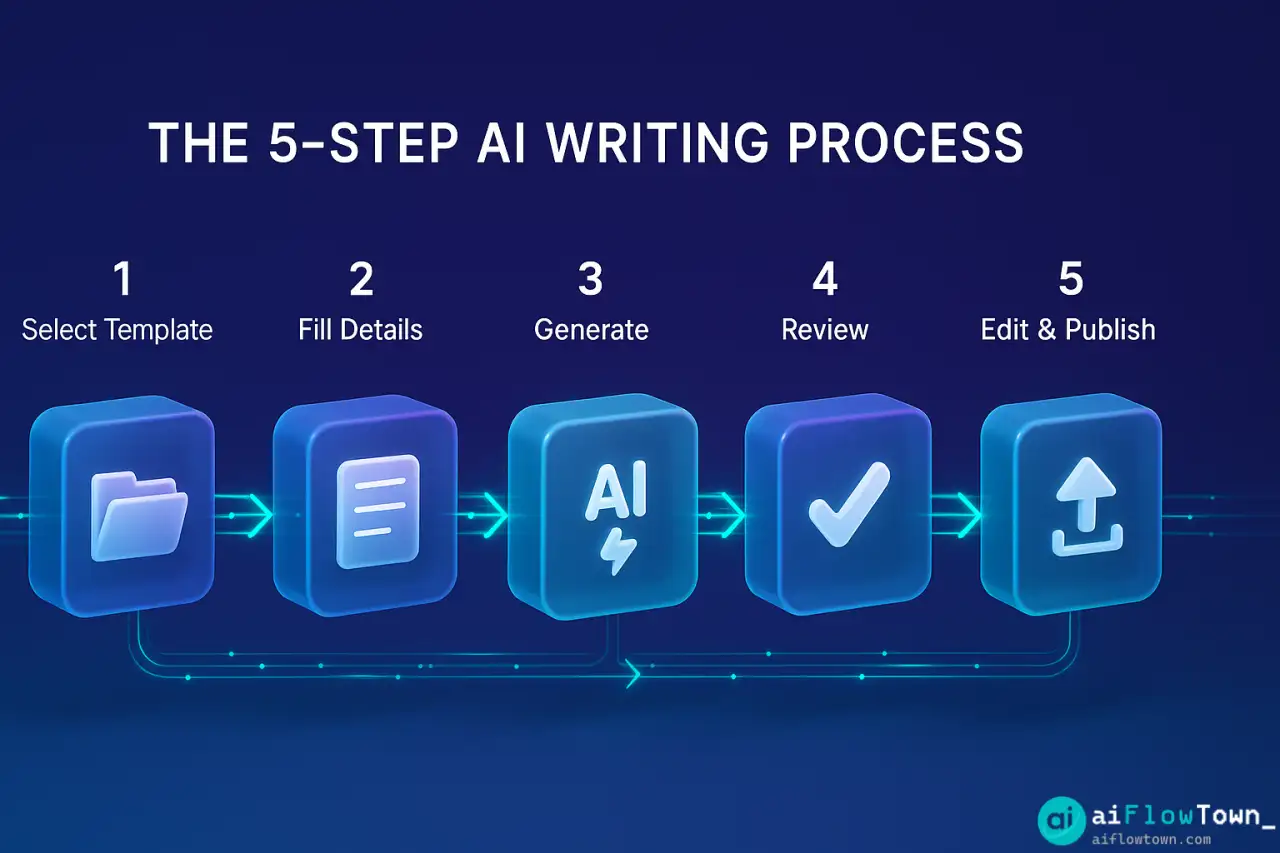
The Fill-in-the-Blanks Method
| Step | What to Do | Time |
|---|---|---|
| 1. Select | Choose template matching your writing need | 30 sec |
| 2. Fill | Replace [placeholders] with your specific details | 3-5 min |
| 3. Generate | Paste filled template into ChatGPT | 10 sec |
| 4. Review | Read AI output, check for accuracy | 2 min |
| 5. Edit | Adjust tone, add personal touches | 2-3 min |
| Total | Template-based writing | 8-11 min |
Compare to blank-page writing: 20-40 minutes for same output quality.
Template Adaptation Tips
- ✅ Add industry-specific context to [audience] fields
- ✅ Include brand voice guidelines in [tone] sections
- ✅ Specify exact word counts—AI respects limits
- ✅ Reference examples: “Like [competitor X]’s style”
- ✅ Save your modified templates for repeated use
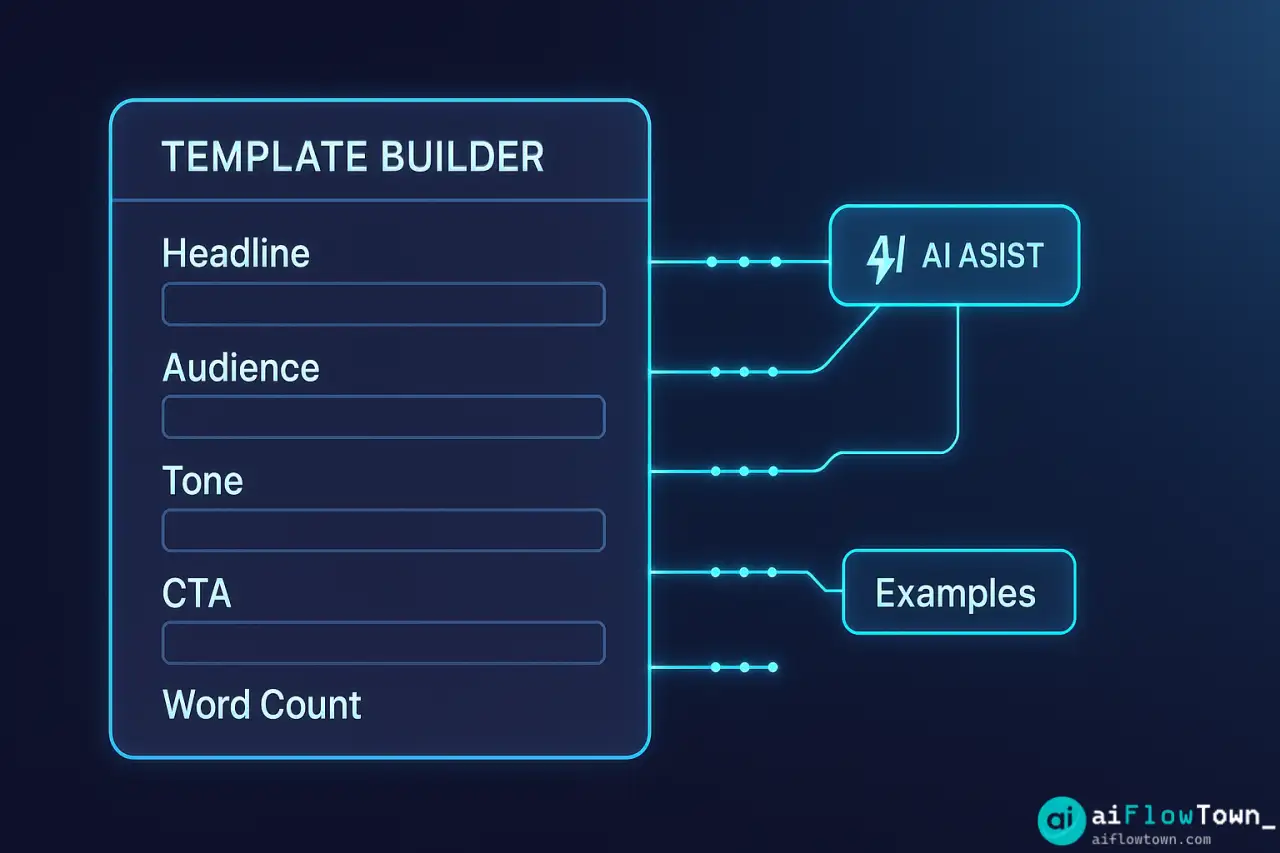
Building Your Personal Template Library
Template Organization System
Create folders in Notion/Google Drive:

 AI Writing Templates/
  ├──  Emails/
  │   ├── Cold Outreach
  │   ├── Follow-ups
  │   └── Internal Communication
  ├──  Content/
  │   ├── Blog Posts
  │   ├── Social Media
  │   └── Product Copy
  ├──  Business/
  │   ├── Proposals
  │   ├── Reports
  │   └── Executive Summaries
  └── ✍️ Creative/
      ├── Stories
      ├── Scripts
      └── Personal Essays
The Template Improvement Loop
- Use template → Generate content
- Note what worked / what didn’t
- Adjust template placeholders
- Add successful outputs as examples
- Refine based on repeated use
After 10 uses, your templates become highly customized to your needs using copywriting templates for chatgpt philosophy.
Advanced Template Techniques
Multi-Step Templates
For complex content, chain templates:
Step 1: Use outline template to generate structure
Step 2: Use section template for each H2
Step 3: Use conclusion template for ending
Step 4: Use editing template to refine entire piece– Template Chaining –
Conditional Templates
Templates with built-in variations:
"Write [email type] based on situation:

If [cold outreach]: Use Problem-Agitate-Solve structure
If [warm lead]: Reference previous interaction first
If [existing client]: Skip intro, focus on new value

My situation: [Describe which applies]"
The Meta-Template
Template for creating templates:
"Create a reusable template for [writing type]:

Include placeholders for:
- Variables that change each time
- Tone/style specifications
- Length guidelines
- Format requirements

Make it fill-in-the-blanks style."
For more advanced techniques, visit AI productivity prompts.
❓ FAQ
Where should I save templates?
Notion databases work great (searchable, taggable). Google Docs folders also fine. Text expansion tools (TextExpander) let you trigger templates with shortcuts. Choose based on your workflow—key is having templates accessible when needed, not buried in folders.
✏️ How much editing do template outputs need?
Well-designed templates produce 80-90% complete content. You’ll spend 2-3 minutes adjusting tone, adding specific examples, removing AI phrases. Less editing than blank-prompt outputs which need 40-50% rewriting. Templates provide structure that keeps AI on track.
Can I share templates with my team?
Yes, templates ensure consistency across team. Everyone uses same structure for client emails, reports, etc. Create shared template library in company drive. Include usage notes so team knows when to use which template. Reduces onboarding time for new hires.
Do templates work for technical writing?
Absolutely. Technical docs benefit most from templates—consistent structure aids understanding. Create templates for: API documentation, troubleshooting guides, architecture diagrams descriptions, release notes. Technical writing thrives on repeatable structure.
Don’t templates make everything sound the same?
Only if you use generic placeholders. Make templates specific: instead of [product], use [product name + key differentiator]. Instead of [tone], specify [tone: enthusiastic but not salesy, like Mailchimp’s voice]. Specific templates create specific, varied outputs.
Final Thoughts
Writing from scratch every time wastes energy on structure when you should focus on content. These ai writing templates provide proven frameworks that guide AI toward useful output. Instead of fighting blank pages, you’re filling in blanks and generating polished content in minutes.
Start with 3 templates you’ll use most—probably email templates since everyone writes emails daily. Save them somewhere accessible. Use them for a week. You’ll immediately feel the friction reduction. Then add templates for your next most common writing tasks.
The goal isn’t collecting 100 templates. It’s having plug-and-play ai writing frameworks for your 5-10 most frequent writing needs, refined through repeated use until they produce exactly what you need with minimal editing. Build your library intentionally based on actual writing patterns.
Next: These templates are just the beginning. Explore our complete collection of 100+ AI prompts for every work scenario to supercharge your productivity across all tasks.
⚠️ Reminder: Even the smartest tools / AI can miss small details or make mistakes. Always double-check your work before presenting or publishing it - a quick review can save hours later.