The Email Overload Problem
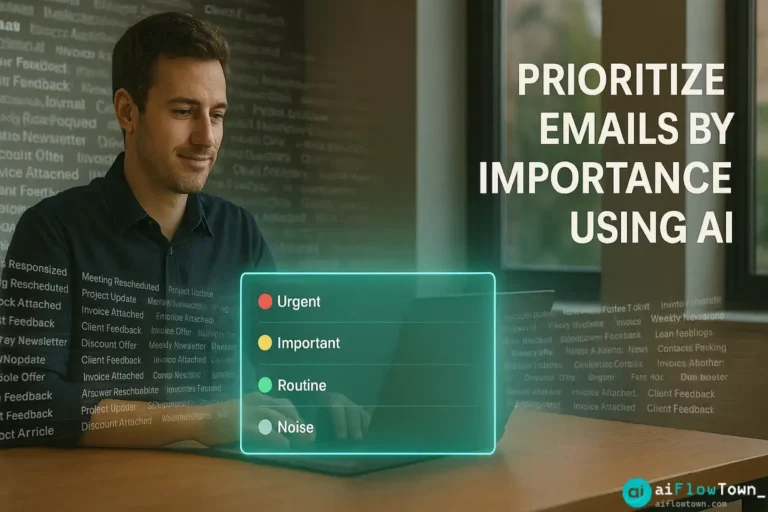
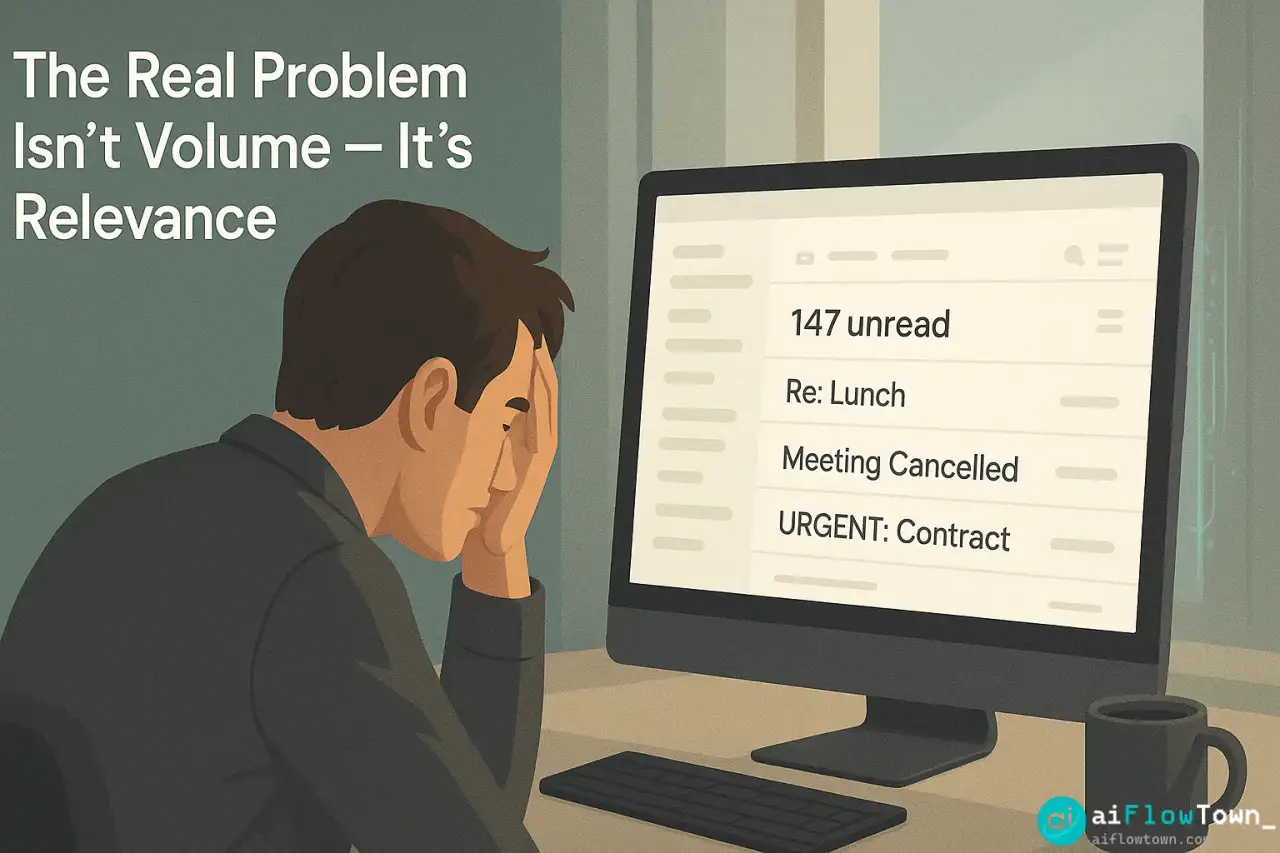
Volume isn’t the real problem—relevance is. You could handle 200 emails daily if they appeared in perfect priority order. Instead, they arrive chronologically: your CEO’s urgent question sits next to a LinkedIn connection request and a newsletter you’ll never read. Traditional email sorting by sender or subject requires manually creating dozens of filters that break when patterns change.
What you actually need:
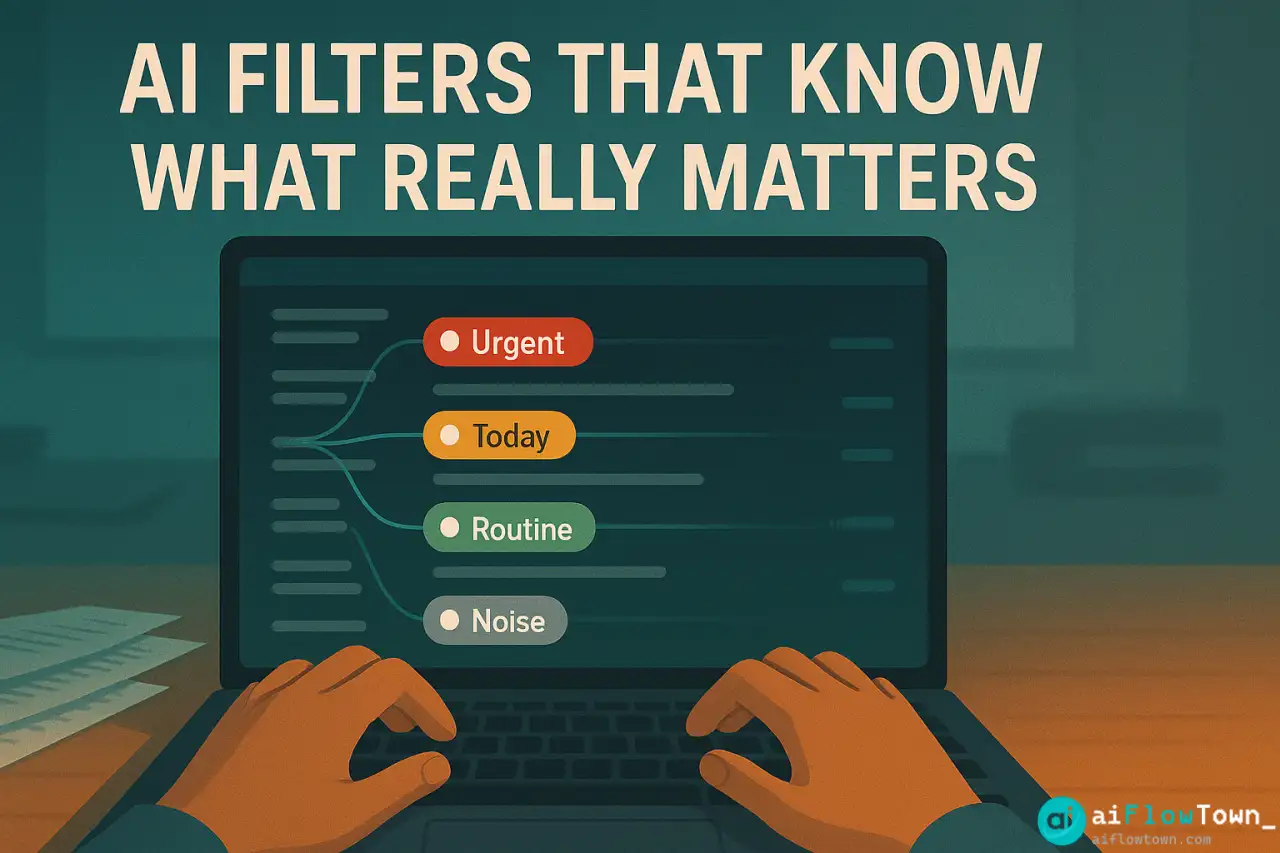
- Urgent from boss/client → see immediately
- Important but not urgent → today’s focus time
- FYI information → batch process later
- Automated notifications → review weekly
- Marketing/newsletters → read if time, ignore if not
Manual classification fails because urgency is contextual. “Meeting rescheduled” might be critical or irrelevant depending on which meeting. AI handles this nuance using ai email prioritization that reads content, not just metadata, to determine importance using ai to prioritize emails by importance intelligently. For more email strategies, visit AI workflow optimization.
How AI Email Classification Works
The Core Components
| Component | Function | Tool Options |
|---|---|---|
| Email reader | Accesses inbox | Gmail API, Outlook API |
| AI classifier | Analyzes and categorizes | ChatGPT API, Claude API |
| Automation | Connects components | Zapier, Make.com, n8n |
| Label system | Organizes results | Gmail labels, Outlook folders |
| Notification | Alerts for urgent items | Slack, SMS, push notifications |
This system runs continuously in background using automatically sort inbox using ai filters without manual intervention. Learn more at AI automation for beginners.
Setting Up the Classification System
Step 1: Define Your Priority Tiers
Before building, define what “important” means for you:
Priority 1 - URGENT (Check immediately):
- Direct questions from boss, clients, or key stakeholders
- Time-sensitive decisions requiring your input
- Customer escalations or issues
- Meeting schedule changes for today
- Anything with explicit urgent language + from important sender

Priority 2 - IMPORTANT (Today's work):
- Project updates requiring eventual response
- Team questions you need to answer
- Requests for your input on decisions
- Important industry news affecting your work
- Scheduled follow-ups due today

Priority 3 - ROUTINE (Batch process):
- Status updates and FYI emails
- Meeting notes you should review
- Internal newsletters
- Non-urgent questions from colleagues
- Low-priority project updates

Priority 4 - NOISE (Weekly review or ignore):
- Marketing emails and promotions
- Automated notifications (GitHub, Jira, etc.)
- Social media notifications
- Newsletters you might read
- Receipts and confirmations
Step 2: Build the Zapier Workflow
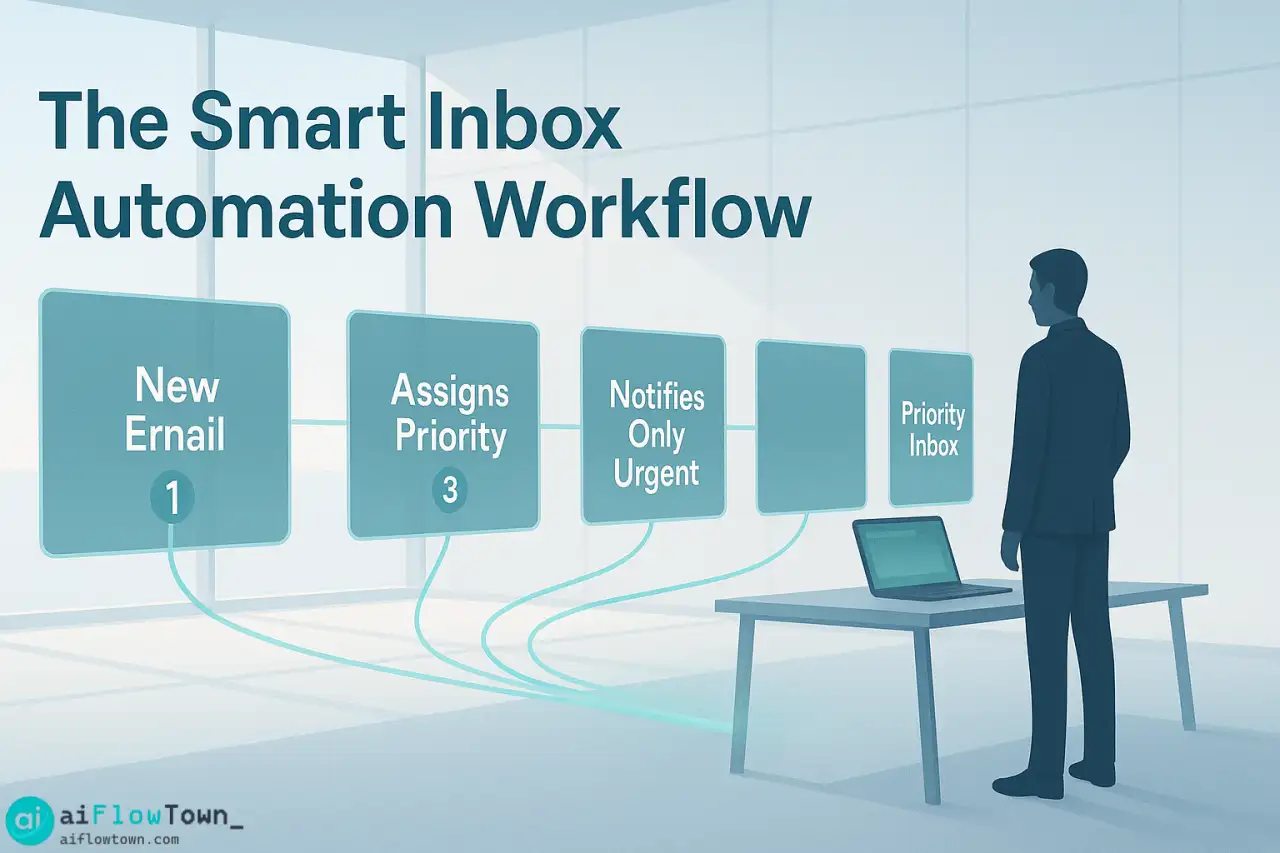
- Trigger: New email arrives in Gmail
- Filter: Skip if from known newsletters (optional first-pass filter)
- ChatGPT action: Classify email using your priority criteria
- Path branching: Different actions based on classification
- Priority 1: Apply ” Urgent” label + send Slack notification
- Priority 2: Apply ” Today” label + keep in inbox
- Priority 3: Apply ” Routine” label + archive
- Priority 4: Apply “⚪ Noise” label + archive
This workflow uses classify urgent emails with ai tools systematically as emails arrive.
The Classification Prompt
The AI prompt determines accuracy. Here’s what works:
"Classify this email's priority level.

Email details:
From: {{sender_email}}
Subject: {{subject}}
Body: {{email_body}}
Time received: {{timestamp}}

My role/context:
[Your job title, key responsibilities, who you report to]

Classification criteria:

PRIORITY 1 - URGENT if:
- From: [list boss, key clients, CEO, etc.]
- AND contains: question requiring my decision, time-sensitive deadline, problem/issue needing resolution, explicit urgent language
- OR: Meeting today being rescheduled
- OR: Customer escalation mentioned

PRIORITY 2 - IMPORTANT if:
- From: team members, project stakeholders, vendors
- AND contains: question for me, request for input, action item with this week's deadline
- NOT urgent timing but requires eventual response

PRIORITY 3 - ROUTINE if:
- From: internal teams
- Contains: updates, FYI info, meeting notes, questions for others (I'm CC'd)
- No immediate action required from me

PRIORITY 4 - NOISE if:
- From: automated systems, marketing, newsletters
- OR: social media notifications, receipts
- Information I might want but doesn't require action

Return only: {"priority": 1-4, "reasoning": "brief explanation"}

Consider:
- Sender's relationship to me
- Explicit urgency indicators
- Deadlines mentioned
- Whether I'm primary recipient or CC'd
- Whether action is required from me specifically"
This structured prompt ensures smart email triage with chatgpt that matches your actual work priorities. For more prompts, check AI productivity prompts.
Advanced Tag Logic
Sender-Based Overrides
Some senders always get priority regardless of content:
Add to prompt:

"Priority overrides (apply regardless of content analysis):
- Emails from [CEO email] = always Priority 1
- Emails from [key client domains] = always Priority 1
- Emails from [automated system] = always Priority 4
- Emails to [announce@ alias] = Priority 3 max

If sender matches override rule, skip content analysis and apply override priority."
Time-Based Adjustments
Priority can shift based on timing:
“Time considerations: If email arrives Friday after 3pm AND doesn’t mention Monday deadline, reduce priority by 1 level (can wait until next week). If email arrives with ‘EOD’ deadline and it’s already 5pm, flag as Priority 1 even if sender is normally Priority 2.”
Thread Context
Priority changes in ongoing threads:
"Thread analysis:
- If this is a reply in ongoing thread, check previous messages
- If I asked a question and this is the answer = Priority 2 minimum
- If thread has 5+ back-and-forth messages = likely important, Priority 2
- If I haven't engaged in thread = lower priority"
The Complete Workflow
Daily Email Processing
- 7am: AI runs overnight batch classification on emails received after you left yesterday
- Morning: You open inbox, see only Priority 1 ( Urgent) and Priority 2 ( Today) emails
- 9-11am: Handle urgent and important emails
- Lunch: Quick scan of Priority 3 ( Routine) batch
- Afternoon: Focus on work, AI continues classifying new arrivals
- 4pm: Check for new Priority 1/2 emails that arrived during focus time
- Friday pm: Skim Priority 4 (⚪ Noise) digest if time permits
This schedule uses reduce email overwhelm using ai classification to batch-process by importance.
Notification Strategy
Don’t notify for everything:
- Priority 1 from VIP senders → immediate Slack notification
- Priority 1 from others → email stays in inbox, no notification
- Priority 2 → no notification, just labeled
- Priority 3 & 4 → auto-archived, no notification
The Weekly Digest System
For lower-priority emails, create automated digests:
Friday 4pm automation:

1. Collect all Priority 3 emails from this week
2. Send to ChatGPT: "Summarize these routine emails:
   - Group by theme/project
   - Highlight if any actually need response
   - Flag anything that became urgent
   - Total: 1 page summary"
3. Email digest to yourself
4. Review in 10 minutes vs 2 hours reading individually

For Priority 4 (Noise):
- Monthly digest showing just subject lines
- Scan for anything you actually want to read
- Everything else auto-deletes after 30 days
Real Example: Executive Assistant
Before AI Classification
Maria managed an executive’s inbox: 200-300 emails daily. Process:
- ⏰ 90 minutes daily manually sorting email
- ⏰ Frequent interruptions asking “is this urgent?”
- ⏰ Boss occasionally missed time-sensitive messages
- ⏰ Stress from feeling responsible for every message
After AI Implementation
Maria configured AI classification with executive’s priority rules:
- ✅ AI sorts 95% of email accurately within 2 minutes of arrival
- ✅ Only Priority 1 emails appear in executive’s primary inbox
- ✅ Maria reviews Priority 2 batch once daily, forwards important ones
- ✅ Priority 3 & 4 auto-archived with weekly digest
Results After 60 Days
- Maria’s sorting time: 90 min → 15 min daily
- Executive’s inbox: 200 emails → 15-20 daily
- Missed urgent emails: 0 in 60 days
- Executive satisfaction: “Finally can manage my own email”
- False positives: ~5% (manually corrected, AI learns)
❓ FAQ
How accurate is AI email classification?
85-92% accurate after initial tuning. First week, review classifications daily and adjust prompt for patterns AI gets wrong. By week 3-4, accuracy stabilizes and requires minimal correction. Always verify Priority 1 before acting.
What does this automation cost?
Zapier: $20-50/mo depending on email volume. ChatGPT API: ~$0.01-0.02 per email classified. For 200 emails daily, roughly $70-100/mo total. ROI is immediate if you value your time at more than $50/hour.
What if AI misclassifies something urgent?
Check Priority 2 folder once mid-day to catch anything miscategorized. Set up keyword alerts: if email contains “URGENT” or “ASAP” + from certain senders, always flag Priority 1 regardless of AI analysis. Safety nets prevent critical misses.
Can the system learn my preferences over time?
Not automatically—AI doesn’t train on your corrections. But you can manually update the classification prompt monthly based on patterns you notice. “Emails from X about Y should be Priority 2, not 3” gets added to prompt rules.
⚡ What about emails requiring immediate response?
Priority 1 classification + Slack notification ensures you see time-sensitive emails within minutes. For truly critical contacts (boss, top client), set up redundant system: their emails trigger both AI classification AND immediate phone notification.
Final Thoughts
Email overload isn’t solved by processing faster—it’s solved by seeing what matters first. AI email prioritization automatically surfaces the 10% of messages that actually need your attention today while safely deferring the 90% that can wait or be ignored entirely.
Set this up once, tune it for a week, then let it run. You’ll go from drowning in 200 daily emails to confidently handling the 15-20 that actually matter. The rest gets batched, archived, or deleted without guilt because you know the system caught anything important.
Your inbox doesn’t need to be empty. It needs to show you what matters. AI makes that automatic.
⚠️ Reminder: Even the smartest tools / AI can miss small details or make mistakes. Always double-check your work before presenting or publishing it - a quick review can save hours later.