Why These AI Trends Matter
Most AI trend predictions focus on what’s possible. This focuses on what’s actually happening. These aren’t lab experiments or venture capital fantasies. They’re shifts you can see in real companies, real tools, and real workflows today.
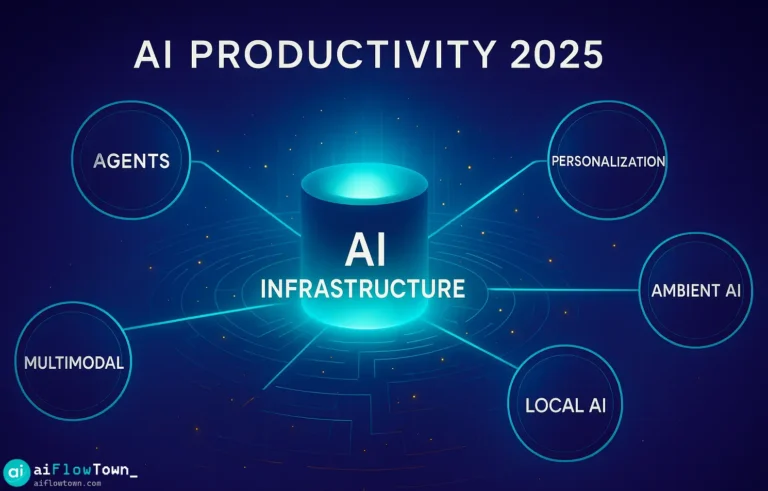
The ai trend 2025 landscape has a clear direction: AI moves from assistant to collaborator, from general to personalized, from isolated tools to integrated systems.
Trend 1: AI Agents That Actually Work Together
What Changed
Early AI tools were solo performers. ChatGPT answered questions. DALL-E made images. Tools didn’t talk to each other.
Now AI agents coordinate. One agent gathers information, another analyzes it, a third drafts a response. They hand off work without human intervention.
Real Examples
Customer service: Research agent pulls customer history → Analysis agent identifies issue → Response agent drafts reply → Scheduling agent books follow-up.
Content creation: Research agent finds sources → Writing agent drafts content → Editing agent refines tone → Publishing agent formats and schedules.
Data analysis: Collection agent pulls metrics → Processing agent cleans data → Visualization agent creates charts → Summary agent writes insights.
The human’s job shifted from doing each step to orchestrating the agents and validating outputs.
Tools Leading This
- AutoGPT and BabyAGI for autonomous task completion
- LangChain for building agent workflows
- Zapier Central for no-code agent coordination
- Microsoft Copilot Studio for enterprise agent building
For agent workflow strategies, explore our AI workflows guide.
Trend 2: Hyper-Personalized AI Models
From Generic to Personal
Generic AI knows everything about nothing specific. It writes like everyone, which means it doesn’t write like you.
Personalized AI learns your style, your industry, your preferences. It produces outputs that actually sound like they came from you, not a robot mimicking professional writing.
How This Works
Training on your data: AI learns from your past writing, decisions, and work patterns.
Style matching: It adapts tone, vocabulary, and structure to match how you communicate.
Context awareness: It knows your role, industry, and common tasks without you explaining each time.
Preference learning: It remembers what outputs you keep versus edit, getting better over time.
The Impact
| Generic AI | Personalized AI |
|---|---|
| Writes in corporate voice | Matches your actual tone |
| Needs detailed prompts each time | Understands context automatically |
| Output needs heavy editing | Minor tweaks get you to final |
| Everyone’s AI sounds similar | Your AI sounds like you |
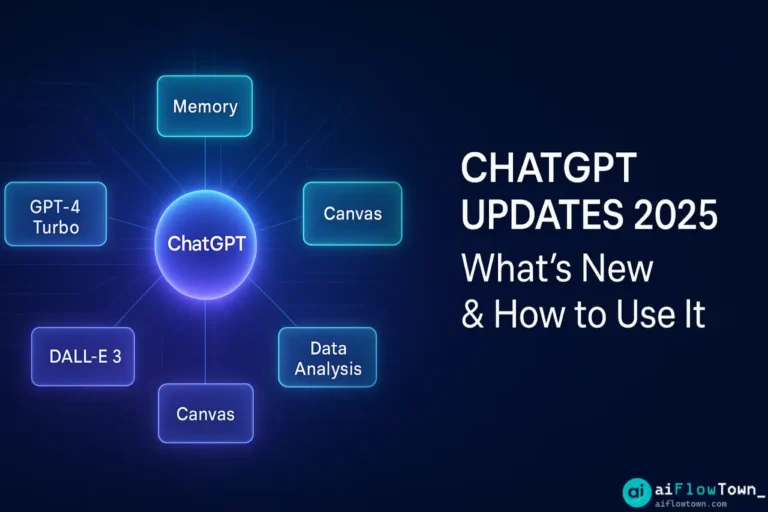
Tools like Claude with Projects, ChatGPT with Custom Instructions, and Notion AI with workspace context are early versions of this trend.
Trend 3: Ambient AI That Disappears
AI You Don’t Notice
The best AI doesn’t feel like AI. It runs in the background, handling tasks before you realize they need doing.
Your calendar adjusts automatically when a meeting runs long. Your to-do list reprioritizes based on new deadlines. Your email responses draft themselves while you’re in meetings.
You interact with the results, not the AI itself.
Where This Shows Up
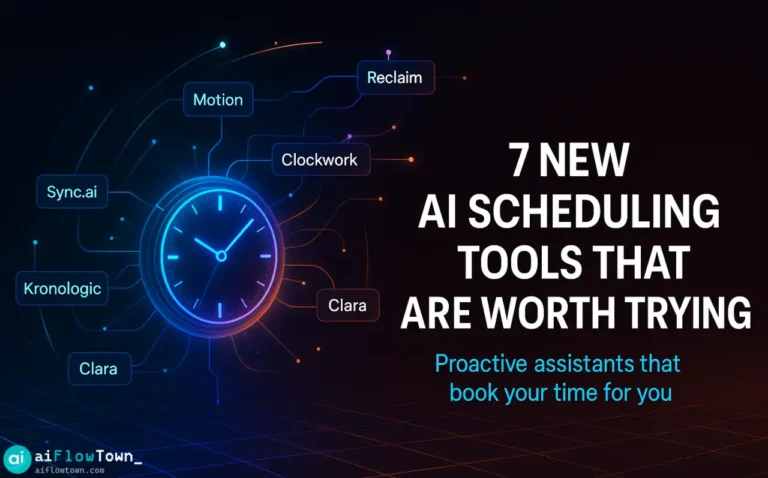
Smart scheduling: Reclaim AI moves your tasks around meetings without you asking.
Predictive writing: Gmail finishes your sentences before you type them.
Auto-organization: Notion AI files documents into the right databases automatically.
Proactive reminders: Motion alerts you about tasks before they become urgent.
The trend moves toward AI that understands what you need before you articulate it.
Trend 4: True Multimodal Integration
Beyond Text-Only AI
Early AI handled one format. Text AI wrote. Image AI drew. They didn’t mix.
Multimodal AI processes text, images, audio, and video together. You paste a screenshot and ask questions about it. You upload a video and get a written analysis. You describe an image and AI generates it.
The boundaries between formats blur.
Real Productivity Gains
Meeting notes: Record video, AI produces transcript + summary + action items + key moments highlighted.
Design feedback: Screenshot design, add voice note, AI generates written feedback for designer.
Content creation: Voice memo becomes blog outline, then article draft, then social posts with images.
Data analysis: Upload chart image, ask questions, get insights without recreating in spreadsheet.
For multimodal workflows, check out our AI productivity prompts guide.
Trend 5: Local AI Breaking Free from Cloud
From Cloud Dependency to Device Control
Every AI request used to hit a server. Your data left your device. Privacy was a question mark. Internet required.
Local AI runs on your computer or phone. Your data stays yours. No internet needed. No usage limits. No monthly fees for most tools.
The shift matters for privacy-sensitive work and consistent performance.
Local AI in Action
Ollama: Run large language models on your laptop, no cloud needed.
Apple Intelligence: On-device AI for iPhone and Mac, processing happens locally.
LM Studio: Download and run AI models privately on your computer.
LocalAI: Self-hosted alternative to OpenAI APIs.
Performance improves as hardware catches up. What required cloud servers last year runs on devices now.
Why This Matters
- Privacy: Sensitive data never leaves your device.
- Speed: No network latency, instant responses.
- Cost: One-time hardware cost versus ongoing subscriptions.
- Reliability: Works offline, no service outages.
- Control: You own the model, no platform changes break your workflow.
What These Trends Mean for You
Next 6 Months
Expect agent features in existing tools. Zapier, Make, and others are adding agent capabilities. Your current automation gets smarter without switching platforms.
Personalization becomes table stakes. Tools without learning capabilities fall behind. If your AI doesn’t remember your preferences, it’s already outdated.
Local options multiply. More models, better performance, easier setup. Running AI locally shifts from hobbyist to practical.
Next 12-24 Months
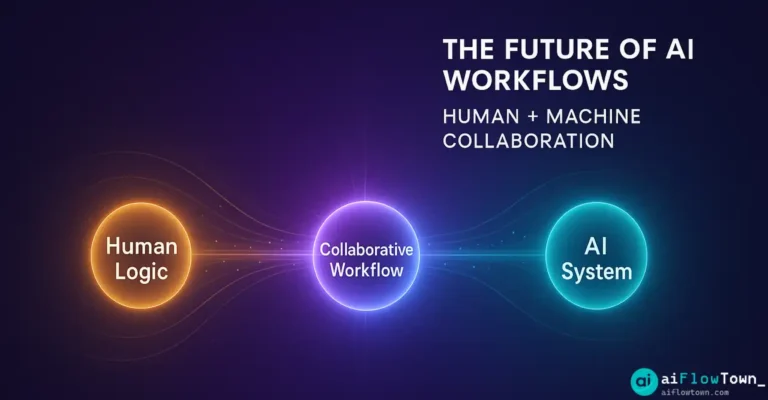
AI agents become teammates. Not tools you use, but collaborators you manage. Your job shifts toward orchestration and quality control.
Personal AI becomes expected. Generic AI feels impersonal. You’ll expect AI that knows your context and adapts to your style automatically.
Ambient AI handles routine work. Conscious AI interaction decreases. You work with results, not with prompting tools.
For preparing your workflow, explore our AI automation tools for beginners guide.
How to Adopt These Trends
Start With One Trend
Don’t chase everything. Pick the trend that solves your biggest current problem.
Drowning in routine tasks? Start with AI agents.
Outputs need heavy editing? Focus on personalization.
Want less tool switching? Look into ambient AI.
Work with multiple formats? Try multimodal tools.
Privacy concerns? Explore local AI.
Master one before adding more.
Test Free Options First
Most trends have free entry points. Try before committing.
- Agent workflows: Zapier free tier
- Personalization: ChatGPT custom instructions
- Ambient AI: Reclaim AI free plan
- Multimodal: GPT-4 vision in ChatGPT
- Local AI: Ollama (completely free)
Validate the trend solves your problem before paying.
Measure Actual Impact
Track concrete metrics:
- Time saved per week
- Tasks completed versus dropped
- Quality of outputs (editing time)
- Adoption rate (are you actually using it?)
If a trend doesn’t show measurable benefit in 2-3 weeks, move on.
Common Trend-Chasing Mistakes
Adopting because it’s new. New doesn’t mean better for your workflow. Solve problems, don’t collect trends.
No clear success metric. How will you know if it works? Define this before adopting.
Overcomplicating simple tasks. Some work is fine without AI. Don’t force trends where they don’t fit.
Ignoring integration needs. New tools must work with existing workflow. Isolated improvements create friction elsewhere.
Expecting instant transformation. Trends take time to learn. Give them 2-3 weeks before judging effectiveness.
❓ FAQ
Which AI trend should I focus on first?
Start with the trend that solves your biggest pain point. If you spend hours on routine tasks, try AI agents. If AI outputs need heavy editing, focus on personalization. Match trend to problem.
Do these trends require expensive tools?
Most have free options. Test before paying. Ollama is completely free for local AI. Zapier and Reclaim have capable free tiers. Personalization works with free ChatGPT.
⏱️ How long before these trends are mainstream?
They’re already mainstream in tech-forward companies. Expect wide adoption across industries within 12-18 months. Early adopters gain advantage now, others catch up later.
Can small businesses benefit from these trends?
Absolutely. These trends scale down well. Solo founders use AI agents for customer service. Small teams use personalized AI for consistent brand voice. Benefits aren’t limited to enterprises.
How do I know if a trend is worth my time?
Test for 2 weeks. Track time saved, quality of outputs, and whether you actually use it. If you don’t see measurable benefit or don’t use it daily, it’s not worth continuing.
Final Thoughts
The ai trend 2025 pattern is clear: AI moves from tool to teammate, from general to personal, from manual to automatic. These aren’t predictions—they’re already happening.
You don’t need to adopt everything. Pick one trend that solves a real problem. Test it properly. Measure results. Build from there.
The winners aren’t necessarily early adopters. They’re people who adopt strategically and actually use what they implement. Trends matter only if they improve your actual work.
Don’t chase AI for its own sake. Use it to do better work faster. That’s the only trend that matters.
Ready to implement these trends in your workflow? Discover practical strategies with our guide to the 15 best AI productivity tools leading each trend.
⚠️ Reminder: Even the smartest tools / AI can miss small details or make mistakes. Always double-check your work before presenting or publishing it - a quick review can save hours later.