Time Blocking That Adapts — Not Breaks
If you’ve ever tried manual time blocking, you know the pain. You spend 30 minutes on Sunday playing “calendar Tetris,” perfectly arranging your tasks. Then, at 10 AM on Monday, a single meeting request comes in and shatters your entire week. You’re back to dragging blocks, feeling defeated. This is why manual time blocking fails. It’s rigid, fragile, and creates more admin work. The promise of Time Blocking in Motion is that it stops this. It’s not a static picture; it’s a dynamic, rule-based system that rebuilds your schedule in real-time as the world throws chaos at you.
What Is Rule-Based Scheduling?
This is the fundamental shift. Manual time blocking is “dumb.” You tell your calendar, “Do Task A on Tuesday at 2 PM.”
Rule-based scheduling is “smart.” You tell your tool, “Task A is a ‘High Priority’ task that takes 60 minutes and is due Friday.”
Motion’s AI takes that rule and finds the best place for it on your calendar. When that 10 AM meeting comes in, you don’t have to reschedule. Motion sees the conflict and automatically moves “Task A” to the next best slot. This is the core of its AI workflow: you manage the rules, the AI manages the schedule. This is why it’s often listed among the best AI productivity tools available.
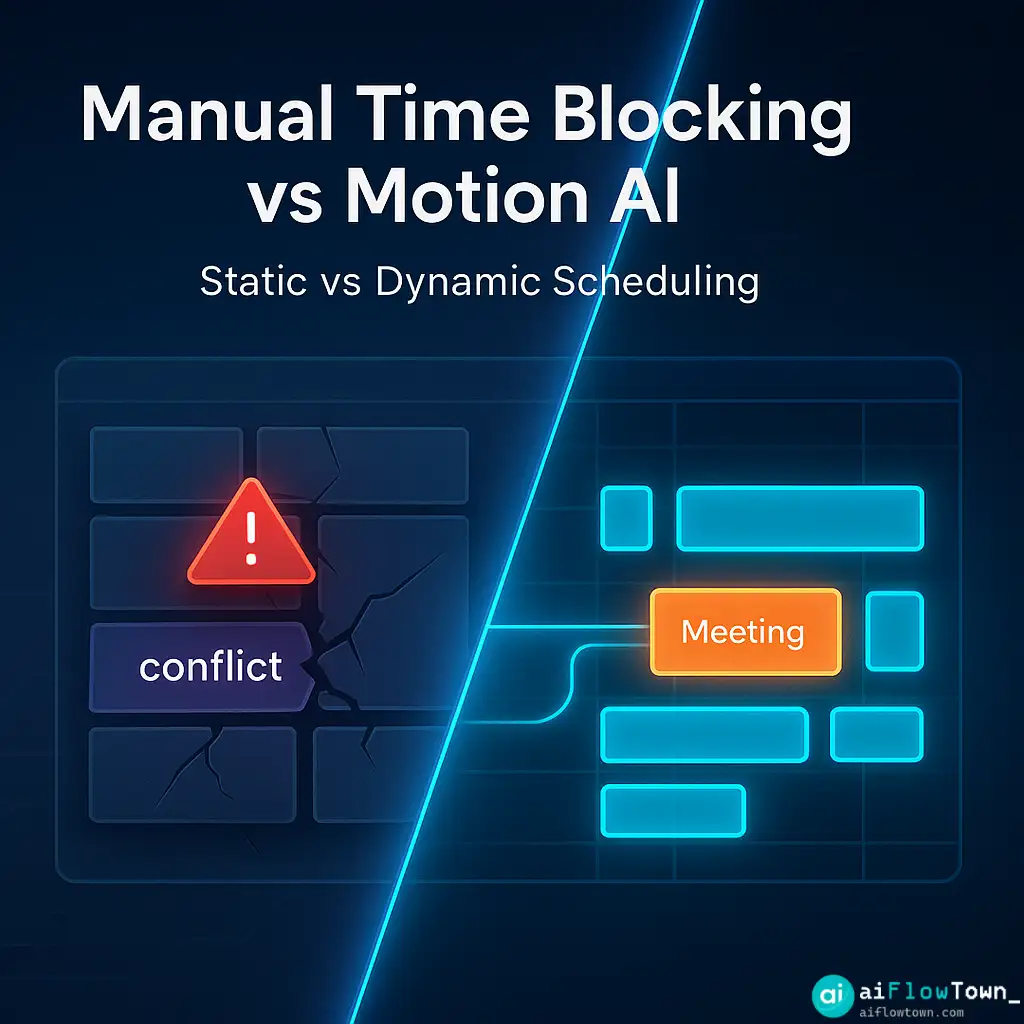
Manual vs. Motion Time Blocking
| Action | Manual Time Blocking (e.g., Google Calendar) | Motion AI Time Blocking |
|---|---|---|
| Adding a Task | You must find an empty slot and manually create the event. | You add the task to a list with rules (priority, deadline). Motion finds the slot for you. |
| A Meeting Gets Booked | Your tasks are now in conflict. You must manually drag and drop to fix it. | Motion instantly rebuilds your entire task schedule around the new meeting. |
| You Miss a Task | The task block turns red. It’s up to you to find a new time for it. | Motion automatically moves the unfinished task to the next available slot. |
How to Use Time Blocking in Motion: The 3-Part Workflow
Motion isn’t just a calendar; it’s a project manager and a scheduler combined. The workflow has three main parts you need to set up.
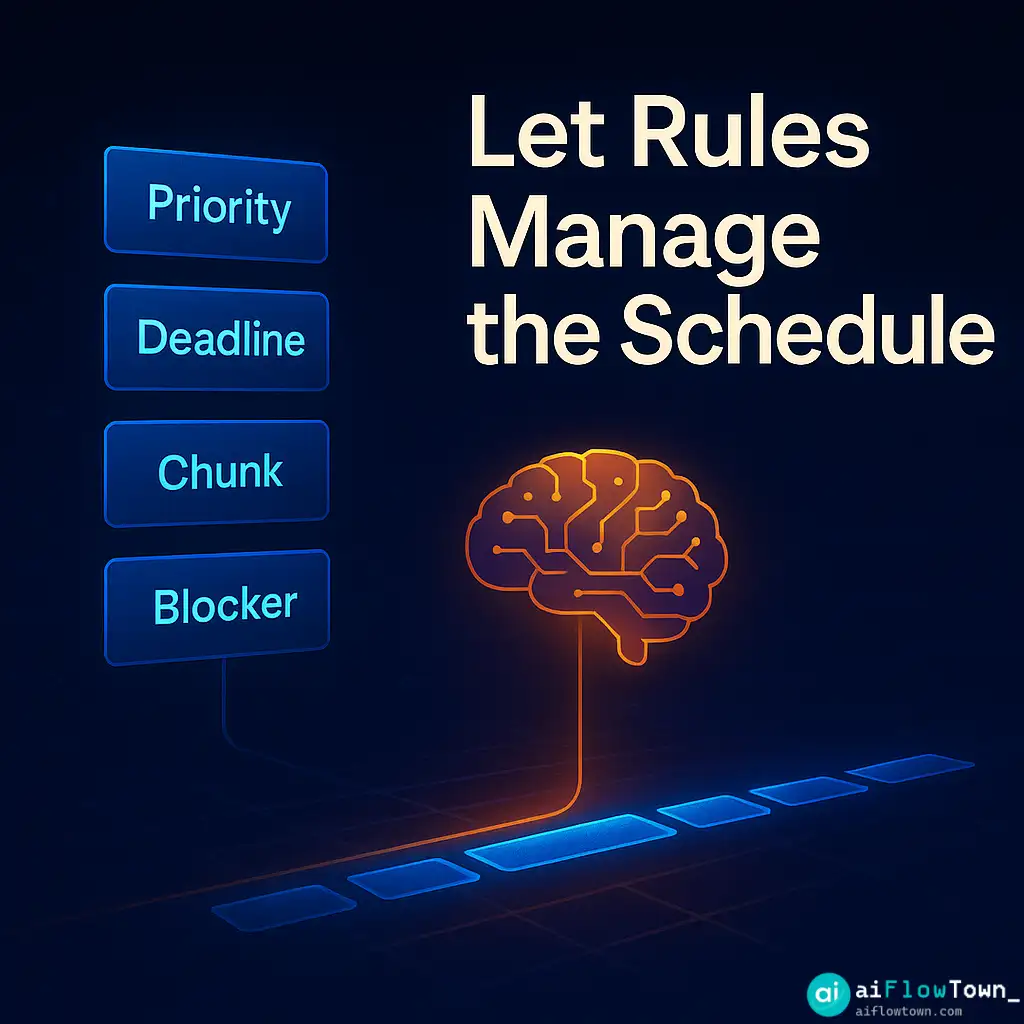
Part 1: The Task List (Your “What”)
This is your “brain dump.” You add every task you need to do, from “Write report” to “Email client.” But you don’t just write the task name. You add the rules:
- Deadline: When does this absolutely need to be done? (Hard or Soft)
- Priority: How important is it? (High, Medium, Low)
- Chunking: Should this be one 3-hour block, or three 1-hour blocks?
- Blocker: Is this task blocked by another one?
This is the most important step. You are giving the AI the ingredients it needs to cook. Bad rules (like setting everything as “High Priority”) will lead to a bad schedule.
Part 2: The Calendar Sync (Your “When”)
Motion syncs with your Google or Outlook Calendar. It sees all your “hard” commitments—meetings, appointments, and focus blocks you’ve already created. These are the “rocks” that Motion must schedule around.
It also reads your availability. You tell Motion, “I only want you to schedule tasks for me between 9 AM – 5 PM on weekdays.”
Part 3: The AI Plan (The “How”)
This is the magic. You don’t do this step. Motion does.
Every few minutes, the AI looks at your Task List (rules) and your Calendar (availability) and builds a complete schedule for your day. It places every single task on your calendar as a private event. When a new meeting appears, it tears up the plan and instantly builds a new one.

Common Pitfalls to Avoid
Motion takes about a week to get used to. Most people fail because they fight the system. Here’s what to avoid.
Warning: The “Everything is High Priority” Trap
If you tell Motion that 20 tasks are “High Priority,” it will do exactly what you asked. It will fill your calendar, back-to-back, with 20 tasks. You will feel overwhelmed and burn out. Be honest. Only 2-3 tasks per day are truly “High Priority.”
Insight: You Must Trust the System
The first few days, you will feel the urge to manually drag and drop tasks. Don’t. If you don’t like where Motion put a task, go back to the task list and change the rule. Maybe change its priority to “Medium” or set the “Start Date” to “Tomorrow.” Let the AI do the rescheduling. You just manage the rules.
Motion is just one of many modern Tools & Apps designed to automate this kind of work. It stands out because its entire focus is on scheduling tasks, not just meetings.
❓ FAQ
What’s the difference between Motion and Reclaim.ai?
This is the most common question. In short: Motion is a task manager first and a calendar scheduler second. Reclaim.ai is a calendar scheduler first and a task manager second. If you want a full replacement for your to-do list, Motion is a better fit. If you just want an AI to defend your existing calendar habits, Reclaim is often simpler.
⏰ What happens if I don’t finish a task in its time block?
This is the best part. At the end of the day, Motion will see the task is unfinished. It will automatically find the next available slot on your calendar (e.g., tomorrow morning) and reschedule it for you. You never have to manually drag it over.
Can I still use my normal to-do list app?
You can, but it creates friction. Motion is designed to be your single source of truth for tasks. If you keep tasks in both Todoist and Motion, you’ll be doing double the work. The goal is to let Motion’s task list be your one and only inbox.
Final Thoughts
Manual time blocking is a static, fragile system that breaks the moment reality hits. It creates more work than it saves. The new way to work is with a dynamic, rule-based system.
By mastering Time Blocking in Motion, you stop being a “calendar admin” and start being a “rule director.” You set the priorities, and you let the AI play the game of calendar Tetris for you. It’s the only way to build a schedule that doesn’t just look good, but actually sticks.
Want to see how this fits into a larger automated system? Start with our guide to AI automation tools for beginners.
⚠️ Reminder: Even the smartest tools / AI can miss small details or make mistakes. Always double-check your work before presenting or publishing it - a quick review can save hours later.