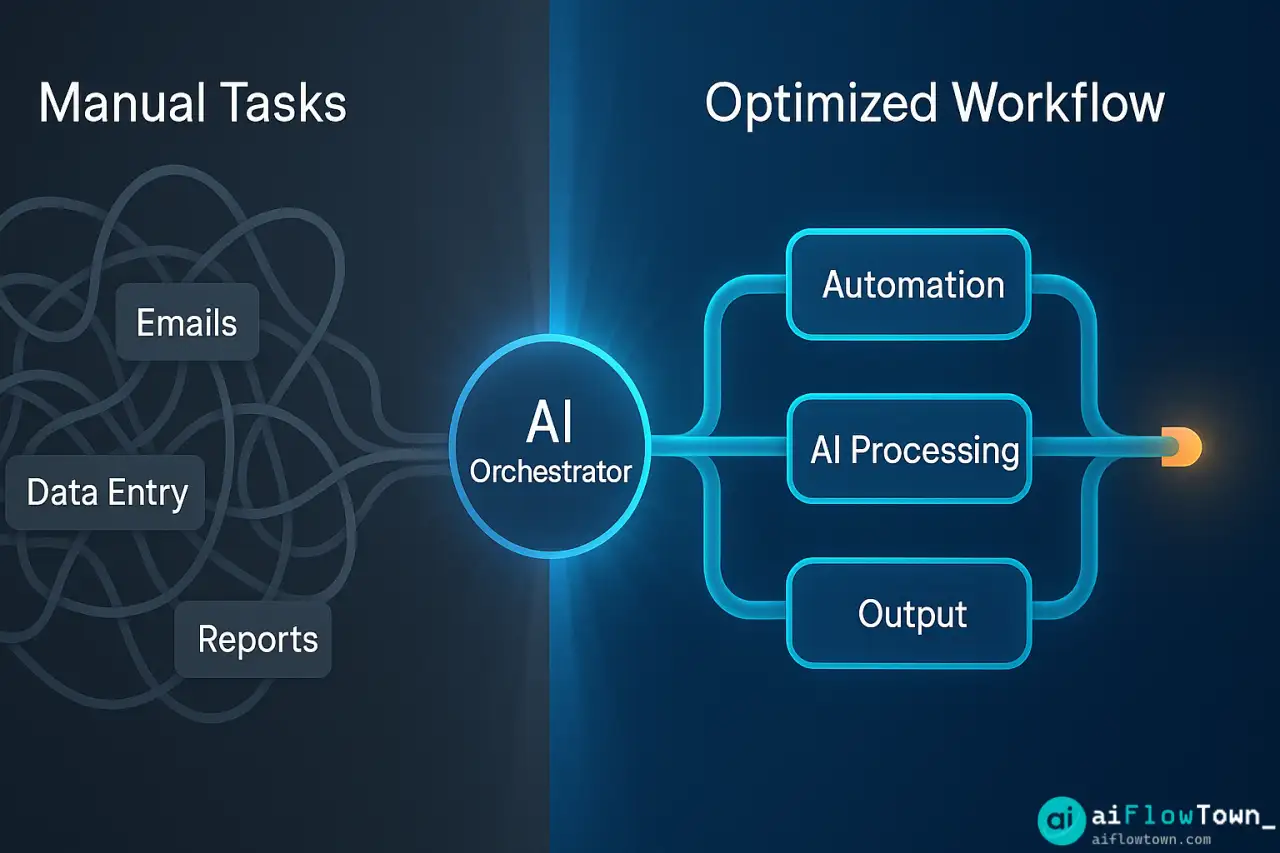
Your workflow is a mess of manual steps, context switching, and time sinks. You know there’s a better way, but where do you start? AI-powered workflow optimization isn’t about replacing yourself—it’s about identifying what drains your energy and automating it. Here’s how to analyze your entire workflow, spot bottlenecks, and build systems that actually work.
What Workflow Optimization Actually Means
Workflow optimization is the process of analyzing how you work and eliminating friction. Not every task needs automation, but every workflow has waste: unnecessary steps, manual data entry, redundant approvals, or information buried in the wrong place.
AI makes optimization faster because it can analyze patterns, suggest improvements, and handle repetitive tasks automatically. The goal isn’t to work harder—it’s to work smarter by letting AI handle what machines do best.
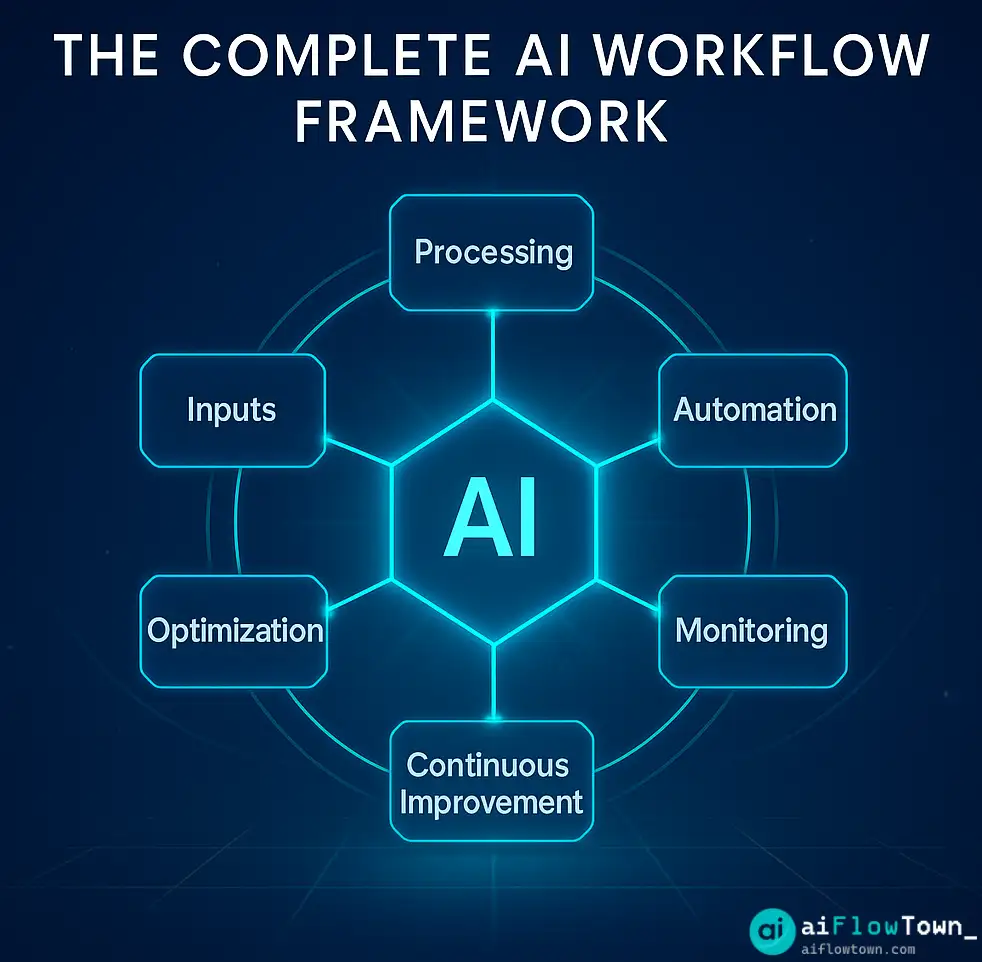
Step 1: Map Your Current Workflow
Document Every Step
Pick one workflow to optimize—don’t try to fix everything at once. Start with something you do weekly: client onboarding, content creation, project kickoffs, or report generation.
Write down every single step, even the tiny ones. “Check email for client info” counts. “Copy data from Slack to spreadsheet” counts. Nothing is too small.
Track Time for Each Step
Spend one week tracking how long each step actually takes. You’ll be surprised. Tasks you think take 5 minutes often take 20.
Use a simple spreadsheet or time-tracking app. The goal: understand where your hours go.
Identify Pain Points
Mark tasks that are:
- Repetitive (same steps every time)
- Manual (copying, pasting, formatting)
- Error-prone (easy to miss a step)
- Context-switching (requires changing tools)
- Waiting (depends on someone else’s action)
These are your optimization targets.
Step 2: Analyze What AI Can Handle
| Task Type | AI Solution | Example |
|---|---|---|
| Data entry | Automated form filling, web scraping | Pull client info from emails into CRM |
| Content generation | AI writing tools with templates | Draft email responses, meeting notes |
| Summarization | AI text analysis | Condense long reports into key points |
| Scheduling | Calendar AI, booking tools | Find meeting times, send reminders |
| Research | AI search and synthesis | Gather competitor data, market trends |
| Routing | Workflow automation platforms | Send tasks to right team member |
Not everything should be automated. Keep human judgment for: creative decisions, relationship building, strategic planning, and anything requiring nuance.
For practical automation guides, explore our AI automation tools for beginners collection.
Step 3: Build Your Optimized Workflow
Start with Quick Wins
Pick 2-3 tasks that are highly repetitive and low-risk. Automate these first to build confidence and see immediate results.
Example quick wins:
- Auto-filing emails to folders
- Generating meeting agendas from calendar events
- Summarizing daily Slack messages
- Creating task lists from meeting transcripts
Create Decision Trees
Map out “if-then” logic for routine decisions. AI excels at rule-based routing.
Example: “If client email contains ‘urgent’, tag priority and notify me. If it’s a status update, log in project tracker. If it’s a question, draft response using template.”
Connect Your Tools
Use integration platforms like Zapier, Make, or native APIs to connect your stack. When one tool triggers an action, others respond automatically.
Example workflow: New lead in CRM → Create project in Asana → Send welcome email → Schedule kickoff call → Add to Slack channel.
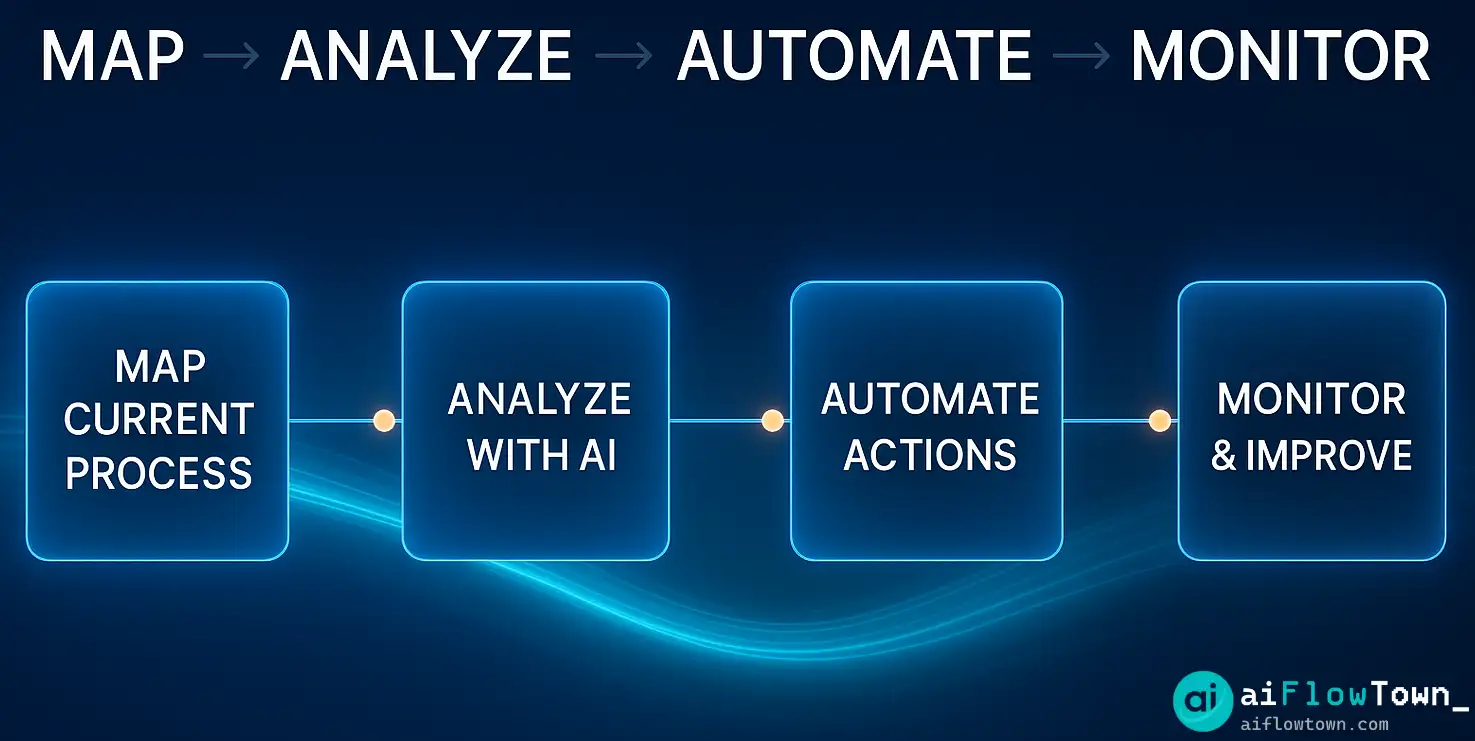
Step 4: Implement and Test
Run Parallel Systems First
Don’t kill your old workflow immediately. Run the automated version alongside the manual one for a week. Compare outputs, catch errors, and refine logic.
Start with Low-Stakes Workflows
Don’t optimize mission-critical workflows first. Test on internal processes or personal tasks where mistakes are recoverable.
Monitor and Adjust
Set up alerts for when automation fails. Review outputs weekly for the first month. As confidence builds, reduce monitoring frequency.
For more on building reliable workflows, check out our guide to AI workflows.
Real Workflow Optimization Examples
Content Creator Workflow
Before: Research topic (45 min) → Outline (30 min) → Write draft (2 hours) → Edit (45 min) → Format (20 min) → Publish (15 min)
After with AI: AI research summary (5 min) → AI outline generation (5 min) → Write draft with AI assistance (1 hour) → AI grammar check (5 min) → Auto-format with template (2 min) → One-click publish
Time saved: 2+ hours per piece
Client Onboarding Workflow
Before: Manual contract creation → Email back-and-forth → Calendar scheduling → CRM data entry → Project setup → Welcome email
After with AI: Contract auto-generated from template → E-signature via automation → AI schedules kickoff → CRM auto-populated → Project created in PM tool → Personalized welcome email sent
Time saved: 90 minutes per client
Weekly Reporting Workflow
Before: Pull data from 5 tools → Copy to spreadsheet → Create charts → Write summary → Format report → Email to stakeholders
After with AI: Automated data aggregation → AI-generated charts → AI summary of trends → Auto-formatted report → Scheduled email delivery
Time saved: 3 hours per week
Tools for Workflow Optimization
Workflow Mapping
Use Miro, Lucidchart, or even Google Docs to visualize your process. Seeing the full picture reveals inefficiencies you’d miss otherwise.
Automation Platforms
Zapier and Make connect 5,000+ apps without coding. Start with pre-built templates, then customize as you learn.
AI Assistants
ChatGPT, Claude, and Gemini handle content tasks. Use them for drafting, summarizing, researching, and analyzing.
Process Documentation
Notion, Confluence, or Coda store your optimized workflows. Document each automation so teammates can use them too.
For a comprehensive toolkit, explore our 15 best AI productivity tools guide.
Common Optimization Mistakes
Over-automating too fast. Start small. Automate one workflow completely before moving to the next.
Automating broken processes. Fix the workflow first, then automate it. Automation makes bad processes fail faster.
Ignoring the human element. Some tasks need human touch. Don’t automate relationship-building or creative strategy.
No documentation. If only you know how the automation works, it becomes a bottleneck. Document everything.
Set-it-and-forget-it mentality. Workflows drift over time. Review quarterly and adjust as your work evolves.
Measuring Optimization Success
| Metric | How to Track | Good Target |
|---|---|---|
| Time saved per week | Before/after time tracking | 5+ hours |
| Error rate | Mistakes in automated tasks | <2% |
| Task completion rate | % of automated tasks that succeed | 95%+ |
| Context switches | How often you change tools | 50% reduction |
| Manual interventions | Times you fix automation failures | <1 per week |
Track these monthly. If numbers improve, your optimization is working. If they stagnate, it’s time to refine.
Advanced Optimization Strategies
Batch Processing
Group similar tasks and automate them together. Process all client emails at 10am, all reports at 3pm. Reduces context switching.
Progressive Automation
Start with semi-automation (AI assists, you approve) and gradually move to full automation as confidence builds.
Conditional Workflows
Build smart routing: high-value tasks go to you, routine tasks handled automatically, edge cases flagged for review.
Continuous Improvement
Schedule monthly workflow reviews. Ask: What still feels manual? Where am I waiting? What takes longer than it should?
❓ FAQ
⏱️ How long does workflow optimization take?
Mapping and analyzing one workflow takes 2-4 hours. Implementation takes 1-2 weeks depending on complexity. You’ll see time savings within the first month.
Do I need expensive tools?
No. Start with free tiers of automation platforms and AI tools. Many workflows can be optimized with ChatGPT (free) and Google Workspace. Upgrade only when you hit limits.
Which workflow should I optimize first?
Pick the one that’s most repetitive and time-consuming. If you do it weekly and it takes over an hour, that’s your starting point. Quick wins build momentum.
What if my team resists automation?
Start with your own workflows first. Show results, not theory. When teammates see you saving hours, they’ll ask how. Lead by example.
⚠️ How do I handle automation failures?
Build in checkpoints and alerts. Have a backup manual process ready. Review failures weekly to identify patterns and fix root causes. Automation should fail gracefully.
Final Thoughts
Workflow optimization isn’t a one-time project—it’s a mindset. Every time you think “I’ve done this before,” that’s a signal to optimize. Every time you copy-paste data between tools, that’s automation waiting to happen.
Start with one workflow this week. Map it, find the friction, and automate the obvious parts. Don’t aim for perfection—aim for improvement. Even saving 30 minutes a day compounds to 120+ hours a year.
The best workflows are invisible. They happen in the background while you focus on work that actually requires your brain. That’s the goal: less time managing work, more time doing work that matters.
Ready to build your optimization toolkit? Discover the complete set of tools and strategies with our guide to best free AI tools that power efficient workflows.
⚠️ Reminder: Even the smartest tools / AI can miss small details or make mistakes. Always double-check your work before presenting or publishing it - a quick review can save hours later.