Why AI Is Making Us Tired (And What to Do About It)
Artificial intelligence was supposed to be our great liberator. It promised to handle the tedious tasks, automate the mundane, and free our minds for strategic, creative, and deeply human work. Yet, for many knowledge workers on the front lines, a new and unexpected form of fatigue is setting in. This is AI burnout, and it’s very real.
If you’ve ever felt mentally exhausted after a session of “prompt tinkering,” overwhelmed by the infinite options an AI can generate, or anxious about keeping up with the relentless pace of new tools, you are not alone. This isn’t the classic burnout from working long hours; it’s a unique cognitive exhaustion born from the very nature of our interaction with generative AI. This guide will explore what is AI burnout, its subtle signs, and provide practical strategies for setting AI boundaries to reclaim your focus and well-being.
Part 1: Defining AI Burnout – More Than Just Screen Fatigue
Traditional burnout, as defined by the World Health Organization, is a syndrome resulting from chronic workplace stress. AI burnout is a specific subtype of this, characterized by mental exhaustion directly linked to the use and management of artificial intelligence tools.
It stems from three primary sources:
- The Pressure to Optimize Everything: With a powerful AI, the temptation is to perfect every email, optimize every paragraph, and explore every possible variation. This creates a relentless pressure to operate at 110% efficiency, all the time, which is cognitively unsustainable.
- Cognitive Overload from Infinite Choice: An AI can generate 20 headlines in 10 seconds. While powerful, this “paradox of choice” can be paralyzing. Instead of saving time, you spend mental energy sifting through a mountain of “good enough” options, leading to decision fatigue.
- The “Human-in-the-Loop” Strain: We are constantly in the position of directing, correcting, and validating AI outputs. This role of constant oversight, like a manager supervising a brilliant but unpredictable intern, requires sustained mental effort and can be incredibly draining.
AI burnout isn’t about the hours you work; it’s about the cognitive load you carry. It’s the fatigue of making a thousand micro-decisions and constantly supervising a machine.
Part 2: The Symptoms – Recognizing the Signs of AI Burnout
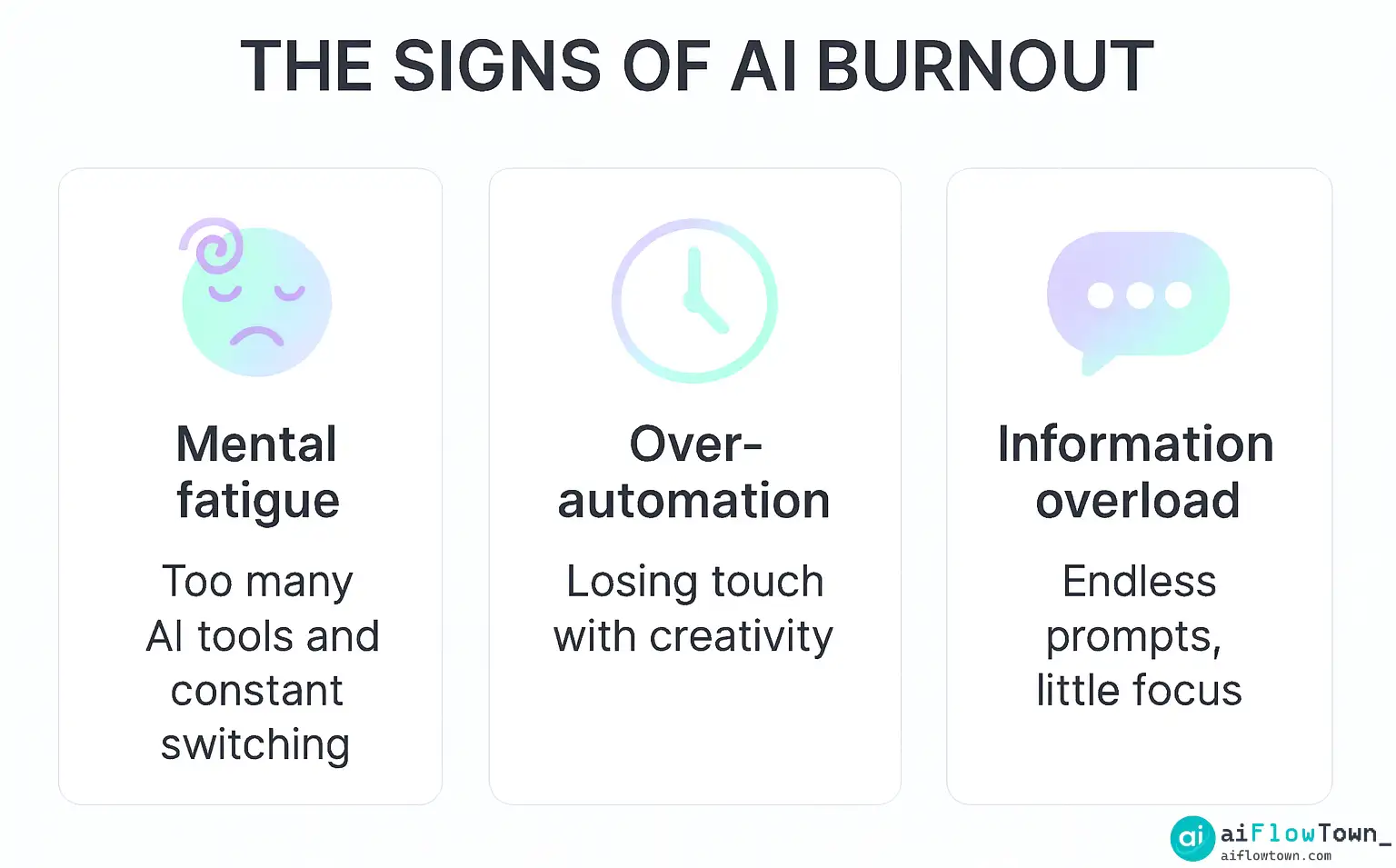
The signs of AI burnout can be subtle and are often mistaken for general work stress. The key differentiator is that they are most acute during or after intensive use of AI tools. Here’s how to spot them:
| Symptom | Description | What it Feels Like |
|---|---|---|
| Prompt Fatigue | A mental block or exhaustion when trying to formulate instructions for an AI. | Staring at the chat window, knowing what you need but feeling too tired to articulate the “perfect” prompt. |
| Creative Flatlining | A decreased ability to generate original ideas without first consulting an AI. | Feeling a dependency on the AI for initial brainstorming, and a lack of confidence in your own creativity. |
| Micro-Management Anxiety | The stress of constantly needing to check, edit, and validate AI-generated content for accuracy and tone. | A nagging fear that the AI has made a subtle but critical mistake that you will be held responsible for. |
| “Shiny Object” Syndrome | The compulsive need to keep up with and try every new AI tool or feature that is released. | A constant feeling of being “behind” and a fear of becoming irrelevant if you don’t master the latest technology. |
Part 3: The Recovery Plan – How to Prevent AI Burnout
The solution to managing AI fatigue isn’t to abandon these powerful tools, but to interact with them more intentionally. Here are five actionable strategies to build a healthier, more sustainable relationship with AI.
1. Shift from “Generator” to “Editor”
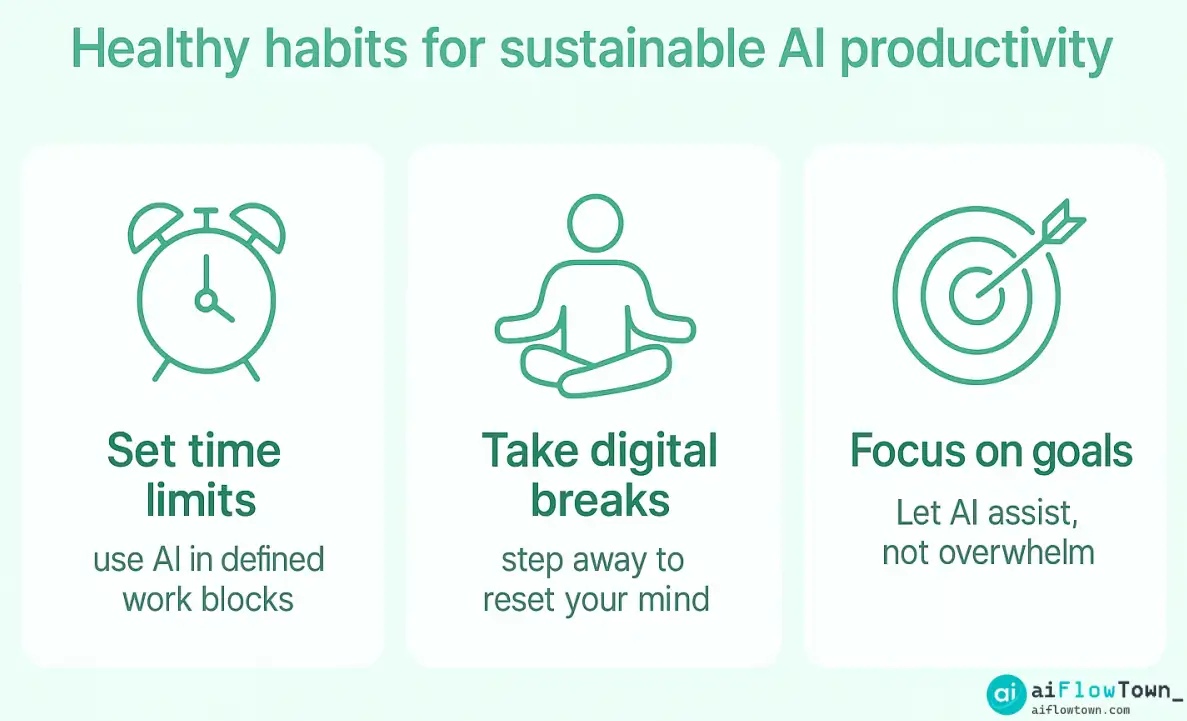
Change your mental model. Your primary job is not to generate content; that’s the AI’s job. Your high-value work is to edit, curate, and provide the strategic direction. Set a strict time limit (e.g., 5 minutes) for the “generation” phase. Get a “good enough” draft from the AI, then close the tool and spend the majority of your time in the “creation” phase—shaping and refining the raw material with your own expertise.
2. Implement “AI-Free Zones” in Your Day
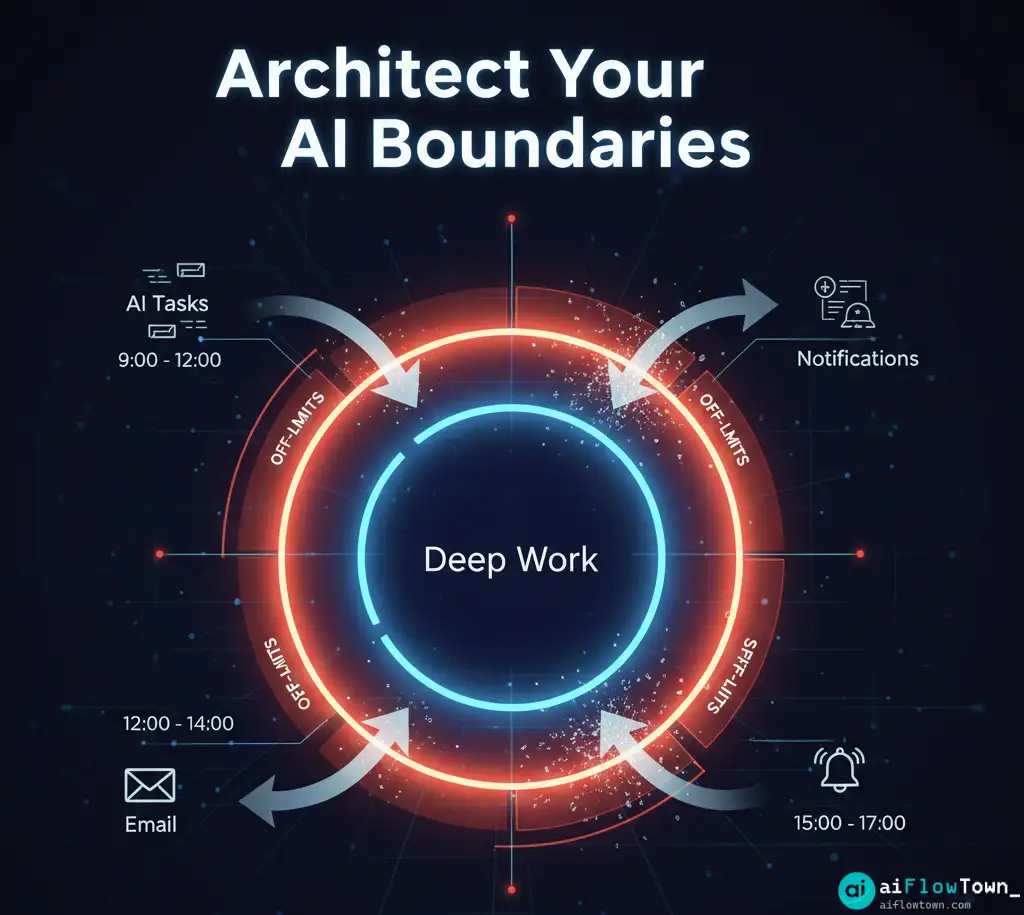
Just as you need breaks from email, you need breaks from AI. Designate specific blocks of time in your day for pure, unaided human thought. This could be a 30-minute brainstorming session with a whiteboard or a 1-hour “deep work” block for writing where all AI tabs are closed. These zones are crucial for rebuilding your creative confidence and your ability to focus. For more on this, our guide to deep work with AI provides a deeper framework.
3. Use AI to Build Your Boundaries
Turn the tool on itself. Use AI to help you design the very systems that protect you from burnout. This is a powerful meta-skill for the modern worker.
Act as an executive performance coach. I am experiencing signs of AI burnout, especially in the afternoons. My goal is to create a 'hard stop' at 5 PM and protect my evenings. Design a simple, 3-step "End-of-Day Shutdown" routine for me that uses AI to prepare for the next day. The routine should take no more than 15 minutes.
4. Master One Tool at a Time
The constant stream of new AI tools creates a powerful sense of FOMO (Fear Of Missing Out). Resist it. Instead of trying to learn five new tools at once, pick one that solves your biggest pain point and commit to mastering it for a full month. Whether it’s a powerful text generator or one of the best free AI tools for image creation, deep knowledge of one tool is far more valuable than shallow knowledge of ten.
5. Define “Done” Before You Start
Before you engage with an AI for any task, write down your definition of “done.” What is the specific, single output you need? Is it three blog post titles? A 500-word draft? A list of five marketing ideas? Having a clear exit criterion prevents the endless, draining cycle of “one more generation” and helps you avoid cognitive grazing.
Conclusion: The Sustainable Path to AI Productivity
The ai productivity pressure is real, but it is manageable. AI burnout is a signal that our relationship with technology has become unbalanced. It’s a call to move from being a reactive user to a strategic architect of our own workflows. By setting clear boundaries, defining our roles, and treating AI as a powerful but finite tool, we can harness its incredible potential without sacrificing our mental well-being.
The goal is not to work like a machine, but to work with one, intelligently and sustainably. The future belongs to those who can.
❓ FAQ
⚕️ Is AI burnout a real medical condition?
While “AI burnout” is not yet an official medical diagnosis, it is a very real workplace phenomenon that falls under the umbrella of burnout, which the World Health Organization recognizes. It describes a specific set of stressors and symptoms related to the cognitive demands of using modern AI tools.
My boss expects me to use AI all the time. How can I set boundaries?
Frame the conversation around results, not refusal. Explain to your boss that to produce the highest quality work, you are implementing a “structured AI workflow.” This involves focused “AI sprints” for generation, followed by “deep work” blocks for human refinement and quality control. This positions your boundaries as a professional strategy for excellence, not a rejection of technology.
How is AI burnout different from ‘Zoom fatigue’?
Zoom fatigue is primarily about the social and cognitive strain of constant video calls and trying to read non-verbal cues through a screen. AI burnout is more about the cognitive load of managing infinite options, the pressure to constantly optimize, and the mental effort of supervising and validating a non-human partner.
✨ Can AI itself help me manage my burnout?
Yes, paradoxically. You can use AI in a meta-cognitive way to help you structure your work and protect your focus. Use AI productivity prompts to ask it to design a daily schedule, create a “shutdown routine” for you, or remind you to take breaks.
⚠️ Reminder: Even the smartest tools / AI can miss small details or make mistakes. Always double-check your work before presenting or publishing it - a quick review can save hours later.