Why Weekly Summaries Feel Like Extra Work
You already tracked your tasks. You already did the work. Now you need to summarize it in a format that makes sense to someone else. This feels like documentation for documentation’s sake. But here’s the reality: your manager doesn’t see your daily work. The weekly summary is how they understand your impact, workload, and priorities.
The problem isn’t the summary itself—it’s the manual process of creating it. You’re translating “Fixed bug in payment flow” into “Resolved critical checkout issue affecting 15% of transactions.” You’re organizing scattered tasks into coherent themes. You’re remembering context that was obvious Monday but fuzzy by Friday. This is where a weekly summary template with AI transforms the process.
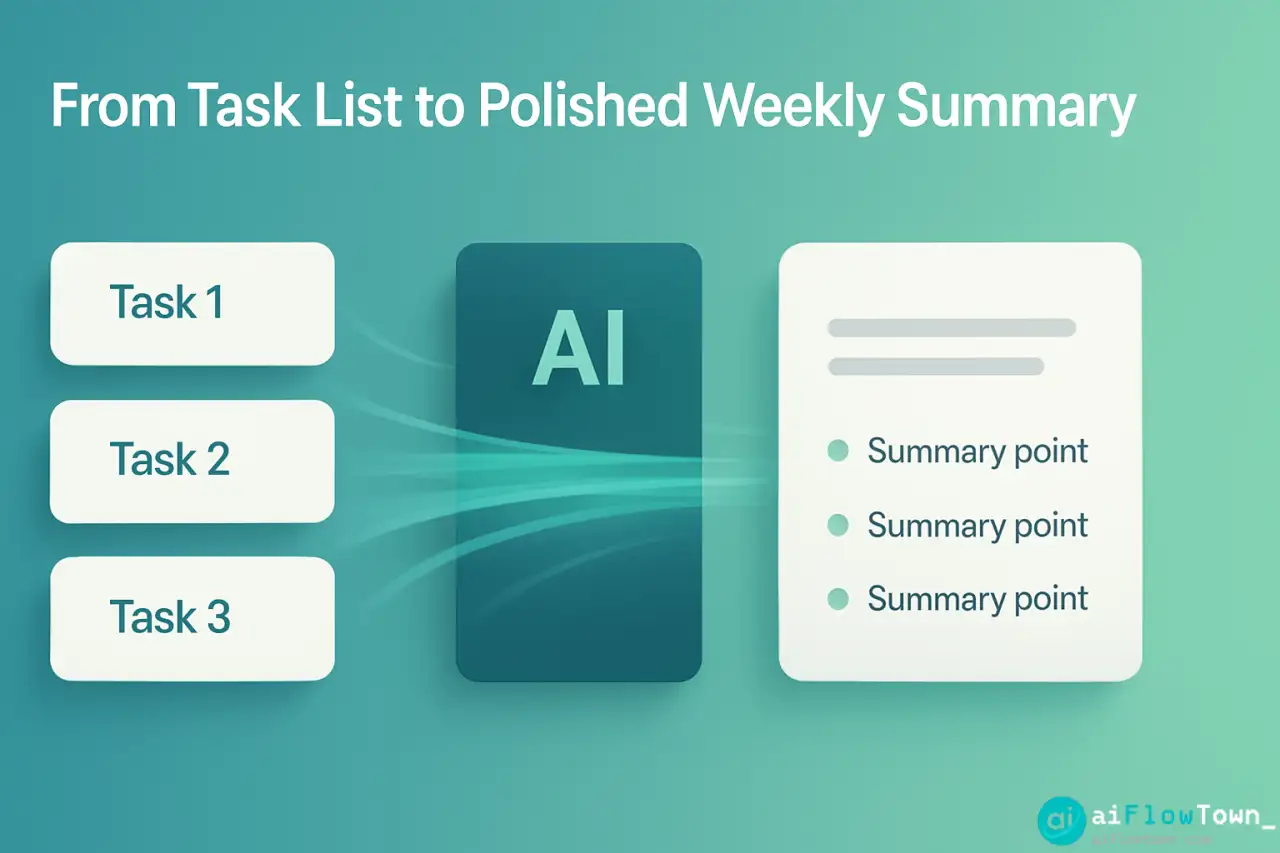
Instead of writing from scratch, you feed your task list to AI and get back a professional summary in your preferred format. The work is documented. You just need to organize and polish it slightly.
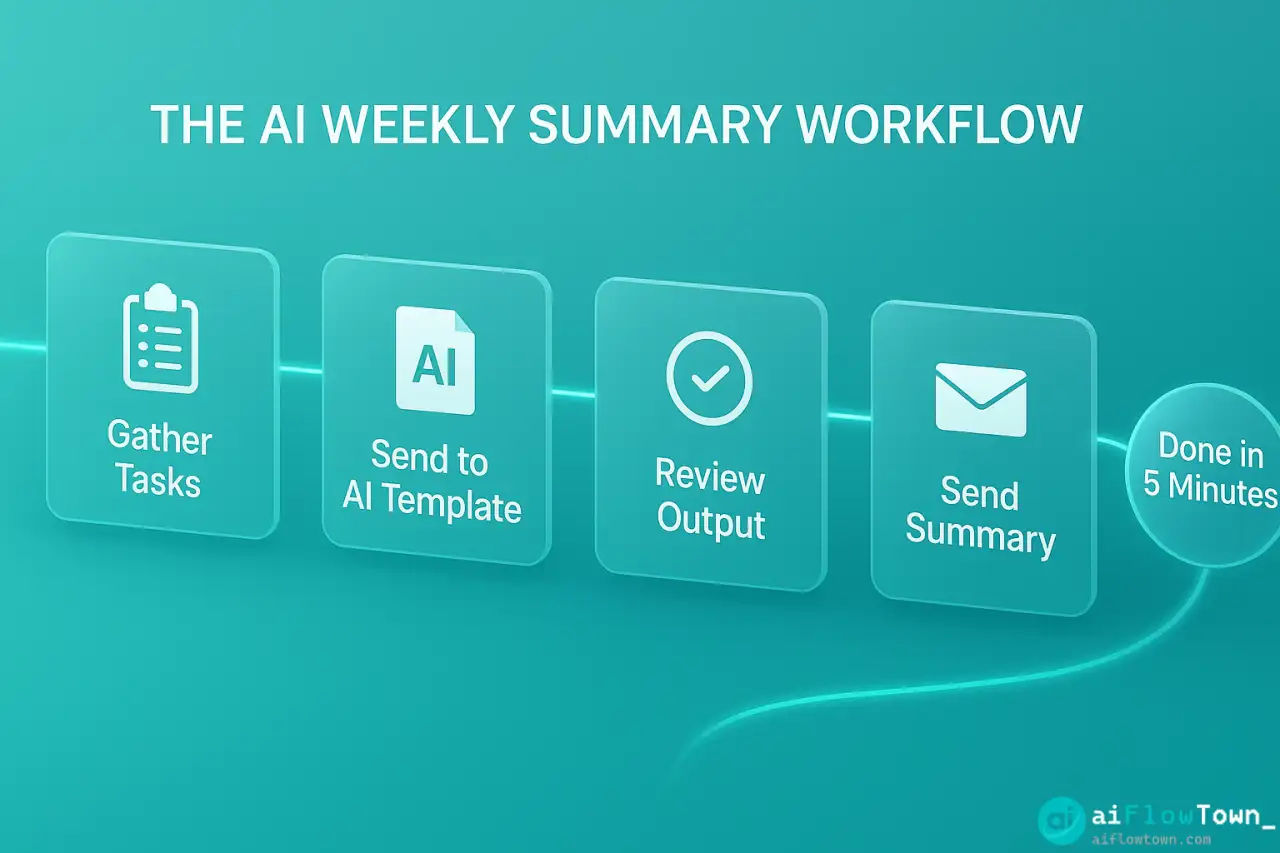
The AI Template Structure
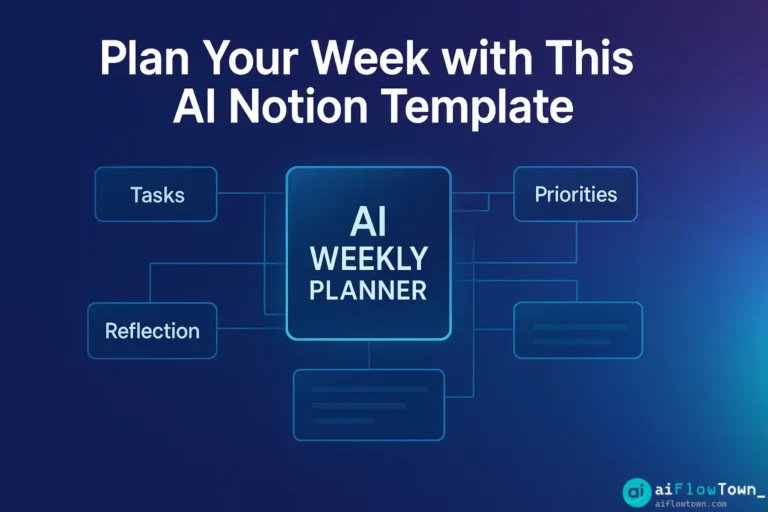
Here’s the template that works for most roles. Customize based on what your manager cares about:
| Section | Purpose | Length |
|---|---|---|
| Key Accomplishments | Major wins, completed projects | 3-5 bullets |
| Progress Updates | Ongoing work and current status | 2-3 bullets |
| Challenges/Blockers | Issues needing attention or escalation | 1-2 bullets (if any) |
| Next Week Focus | Priorities for upcoming week | 2-3 bullets |
| Metrics (optional) | Quantifiable outcomes if relevant | 2-4 data points |
This structure is scannable, informative, and focuses on what matters. Using ai template for weekly work summary ensures consistency while saving time. For more templates, visit AI productivity prompts.
The Core Prompt Template
This is the prompt you’ll reuse every Friday. Save it somewhere accessible:
"Create a weekly work summary from this task list.

Completed this week:
[Paste your completed tasks from task manager]

In progress:
[Paste ongoing tasks]

Meetings/key discussions:
[List significant meetings or decisions]

Format as:

Key Accomplishments
- [3-5 bullets highlighting major completed work]

Progress Updates
- [2-3 bullets on ongoing projects and their status]

Challenges
- [1-2 bullets on blockers or issues, if any]

Next Week Focus
- [2-3 bullets on upcoming priorities]

Requirements:
- Write in professional but not overly formal tone
- Focus on outcomes and impact, not just tasks completed
- Keep bullets concise (1-2 sentences each)
- Total length: 250-300 words
- Emphasize business value where possible

My role context: [Your job title/department]
My manager cares most about: [e.g., customer impact, project progress, team coordination]"
Adjusting Tone for Your Audience
Different managers want different levels of detail:
For high-level manager: “Focus on outcomes and business impact. Keep technical details minimal. Emphasize how work connects to team/company goals.”
For technical manager: “Include relevant technical details. Explain approach for complex problems. Manager understands the work deeply.”
For hands-off manager: “Provide comprehensive context. Don’t assume manager knows project details. Include background that helps them understand significance.”
Add this context to your prompt and AI adjusts the summary appropriately.
Using GPT API for Automation
For maximum efficiency, automate the entire process. This requires some technical setup but runs automatically once configured:
The Automated Flow
Friday 4pm: Zapier pulls completed tasks from your task manager (Todoist, Asana, etc.)
Zapier sends data to ChatGPT API with your saved prompt template
ChatGPT generates summary and returns formatted text
Summary posts to Google Doc or emails directly to you for review
You review/edit (5 min) and send to manager
This is create status updates automatically with chatgpt at its most efficient. Initial setup takes 30 minutes, saves 25+ minutes every week thereafter.
Non-Technical Alternative
If automation is too complex, use this manual workflow:
Export completed tasks from your task manager (most have weekly export)
Copy the list
Open ChatGPT and paste your saved prompt + task list
Get generated summary in 30 seconds
Copy into your email/doc, quick edit, send
Still faster than writing from scratch, requires no technical setup.
Real Example: Before and After
Your Raw Task List
✅ Fixed payment processing bug
✅ Updated API documentation
✅ Code review for Sarah's PR
✅ Client demo preparation
✅ Weekly team meeting
✅ Q4 planning discussion
⏳ Mobile app redesign (60% complete)
⏳ Database optimization (testing phase)
AI-Generated Summary
Weekly Summary – Week of Oct 14
Key Accomplishments
Resolved critical payment processing issue that was affecting checkout conversion. Bug fix deployed to production with no additional issues reported.
Completed comprehensive API documentation update, improving developer onboarding experience for external partners.
Prepared and delivered client demo showcasing Q4 feature roadmap, receiving positive feedback on planned enhancements.
Progress Updates
Mobile app redesign project is 60% complete. Design phase finished, moving into implementation. On track for November launch.
Database optimization work is in testing phase. Performance improvements showing 40% faster query times in test environment.
Next Week Focus
Complete mobile app core functionality implementation
Finalize database optimization and prepare production rollout plan
Begin integration work for Q4 feature releases discussed in client demo
– Professional Weekly Summary –
Notice how AI transformed task names into outcome-focused descriptions. “Fixed bug” became “Resolved critical issue affecting conversion.” That’s the value—it translates work into impact using weekly accomplishment summary using ai automation. For more examples, check productivity flow hacks.
Template Variations for Different Roles
For Sales/Client-Facing Roles
Add sections for: Client interactions, Pipeline updates, Revenue impact, Upcoming proposals. Focus on client outcomes and business metrics.
For Creative/Design Roles
Add sections for: Projects completed, Feedback incorporated, Creative direction decisions, Design system updates. Emphasize creative solutions and iterations.
For Management Roles
Add sections for: Team accomplishments, Hiring/onboarding updates, Strategic initiatives, Team development. Focus on team outcomes, not just personal work.
Download and Customization Guide
To use this template effectively:
Copy the core prompt above into a note-taking app (Notion, Evernote, Apple Notes)
Customize the “Requirements” section for your specific role and manager
Each Friday, gather your task list and paste into prompt
Run through ChatGPT or Claude
Quick edit for accuracy and personal voice
Send to manager
After 2-3 weeks, refine the prompt based on what works. Maybe your manager wants more detail in certain areas, or less in others. Adjust and the template improves over time.
❓ FAQ
⏰ How long does this actually take?
Gathering tasks: 2 minutes. Running through AI: 30 seconds. Editing output: 2-3 minutes. Total: under 5 minutes vs 20-30 minutes writing manually. The time savings compound weekly.
✍️ Should I edit the AI output before sending?
Always. AI gets 80-90% right but might miss context or nuance only you know. Quick scan for accuracy, add personal touches, ensure tone matches your voice. Think of AI as your first draft generator.
What if I don’t use a task manager?
Review your calendar and email sent folder. List what you worked on from memory. Feed that to AI. It still structures and polishes better than writing from scratch. Consider starting a task manager though—tracking makes this much easier.
Can I use the same template every week?
Yes, that’s the point. Save the prompt, reuse it weekly. Only the task list changes. Consistency helps your manager track your work over time. They know where to find specific information in your summaries.
What if my team uses shared templates?
Customize the AI prompt to match your team’s template format. Tell AI: “Format output to match this structure: [paste team template].” AI adapts its output to whatever format you specify.
Final Thoughts
Weekly summaries aren’t busywork—they’re how you communicate value and stay visible to management. But writing them from scratch every Friday is inefficient. This free weekly report template with ai approach transforms task lists into polished summaries automatically.
The template works because it’s systematic. Same structure every week, different content. AI handles the heavy lifting of organizing and articulating. You handle the final polish that makes it authentically yours.
Start using this template next Friday. You’ll immediately get those 20 minutes back. Over a year, that’s 17 hours you’re not spending on documentation. Use that time for actual work instead.
⚠️ Reminder: Even the smartest tools / AI can miss small details or make mistakes. Always double-check your work before presenting or publishing it - a quick review can save hours later.