Notion AI vs Motion: Two Tools, Two Different Brains
It’s 2025, and AI productivity tools are everywhere. But when it comes to actually organizing your day, two names stand out — Notion AI and Motion. One thinks like a writer, the other works like a manager. If you’ve ever wondered which app truly helps you get more done, this deep dive into notion ai vs motion will save you countless hours of testing.
Why This Comparison Matters More Than Ever
AI tools are evolving fast, but time remains the same. You still get 24 hours — the real question is how you use them. Notion AI and Motion represent two sides of productivity: creativity versus structure. Understanding their design philosophy helps you pick the one that aligns with how your brain actually works.
People who think in ideas tend to love Notion AI. Those who live by deadlines usually prefer Motion. But there’s more nuance than that — and that’s what this comparison unpacks.
Meet Notion AI: The Assistant That Thinks With You
The “Thinking Partner” Approach
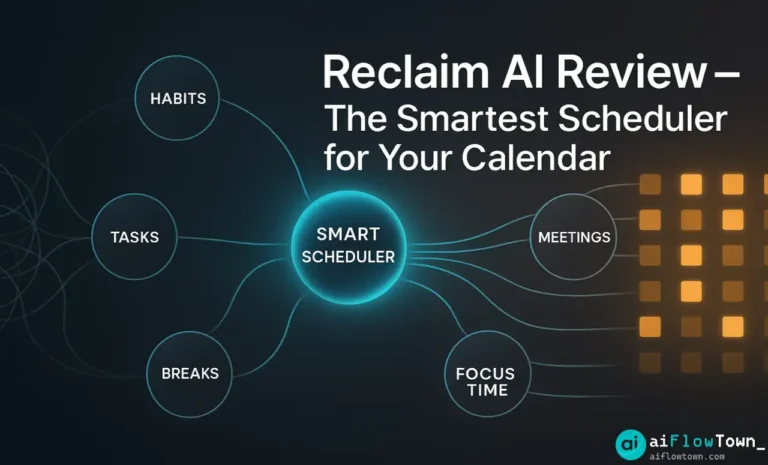
Notion AI doesn’t just automate tasks — it helps you think. It’s built for people who organize chaos into clarity. Writers, founders, researchers, and designers use it to brainstorm, summarize, and clean up messy notes. You can ask it to draft a project description, outline a meeting summary, or even suggest taglines for your next campaign.
Where it shines is its ability to understand context inside your workspace. Because it lives inside Notion, it knows your documents, your pages, and even your past thinking patterns. It’s not flashy — it’s quietly smart.
Organizing Work Without Losing Flexibility
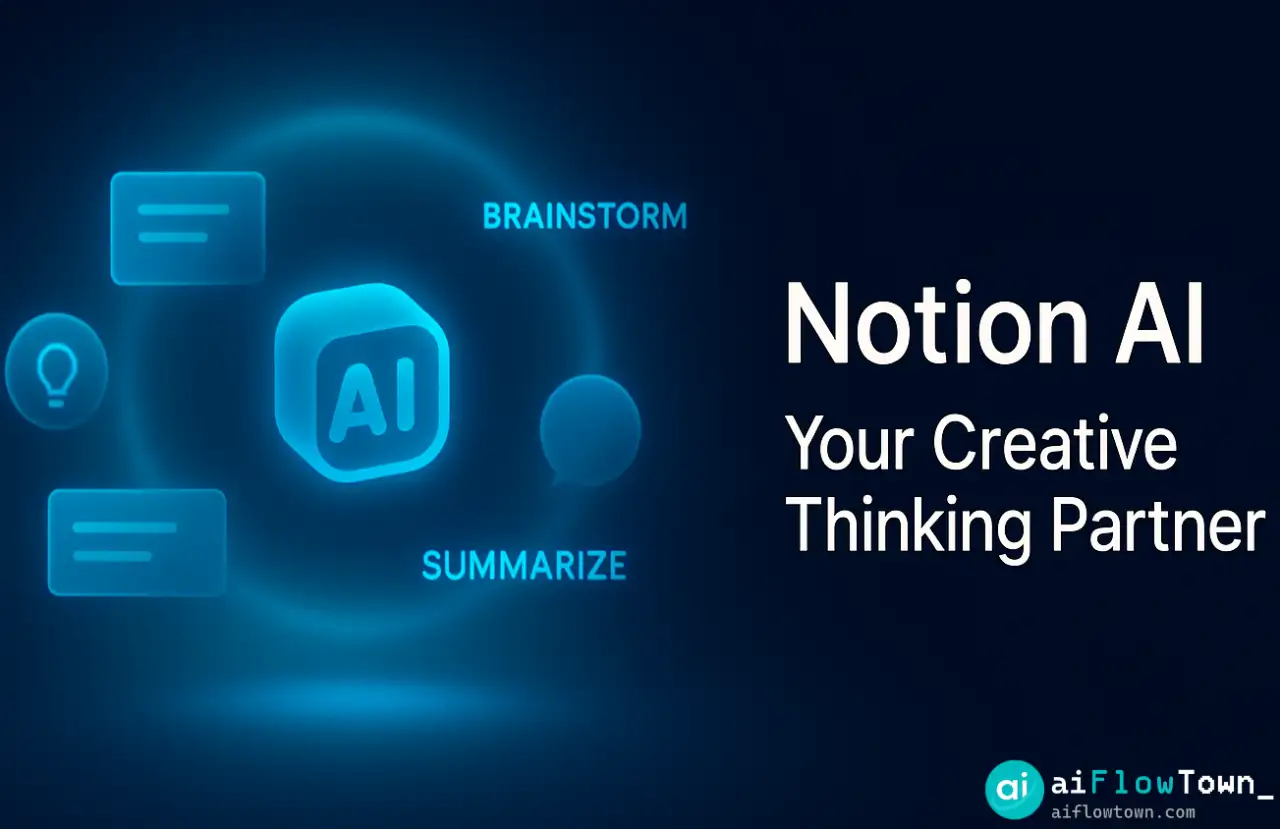
Unlike traditional project tools, Notion AI adapts to your structure instead of forcing one on you. Want a Kanban view? Or a research wiki? It handles both. Add a to-do database, click “Ask AI,” and it’ll suggest improvements — like grouping tasks by urgency or rewriting titles for clarity.
It’s the perfect companion for people who plan in broad strokes but refine later. You keep creative control, while the AI fills in the details you don’t want to handle manually.
Where Notion AI Struggles
Its weakness? Execution. Notion AI won’t tell you when to do something. It can organize thoughts beautifully but won’t protect your calendar from chaos. That’s where Motion steps in.
Meet Motion: The AI That Manages Your Day For You
From Chaos to Calendar — Automatically
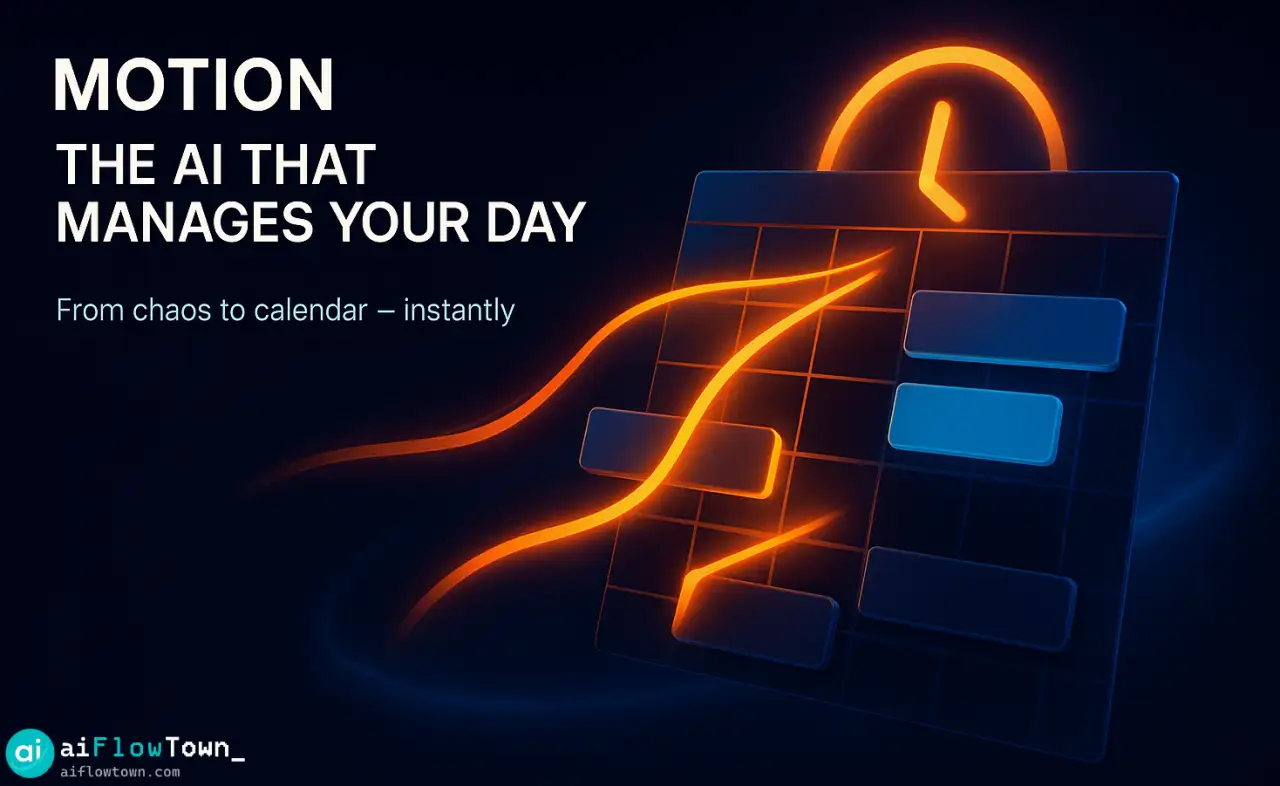
Motion is what happens when you give your calendar a brain. Add your meetings, tasks, and deadlines — and it builds your schedule automatically. No more “when should I do this?” debates. The app rearranges your day in seconds whenever something changes.
If you miss a meeting, Motion reschedules it. If a new task comes in, it shifts priorities. It’s not creative, but it’s relentless about efficiency. And that’s its superpower.
Time Blocking That Actually Works
Time blocking isn’t new — but Motion makes it automatic. You no longer need to drag boxes across your calendar. The AI does it for you, adapting to how long tasks really take. This feature alone is why so many users replace traditional planners with Motion.
If time management is your bottleneck, this is the kind of automation you’ve been waiting for. You can learn how this works in our full guide to AI Workflows, where we break down how automation changes the way you plan.
Focus Mode and Deep Work
Motion’s Focus Mode silences distractions by assigning clear work blocks. When it’s time to write, you write. When it’s time to review, you review. It reduces decision fatigue — one of the biggest drains on mental energy. You open the app and already know what to do next.
Side-by-Side Comparison
| Feature | Notion AI | Motion |
|---|---|---|
| Core Purpose | Assist in thinking, writing, and planning | Automate daily scheduling and time management |
| Main Strength | Knowledge management and AI writing | Adaptive calendar and prioritization |
| AI Role | Content creation, suggestion, summarization | Execution, time optimization |
| Best For | Writers, planners, creators | Busy professionals, managers, developers |
| Weakness | Manual execution | Rigid structure if overused |
| Learning Curve | Low – intuitive | Medium – setup takes time |
| Pricing | Add-on to Notion Plus | Starts around $19/month |
Both apps shine in different areas. Notion gives you freedom; Motion gives you focus. Together, they cover almost every aspect of modern productivity.
How Real People Use Them Together
The Hybrid Workflow
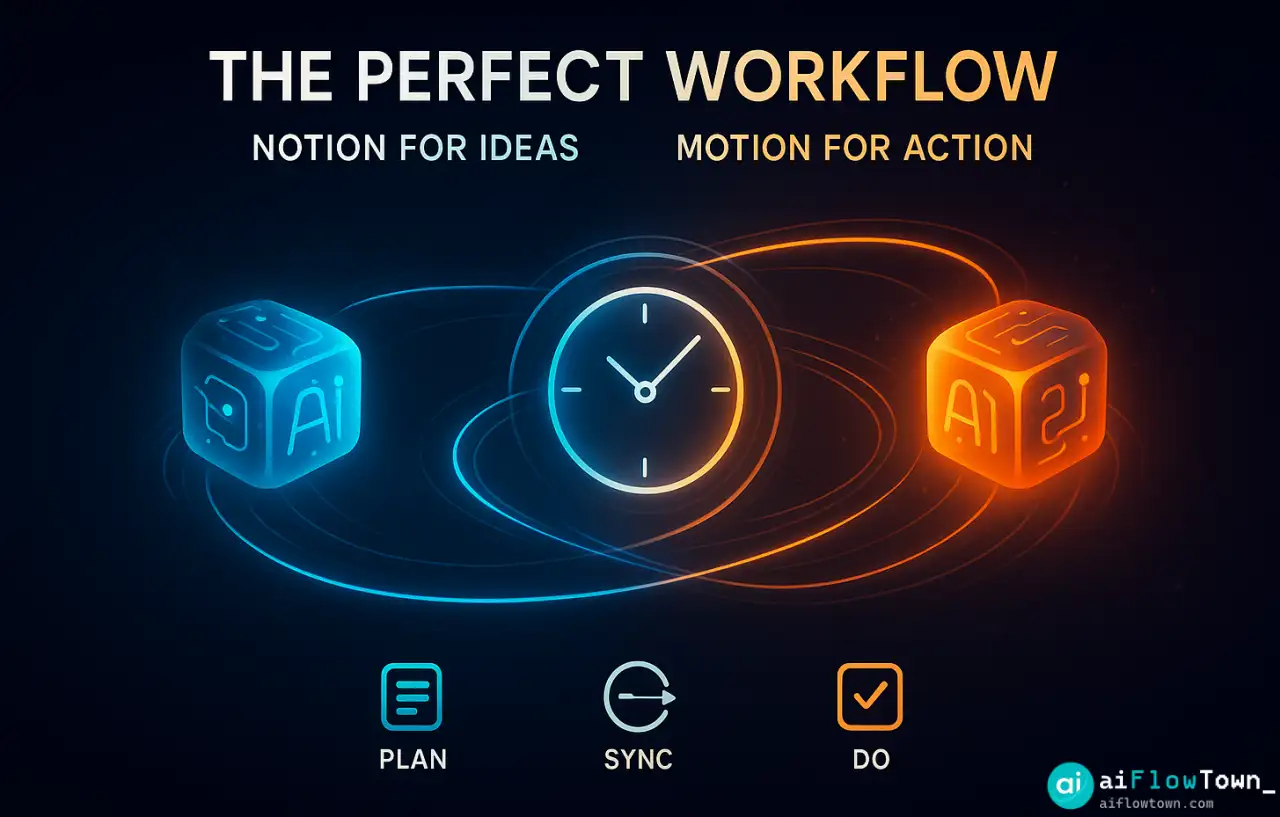
Many users use Notion as a “thinking zone” — where ideas, notes, and plans live — and Motion as the “doing zone.” Here’s a common setup:
- Plan projects in Notion (with AI summarizing tasks).
- Sync tasks to Motion to schedule automatically.
- Review progress in Notion dashboards weekly.
This mix keeps creativity and structure in balance — a powerful combo for modern knowledge workers. You’ll find similar multi-tool setups in our AI Productivity Prompts guide.
A Real Case: Freelance Designer Workflow
One designer shared their setup: Notion stores all client briefs, content ideas, and feedback threads. Motion then blocks the calendar with tasks — revisions, calls, and delivery. Instead of managing time manually, they focus on the creative work itself. It’s a practical way to keep both imagination and accountability alive.
What Both Tools Still Can’t Do
No AI app replaces human intention. Notion AI won’t force you to act. Motion won’t understand your priorities beyond what you tell it. The best results come when you guide them deliberately — not when you expect them to think for you.
If you’re just starting your automation journey, you’ll get better results by learning basic AI setup workflows. Check out our guide on Best Free AI Tools to find the right balance between automation and creativity.
Pros and Cons at a Glance
| Tool | Pros | Cons |
|---|---|---|
| Notion AI | Flexible, creative, context-aware, integrates deeply into Notion. | Manual scheduling, no real-time time blocking. |
| Motion | Hands-free scheduling, focus mode, adaptive updates. | Less flexible, can feel robotic if overused. |
❓ FAQ
Can I use Notion AI and Motion together?
Absolutely. Many users plan projects in Notion AI, then sync or export tasks into Motion. The combination offers creative planning with automated execution.
Is Motion better for teams or individuals?
Motion is built for both, but teams love its shared scheduling and priority syncing. For solo creators, it’s still a powerful focus tool.
Do I need paid versions to get value?
The free tiers help you test features, but real productivity comes with full versions — Notion Plus with AI add-on and Motion’s Premium plan.
Which one learns my habits better?
Motion adapts to your time habits; Notion AI adapts to your writing and content habits. Each “learns” differently — it depends what you value most.
Final Thoughts
At the end of the day, the winner in notion ai vs motion depends on your personality. If you love freedom, context, and reflection — Notion AI feels natural. If you crave order, deadlines, and clear direction — Motion will transform how you work.
The smartest move? Don’t choose. Use both. Plan your ideas in Notion, then let Motion execute. You’ll work faster, think clearer, and waste less energy deciding what to do next.
Ready to level up your daily workflow? Explore our full guide to AI automation tools for beginners — the perfect next step for anyone building a balanced, AI-powered routine.
⚠️ Reminder: Even the smartest tools / AI can miss small details or make mistakes. Always double-check your work before presenting or publishing it - a quick review can save hours later.